
Euro-Office comes to your desktop with the Nextcloud Office Desktop app
The Euro-Office desktop app is here. Learn about the app’s features, how to install it, and how to co-edit files with your team through Nextcloud Hub.
Read More

Explore what’s new in the release blog!
Read moreWith the Nextcloud Hub 26 Spring Release, we’ve introduced Euro-Office as an office suite option with web-based editors for documents, spreadsheets, presentations, and PDFs. It features high-fidelity rendering that preserves the layout and formatting of your files.
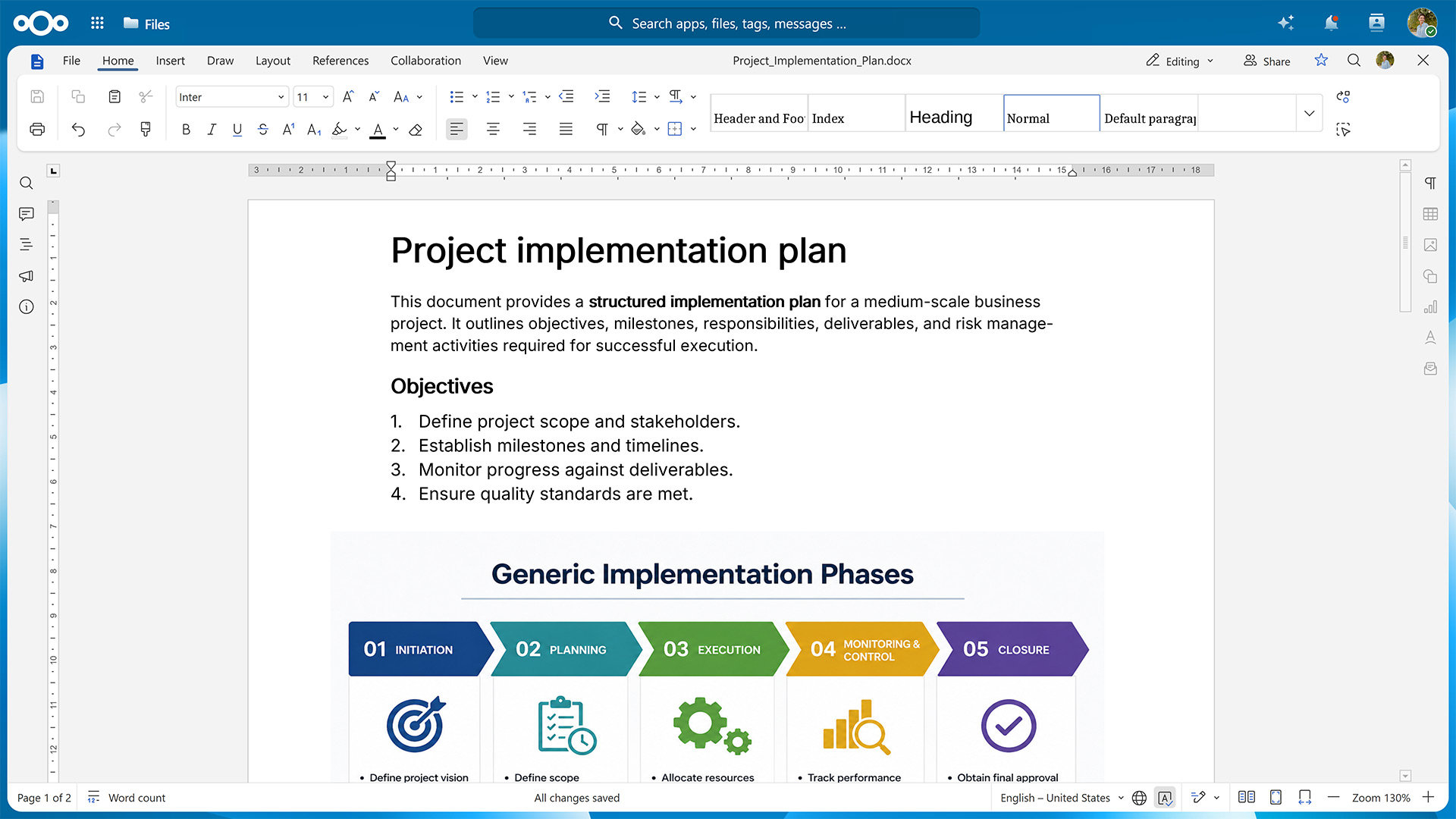
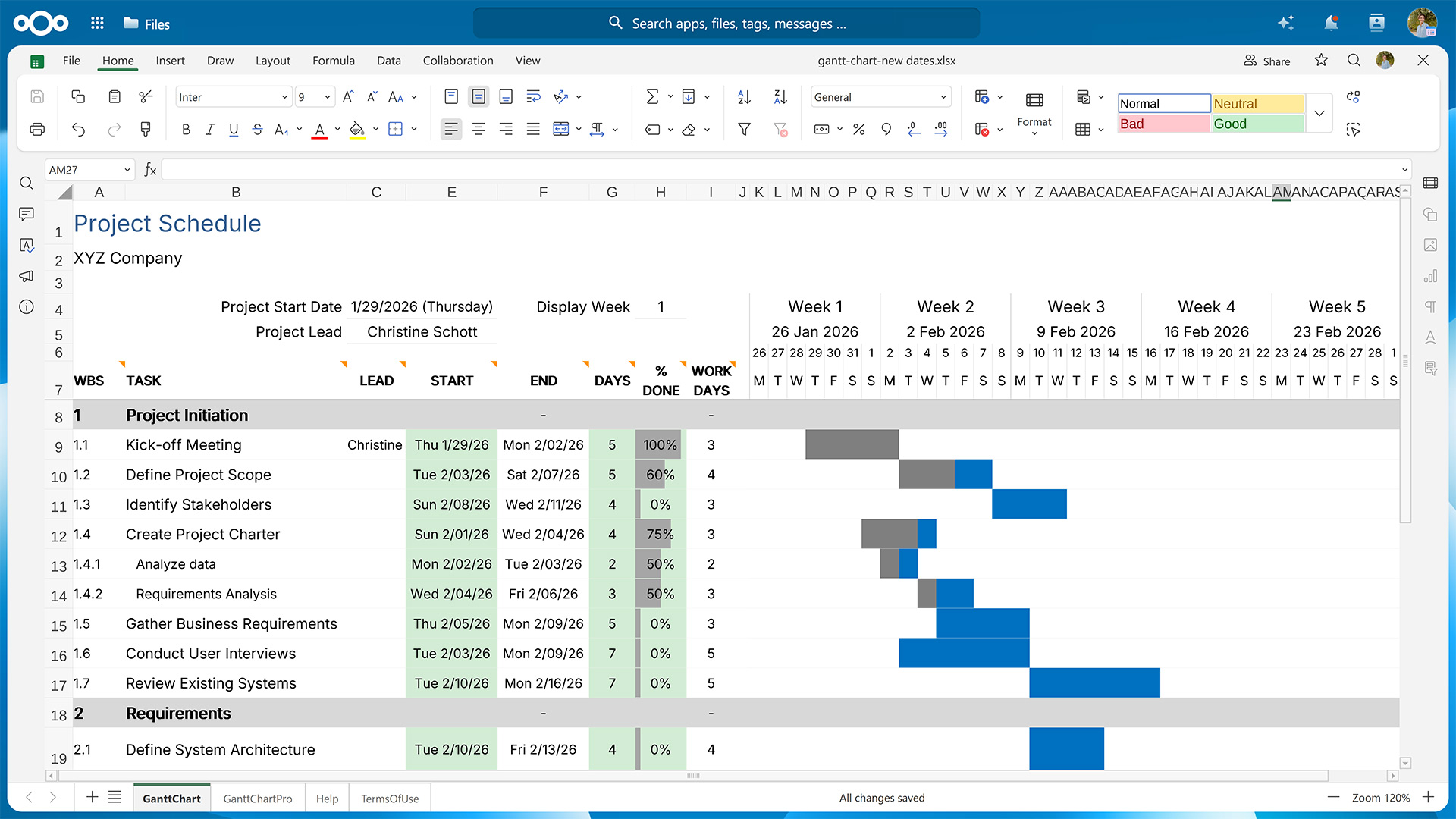
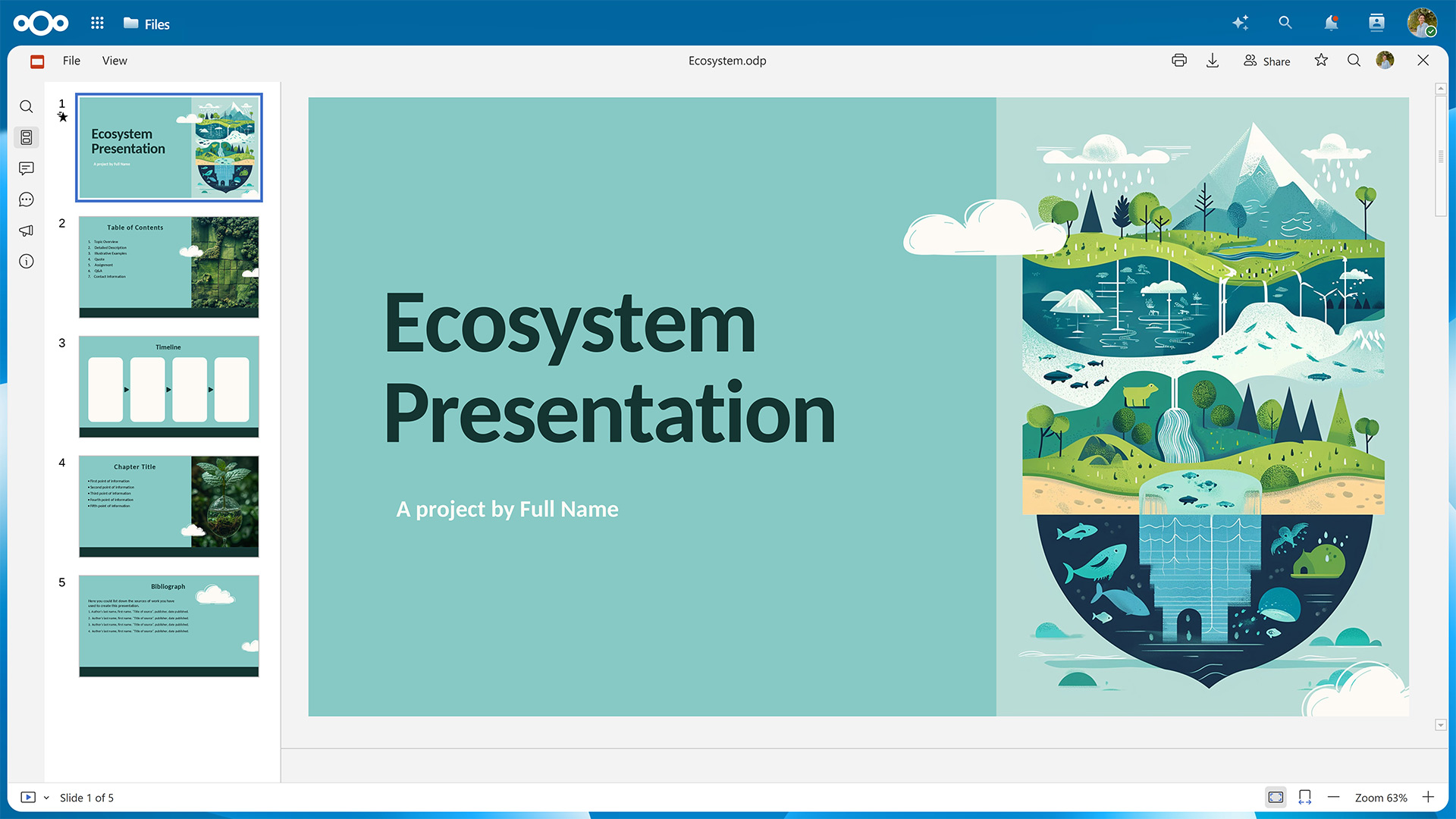
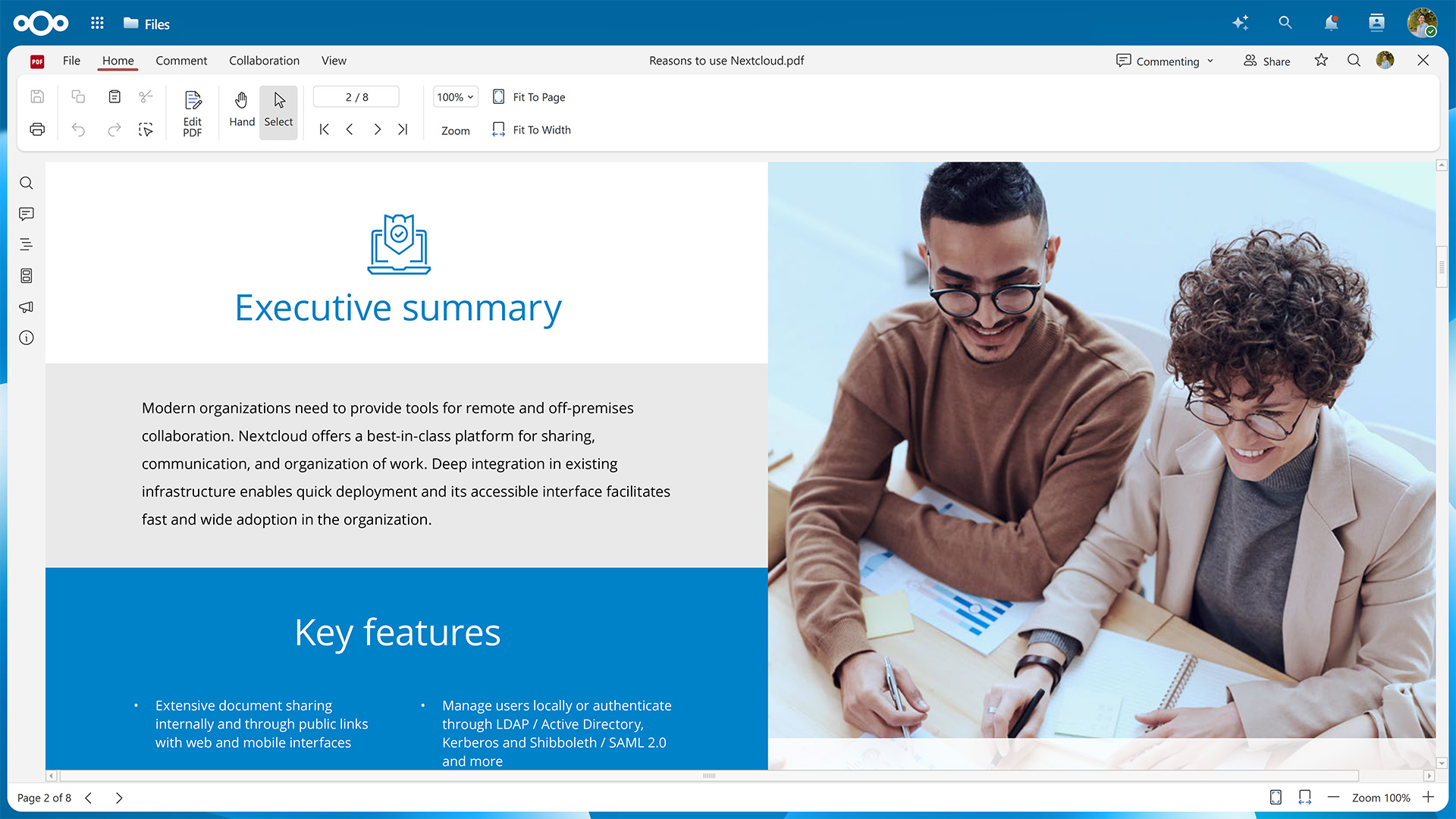
In this guide, we’ll show you how to activate Euro-Office for your Nextcloud instance.
First, you’ll need to set up the Euro-Office Document Server, where the rendering and editing happens.
Then, you’ll have to make sure your Nextcloud can communicate with the server by installing the Nextcloud Office connector app.
Fresh installations using the latest version of the Nextcloud All-in-One Docker image let you choose between Euro-Office and Collabora Online during the initial configuration.
Table of contents
You can install the Euro-Office Document Server package on Ubuntu or Debian. If you’re using a different Linux distribution, you can also install it via Docker. All installation methods require amd64 or arm64 architecture.
➡️ Jump to instructions for Ubuntu & Debian
➡️ Jump to instructions for Docker
The minimum requirements for running the Euro-Office Document Server are 4 GB RAM (8 GB recommended for multi-user deployments) and 10 GB free disk space. In production, make sure the Euro-Office Document Server and your Nextcloud can reach each other over HTTPS.
The Document Server does not need to run on the same host as Nextcloud. A reverse proxy (nginx or Apache) in front of the Document Server is required for production deployments to expose it over HTTPS.
The following instructions have been tested on Ubuntu 24.04 LTS (Noble) and Debian 12 (Bookworm). Please refer to the Nextcloud Office documentation pages for Ubuntu and Debian to check whether anything has changed for newer versions.
Euro-Office requires the ttf-mscorefonts-installer package, which lives in Debian’s contrib component and isn’t enabled by default. Edit /etc/apt/sources.list and add contrib to each line:
deb http://deb.debian.org/debian bookworm main contrib
deb http://deb.debian.org/debian bookworm-updates main contrib
deb http://deb.debian.org/debian-security/ bookworm-security main contrib
Then update the package index:
sudo apt-get updateEuro-Office depends on PostgreSQL, Redis, RabbitMQ, nginx, and Supervisor. Install them if you haven’t already.
sudo apt-get update
sudo apt-get install -y postgresql redis-server rabbitmq-server nginx supervisorThere’s a post-install script that connects to PostgreSQL during installation, so create the PostgreSQL user and database first.
sudo -u postgres psql -c "CREATE USER ds WITH PASSWORD 'ds';"
sudo -u postgres psql -c "CREATE DATABASE ds OWNER ds;"The package installer configures itself non-interactively using debconf. Pre-seed the database connection details so the post-install script can proceed without a prompt.
echo "ds ds/db-type select postgres
ds ds/db-host string localhost
ds ds/db-port string 5432
ds ds/db-user string ds
ds ds/db-pwd password ds
ds ds/db-name string ds" | sudo debconf-set-selectionsGet the latest Euro-Office Document Server version from the GitHub releases page.
# Replace <version> and <arch> with your values, e.g. 9.3.1 and amd64 or arm64
wget "https://github.com/Euro-Office/DocumentServer/releases/download/v<version>/euro-office-documentserver_<version>_<arch>.deb" \
-O /tmp/euro-office-documentserver.debNow you can install the Euro-Office Document Server.
sudo apt-get install -y /tmp/euro-office-documentserver.debThe installer generates fonts, WOPI keys, and JS caches, so this can take a minute or two.
When the installation has finished, it will output:
Congratulations, the Euro-Office DocumentServer has been installed successfully!You can verify that all services are running with the following command:
systemctl is-active ds-docservice ds-converter ds-metrics nginxThe command should then display the following output:
active
active
active
active
And when running a health check …
curl http://localhost/healthcheck… the output should be true.
The quickest way to run the Euro-Office Document Server is via the official Docker image. You’ll need Docker Engine 20.10 or later and 5 GB disk space for the image. For more details, please refer to the “Installing via Docker” page in the Nextcloud Office documentation.
Start the Euro-Office Document Server with the following command, replacing your-secret with a strong random string.
The JWT secret is shared between the Euro-Office Document Server and the Nextcloud Office connector app, so both must use the same value.
docker run -d \
  --name euro-office \
  --restart=unless-stopped \
  -p 80:80 \
  -e JWT_ENABLED=true \
  -e JWT_SECRET=your-secret \
  -v /path/to/data:/var/lib/euro-office/documentserver \
  -v /path/to/logs:/var/log/euro-office/documentserver \
  -v /path/to/config:/etc/euro-office/documentserver \
  ghcr.io/euro-office/documentserver:latest
The three lines starting with -v ensure your data, logs, and config aren’t lost when the container is removed. You can leave them out if necessary.
Once the container is up, you can run a health check with the following command:
curl http://localhost/healthcheckThe command should then output true.
Now that you’ve installed the Euro-Office Document Server, you need to establish a connection from your Nextcloud.
To do this, go to the Apps section in your Nextcloud user interface, look for the Nextcloud Office connector app, and download and enable it.
Alternatively, you can use the occ command to install the app:
sudo -E -u www-data php occ app:install euroofficeDepending on your setup and which installation method you used, you might need to configure the connection. Please refer to “Server settings” on the “Configuration” page in the Nextcloud office documentation for further details.
With both the Document Server and the connector app set up, you’re ready to start working in your new office suite.
Should you run into any problems, we’re happy to help. Just open a new topic on the Nextcloud forums.
New to Nextcloud? You can create a free account through a provider or set up your own server, e.g., with the Nextcloud All-in-One Docker image on Linux or Windows.
For bigger organizations, Nextcloud Enterprise scales from hundreds to millions of users, includes direct support from the Nextcloud engineering team, and gives you a say in shaping the roadmap for the tools you use daily. Start an instant trial for a free 1-hour test drive or get in touch for a quote tailored to your organization.
Watch our webinar to see what your users get with Nextcloud Office, powered by Euro-Office, next to Microsoft Office, including a demo and attendee Q&A.
Watch on demand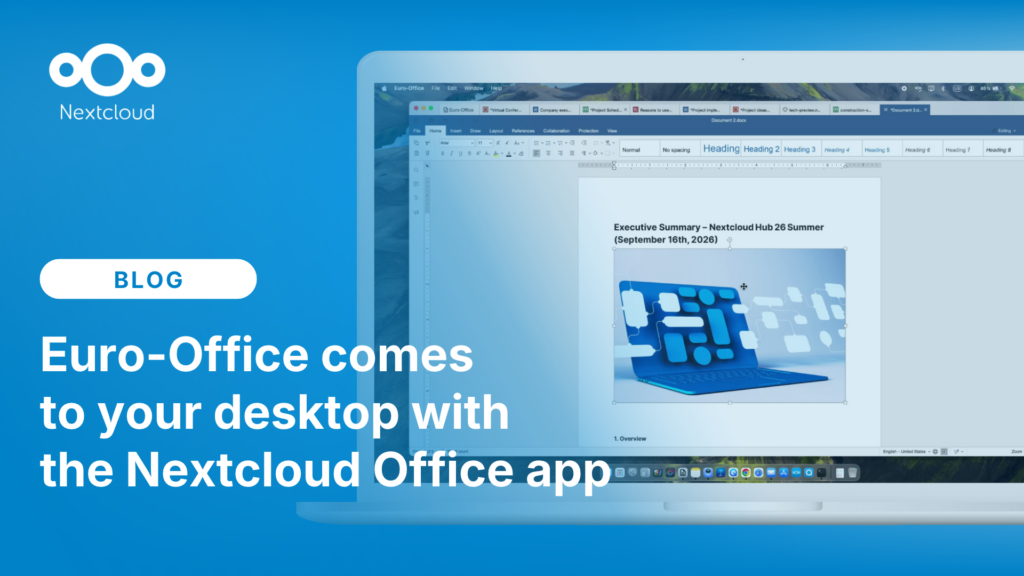
The Euro-Office desktop app is here. Learn about the app’s features, how to install it, and how to co-edit files with your team through Nextcloud Hub.
Read More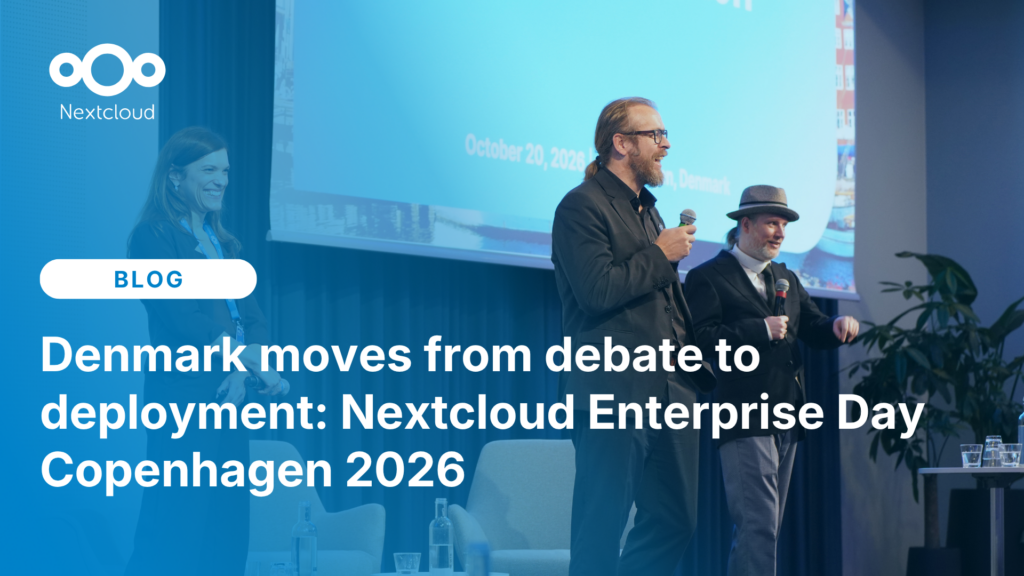
At the second Nextcloud Enterprise Day Copenhagen, municipalities, universities and other public organisations discussed how they can reduce their dependency on US Big Tech. Read our recap of the event.
Read More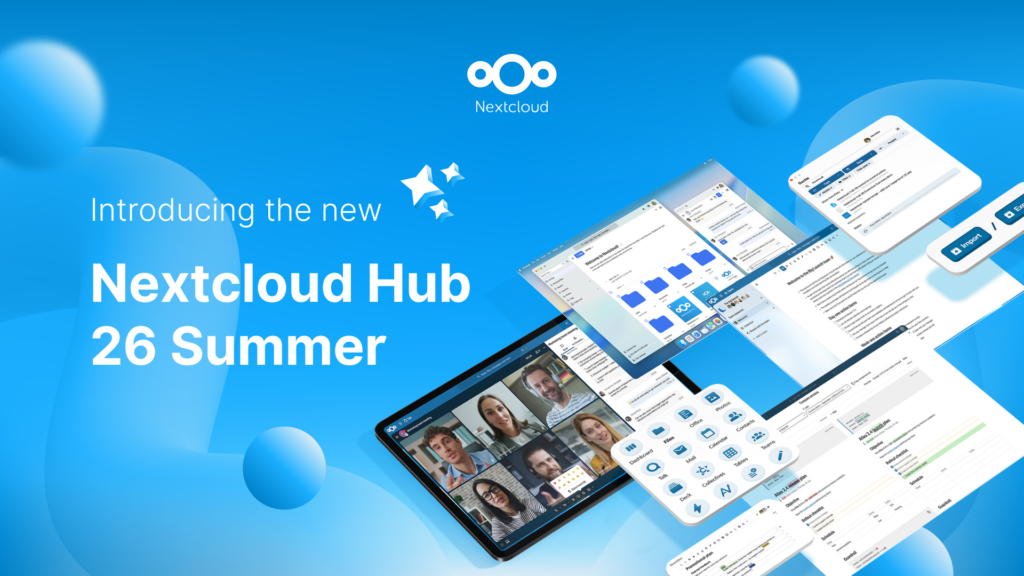
Created in a joint effort of our team, community, and partners, Nextcloud Hub 26 Summer learns from real people using our tools every day. Create your team's own space with Nextcloud Teams, organize your memories in new Nextcloud Photos, and enjoy the updates you asked for across all apps. Read on for a full rundown of our latest release!
Read More
We are introducing the Nextcloud ISV Partner Program to support independent app developers through the Nextcloud app store. Read more in this article and get in touch with our team if you want to join the program.
Read More
We explore challenges Nextcloud Talk solves that Microsoft Teams can't, uncovering a stronger alternative for organizations that that prioritize digital sovereignty, compliance, and control.
Read More
Following two successful Nextcloud Enterprise Days in The Hague in 2025, we brought the event to Utrecht this year, where a massive 750 registrations brought a big crowd to the Jaarbeurs venue. The kickoff in the morning pre-announced the launch of the book “Sovereignty! But how?“ by well-known Dutch IT security journalist and author Brenno […]
Read More
Looking for a sovereign Microsoft Office alternative? Learn how Nextcloud puts you back in control of your data and online collaboration.
Read More
Nextcloud has published its first Digital Sovereignty Index (DSI) to showcase the status of digital sovereign infrastructure.
Read More
Discover the Microsoft 365 alternative by Nextcloud and IONOS: the Nextcloud Workspace office suite, launching in the course of 2025.
Read More
Nextcloud becomes the first cloud software platform to earn the Blauer Engel ecolabel, proving that digitally sovereign and green IT is possible.
Read More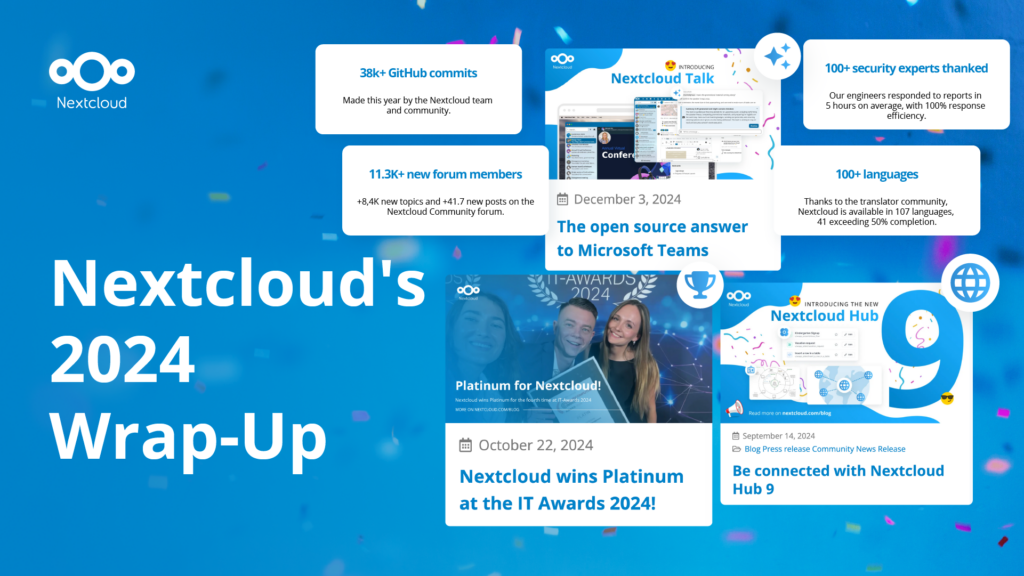
In the Nextcloud 2024 wrap-up, we want to take a moment to celebrate this year's achievements. Join us as we continue to reimagine what’s possible - shaping a world where open source, privacy and connection come together and drive progress for the greater good.
Read More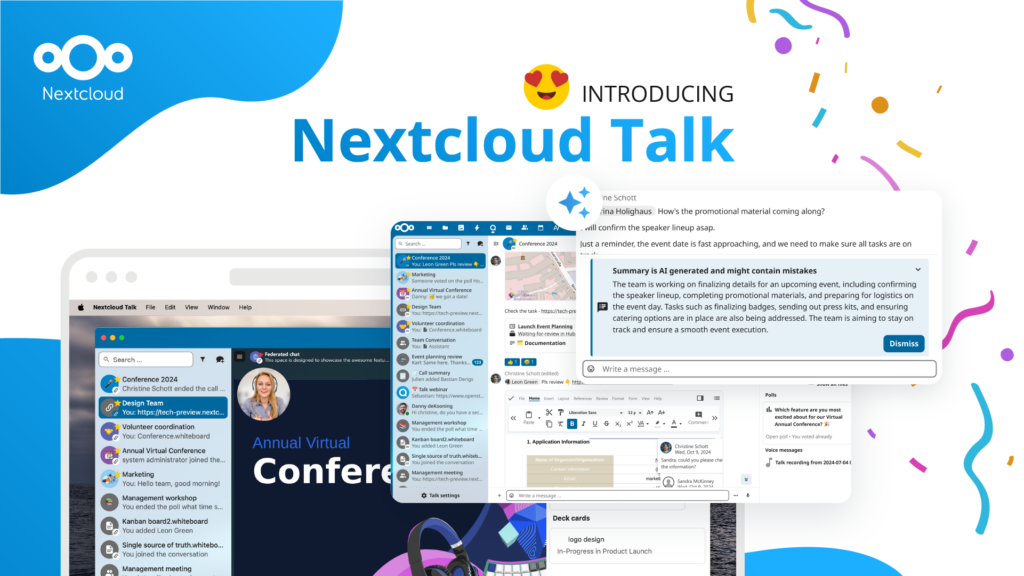
Organisations, small and large, need a way to ensure the resiliency and digital sovereignty of their operations – an open-source, privacy-respecting alternative to Teams. And today, we present that solution - Nextcloud Talk.
Read More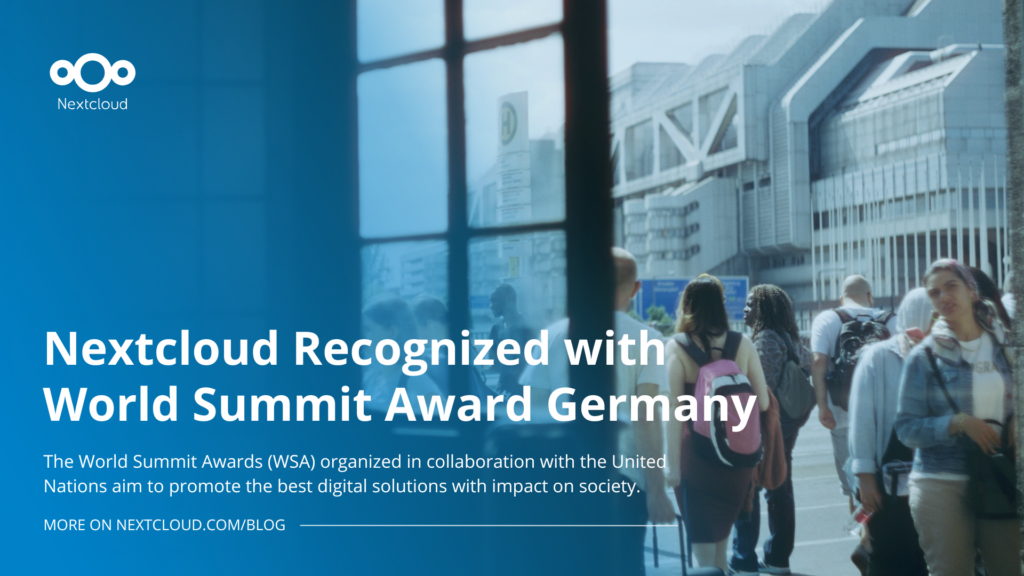
Nextcloud has been recognized with the World Summit Award Germany that selects and promotes local digital innovation improving society, aiming to contribute to the United Nations' agenda of sustainable development goals.
Read More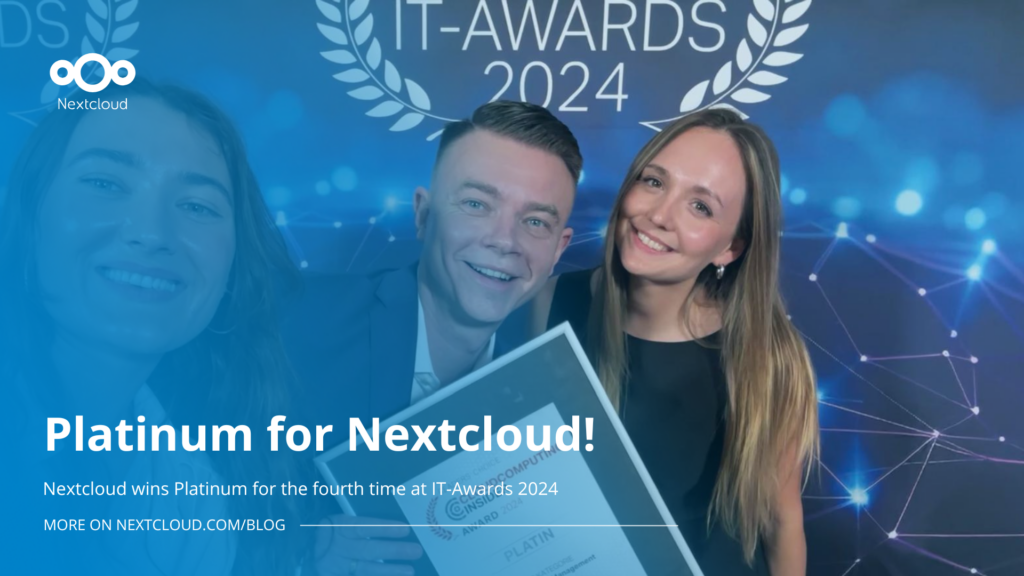
Nextcloud has been awarded Platinum at the IT Awards 2024. Today, we celebrate this win together!
Read More
DIE ZEIT, a prominent German outlet, interviewed Nextcloud’s founder Frank Karlitschek for an article on Microsoft’s anti-competitive behaviour on the European office software market. Read for a recap of the article and the key takeaways.
Read More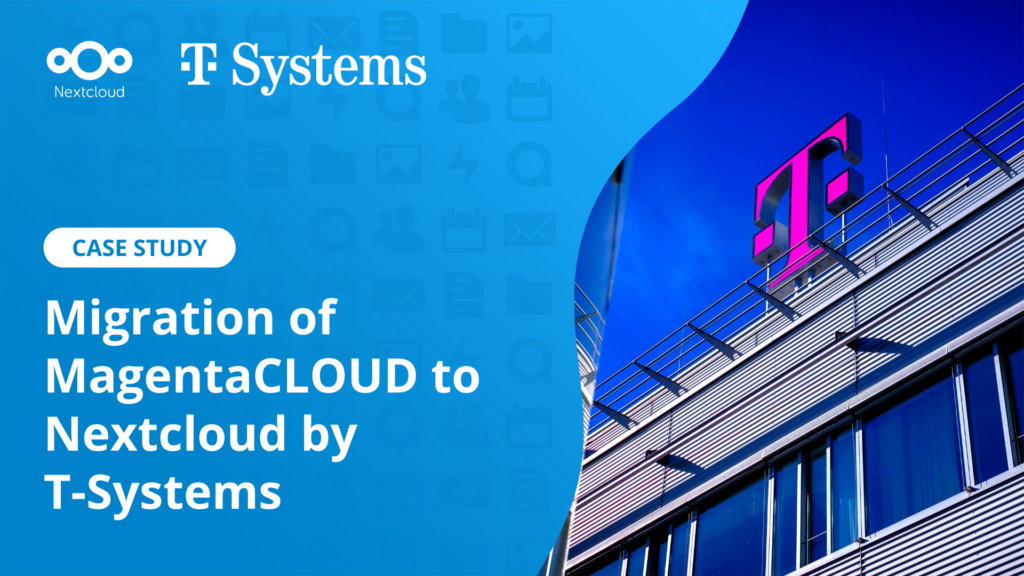
MagentaCLOUD’s migration to Nextcloud in 2021 resulted in a fully equipped Online Storage with an integrated online office suite that further improves the user experience, flexibility and security for customers.
Read More
We bring you a major update to the Nextcloud AI Assistant, plus the news we work with several big hosting providers like IONOS and OVHcloud to bring AI-as-a-Service options to you!
Read More
Bechtle and Nextcloud announce today a complete managed collaboration platform for the public sector that requires no tender and can be deployed immediately.
Read More
Discover how to make the switch from ownCloud to Nextcloud. Our quick guide provides insights into the migration process, helping you make the transition smoothly.
Read More
Today, US-based file sync & share vendor Kiteworks announced their acquisition of ownCloud and Dracoon. Kiteworks points out that their customers now have access to their file-sharing application. It is to be expected they will not maintain 3 similar products, but customers will have to migrate to the US firms’ platform or look for another […]
Read More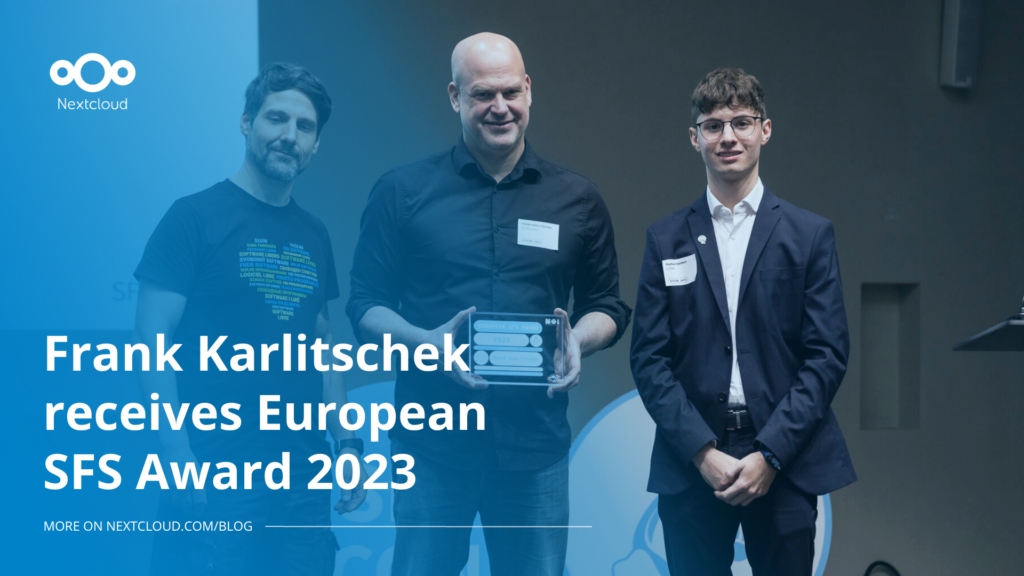
Nextcloud founder and CEO Frank Karlitschek earns the honorary SFS Award at the 20th annual SFSCON taking place in South Tyrol, Italy.
Read More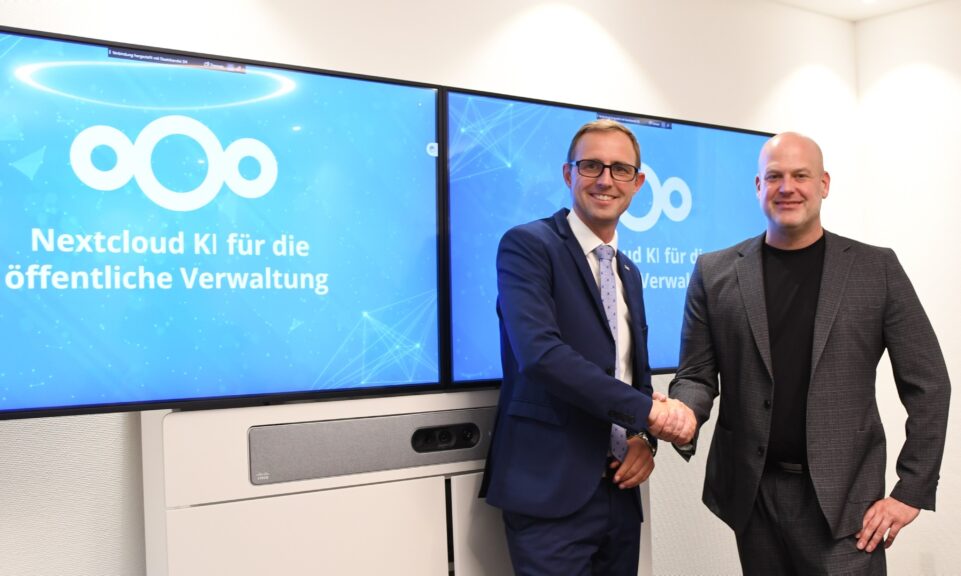
As part of Schleswig-Holstein's state digitization strategy, the state chancellery has announced they will work with Nextcloud to develop AI for working with government documents. This comes just after we announced the first private AI assistant last weekend with Hub 6. The German state already uses Nextcloud and their AI strategy aligns with our work on ethical, local AI technologies.
Read More
You can use Python and Nextcloud's AppAPI to build apps without PHP. The ExApps track on Nextcloud Academy will get you started.
Read More
One year ago, the European Commission proposed the Digital Omnibus, a package to “simplify” EU digital rules. Its most important part is still being negotiated: a GDPR change that would make it easier for companies to train AI on your personal data, while EU governments want to weaken your right to say no. Here’s where things stand, who’s lobbying, and how to keep your data out of someone else’s AI.
Read More
What does the dependency on U.S. Big Tech put at risk and what can Canadian organizations learn from Europe’s digital sovereignty movement? In this article, we try to find the answers.
Read More