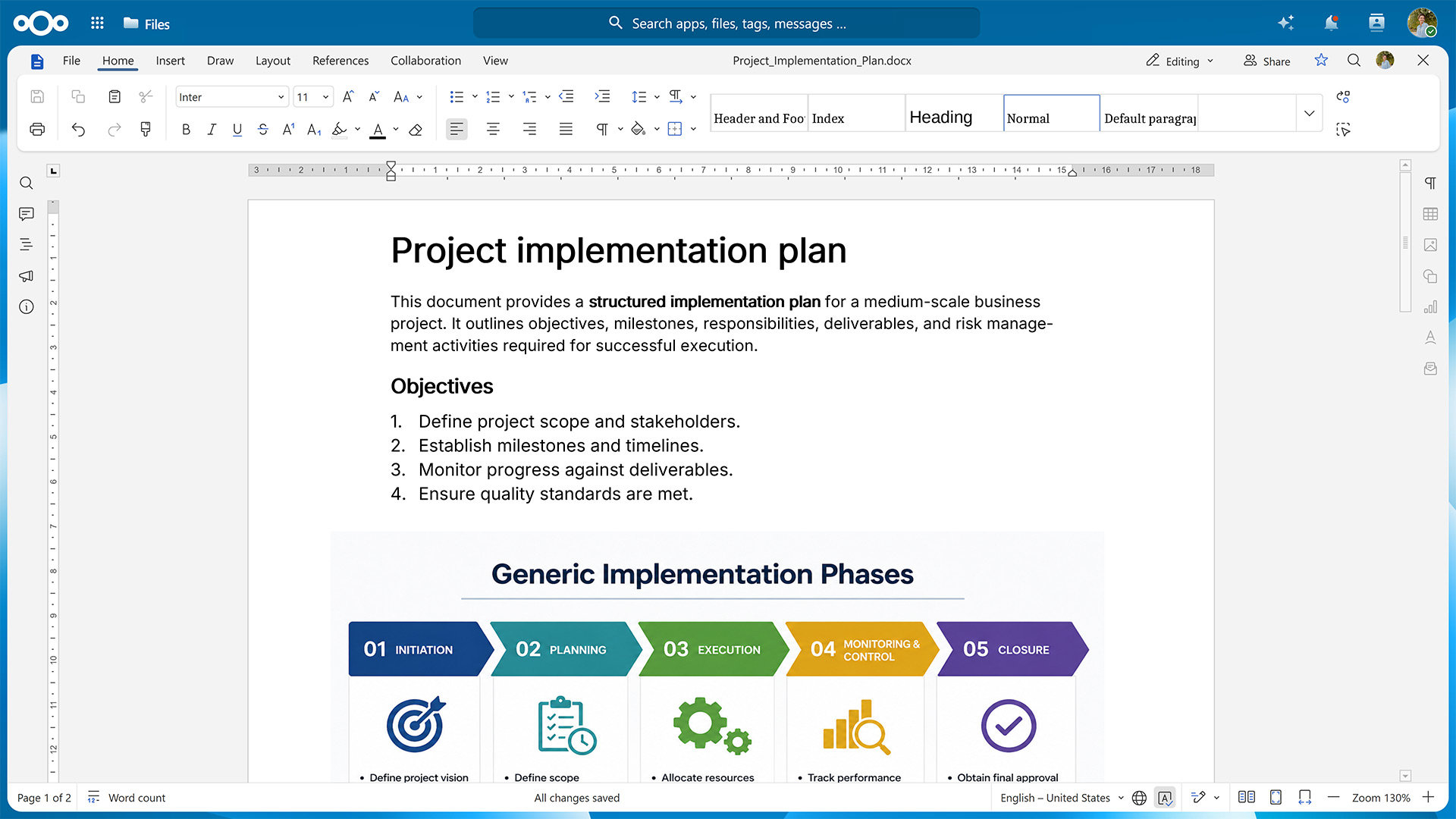
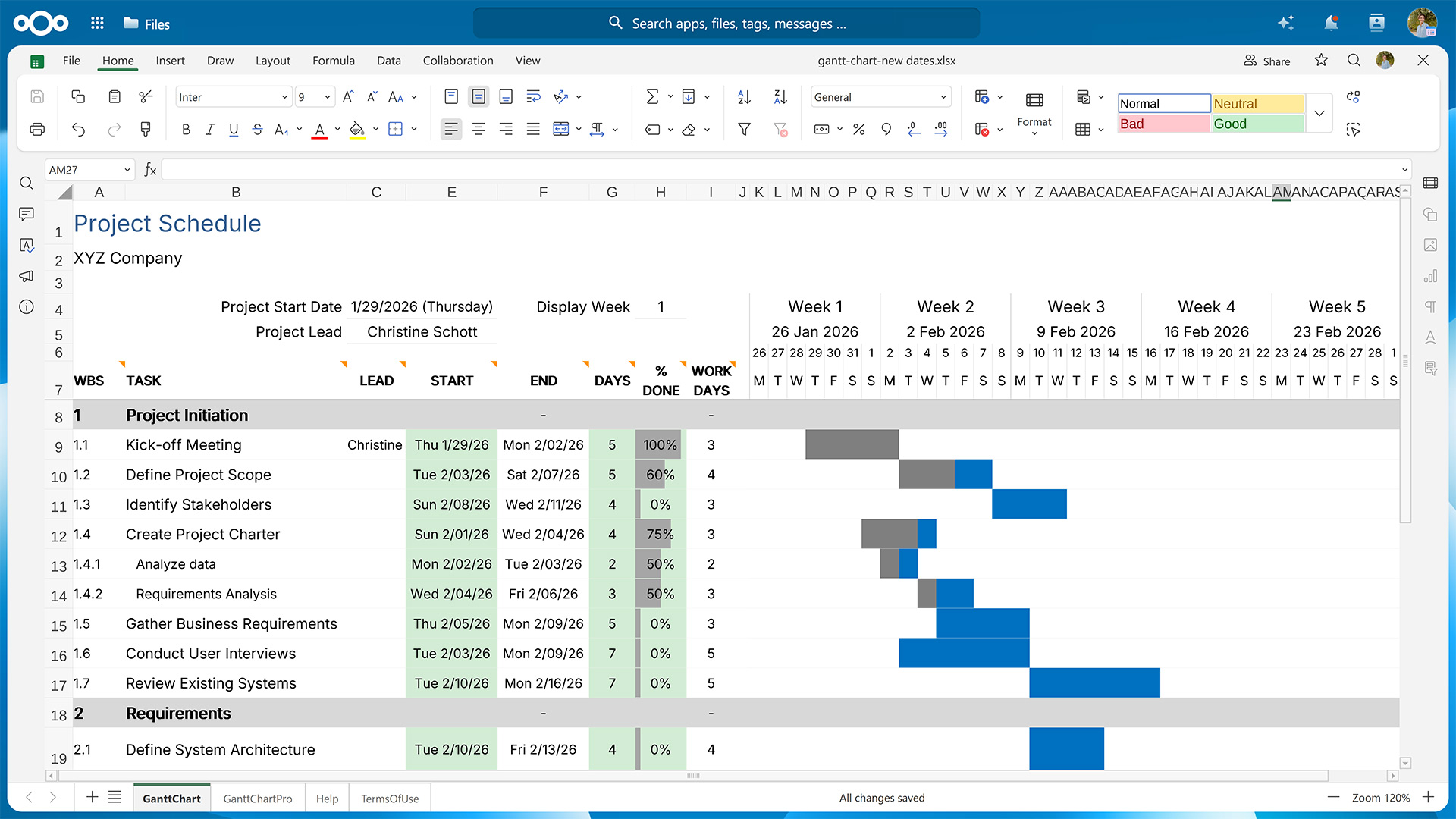
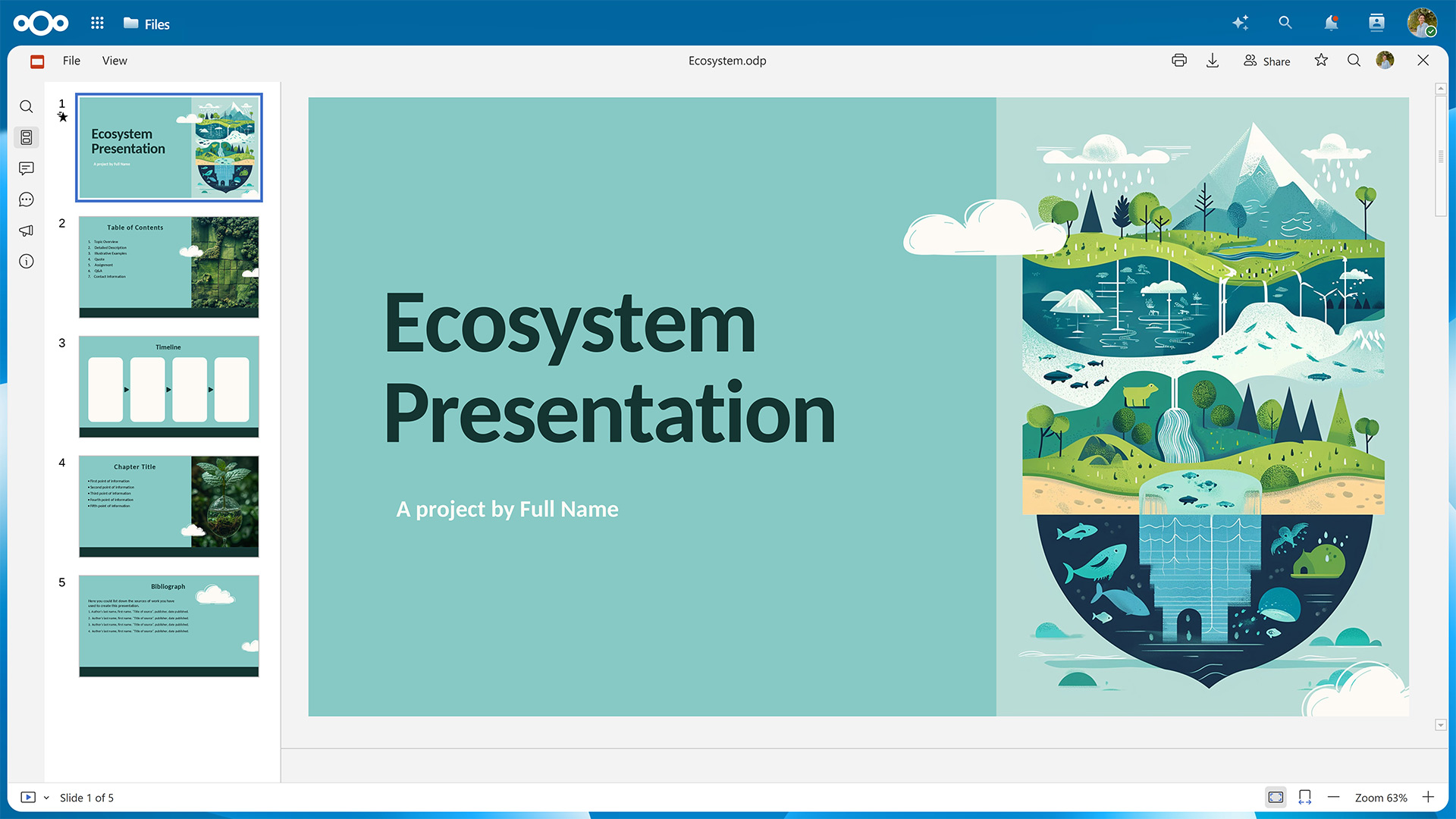
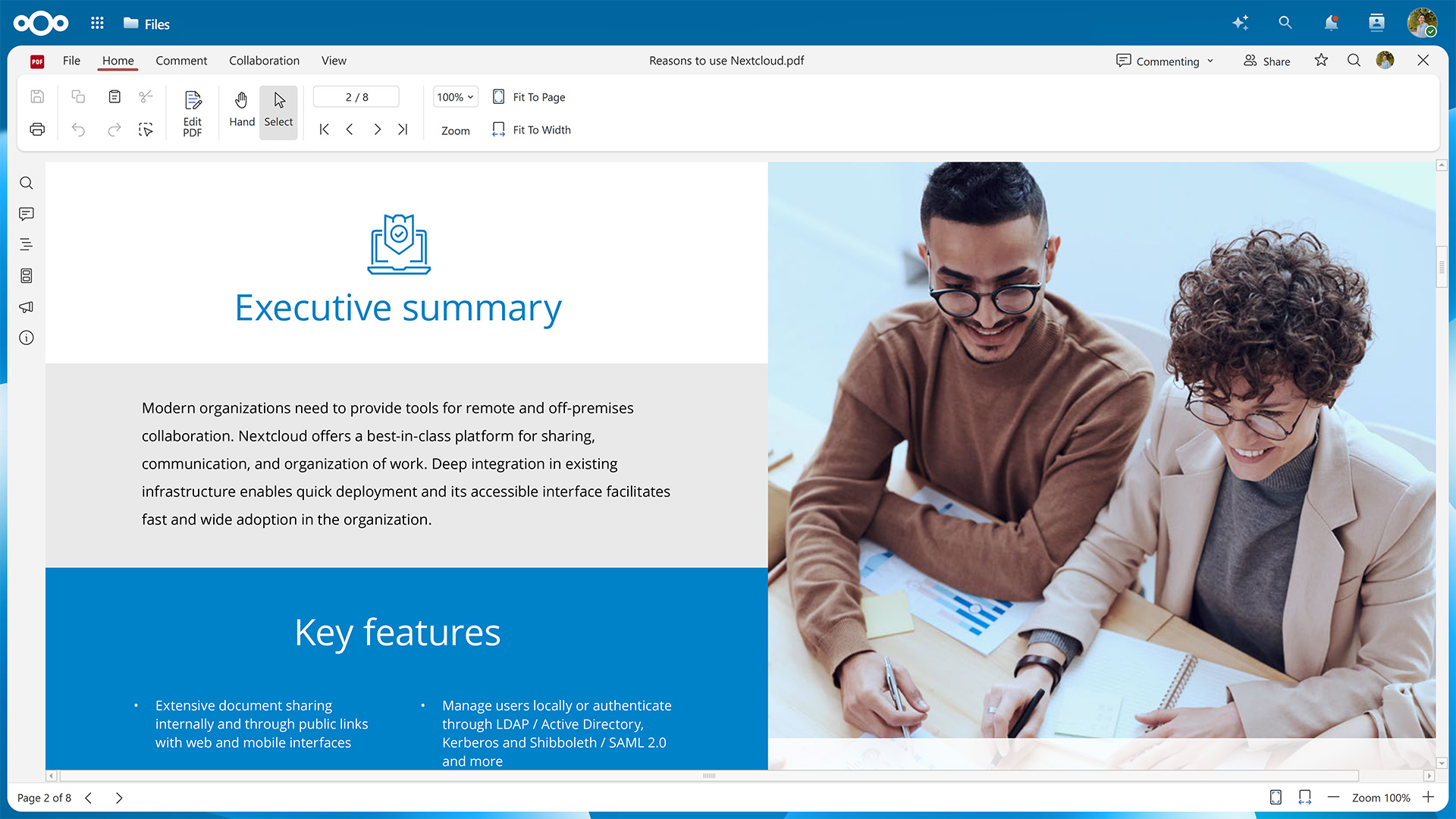
With the Nextcloud Hub 26 Spring Release, we’ve introduced Euro-Office as an office suite option with web-based editors for documents, spreadsheets, presentations, and PDFs. It features high-fidelity rendering that preserves the layout and formatting of your files.
In this guide, we’ll show you how to activate Euro-Office for your Nextcloud instance.
First, you’ll need to set up the Euro-Office Document Server, where the rendering and editing happens.
Then, you’ll have to make sure your Nextcloud can communicate with the server by installing the Nextcloud Office connector app.
Fresh installations using the latest version of the Nextcloud All-in-One Docker image let you choose between Euro-Office and Collabora Online during the initial configuration.
Table of contents
Step 1: Set up the Euro-Office Document Server
You can install the Euro-Office Document Server package on Ubuntu or Debian. If you’re using a different Linux distribution, you can also install it via Docker. All installation methods require amd64 or arm64 architecture.
The minimum requirements for running the Euro-Office Document Server are 4 GB RAM (8 GB recommended for multi-user deployments) and 10 GB free disk space. In production, make sure the Euro-Office Document Server and your Nextcloud can reach each other over HTTPS.
The Document Server does not need to run on the same host as Nextcloud. A reverse proxy (nginx or Apache) in front of the Document Server is required for production deployments to expose it over HTTPS.
Variant A: Install the Euro-Office Document Server on Ubuntu or Debian
The following instructions have been tested on Ubuntu 24.04 LTS (Noble) and Debian 12 (Bookworm). Please refer to the Nextcloud Office documentation pages for Ubuntu and Debian to check whether anything has changed for newer versions.
Debian only: Enable the contrib component
Euro-Office requires the ttf-mscorefonts-installer package, which lives in Debian’s contrib component and isn’t enabled by default. Edit /etc/apt/sources.list and add contrib to each line:
deb http://deb.debian.org/debian bookworm main contrib
deb http://deb.debian.org/debian bookworm-updates main contrib
deb http://deb.debian.org/debian-security/ bookworm-security main contrib
Then update the package index:
sudo apt-get update
1. Install the required packages
Euro-Office depends on PostgreSQL, Redis, RabbitMQ, nginx, and Supervisor. Install them if you haven’t already.
The package installer configures itself non-interactively using debconf. Pre-seed the database connection details so the post-install script can proceed without a prompt.
4. Download the Euro-Office Document Server package
Get the latest Euro-Office Document Server version from the GitHub releases page.
# Replace <version> and <arch> with your values, e.g. 9.3.1 and amd64 or arm64
wget "https://github.com/Euro-Office/DocumentServer/releases/download/v<version>/euro-office-documentserver_<version>_<arch>.deb" \
  -O /tmp/euro-office-documentserver.deb
5. Install the Euro-Office Document Server package
Now you can install the Euro-Office Document Server.
The command should then display the following output:
active
active
active
active
And when running a health check …
curl http://localhost/healthcheck
… the output should be true.
Variant B: Install the Euro-Office Document Server via Docker
The quickest way to run the Euro-Office Document Server is via the official Docker image. You’ll need Docker Engine 20.10 or later and 5 GB disk space for the image. For more details, please refer to the «Installing via Docker» page in the Nextcloud Office documentation.
Start the Euro-Office Document Server with the following command, replacing your-secret with a strong random string.
The JWT secret is shared between the Euro-Office Document Server and the Nextcloud Office connector app, so both must use the same value.
Depending on your setup and which installation method you used, you might need to configure the connection. Please refer to «Server settings» on the «Configuration» page in the Nextcloud office documentation for further details.
Conclusion
With both the Document Server and the connector app set up, you’re ready to start working in your new office suite.
Should you run into any problems, we’re happy to help. Just open a new topic on the Nextcloud forums.
For bigger organizations, Nextcloud Enterprise scales from hundreds to millions of users, includes direct support from the Nextcloud engineering team, and gives you a say in shaping the roadmap for the tools you use daily. Start an instant trial for a free 1-hour test drive or get in touch for a quote tailored to your organization.
Rolling out Euro-Office to your users?
Watch our webinar to see what your users get with Nextcloud Office, powered by Euro-Office, next to Microsoft Office, including a demo and attendee Q&A.
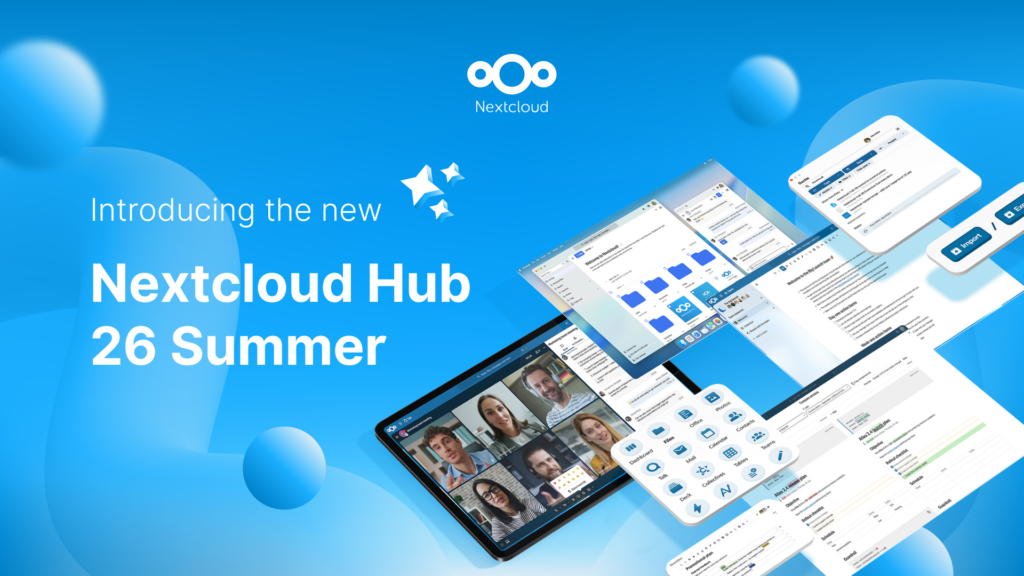
Fruto del trabajo conjunto de nuestro equipo, la comunidad y nuestros partners, Nextcloud Hub 26 Summer aprende de personas reales que utilizan nuestras herramientas a diario. Crea un espacio propio para tu equipo con Nextcloud Teams, organiza tus recuerdos en el nuevo Nextcloud Photos y disfruta de las actualizaciones que pediste en todas las aplicaciones. ¡Sigue leyendo para conocer todos los detalles de nuestra última versión!
Nextcloud Hub offers several types of integrations for AI, from completely self-hosted options to integrations with external services like Open AI. Here's an overview of what you can use and where, and where it stands on our Ethical AI scale.
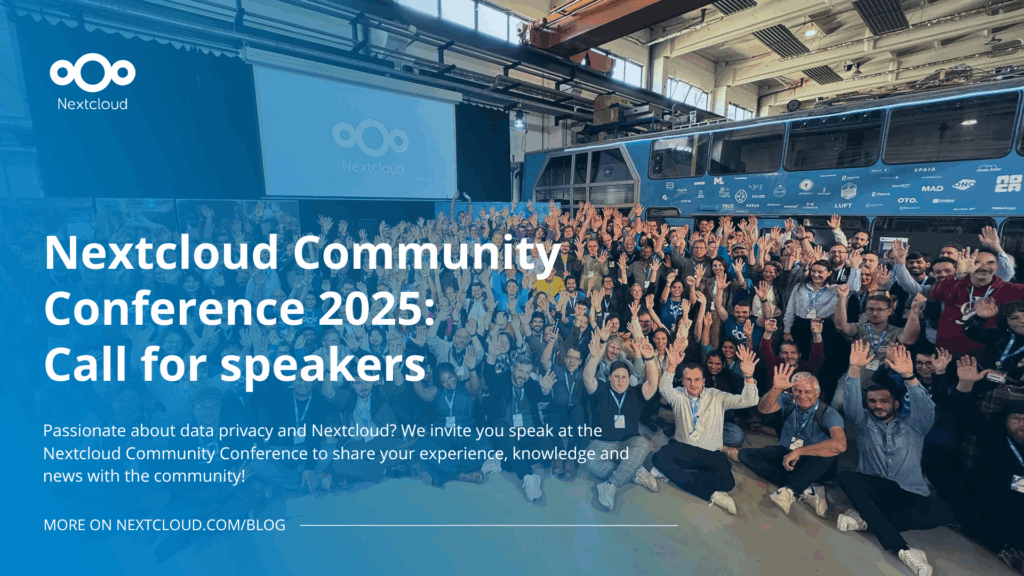
Passionate about data privacy and Nextcloud? We invite you speak at the Nextcloud Community Conference to share your experience, knowledge and news with the community!
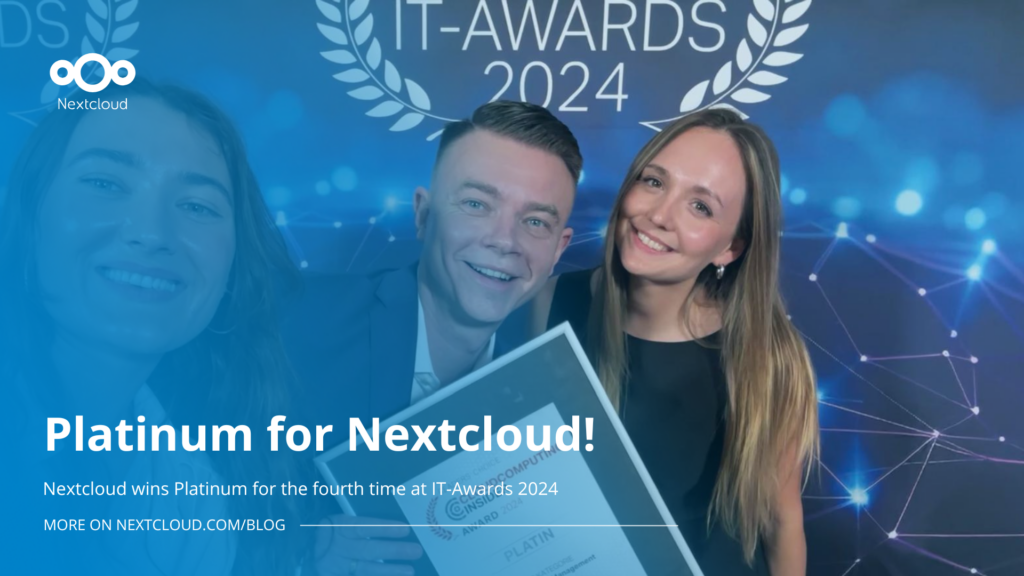
For the ninth time, Nextcloud has been nominated for the CloudComputing-Insider Readers’ Choice Award in the category of Cloud Content Management. We’d love to reach the top again! And we’re looking for the support of you and everyone else in our amazing community to get there. Nextcloud as the best Cloud Content Management tool? Only […]
In the Nextcloud 2024 wrap-up, we want to take a moment to celebrate this year's achievements. Join us as we continue to reimagine what’s possible - shaping a world where open source, privacy and connection come together and drive progress for the greater good.
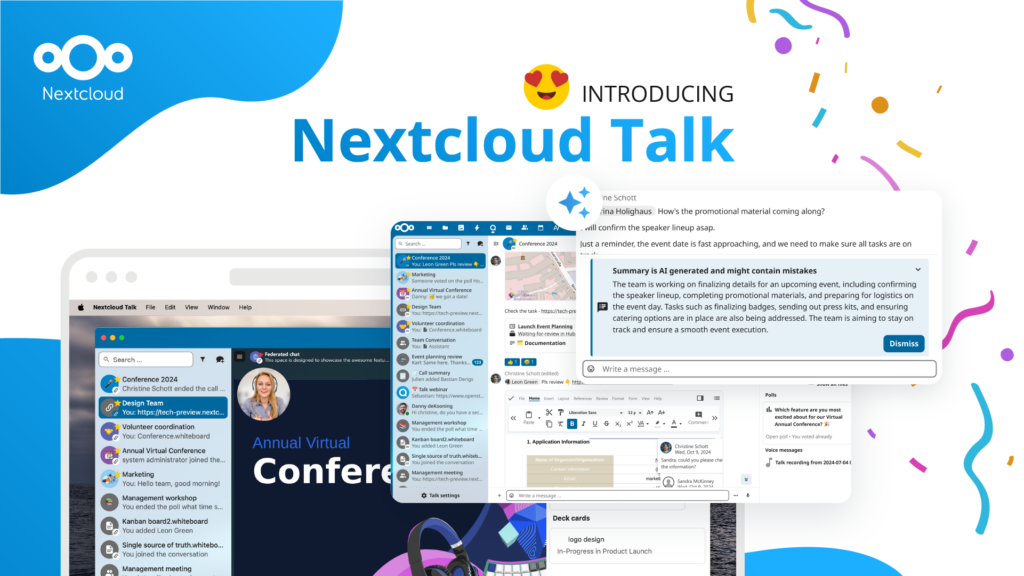
Las organizaciones, grandes y pequeñas, necesitan una forma de garantizar la resiliencia y la soberanía digital de sus operaciones: una alternativa de código abierto que respete la privacidad frente a Teams. Y hoy, presentamos esa solución: Nextcloud Talk.
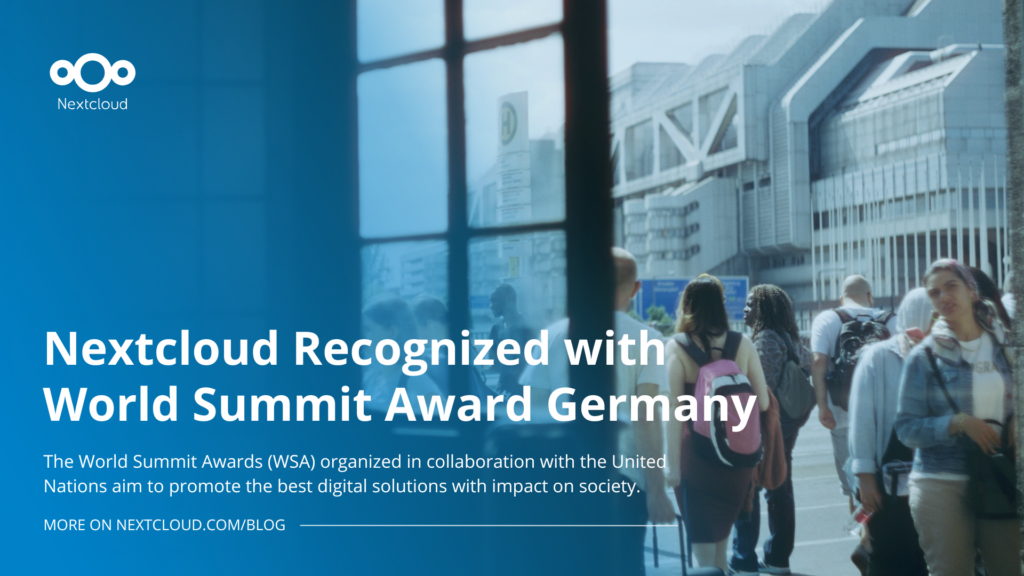
Nextcloud has been recognized with the World Summit Award Germany that selects and promotes local digital innovation improving society, aiming to contribute to the United Nations' agenda of sustainable development goals.
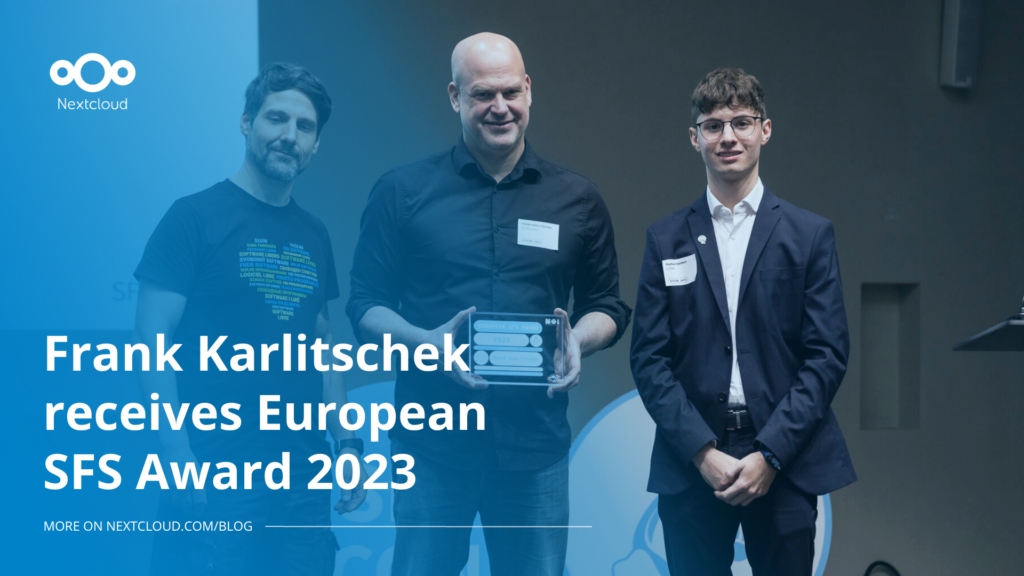
DIE ZEIT, a prominent German outlet, interviewed Nextcloud’s founder Frank Karlitschek for an article on Microsoft’s anti-competitive behaviour on the European office software market. Read for a recap of the article and the key takeaways.
MagentaCLOUD’s migration to Nextcloud in 2021 resulted in a fully equipped Online Storage with an integrated online office suite that further improves the user experience, flexibility and security for customers.
We bring you a major update to the Nextcloud AI Assistant, plus the news we work with several big hosting providers like IONOS and OVHcloud to bring AI-as-a-Service options to you!
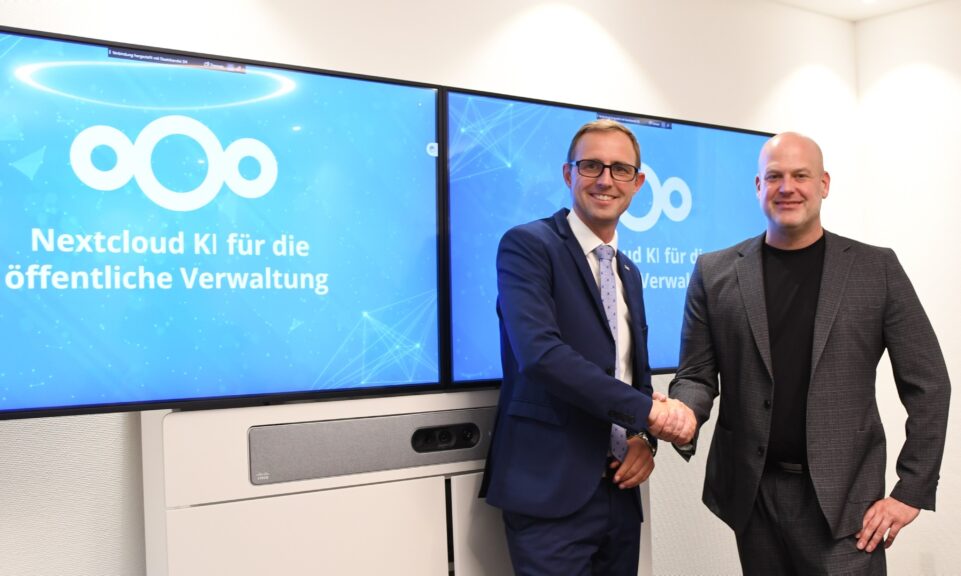
Bechtle and Nextcloud announce today a complete managed collaboration platform for the public sector that requires no tender and can be deployed immediately.
Discover how to make the switch from ownCloud to Nextcloud. Our quick guide provides insights into the migration process, helping you make the transition smoothly.
Today, US-based file sync & share vendor Kiteworks announced their acquisition of ownCloud and Dracoon. Kiteworks points out that their customers now have access to their file-sharing application. It is to be expected they will not maintain 3 similar products, but customers will have to migrate to the US firms’ platform or look for another […]
As part of Schleswig-Holstein's state digitization strategy, the state chancellery has announced they will work with Nextcloud to develop AI for working with government documents. This comes just after we announced the first private AI assistant last weekend with Hub 6. The German state already uses Nextcloud and their AI strategy aligns with our work on ethical, local AI technologies.
Nuestra misión es ayudar a particulares, empresas y organizaciones a alcanzar la soberanía digital y recuperar el control sobre sus datos. Nextcloud Hub 5 supone un enorme paso adelante en la consecución de esta misión, poniendo el poder de la IA en tus manos, de forma que mantengas el control. Nueva versión, nuevas posibilidades Hub […]
A new framework agreement makes sovereign, open-source collaboration technology available to schools across six German federal states. The solution is based on Nextcloud and provided by IONOS.
¿Eres usuario de Linux y quieres instalar la imagen de Docker de Nextcloud All-in-One (AIO)? En este blog, te guiamos paso a paso, tal como hicimos en nuestra guía de AIO para Windows 10 y 11. ¿Qué es Nextcloud All-in-One? Nextcloud All-in-One es un proyecto basado en Docker que te permite instalar un único contenedor […]
Guardamos algunas cookies para contar los visitantes y facilitar el uso del sitio. Esto no sale de nuestro servidor y no es para rastrearte personalmente. Consulta nuestra política de privacidad para obtener más información. Personalización
Cookies utilizadas para guardar los datos introducidos en los formularios, como nombre, correo electrónico, número de teléfono e idioma preferido.
Nombre de la cookie:nc_form_fields
Descripción de la cookie:Recuerda los datos introducidos en los formularios para la próxima vez (nombre, correo electrónico, teléfono e idioma preferido)
Caducidad de la cookie:30 días
Consentir
Nombre de la cookie:nc_utm_parameters
Descripción de la cookie:We use cookies to store UTM parameters from your visit so we can understand how you arrived at our website.
Las cookies estadísticas recopilan información de forma anónima y nos ayudan a comprender cómo utilizan nuestro sitio web nuestros visitantes. Utilizamos Matomo alojado en la nube.
Servicio:Matomo
Descripción de la cookie:
_pk_ses*: Cuenta la primera visita del usuario
_pk_id*: Ayuda a no contar dos veces las visitas.
mtm_cookie_consent: Recuerda que el usuario ha dado su consentimiento para almacenar y utilizar cookies.
Caducidad de la cookie:_pk_ses*: 30 minutos
_pk_id*: 13 meses
mtm_cookie_consent: 30 días