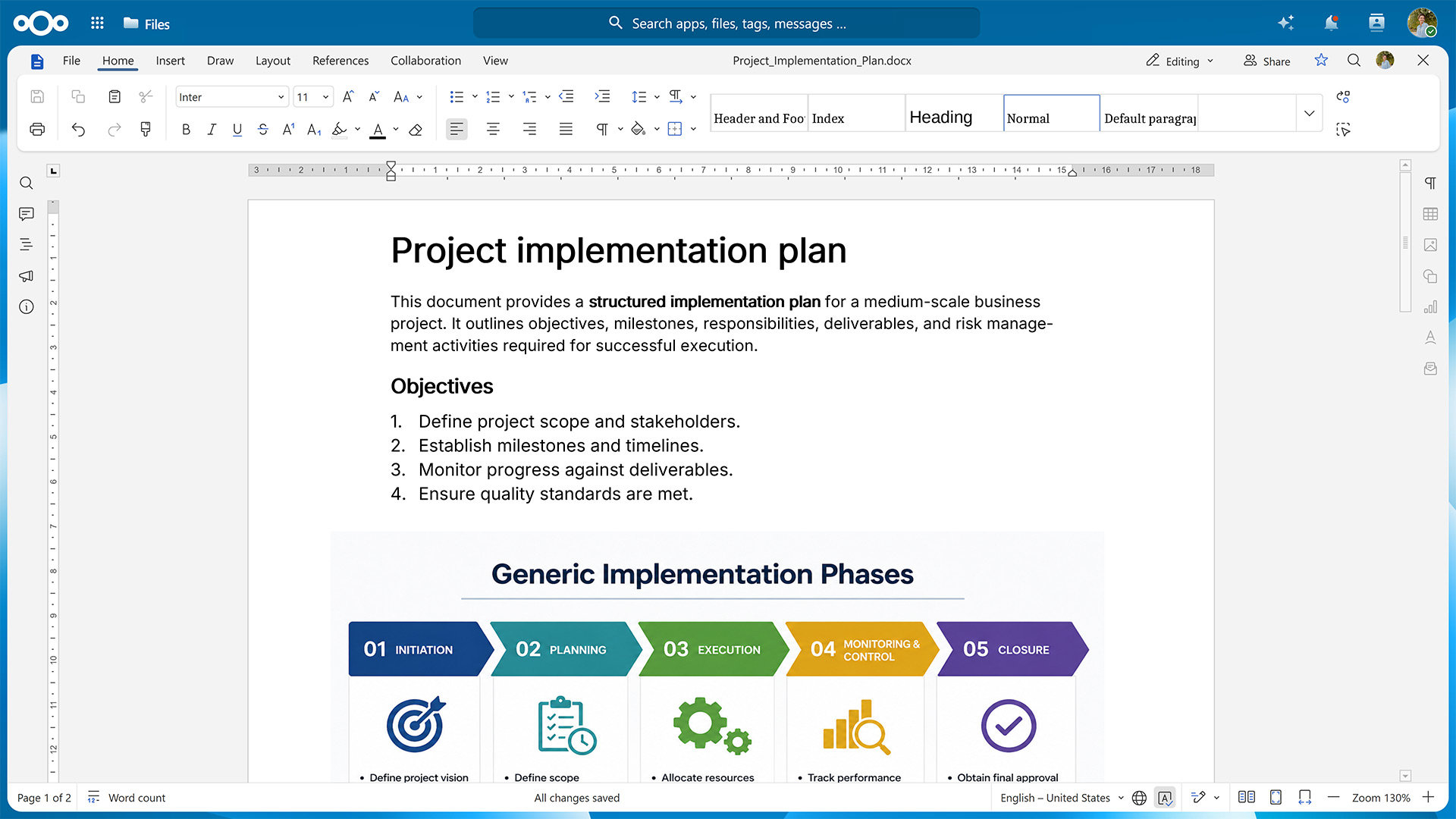
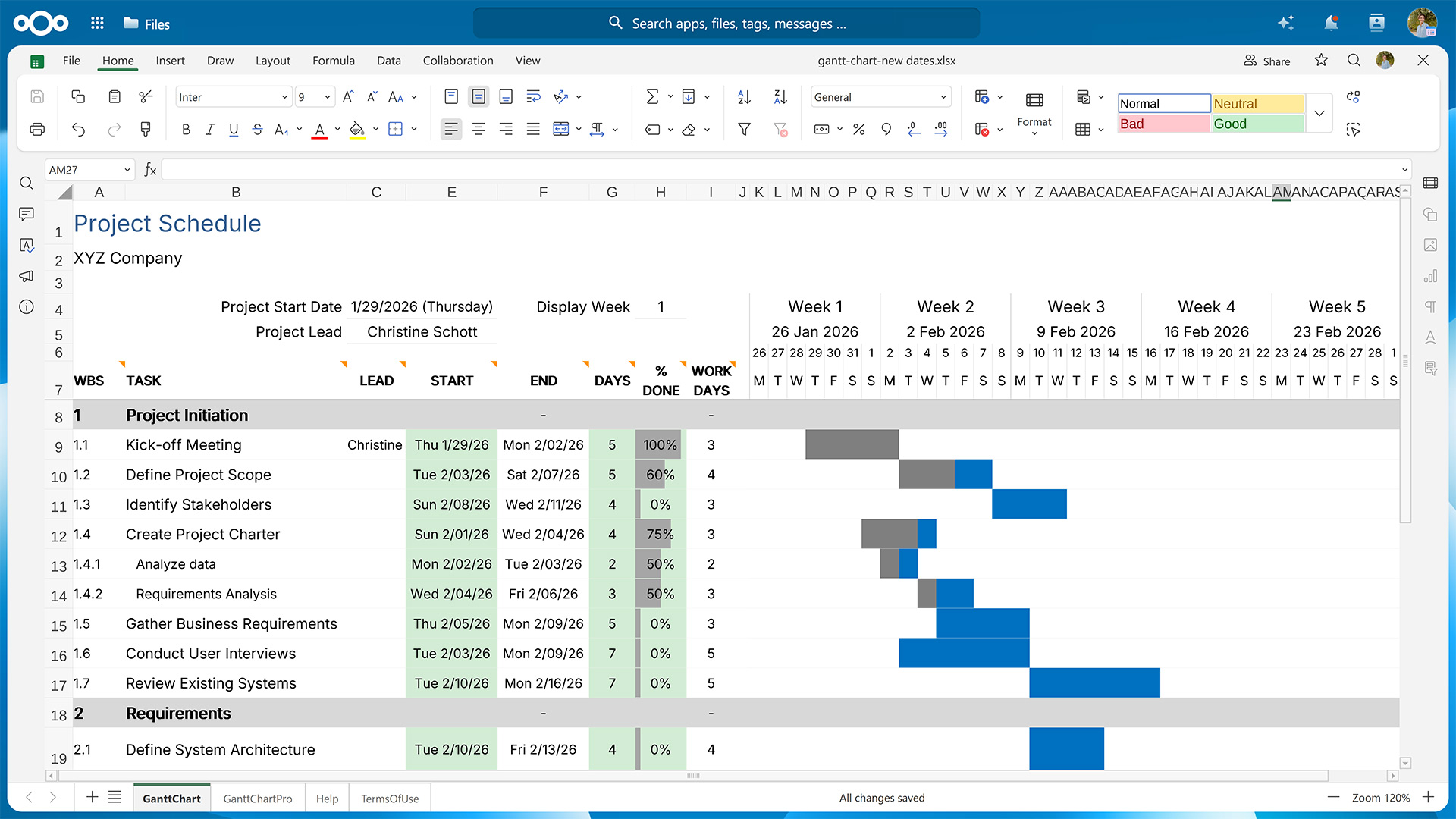
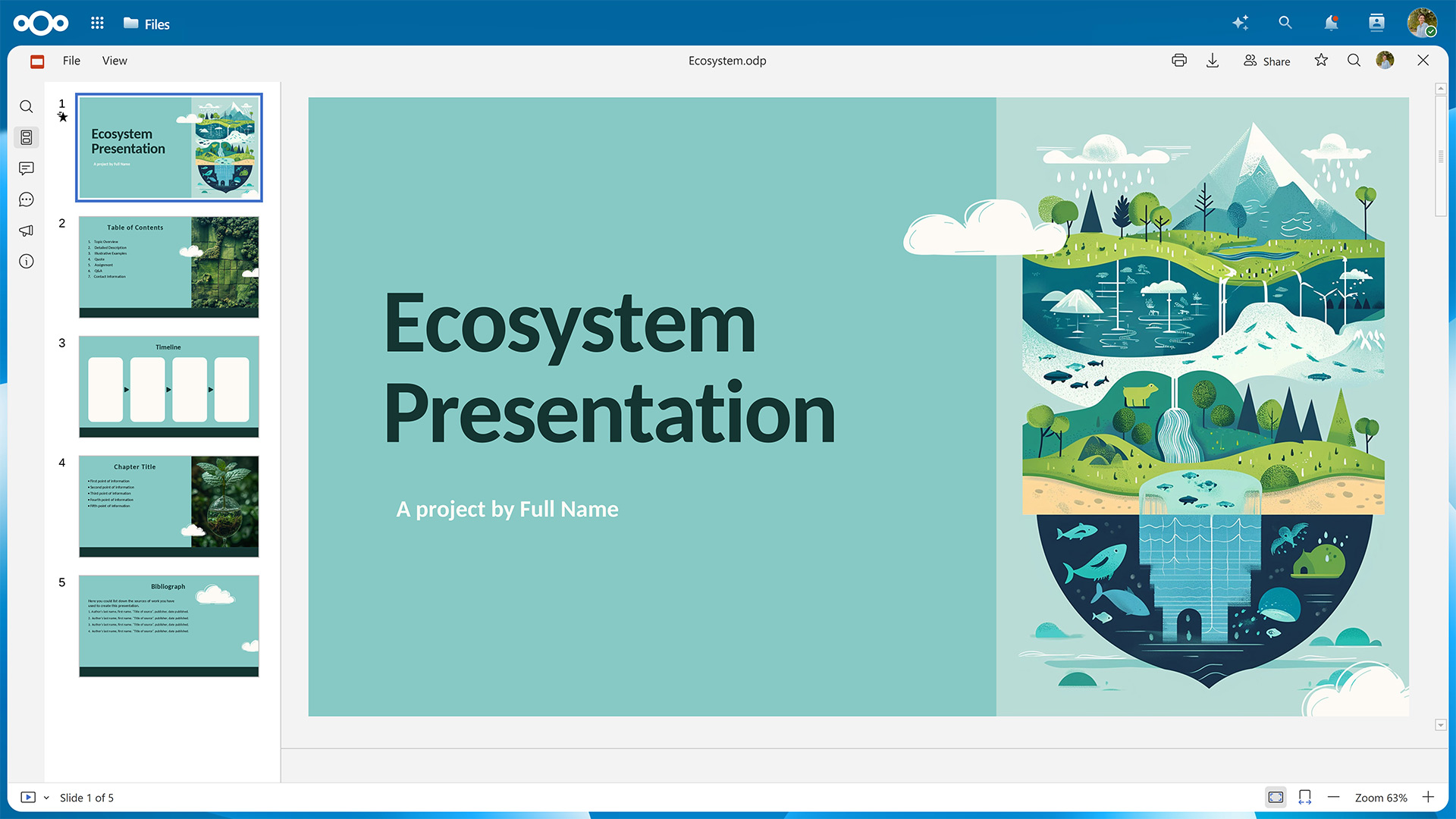
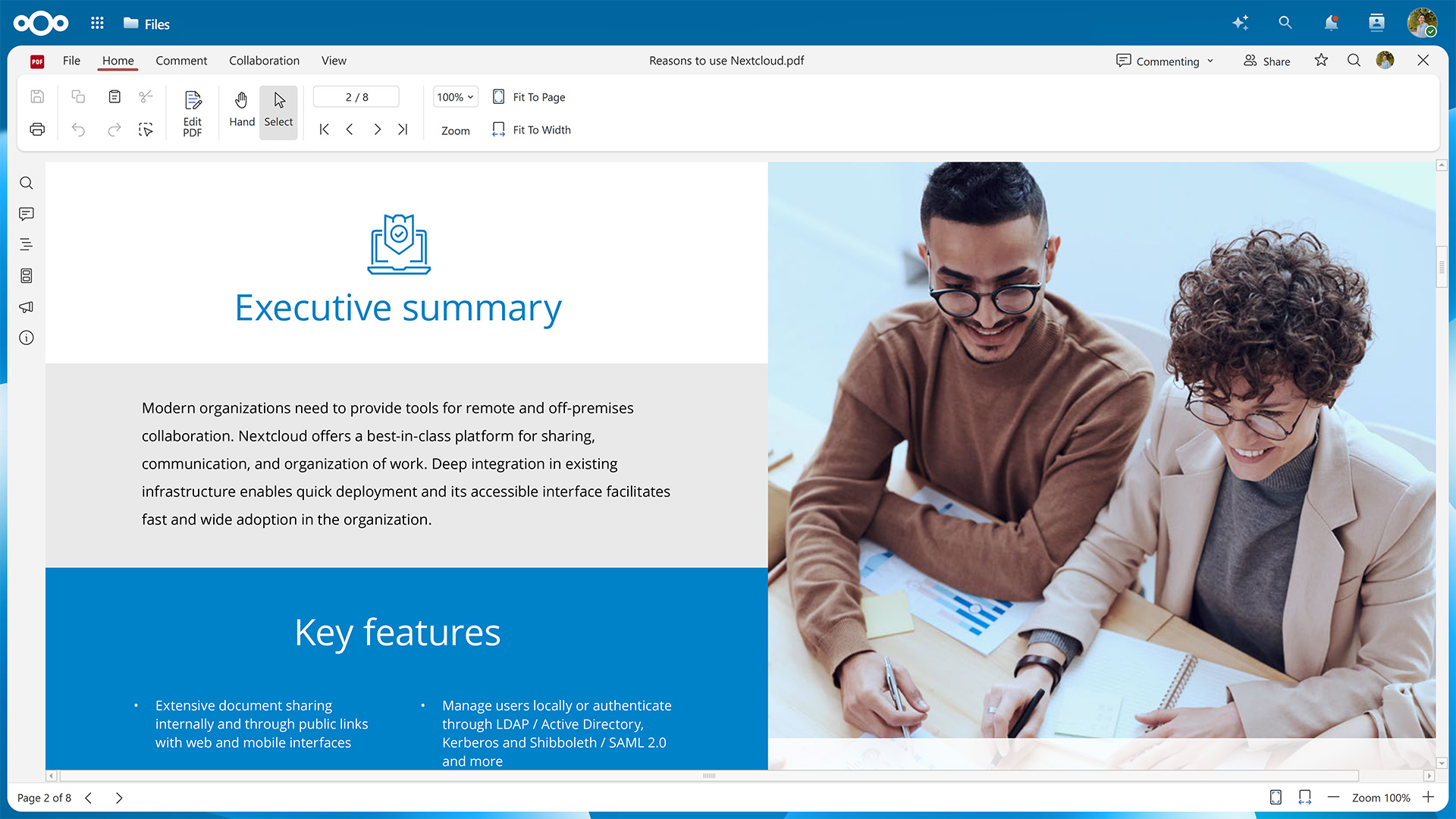
With the Nextcloud Hub 26 Spring Release, we’ve introduced Euro-Office as an office suite option with web-based editors for documents, spreadsheets, presentations, and PDFs. It features high-fidelity rendering that preserves the layout and formatting of your files.
In this guide, we’ll show you how to activate Euro-Office for your Nextcloud instance.
First, you’ll need to set up the Euro-Office Document Server, where the rendering and editing happens.
Then, you’ll have to make sure your Nextcloud can communicate with the server by installing the Nextcloud Office connector app.
Fresh installations using the latest version of the Nextcloud All-in-One Docker image let you choose between Euro-Office and Collabora Online during the initial configuration.
Table of contents
Step 1: Set up the Euro-Office Document Server
You can install the Euro-Office Document Server package on Ubuntu or Debian. If you’re using a different Linux distribution, you can also install it via Docker. All installation methods require amd64 or arm64 architecture.
The minimum requirements for running the Euro-Office Document Server are 4 GB RAM (8 GB recommended for multi-user deployments) and 10 GB free disk space. In production, make sure the Euro-Office Document Server and your Nextcloud can reach each other over HTTPS.
The Document Server does not need to run on the same host as Nextcloud. A reverse proxy (nginx or Apache) in front of the Document Server is required for production deployments to expose it over HTTPS.
Variant A: Install the Euro-Office Document Server on Ubuntu or Debian
The following instructions have been tested on Ubuntu 24.04 LTS (Noble) and Debian 12 (Bookworm). Please refer to the Nextcloud Office documentation pages for Ubuntu and Debian to check whether anything has changed for newer versions.
Debian only: Enable the contrib component
Euro-Office requires the ttf-mscorefonts-installer package, which lives in Debian’s contrib component and isn’t enabled by default. Edit /etc/apt/sources.list and add contrib to each line:
deb http://deb.debian.org/debian bookworm main contrib
deb http://deb.debian.org/debian bookworm-updates main contrib
deb http://deb.debian.org/debian-security/ bookworm-security main contrib
Then update the package index:
sudo apt-get update
1. Install the required packages
Euro-Office depends on PostgreSQL, Redis, RabbitMQ, nginx, and Supervisor. Install them if you haven’t already.
The package installer configures itself non-interactively using debconf. Pre-seed the database connection details so the post-install script can proceed without a prompt.
4. Download the Euro-Office Document Server package
Get the latest Euro-Office Document Server version from the GitHub releases page.
# Replace <version> and <arch> with your values, e.g. 9.3.1 and amd64 or arm64
wget "https://github.com/Euro-Office/DocumentServer/releases/download/v<version>/euro-office-documentserver_<version>_<arch>.deb" \
  -O /tmp/euro-office-documentserver.deb
5. Install the Euro-Office Document Server package
Now you can install the Euro-Office Document Server.
The command should then display the following output:
active
active
active
active
And when running a health check …
curl http://localhost/healthcheck
… the output should be true.
Variant B: Install the Euro-Office Document Server via Docker
The quickest way to run the Euro-Office Document Server is via the official Docker image. You’ll need Docker Engine 20.10 or later and 5 GB disk space for the image. For more details, please refer to the „Installing via Docker“ page in the Nextcloud Office documentation.
Start the Euro-Office Document Server with the following command, replacing your-secret with a strong random string.
The JWT secret is shared between the Euro-Office Document Server and the Nextcloud Office connector app, so both must use the same value.
Depending on your setup and which installation method you used, you might need to configure the connection. Please refer to „Server settings“ on the „Configuration“ page in the Nextcloud office documentation for further details.
Conclusion
With both the Document Server and the connector app set up, you’re ready to start working in your new office suite.
Should you run into any problems, we’re happy to help. Just open a new topic on the Nextcloud forums.
For bigger organizations, Nextcloud Enterprise scales from hundreds to millions of users, includes direct support from the Nextcloud engineering team, and gives you a say in shaping the roadmap for the tools you use daily. Start an instant trial for a free 1-hour test drive or get in touch for a quote tailored to your organization.
Rolling out Euro-Office to your users?
Watch our webinar to see what your users get with Nextcloud Office, powered by Euro-Office, next to Microsoft Office, including a demo and attendee Q&A.
Nextcloud Hub 26 Summer ist eine Gemeinschaftsleistung des Nextcloud-Teams, unserer Community und unserer Partner und wird auf Grundlage davon weiterentwickelt, wie es tagtäglich genutzt wird. Erstellen Sie mit Nextcloud Teams einen eigenen Bereich für Ihr Team, organisieren Sie Ihre Erinnerungen mit der neuen Nextcloud Photos-App und nutzen Sie die von Ihnen gewünschten Features in allen Apps. Lesen Sie weiter, um einen vollständigen Überblick über den neuesten Release zu erhalten.
Nextcloud ist die erste Cloud-Plattform, die mit dem Umweltzeichen „Blauer Engel“ ausgezeichnet wurde und damit beweist, dass eine digital souveräne und grüne IT möglich ist.
Unternehmen, ob klein oder groß, brauchen eine Möglichkeit, die Ausfallsicherheit und digitale Souveränität ihrer Abläufe zu gewährleisten - eine Open-Source-Alternative zu Teams, die die Privatsphäre respektiert. Und heute stellen wir diese Lösung vor - Nextcloud Talk.
Bechtle und Nextcloud kündigen heute eine vollständig verwaltete Kollaborationsplattform für den öffentlichen Sektor an, die keiner Ausschreibung bedarf und sofort bereitgestellt werden kann.
Our mission is to help individuals, businesses and organizations achieve digital sovereignty and regain control over their data. Nextcloud Hub 5 marks a massive step forward towards achieving this mission, putting the power of AI into your hands – in a way that keeps you in control. New release, new possibilities Hub 5 builds on […]
One year ago, the European Commission proposed the Digital Omnibus, a package to “simplify” EU digital rules. Its most important part is still being negotiated: a GDPR change that would make it easier for companies to train AI on your personal data, while EU governments want to weaken your right to say no. Here’s where things stand, who’s lobbying, and how to keep your data out of someone else’s AI.
What does the dependency on U.S. Big Tech put at risk and what can Canadian organizations learn from Europe’s digital sovereignty movement? In this article, we try to find the answers.
Wir speichern einige Cookies, um Besucher zu zählen und die Nutzung der Website zu erleichtern. Diese verlassen unseren Server nicht und dienen nicht der Verfolgung Ihrer online-Aktivitäten.
Weitere Informationen hierzu finden Sie in unserer Datenschutzrichtlinie. Anpassen
Statistik-Cookies sammeln anonym Informationen und helfen uns zu verstehen, wie unsere Besucher unsere Website nutzen. Wir verwenden cloud-gehostetes Matomo
Dienst:Matomo
Cookie-Beschreibung:
_pk_ses*: Zählt den ersten Besuch des Benutzers
_pk_id*: Hilft, die Besuche nicht doppelt zu zählen.
mtm_cookie_consent: Erinnert daran, dass der Nutzer seine Zustimmung zur Speicherung und Verwendung von Cookies gegeben hat.
Cookie-Ablauf:_pk_ses*: 30 Minuten
_pk_id*: 13 Monate
mtm_cookie_consent: 30 Tage