Meet the winners of the Nextcloud Community Awards 2026!
Meet three winners of the Nextcloud Community Awards 2026 nominated for outstanding and unique contributions to the Nextcloud universe.
Read More

Explore what’s new in the release blog!
Read moreAccess to a user-friendly project management tool goes a long way in keeping teams aligned on tasks, deadlines, and priorities. With the Nextcloud Deck app, you can turn your work items into cards in a few clicks and visualize them as a kanban board or Gantt chart.
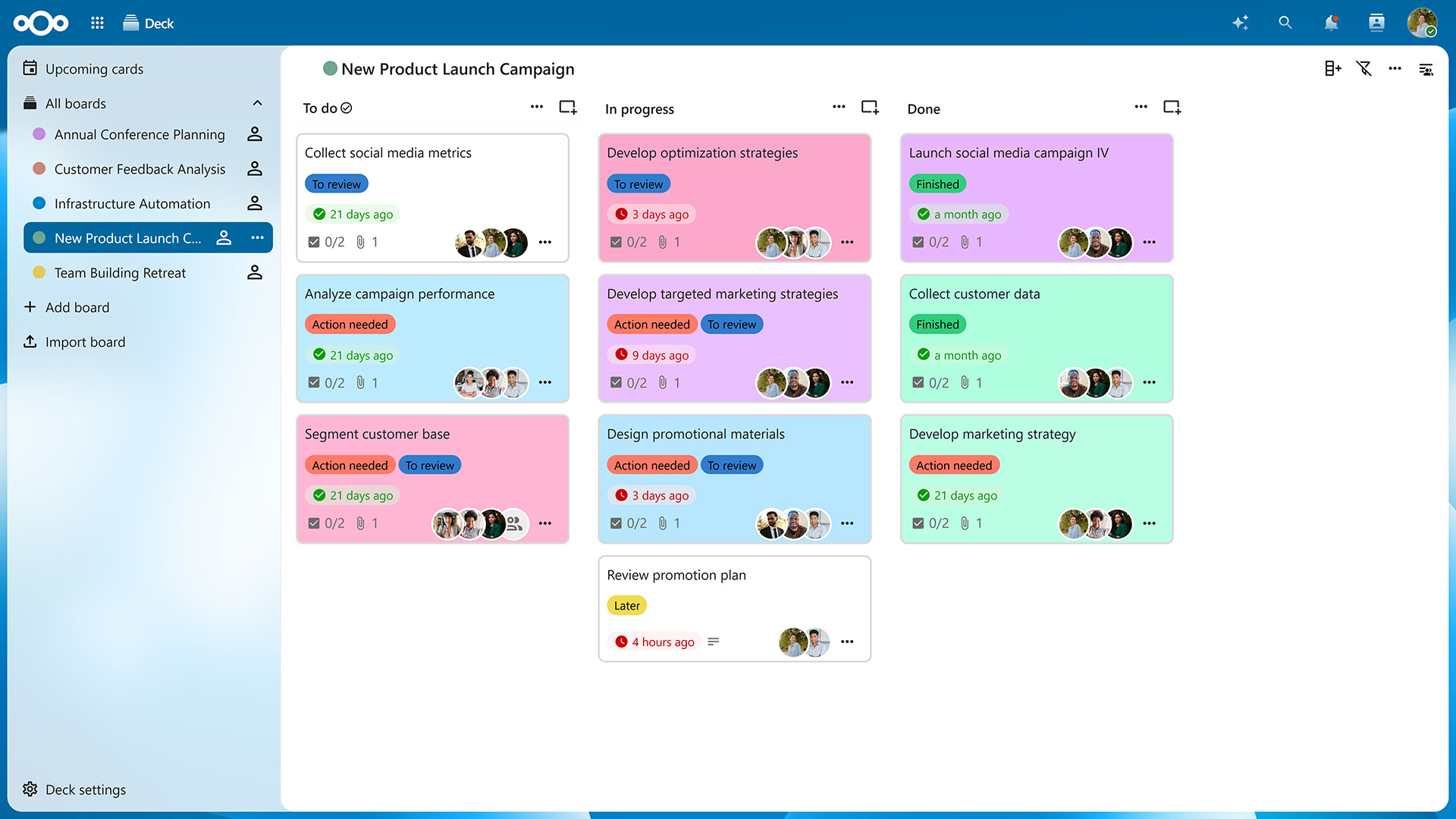
Let’s take a closer look at the app’s features and the improvements it received with the Nextcloud Hub 26 Spring Release.
If you’re familiar with tools like Trello, you’ll feel right at home with Nextcloud Deck. The difference is that with Deck, your tasks and projects are stored on your own server, giving you full control over your data.
After accessing the app from your navigation bar, you’ll be presented with an overview of your boards. Click on “Add board” to create a new one and then on “Add list” in the top-right corner to create columns for your cards. On a typical kanban board, these lists would be titled “To Do”, “In Progress”, and “Done”, but you can create as many lists as needed to organize your projects.
Now you can create as many cards as you want by clicking on the “Add card” icon on top of each list. Of course, you can freely drag them around to reorder them or move them from one list to another. You can also archive cards and lists you no longer need and restore them later if necessary.
Clicking on a card opens the “Card details” view. Here, you can assign the card to a Nextcloud user, categorize it using tags, choose a start and due date, and add dependent cards (sub-tasks, if you will). In the description field, you can put down relevant information and even create tables, checklists, and more, thanks to Markdown support.
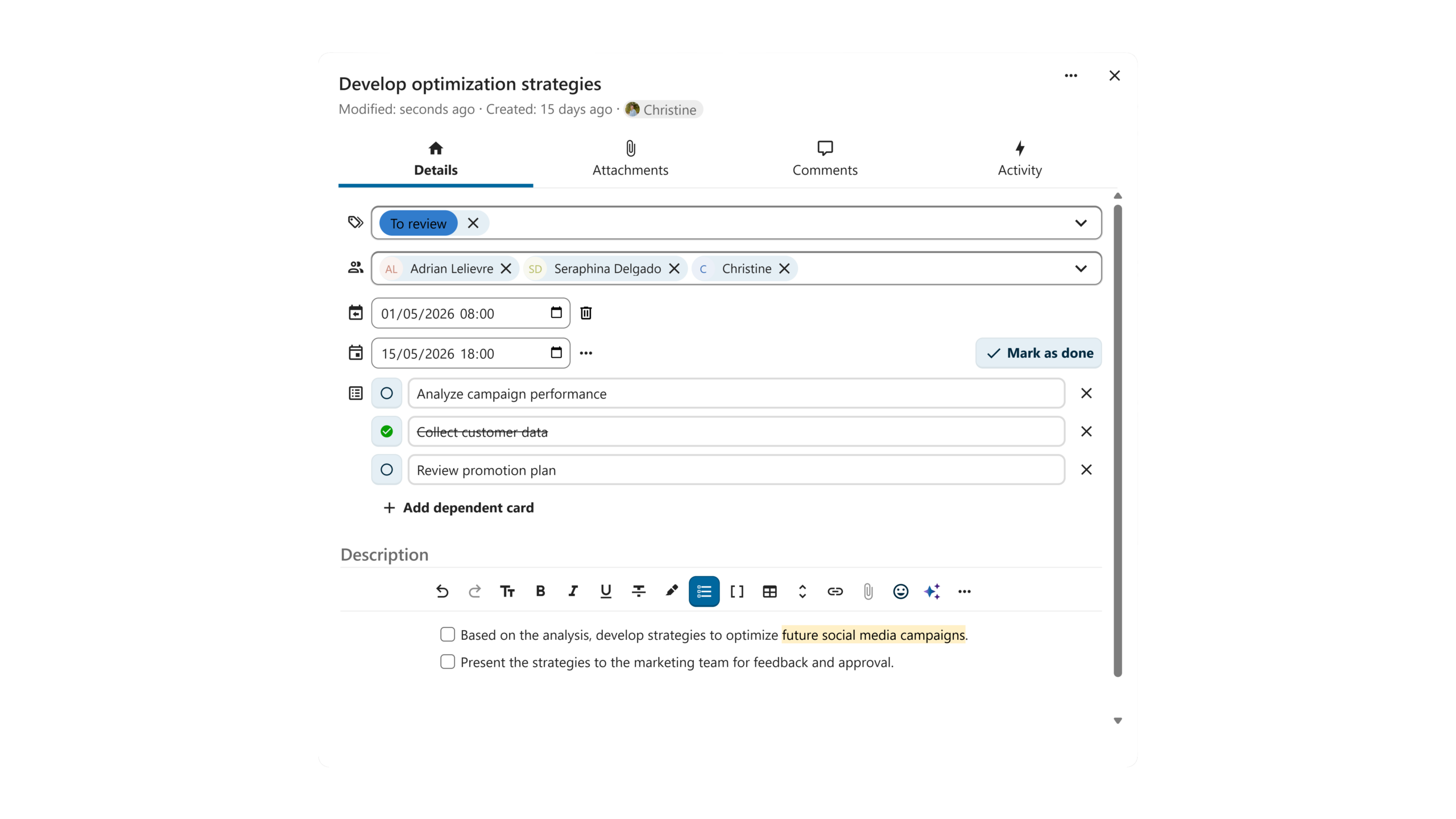
Switching from the “Details” tab to the “Attachments” tab lets you upload files relevant to the task from your computer or share them from Nextcloud Files. In the “Comments” tab, you can start a discussion with your team members and tag any user with access to your board.
The Nextcloud Hub 26 Spring Release introduced card dependencies and the option to give each card both a start and end date. Thanks to these additions, you can visualize your tasks as a Gantt chart, which shows you a timeline of your tasks with their dependencies and deadlines.
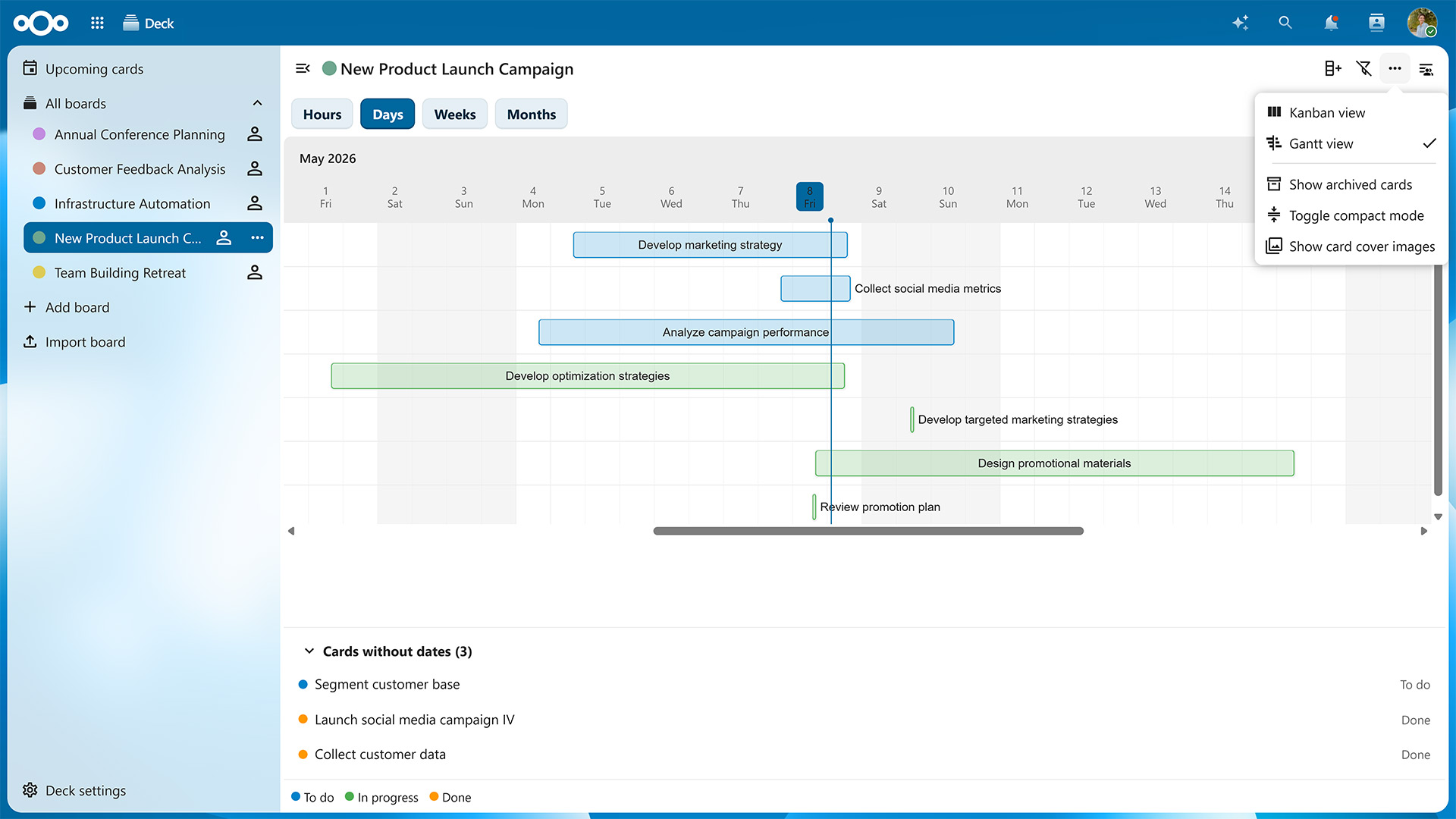
To toggle between the kanban board and Gantt chart, click on the three dots in the top-right corner of the window and select either “Kanban view” or “Gantt view”.
On the Gantt chart, timelines are color-coded based on which list each card is currently located at. You can switch between a monthly, weekly, daily and even hourly view to know exactly what is happening when.
The Gantt view is just one of many new features introduced in Nextcloud Hub 26 Spring. As of this update, you can also:
The Nextcloud Deck app will see improvements with each upcoming Nextcloud Hub release, so you can look forward to even more features in the future.
Nextcloud Deck is part of Nextcloud Groupware, which also includes the Nextcloud Mail, Calendar, Contacts apps, and seamlessly integrates with other Nextcloud apps. For example, clicking on the three dots on a card lets you post it directly to one of your conversations in Nextcloud Talk. Vice versa, you can turn any chat message into a card in a few clicks.
When you collaborate with other team members on the same board, cards with due dates also appear as events in a dedicated calendar, which you can subscribe to in Nextcloud Calendar or any calendar app of your choice.
Features like these enable project management connected with all your workflows and data across Nextcloud Hub. Thanks to Nextcloud’s federated nature, you can also use Nextcloud Deck to collaborate with users on different servers, e.g., by sharing your boards with them and letting them add cards or create lists. You can even assemble entire project teams that include users from different organizations without having to merge systems or create new accounts.
If you already have a Nextcloud server, you can download and enable the Deck app in just a few clicks. It will automatically integrate with other apps so you can start planning right away.
If you’re not a Nextcloud user yet, you can either sign up for a free account with a provider or host your own server, e.g., using the Nextcloud All-in-One Docker image for Linux or Windows.
For larger organizations, there’s Nextcloud Enterprise, which scales to hundreds or even millions of users, comes with direct support from the Nextcloud engineering team, and lets you shape the roadmap for the tools you’ll use every day. Request your instant trial for a free 1-hour test drive or contact us for a quote tailored to your needs.
Meet three winners of the Nextcloud Community Awards 2026 nominated for outstanding and unique contributions to the Nextcloud universe.
Read More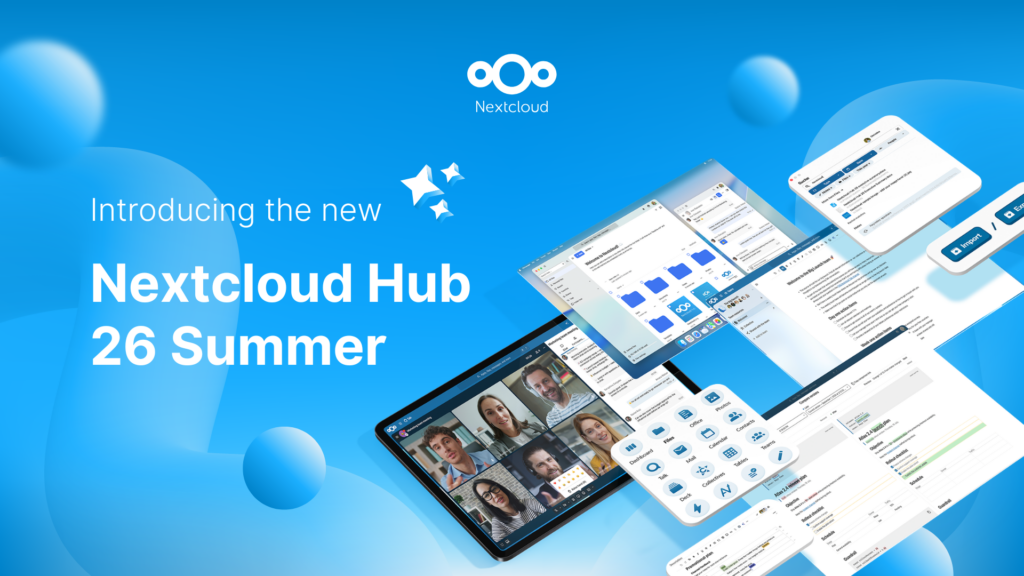
Created in a joint effort of our team, community, and partners, Nextcloud Hub 26 Summer learns from real people using our tools every day. Create your team's own space with Nextcloud Teams, organize your memories in new Nextcloud Photos, and enjoy the updates you asked for across all apps. Read on for a full rundown of our latest release!
Read More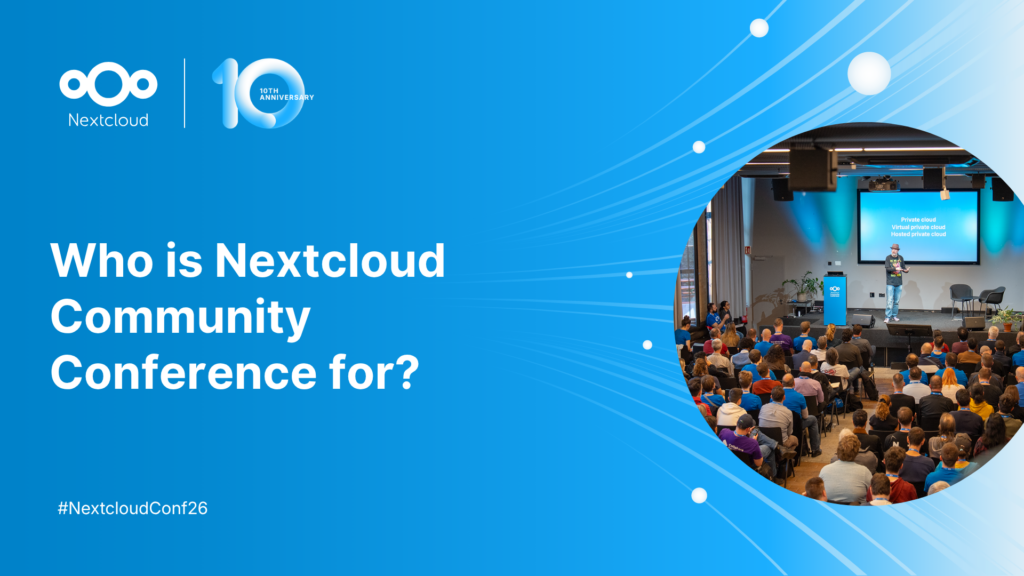
You don't need to run Nextcloud to enjoy the Nextcloud Community Conference and take a great deal of value home with you. Let's answer the question: who is the Nextcloud Community Conference for?
Read More
We are introducing the Nextcloud ISV Partner Program to support independent app developers through the Nextcloud app store. Read more in this article and get in touch with our team if you want to join the program.
Read More
We explore challenges Nextcloud Talk solves that Microsoft Teams can't, uncovering a stronger alternative for organizations that that prioritize digital sovereignty, compliance, and control.
Read More
Is Nextcloud your top choice as cloud content management solution? Vote for us in the CloudComputing-Insider Award 2026 and show your support!
Read More
Following two successful Nextcloud Enterprise Days in The Hague in 2025, we brought the event to Utrecht this year, where a massive 750 registrations brought a big crowd to the Jaarbeurs venue. The kickoff in the morning pre-announced the launch of the book “Sovereignty! But how?“ by well-known Dutch IT security journalist and author Brenno […]
Read More
Looking for a sovereign Microsoft Office alternative? Learn how Nextcloud puts you back in control of your data and online collaboration.
Read More
Nextcloud Hub 25 Autumn makes it easier to get started with powerful collaboration while fully in control of your data. From global design updates to improved usability and performance, discover our latest release in this blog.
Read More
Nextcloud has published its first Digital Sovereignty Index (DSI) to showcase the status of digital sovereign infrastructure.
Read More
Discover the Microsoft 365 alternative by Nextcloud and IONOS: the Nextcloud Workspace office suite, launching in the course of 2025.
Read More
Nextcloud becomes the first cloud software platform to earn the Blauer Engel ecolabel, proving that digitally sovereign and green IT is possible.
Read More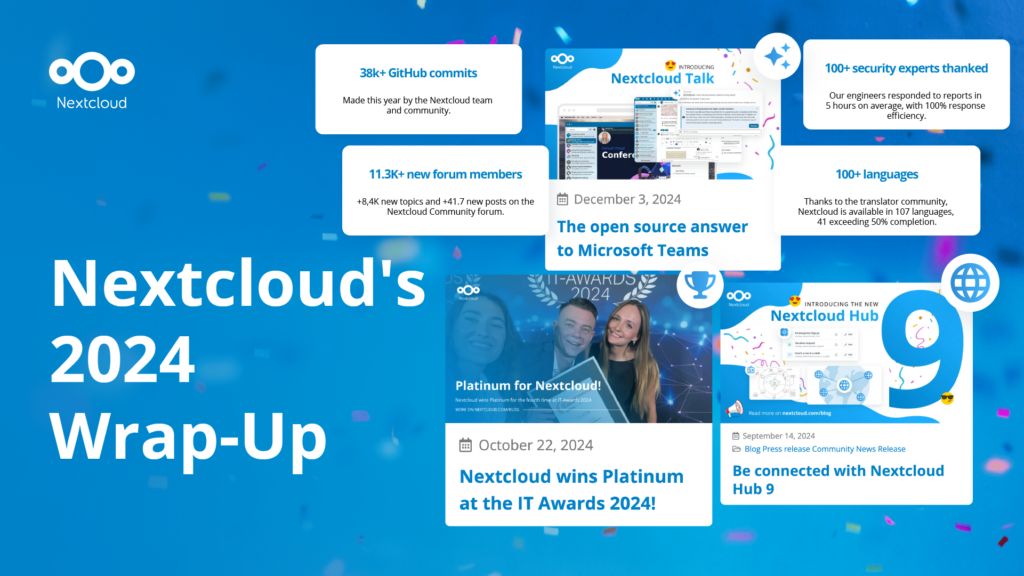
In the Nextcloud 2024 wrap-up, we want to take a moment to celebrate this year's achievements. Join us as we continue to reimagine what’s possible - shaping a world where open source, privacy and connection come together and drive progress for the greater good.
Read More
Organisations, small and large, need a way to ensure the resiliency and digital sovereignty of their operations – an open-source, privacy-respecting alternative to Teams. And today, we present that solution - Nextcloud Talk.
Read More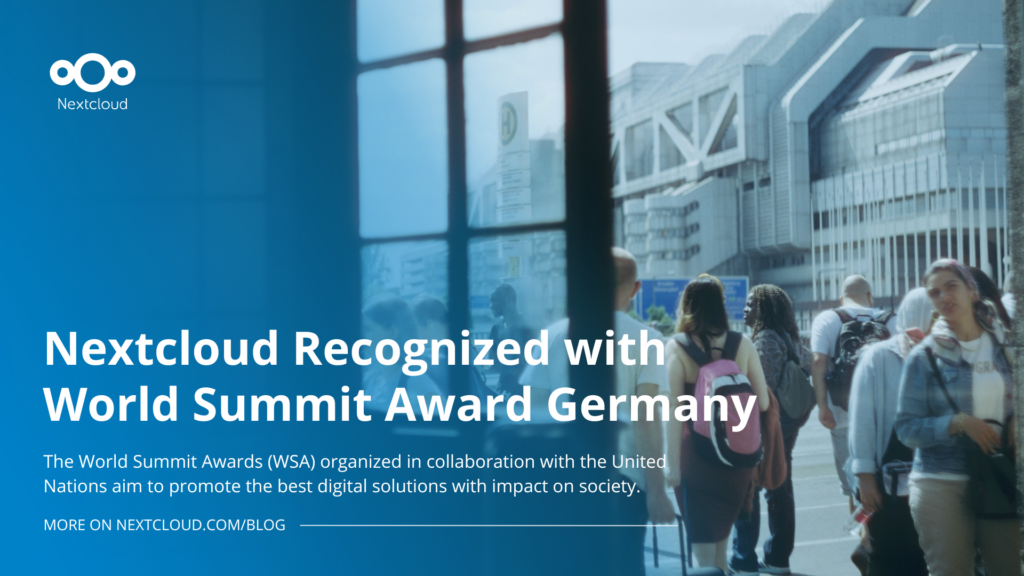
Nextcloud has been recognized with the World Summit Award Germany that selects and promotes local digital innovation improving society, aiming to contribute to the United Nations' agenda of sustainable development goals.
Read More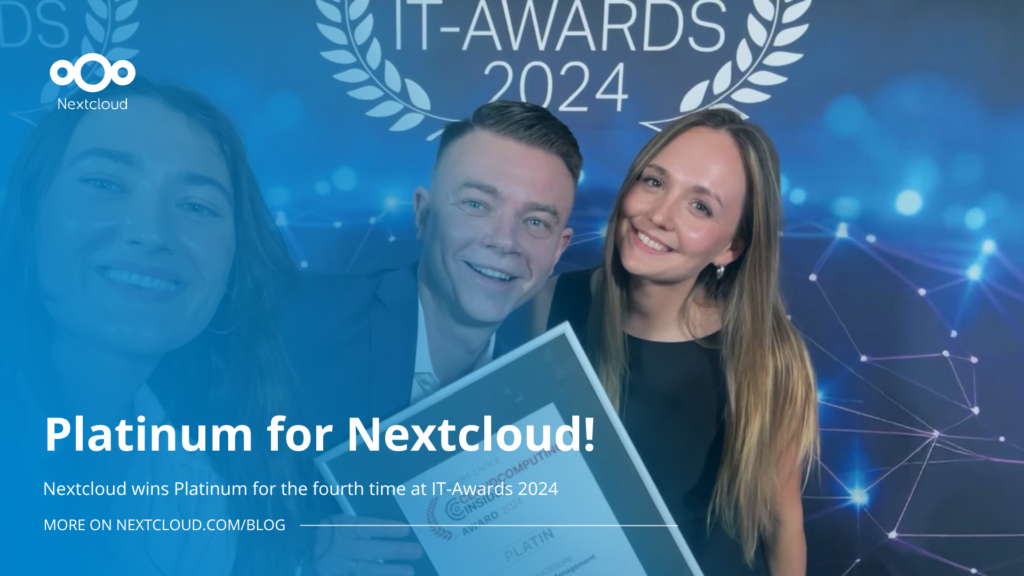
Nextcloud has been awarded Platinum at the IT Awards 2024. Today, we celebrate this win together!
Read More
DIE ZEIT, a prominent German outlet, interviewed Nextcloud’s founder Frank Karlitschek for an article on Microsoft’s anti-competitive behaviour on the European office software market. Read for a recap of the article and the key takeaways.
Read More
MagentaCLOUD’s migration to Nextcloud in 2021 resulted in a fully equipped Online Storage with an integrated online office suite that further improves the user experience, flexibility and security for customers.
Read More
We bring you a major update to the Nextcloud AI Assistant, plus the news we work with several big hosting providers like IONOS and OVHcloud to bring AI-as-a-Service options to you!
Read More
Bechtle and Nextcloud announce today a complete managed collaboration platform for the public sector that requires no tender and can be deployed immediately.
Read More
Discover how to make the switch from ownCloud to Nextcloud. Our quick guide provides insights into the migration process, helping you make the transition smoothly.
Read More
Today, US-based file sync & share vendor Kiteworks announced their acquisition of ownCloud and Dracoon. Kiteworks points out that their customers now have access to their file-sharing application. It is to be expected they will not maintain 3 similar products, but customers will have to migrate to the US firms’ platform or look for another […]
Read More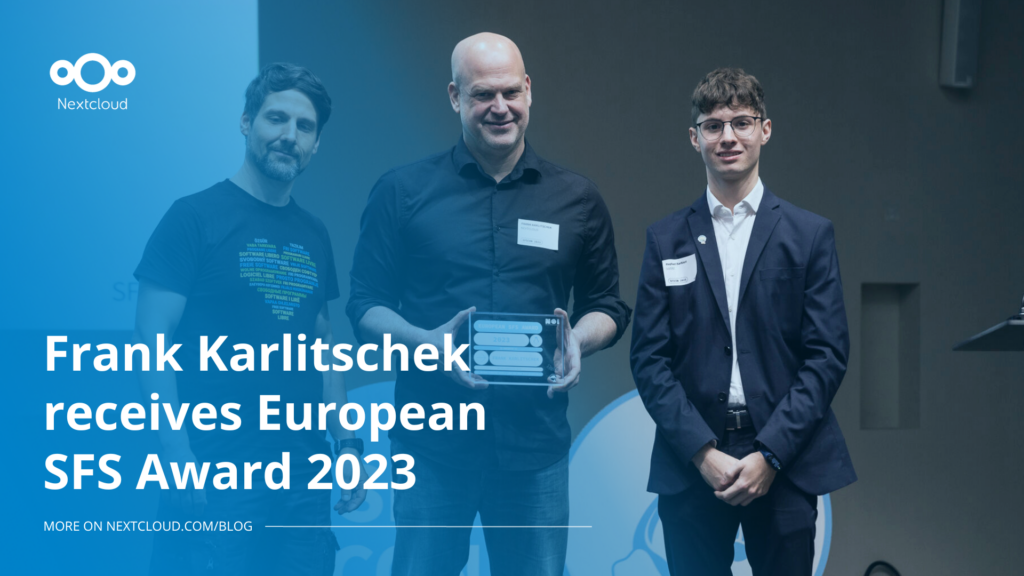
Nextcloud founder and CEO Frank Karlitschek earns the honorary SFS Award at the 20th annual SFSCON taking place in South Tyrol, Italy.
Read More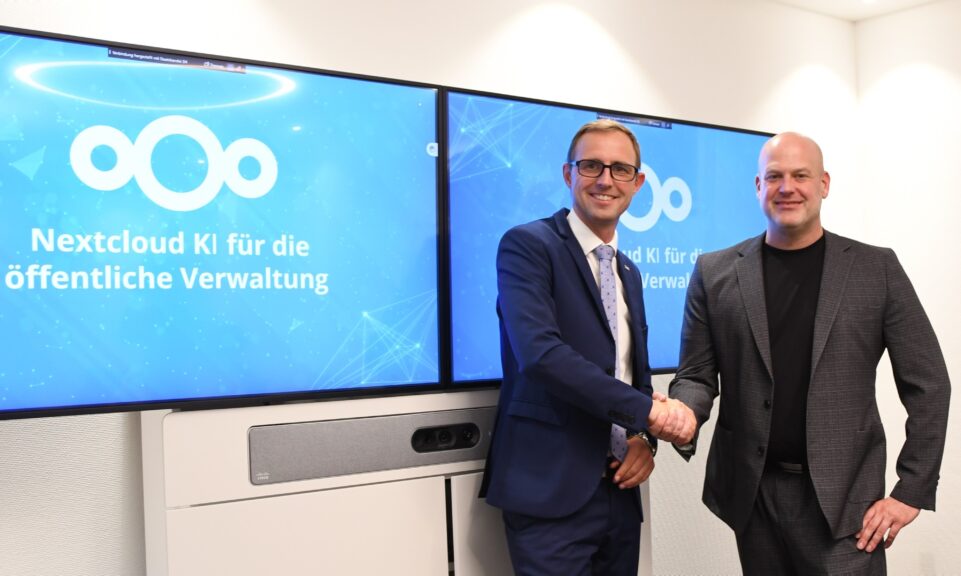
As part of Schleswig-Holstein's state digitization strategy, the state chancellery has announced they will work with Nextcloud to develop AI for working with government documents. This comes just after we announced the first private AI assistant last weekend with Hub 6. The German state already uses Nextcloud and their AI strategy aligns with our work on ethical, local AI technologies.
Read More
Learn how to build Nextcloud apps using PHP or Python by taking the free online courses in Nextcloud Academy.
Read More
Learn how Nextcloud apps are structured under the hood, from APIs and dependency injection to events, and what it takes to publish to the App Store.
Read More