Beginner-friendliness is the reason many teams choose Nextcloud AIO to set up and manage their Nextcloud Hub. Read on to understand how Nextcloud AIO makes running your digital workspace simple, and discover the new usability improvements in the latest release.
The simplest way to get started with Nextcloud
Nextcloud AIO wraps all core tools and services you need into a turnkey instance that is easy to install, maintain, and update. The interface guides you through the installation process and automates a lot of components for you so that you don’t have to do all of it yourself. This simplicity makes Nextcloud AIO a perfect deployment method when you are just getting started with Nextcloud, even without much technical experience.
But one-step deployment is not where the benefits end. Nextcloud AIO web interface gives you easy access to the overview of your instance and various management tools:
All the apps you need are pre-integrated and tested, including Nextcloud Files, Nextcloud Talk, Nextcloud Office, backup tools, High Performance Backend, and more. You can enable additional server-side components with one click without having to touch any configuration file manually. You can browse the full list of available components on the Nextcloud AIO GitHub page.
Ready to take it one step further? There are unlimited opportunities to expand your functionality with more apps and features via community containers.
You don’t need to jump between configs and separate containers to manage your instance. Everything is accessible from a single UI, from configuration to updates, logs, and service control.
Updates and maintenance are automated for you, keeping your system always secure and stable. For example, this reduces manual patching and minimizes version compatibility issues.
Nextcloud AIO provides easy remote backups via BorgBackup, which allows you to create and restore snapshots whenever you need it, in any location.
With our latest update, Nextcloud Hub 26 Winter, we worked on the usability of the Nextcloud AIO interface even further, making managing and configuring your platform easier. Let’s have a look at what’s new!
Nextcloud Podcast: Everything you want to know about Nextcloud AIO
How many AIOs are out there? When is it best for you, and when should you go for bare metal instead? Learn it all in the Nextcloud Podcast with Simon Lindner, the developer and main maintainer of Nextcloud AIO. Listen to the episode here.
Easier management for your instance: What’s new in Nextcloud AIO?
Nextcloud AIO uses containers to manage your apps and services, so our task is to deliver an interface that will make running your containers simpler and smoother. We worked on the Nextcloud AIO interface to further improve usability:
Progress window for backend processes
Improved log viewer
Office suite switcher
Let’s have a look at each of them!
New progress window
The interface of Nextcloud AIO now shows what is happening in the backend when you start and stop the containers. This is especially helpful, for example, when the download of new container images is running slowly, and you would like to understand the reason.
Improved log viewer
We completely refactored the log viewer built into Nextcloud AIO that allows us to see what is happening inside the containers. You can open it by clicking on Running, Starting, or Stopped next to each container.
Before, you had to manually trigger a reload and get back to where you were in the list of data. Now, the viewer refreshes the data automatically and scrolls down to the latest item so that you can see in real time what is happening in the container. You can disable this automatic reloading via the button.
Office suite switcher
We added a new interface for the office options inside Nextcloud AIO settings. It lets you compare the available office suite options for your Nextcloud Hub, and easily see the advantages and disadvantages of each office solution on first glance.
Guides: How to install Nextcloud AIO
Are you new to Nextcloud? If you are ready to move away from Big Tech and start hosting your collaboration tools on your terms, a fairly easy way to get started is Nextcloud AIO.
Browse our guides for Windows and Linux for a step-by-step installation process.
Running Nextcloud for a big team? Consider Nextcloud AIO for enterprises
Nextcloud AIO is free and open source, ready for any scale of use. However, if you require additional stability and deployment confidence for larger teams (>100 users), we recommend Nextcloud Enterprise for All-in-One deployments.
With Nextcloud Enterprise, your organization keeps data under control and gets easy compliance in a pinch. It includes support SLA and direct access to our engineering team, security information, and all benefits that come with our enterprise product, like certified compliance and training.
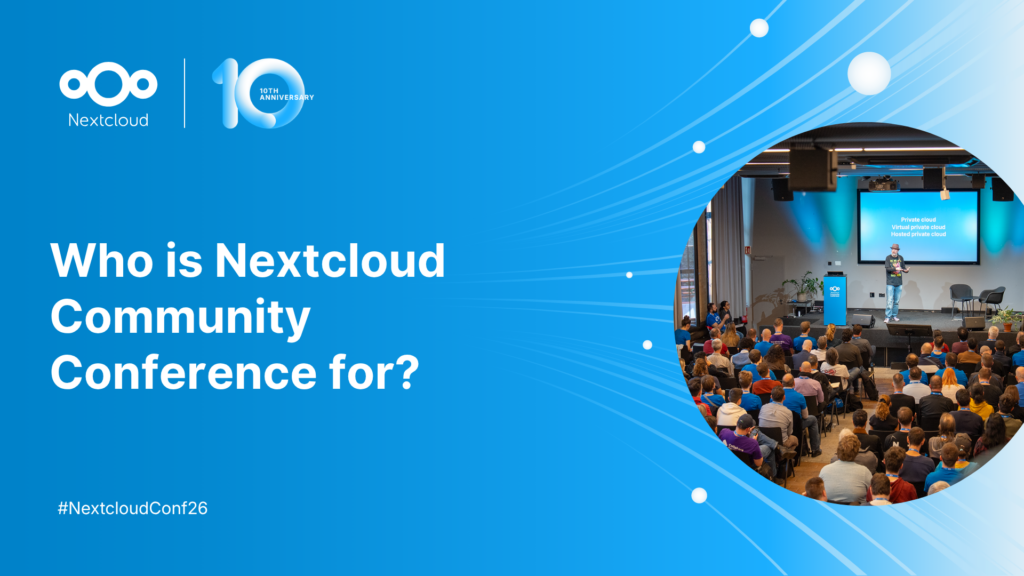
You don't need to run Nextcloud to enjoy the Nextcloud Community Conference and take a great deal of value home with you. Let's answer the question: who is the Nextcloud Community Conference for?
We are introducing the Nextcloud ISV Partner Program to support independent app developers through the Nextcloud app store. Read more in this article and get in touch with our team if you want to join the program.
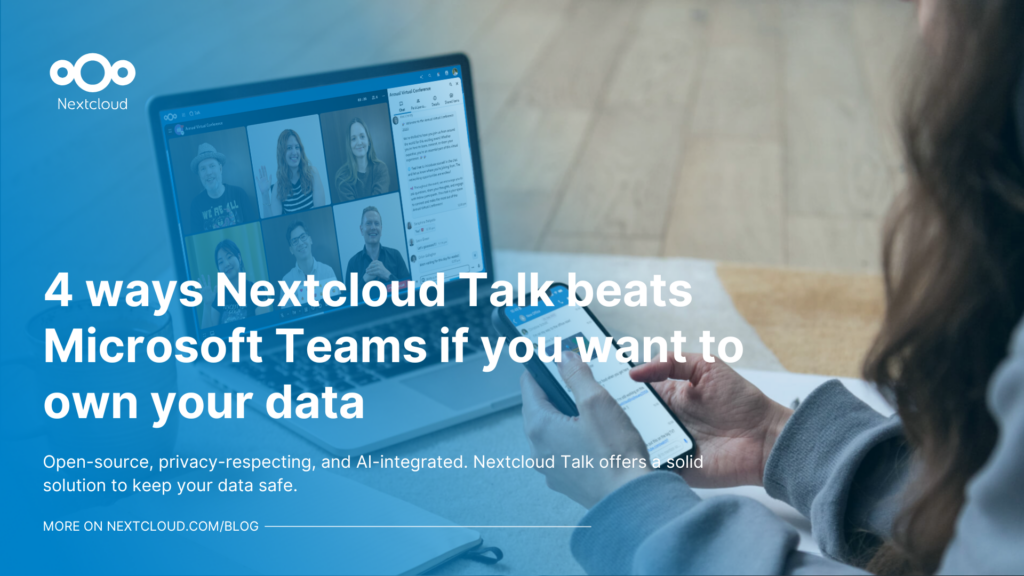
We explore challenges Nextcloud Talk solves that Microsoft Teams can't, uncovering a stronger alternative for organizations that that prioritize digital sovereignty, compliance, and control.
Following two successful Nextcloud Enterprise Days in The Hague in 2025, we brought the event to Utrecht this year, where a massive 750 registrations brought a big crowd to the Jaarbeurs venue. The kickoff in the morning pre-announced the launch of the book “Sovereignty! But how?“ by well-known Dutch IT security journalist and author Brenno […]
In the Nextcloud 2024 wrap-up, we want to take a moment to celebrate this year's achievements. Join us as we continue to reimagine what’s possible - shaping a world where open source, privacy and connection come together and drive progress for the greater good.
Organisations, small and large, need a way to ensure the resiliency and digital sovereignty of their operations – an open-source, privacy-respecting alternative to Teams. And today, we present that solution - Nextcloud Talk.
Nextcloud has been recognized with the World Summit Award Germany that selects and promotes local digital innovation improving society, aiming to contribute to the United Nations' agenda of sustainable development goals.
DIE ZEIT, a prominent German outlet, interviewed Nextcloud’s founder Frank Karlitschek for an article on Microsoft’s anti-competitive behaviour on the European office software market. Read for a recap of the article and the key takeaways.
MagentaCLOUD’s migration to Nextcloud in 2021 resulted in a fully equipped Online Storage with an integrated online office suite that further improves the user experience, flexibility and security for customers.
We bring you a major update to the Nextcloud AI Assistant, plus the news we work with several big hosting providers like IONOS and OVHcloud to bring AI-as-a-Service options to you!
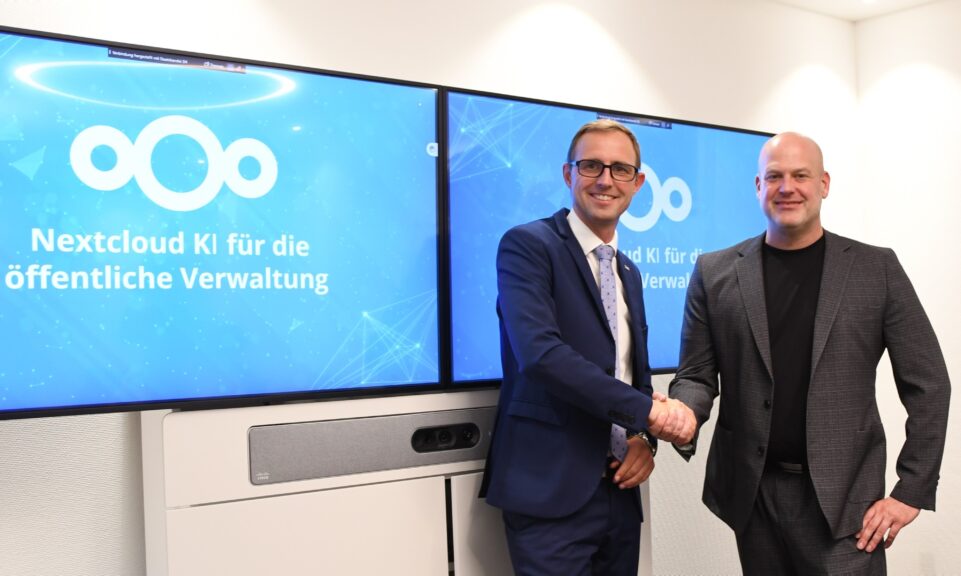
Bechtle and Nextcloud announce today a complete managed collaboration platform for the public sector that requires no tender and can be deployed immediately.
Discover how to make the switch from ownCloud to Nextcloud. Our quick guide provides insights into the migration process, helping you make the transition smoothly.
Today, US-based file sync & share vendor Kiteworks announced their acquisition of ownCloud and Dracoon. Kiteworks points out that their customers now have access to their file-sharing application. It is to be expected they will not maintain 3 similar products, but customers will have to migrate to the US firms’ platform or look for another […]
As part of Schleswig-Holstein's state digitization strategy, the state chancellery has announced they will work with Nextcloud to develop AI for working with government documents. This comes just after we announced the first private AI assistant last weekend with Hub 6. The German state already uses Nextcloud and their AI strategy aligns with our work on ethical, local AI technologies.
Fancy names, same lock-in: here's why Microsoft’s digital sovereignty promises don’t protect European data from US law and why its “sovereign” cloud still leaves you dependent.
Once again, Nextcloud takes home Platinum at the CloudComputing-Insider IT-Awards. For this award, we want to thank everyone who supported us this year and took a minute to put it into a vote! Read more details about the awards in this post.
At the second Nextcloud Enterprise Day Copenhagen, municipalities, universities and other public organisations discussed how they can reduce their dependency on US Big Tech. Read our recap of the event.
We save some cookies to count visitors and make the site easier to use. This doesn't leave our server and isn't to track you personally!
See our Privacy Policy for more information. Customize
Statistics cookies collect information anonymously and help us understand how our visitors use our website. We use cloud-hosted Matomo
Service:Matomo
Cookies description:
_pk_ses*: Counts the first visit of the user
_pk_id*: Helps not to double count the visits.
mtm_cookie_consent: Remembers that consent for storing and using cookies was given by the user.
Cookies expiry:_pk_ses*: 30 minutes
_pk_id*: 13 months
mtm_cookie_consent: 30 days