Beginner-friendliness is the reason many teams choose Nextcloud AIO to set up and manage their Nextcloud Hub. Read on to understand how Nextcloud AIO makes running your digital workspace simple, and discover the new usability improvements in the latest release.
The simplest way to get started with Nextcloud
Nextcloud AIO wraps all core tools and services you need into a turnkey instance that is easy to install, maintain, and update. The interface guides you through the installation process and automates a lot of components for you so that you don’t have to do all of it yourself. This simplicity makes Nextcloud AIO a perfect deployment method when you are just getting started with Nextcloud, even without much technical experience.
But one-step deployment is not where the benefits end. Nextcloud AIO web interface gives you easy access to the overview of your instance and various management tools:
All the apps you need are pre-integrated and tested, including Nextcloud Files, Nextcloud Talk, Nextcloud Office, backup tools, High Performance Backend, and more. You can enable additional server-side components with one click without having to touch any configuration file manually. You can browse the full list of available components on the Nextcloud AIO GitHub page.
Ready to take it one step further? There are unlimited opportunities to expand your functionality with more apps and features via community containers.
You don’t need to jump between configs and separate containers to manage your instance. Everything is accessible from a single UI, from configuration to updates, logs, and service control.
Updates and maintenance are automated for you, keeping your system always secure and stable. For example, this reduces manual patching and minimizes version compatibility issues.
Nextcloud AIO provides easy remote backups via BorgBackup, which allows you to create and restore snapshots whenever you need it, in any location.
With our latest update, Nextcloud Hub 26 Winter, we worked on the usability of the Nextcloud AIO interface even further, making managing and configuring your platform easier. Let’s have a look at what’s new!
Nextcloud Podcast: Everything you want to know about Nextcloud AIO
How many AIOs are out there? When is it best for you, and when should you go for bare metal instead? Learn it all in the Nextcloud Podcast with Simon Lindner, the developer and main maintainer of Nextcloud AIO. Listen to the episode here.
Easier management for your instance: What’s new in Nextcloud AIO?
Nextcloud AIO uses containers to manage your apps and services, so our task is to deliver an interface that will make running your containers simpler and smoother. We worked on the Nextcloud AIO interface to further improve usability:
Progress window for backend processes
Improved log viewer
Office suite switcher
Let’s have a look at each of them!
New progress window
The interface of Nextcloud AIO now shows what is happening in the backend when you start and stop the containers. This is especially helpful, for example, when the download of new container images is running slowly, and you would like to understand the reason.
Improved log viewer
We completely refactored the log viewer built into Nextcloud AIO that allows us to see what is happening inside the containers. You can open it by clicking on Running, Starting, or Stopped next to each container.
Before, you had to manually trigger a reload and get back to where you were in the list of data. Now, the viewer refreshes the data automatically and scrolls down to the latest item so that you can see in real time what is happening in the container. You can disable this automatic reloading via the button.
Office suite switcher
We added a new interface for the office options inside Nextcloud AIO settings. It lets you compare the available office suite options for your Nextcloud Hub, and easily see the advantages and disadvantages of each office solution on first glance.
Guides: How to install Nextcloud AIO
Are you new to Nextcloud? If you are ready to move away from Big Tech and start hosting your collaboration tools on your terms, a fairly easy way to get started is Nextcloud AIO.
Browse our guides for Windows and Linux for a step-by-step installation process.
Running Nextcloud for a big team? Consider Nextcloud AIO for enterprises
Nextcloud AIO is free and open source, ready for any scale of use. However, if you require additional stability and deployment confidence for larger teams (>100 users), we recommend Nextcloud Enterprise for All-in-One deployments.
With Nextcloud Enterprise, your organization keeps data under control and gets easy compliance in a pinch. It includes support SLA and direct access to our engineering team, security information, and all benefits that come with our enterprise product, like certified compliance and training.
Nextcloud ist die erste Cloud-Plattform, die mit dem Umweltzeichen „Blauer Engel“ ausgezeichnet wurde und damit beweist, dass eine digital souveräne und grüne IT möglich ist.
Unternehmen, ob klein oder groß, brauchen eine Möglichkeit, die Ausfallsicherheit und digitale Souveränität ihrer Abläufe zu gewährleisten - eine Open-Source-Alternative zu Teams, die die Privatsphäre respektiert. Und heute stellen wir diese Lösung vor - Nextcloud Talk.
Bechtle und Nextcloud kündigen heute eine vollständig verwaltete Kollaborationsplattform für den öffentlichen Sektor an, die keiner Ausschreibung bedarf und sofort bereitgestellt werden kann.
Our mission is to help individuals, businesses and organizations achieve digital sovereignty and regain control over their data. Nextcloud Hub 5 marks a massive step forward towards achieving this mission, putting the power of AI into your hands – in a way that keeps you in control. New release, new possibilities Hub 5 builds on […]
Fancy names, same lock-in: here's why Microsoft’s digital sovereignty promises don’t protect European data from US law and why its “sovereign” cloud still leaves you dependent.
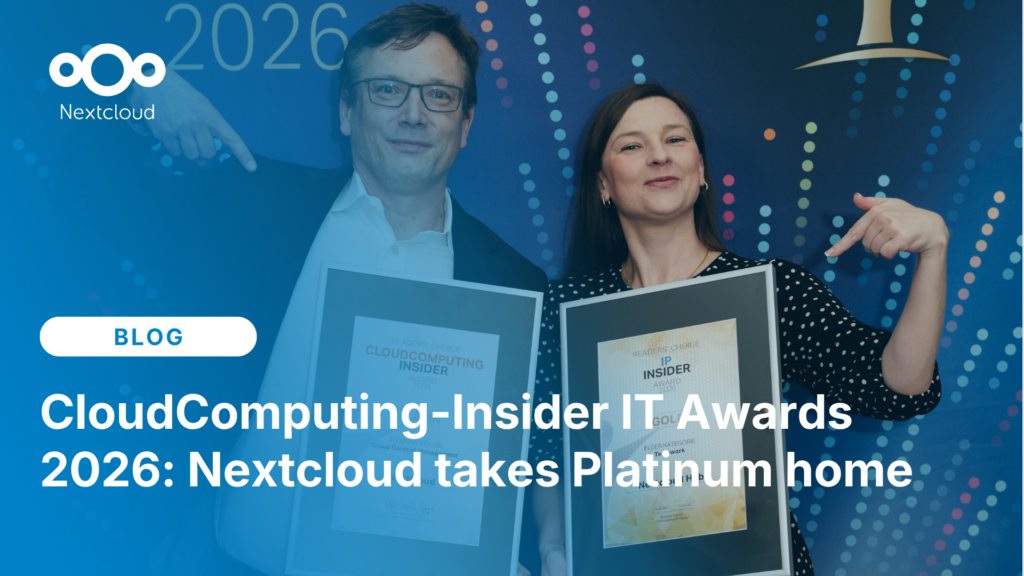
Once again, Nextcloud takes home Platinum at the CloudComputing-Insider IT-Awards. For this award, we want to thank everyone who supported us this year and took a minute to put it into a vote! Read more details about the awards in this post.
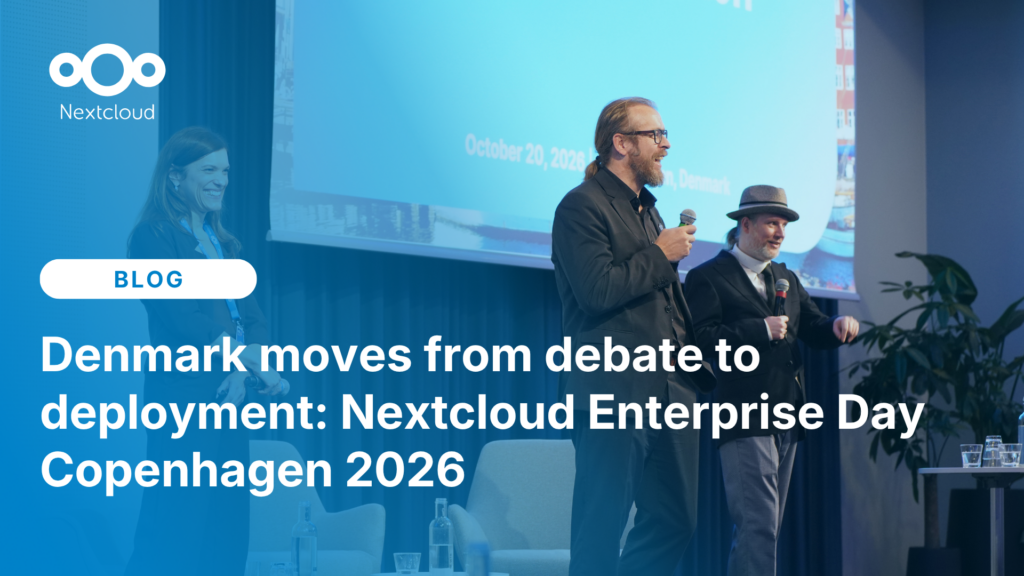
At the second Nextcloud Enterprise Day Copenhagen, municipalities, universities and other public organisations discussed how they can reduce their dependency on US Big Tech. Read our recap of the event.
Wir speichern einige Cookies, um Besucher zu zählen und die Nutzung der Website zu erleichtern. Diese verlassen unseren Server nicht und dienen nicht der Verfolgung Ihrer online-Aktivitäten.
Weitere Informationen hierzu finden Sie in unserer Datenschutzrichtlinie. Anpassen
Statistik-Cookies sammeln anonym Informationen und helfen uns zu verstehen, wie unsere Besucher unsere Website nutzen. Wir verwenden cloud-gehostetes Matomo
Dienst:Matomo
Cookie-Beschreibung:
_pk_ses*: Zählt den ersten Besuch des Benutzers
_pk_id*: Hilft, die Besuche nicht doppelt zu zählen.
mtm_cookie_consent: Erinnert daran, dass der Nutzer seine Zustimmung zur Speicherung und Verwendung von Cookies gegeben hat.
Cookie-Ablauf:_pk_ses*: 30 Minuten
_pk_id*: 13 Monate
mtm_cookie_consent: 30 Tage