If you often think, “This meeting could have been an email”, you might be combating meeting fatigue.
With remote working on new productivity tools, it’s easier than ever to jump on a quick call. However, keeping these meetings focused and useful is becoming a real challenge.
Inefficient meetings are quoted as the top workplace distraction that hurts productivity, followed by having too many meetings. But you can’t avoid them completely: one way or another, your team does need to meet up to brainstorm new ideas and share the latest updates.
So what’s the solution?
At Nextcloud, we have a range of features ready for you in Nextcloud Talk to ensure better-organized meetings. Discover 10 tips on how to get more done in less time to battle meeting fatigue and make the most of your online time together.
Before the meeting: Setting up a healthy meeting culture
Planning is half of the work, so take some time to reflect on why you are setting the meetings, what you want to discuss, and who you are inviting.
1. Use team messaging features to reduce meetings
Before you start a meeting, use your other online collaboration tools to their full extent. Nextcloud Mail is perfect for sharing information, while Nextcloud Talk lets you quickly ping a person, asking for a written update in their own time.
Thanks to Nextcloud Talk’s many hidden gems, you can easily replace a meeting with a message. Use threads to keep conversations organized, brainstorm new ideas with polls, and share files for real-time online collaboration.
2. Ahead of your meeting, prepare smart
If you have decided that you should meet online, take some time to set up your meeting, thinking about the purpose of the meeting, what documents to add, and who to invite.
With Nextcloud, you get plenty of options to prepare and personalize your meetings thanks to its deeply integrated setup.
Open a meeting in Nextcloud Calendar, include attachments from Nextcloud Files, configure a Nextcloud Talk conversation, and find participants in your contacts.
Within a couple of clicks, you’ll get a Nextcloud Talk meeting set up with a briefing and calendar invite, for full transparency and clarity.
To help you keep your space clean from one-time conversations, “Meeting conversations”, created for a single appointment, are kept separate from other conversations. Nextcloud Talk lets you decide whether you want to keep, archive, or delete the room once the meeting is over. The room also stays hidden before the event to avoid clutter and confusion.
Want to prep the meeting before getting started?
With the silent call option in Nextcloud Talk, you can join a meeting room without notifying everyone: Perfect for setting up, testing, or preparing before the call begins.
3. Keep the right timing
When it comes to planning, it’s important to keep in mind that meetings of 25 or 50 minutes (instead of 30 or 60 minutes) can reduce burnout.
As an administrator, you can easily put a hard limit on the call length in Nextcloud Talk. What’s more, you can even set other participants to start with disabled video and/or audio input.
This is a useful feature for meetings with many participants where you want to ensure focus on the main message and limit talking time for others.
The sidebar also displays meeting duration and speaking time per participant, encouraging balanced discussions and a healthy meeting culture.
4. Start small: maybe it can just be a 1:1?
Ensuring that the meeting is relevant to all participants in the call is an important factor in battling meeting fatigue.
If possible, start with a one-on-one catch-up with your team member.
Do you need information from other participants in the end? With Nextcloud Talk, you can easily add participants to these calls while you are in the meeting.
During the meeting: Keeping it organized
Once you are in, it’s important to let everything run as smoothly as possible. Thanks to the automated status feature, polling options, easy screen shares, AI subtitles, and intuitive call control button, Nextcloud Talk keeps your meetings focused and on track.
5. Switch status to reduce distraction
Does getting pinged while you are in meetings make you anxious or annoyed?
Multitasking can be hard. Kindly let your team members know that you are in a meeting by changing your online status to “Busy”.
With Nextcloud Talk, your status automatically updates to “Busy” during active or scheduled meetings, keeping interruptions to a minimum.
6. Avoid chaos with interactive features
Asking questions during a meeting can cause chaos, risking derailing your meeting. So how can you get your team’s input in a more orderly way? Use polling options to get quick feedback, readily available in Nextcloud Talk.
You also have the “Raise hand” function for participants who would like to ask a question without causing interruption.
7. Use reactions for quick interaction
Use reactions in the online meeting platform, so participants can interact with a simple emoji: 👏 or 🤩 or 👎 or many others, without taking over the meeting.
8. Make it easier to follow
Make full use of your setup by sharing your screen during the meeting. Work on Nextcloud Files, brainstorm live in Nextcloud Whiteboard, or update your Nextcloud Deck cards while sharing your screen.
With the Zoom function, all participants can follow along with ease. The pan feature makes it possible to move a selected area from one side to another or up and down. Perfect for going around a Whiteboard gradually, highlighting ideas and showcasing before and after.
9. Ensure clarity with live transcriptions
Working online with different languages can cause confusion. Nextcloud Talk now features live AI subtitles in your calls, so every participant can understand and interact more easily than ever. And of course, the live AI subtitles feature is particularly handy if you need to work in silence. Use the transcription tool to follow what your colleagues are saying while staying muted.
After the meeting: Getting to work with clear follow-ups
Once the meeting is over, the real work can start. Set up a to-do list, send out requests, and follow up with other members. Clear follow-ups are essential to fight meeting fatigue.
10. Send the meeting summary to everyone
Do you also find taking manual notes can be time-consuming and distracting (“I’m sorry I didn’t catch that.”)? With Nextcloud Talk, you can stay 100% focused during the call, and let our Nextcloud Assistant AI tool automatically summarize the recorded call based on the transcripts. Or send the call summary to participants who couldn’t attend the meeting so they can catch up with ease. All are completely automated with Nextcloud Assistant.
Discover how Nextcloud Hub makes online collaboration easier and smarter
Meeting fatigue doesn’t have to dominate your team. With careful planning and a smart and intuitive conferencing platform, such as Nextcloud Talk, you can make your meetings run smoother than ever.
Check out how Nextcloud Talk and other apps in Nextcloud Hub set you up with resilient collaboration and communication, including full data control and freedom from vendor lock-in.
Watch the global launch of Nextcloud Hub 25 Autumn
Explore sleek design improvements, smart new features, and a snappier performance.
Your digital workspace, ready in no time.
You don't need to run Nextcloud to enjoy the Nextcloud Community Conference and take a great deal of value home with you. Let's answer the question: who is the Nextcloud Community Conference for?
We are introducing the Nextcloud ISV Partner Program to support independent app developers through the Nextcloud app store. Read more in this article and get in touch with our team if you want to join the program.
We explore challenges Nextcloud Talk solves that Microsoft Teams can't, uncovering a stronger alternative for organizations that that prioritize digital sovereignty, compliance, and control.
Following two successful Nextcloud Enterprise Days in The Hague in 2025, we brought the event to Utrecht this year, where a massive 750 registrations brought a big crowd to the Jaarbeurs venue. The kickoff in the morning pre-announced the launch of the book “Sovereignty! But how?“ by well-known Dutch IT security journalist and author Brenno […]
In the Nextcloud 2024 wrap-up, we want to take a moment to celebrate this year's achievements. Join us as we continue to reimagine what’s possible - shaping a world where open source, privacy and connection come together and drive progress for the greater good.
Organisations, small and large, need a way to ensure the resiliency and digital sovereignty of their operations – an open-source, privacy-respecting alternative to Teams. And today, we present that solution - Nextcloud Talk.
Nextcloud has been recognized with the World Summit Award Germany that selects and promotes local digital innovation improving society, aiming to contribute to the United Nations' agenda of sustainable development goals.
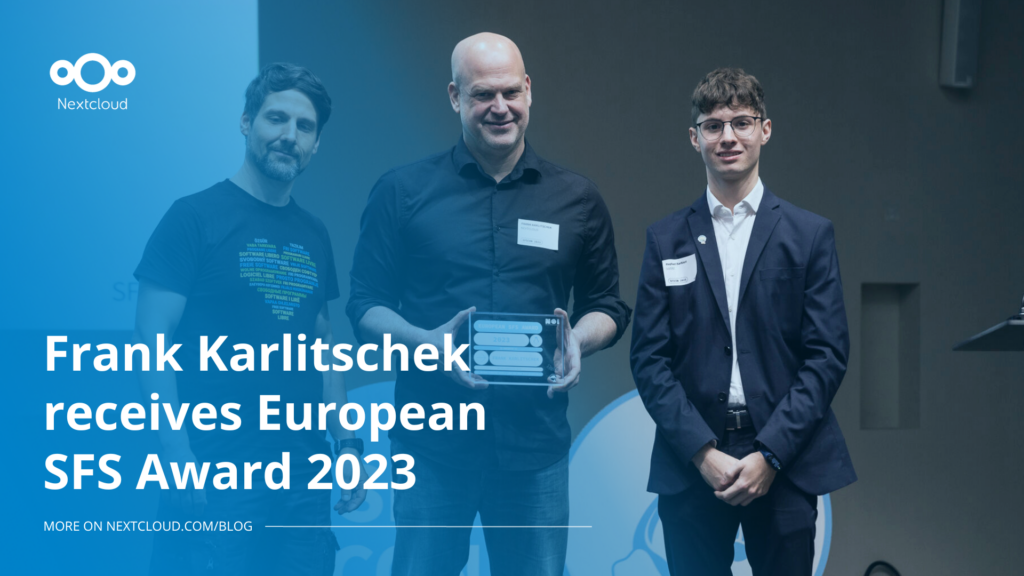
DIE ZEIT, a prominent German outlet, interviewed Nextcloud’s founder Frank Karlitschek for an article on Microsoft’s anti-competitive behaviour on the European office software market. Read for a recap of the article and the key takeaways.
MagentaCLOUD’s migration to Nextcloud in 2021 resulted in a fully equipped Online Storage with an integrated online office suite that further improves the user experience, flexibility and security for customers.
We bring you a major update to the Nextcloud AI Assistant, plus the news we work with several big hosting providers like IONOS and OVHcloud to bring AI-as-a-Service options to you!
Bechtle and Nextcloud announce today a complete managed collaboration platform for the public sector that requires no tender and can be deployed immediately.
Discover how to make the switch from ownCloud to Nextcloud. Our quick guide provides insights into the migration process, helping you make the transition smoothly.
Today, US-based file sync & share vendor Kiteworks announced their acquisition of ownCloud and Dracoon. Kiteworks points out that their customers now have access to their file-sharing application. It is to be expected they will not maintain 3 similar products, but customers will have to migrate to the US firms’ platform or look for another […]
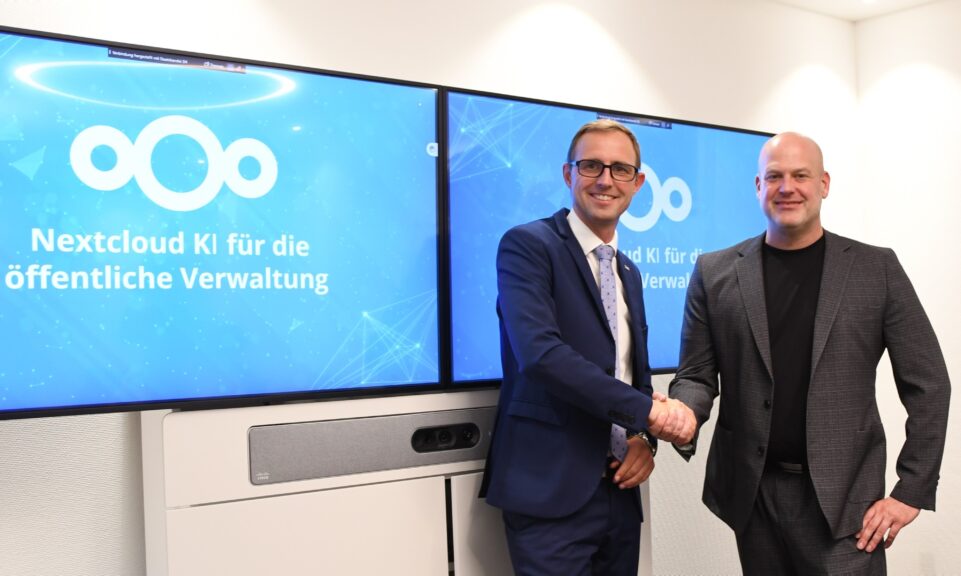
As part of Schleswig-Holstein's state digitization strategy, the state chancellery has announced they will work with Nextcloud to develop AI for working with government documents. This comes just after we announced the first private AI assistant last weekend with Hub 6. The German state already uses Nextcloud and their AI strategy aligns with our work on ethical, local AI technologies.
Fancy names, same lock-in: here's why Microsoft’s digital sovereignty promises don’t protect European data from US law and why its “sovereign” cloud still leaves you dependent.
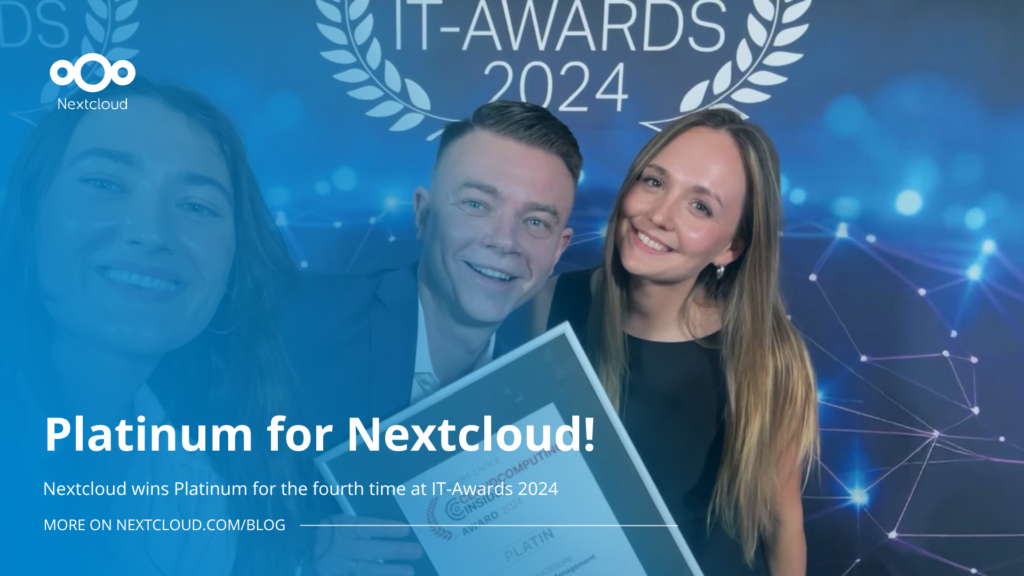
Once again, Nextcloud takes home Platinum at the CloudComputing-Insider IT-Awards. For this award, we want to thank everyone who supported us this year and took a minute to put it into a vote! Read more details about the awards in this post.
At the second Nextcloud Enterprise Day Copenhagen, municipalities, universities and other public organisations discussed how they can reduce their dependency on US Big Tech. Read our recap of the event.
We save some cookies to count visitors and make the site easier to use. This doesn't leave our server and isn't to track you personally!
See our Privacy Policy for more information. Customize
Statistics cookies collect information anonymously and help us understand how our visitors use our website. We use cloud-hosted Matomo
Service:Matomo
Cookies description:
_pk_ses*: Counts the first visit of the user
_pk_id*: Helps not to double count the visits.
mtm_cookie_consent: Remembers that consent for storing and using cookies was given by the user.
Cookies expiry:_pk_ses*: 30 minutes
_pk_id*: 13 months
mtm_cookie_consent: 30 days