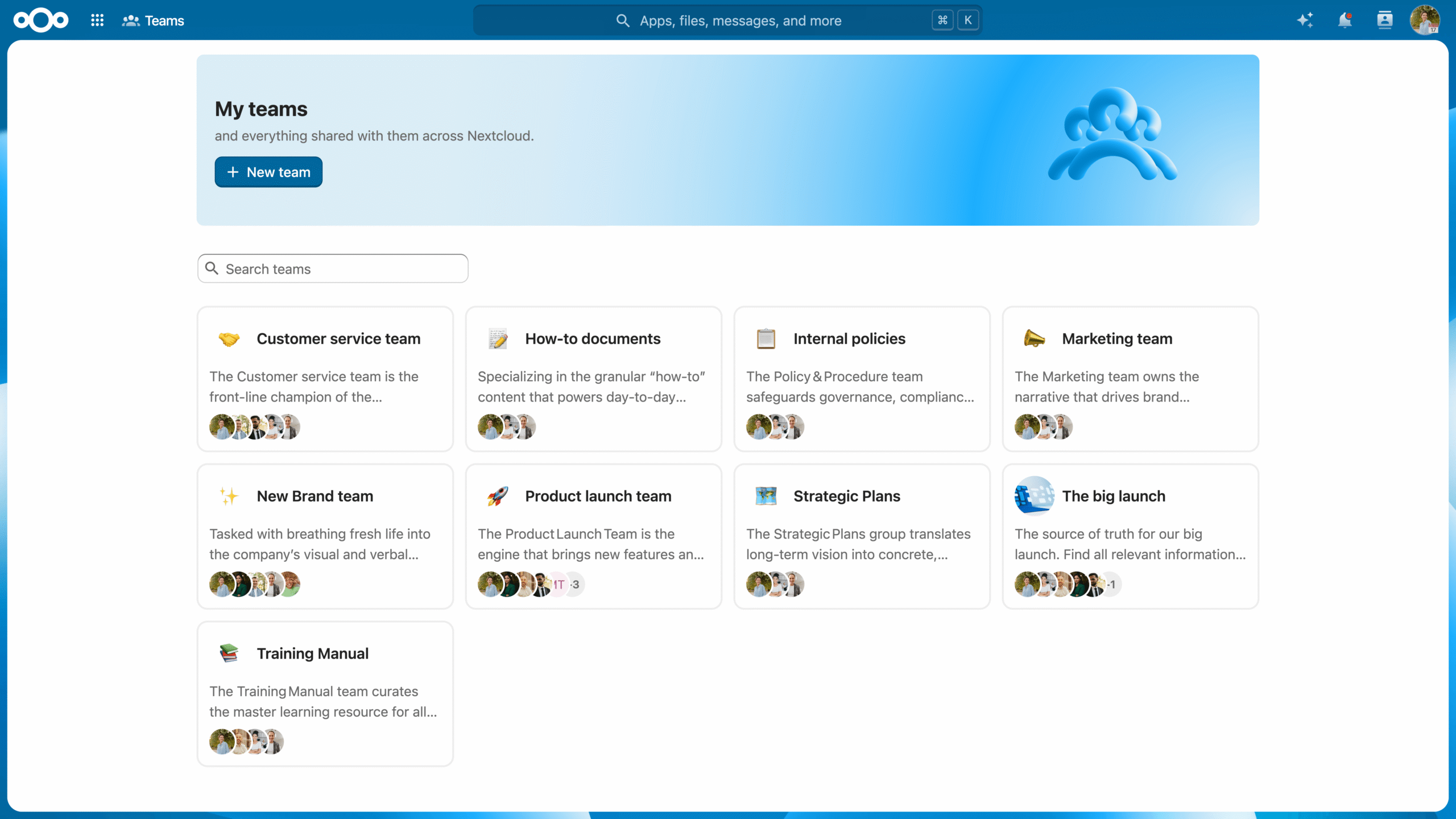
Nextcloud Teams is a team management app in the Nextcloud Hub ecosystem that provides an organizational structure similar to channels and user groups in Microsoft Teams, designed for digital sovereignty and self-organization.
The purpose of Nextcloud Teams app is to streamline team activities within your cloud by setting up group sharing features for various apps like Nextcloud Files, Nextcloud Talk, Nextcloud Deck, and Collectives — all from a single place. It also includes a dedicated Teams Dashboard Widget for quick access to team activities, recent files, and active Talk rooms.
What makes it different from casual group sharing? Nextcloud Teams is perfect for your projects and permanent teams, and it can combine users from different groups into any number of teams. Teams can also be created by any authorized user, making work much more flexible and saving the precious time of your admins.
Read on as we explore this hidden gem of Nextcloud Hub that can amplify your team’s productivity and enhance core sharing capabilities.
Nextcloud Teams: How to organize your projects across Nextcloud Hub
Find out if Nextcloud Teams is the right alternative to Microsoft Teams for you.
Any authorized user can create a Team to share files, Deck items, Collectives, and other Nextcloud Hub items. Accessible through Contacts app, Nextcloud Teams adds versatility to user management: you can invite not only the users of your Nextcloud, but also federated users from your network, contacts from your address book, and even guest users.
Creating a Team is a simple three-step process:
Create the Team and define its sharing and access policies.
Share the relevant resources with the Team.
Finally, invite users to join.
You can then configure settings such as:
Invitation policy: Define who can request membership and invite others to the team, whether new members need to accept the invitations, and whether moderator confirmation is needed to accept new members.
Visibility: Make the Team publicly visible or private.
Membership policy: Decide if members can participate in other teams.
Password protection for shared files: Set up a password protection policy for teams working with sensitive data by making password protection mandatory, and even set your own unique password for all the shared files.
In Nextcloud Teams, you can set fine-grained control, adding an extra layer to rights management. Within a Team, users can be simple Members, Moderators, Admins, or Owners (only one per team):
Member
Member has the most basic permissions. They can only access the resources shared with the team and view the team members.
Moderator
Moderator can also invite, confirm invitations and manage the team members.
Admin
In addition to Moderator permissions, an Admin can configure Team settings.
Owner
Owner is the highest user rank that, in addition to all other levels of permissions, can also transfer the circle ownership to another member of the circle.
Once a Team, always a Team!
The real magic of Nextcloud Teams is that it works with the entire Nextcloud Hub. It provides a convenient sharing target across the Nextcloud ecosystem. Once a Team is established, you can share resources with its members across different apps, search for Teams available to you with the Unified Search feature, and get updates on Team activity through the Activity app.
Set up team sharing across apps
Starting a new project, or maybe an internal group of friends? Set up your Team and work together in other Nextcloud Hub apps — feels as natural as normal group sharing! To share an item in any Nextcloud Hub app with a Team, just search the Team name in the Sharing menu and create the share.
What you can share with your Team:
Documents, folders and media in the Nextcloud Files app
Collectives pages
Talk rooms
Deck boards and cards
Calendar sharing
Teams can also own resources. Collectives has supported Team-owned resources since its introduction, and Deck supports them in the current release. Support for other Nextcloud apps will follow.
Browse Teams and resources from one place
With the recent Nextcloud Hub 26 Spring release, we reworked the app, adding a few new features. You can now browse all resources shared between team members from Nextcloud Hub apps, which includes a dedicated Teams app, for quick access to project files, Deck, related Collectives pages, and more. Besides, Unified Search and Dynamic Actions allow team members to instantly locate and interact with any Deck card, Collective page, or file assigned to their Team without needing to open individual apps manually.
Boost team management and sharing with Nextcloud Hub
With Nextcloud Teams, you can build a solid collaboration and sharing platform for your organization, integrating team sharing with many other Nextcloud Hub apps like Nextcloud Talk for chats and videoconferencing, Nextcloud Files for file sharing and management, Nextcloud Deck for running projects, and other apps.
If you’re part of a larger organization, take a look at the Nextcloud Enterprise plan. It gives you access to the full Nextcloud Hub product suite combined with the reliability, security, and compliance guarantees needed for critical deployments.
New to Nextcloud? There’s no better time to try it out! Get control over your data today with the most secure open-source collaboration platform.
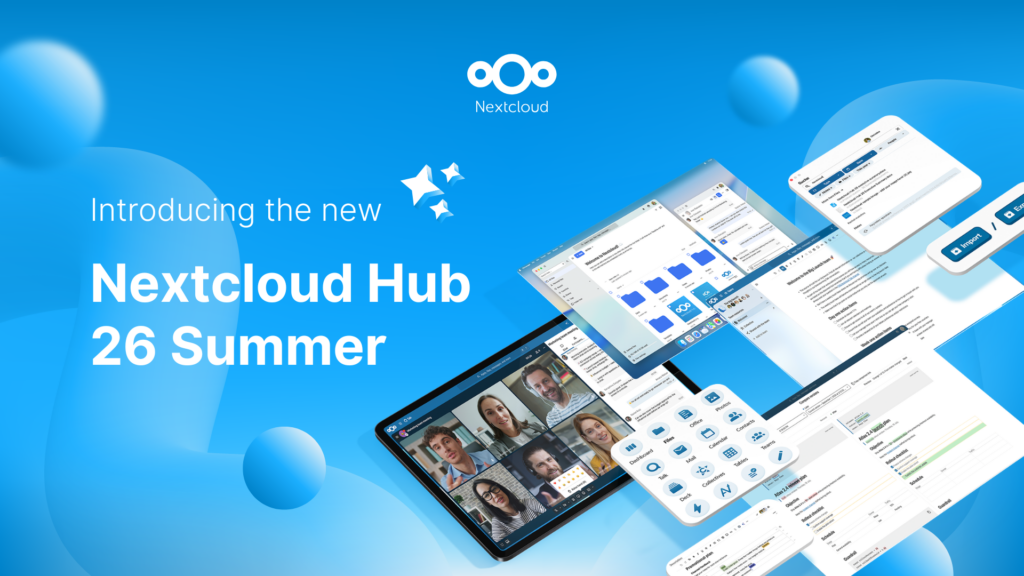
Created in a joint effort of our team, community, and partners, Nextcloud Hub 26 Summer learns from real people using our tools every day. Create your team's own space with Nextcloud Teams, organize your memories in new Nextcloud Photos, and enjoy the updates you asked for across all apps. Read on for a full rundown of our latest release!
You don't need to run Nextcloud to enjoy the Nextcloud Community Conference and take a great deal of value home with you. Let's answer the question: who is the Nextcloud Community Conference for?
We are introducing the Nextcloud ISV Partner Program to support independent app developers through the Nextcloud app store. Read more in this article and get in touch with our team if you want to join the program.
We explore challenges Nextcloud Talk solves that Microsoft Teams can't, uncovering a stronger alternative for organizations that that prioritize digital sovereignty, compliance, and control.
Following two successful Nextcloud Enterprise Days in The Hague in 2025, we brought the event to Utrecht this year, where a massive 750 registrations brought a big crowd to the Jaarbeurs venue. The kickoff in the morning pre-announced the launch of the book “Sovereignty! But how?“ by well-known Dutch IT security journalist and author Brenno […]
Nextcloud Hub 25 Autumn makes it easier to get started with powerful collaboration while fully in control of your data. From global design updates to improved usability and performance, discover our latest release in this blog.
In the Nextcloud 2024 wrap-up, we want to take a moment to celebrate this year's achievements. Join us as we continue to reimagine what’s possible - shaping a world where open source, privacy and connection come together and drive progress for the greater good.
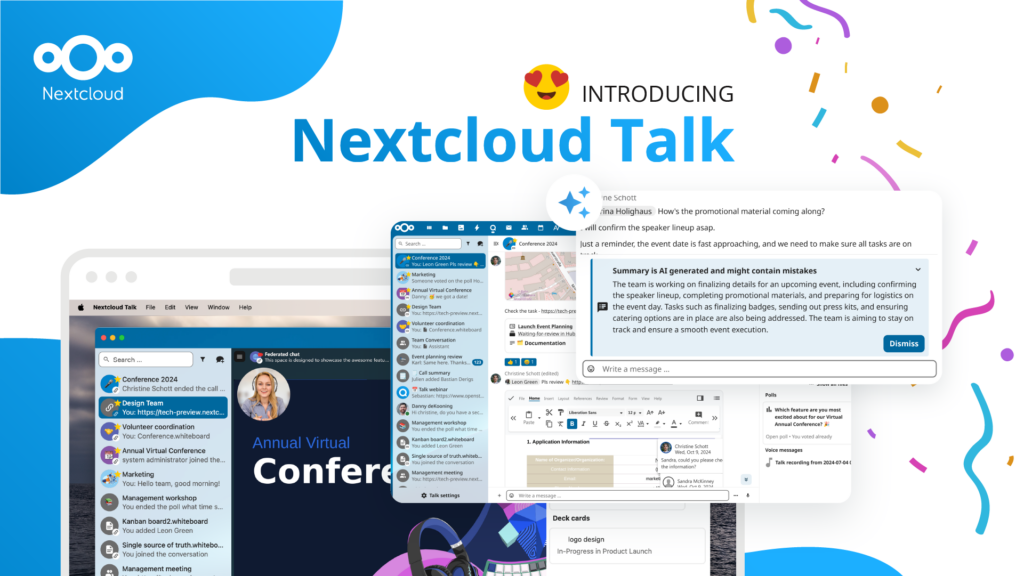
Organisations, small and large, need a way to ensure the resiliency and digital sovereignty of their operations – an open-source, privacy-respecting alternative to Teams. And today, we present that solution - Nextcloud Talk.
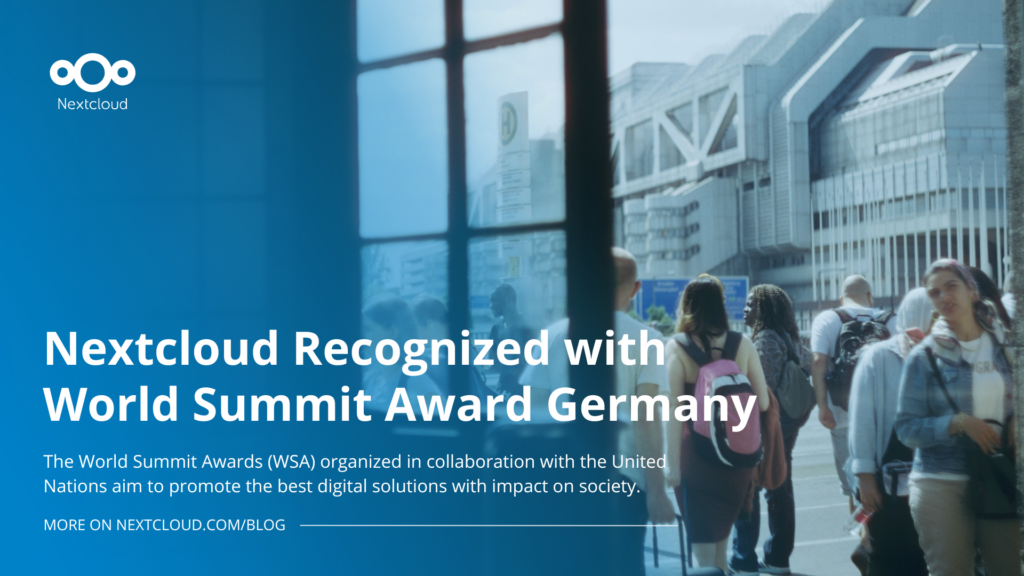
Nextcloud has been recognized with the World Summit Award Germany that selects and promotes local digital innovation improving society, aiming to contribute to the United Nations' agenda of sustainable development goals.
DIE ZEIT, a prominent German outlet, interviewed Nextcloud’s founder Frank Karlitschek for an article on Microsoft’s anti-competitive behaviour on the European office software market. Read for a recap of the article and the key takeaways.
MagentaCLOUD’s migration to Nextcloud in 2021 resulted in a fully equipped Online Storage with an integrated online office suite that further improves the user experience, flexibility and security for customers.
We bring you a major update to the Nextcloud AI Assistant, plus the news we work with several big hosting providers like IONOS and OVHcloud to bring AI-as-a-Service options to you!
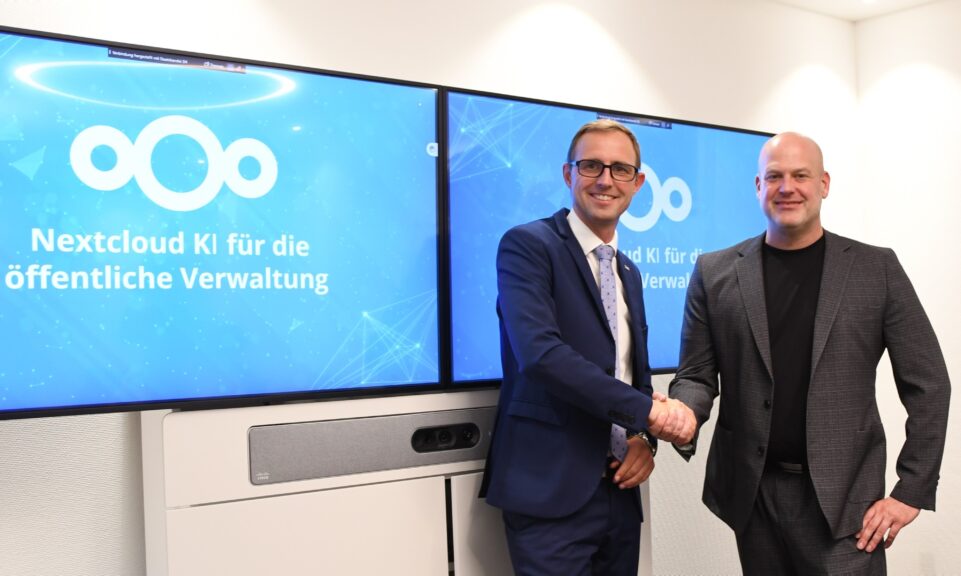
Bechtle and Nextcloud announce today a complete managed collaboration platform for the public sector that requires no tender and can be deployed immediately.
Discover how to make the switch from ownCloud to Nextcloud. Our quick guide provides insights into the migration process, helping you make the transition smoothly.
Today, US-based file sync & share vendor Kiteworks announced their acquisition of ownCloud and Dracoon. Kiteworks points out that their customers now have access to their file-sharing application. It is to be expected they will not maintain 3 similar products, but customers will have to migrate to the US firms’ platform or look for another […]
As part of Schleswig-Holstein's state digitization strategy, the state chancellery has announced they will work with Nextcloud to develop AI for working with government documents. This comes just after we announced the first private AI assistant last weekend with Hub 6. The German state already uses Nextcloud and their AI strategy aligns with our work on ethical, local AI technologies.
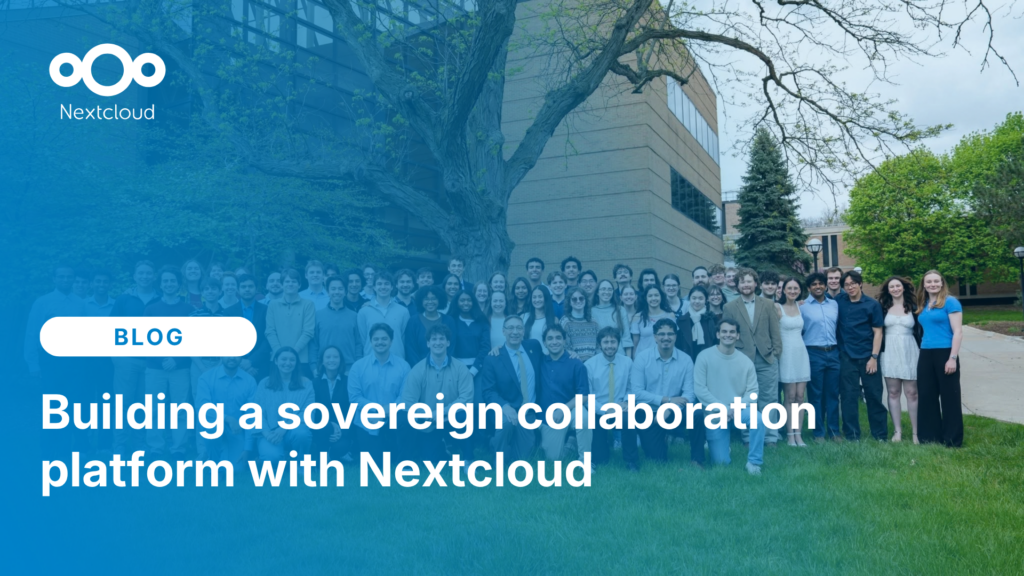
Michigan Tech Aerospace Enterprise migrated from Google Workspace and Microsoft SharePoint to Nextcloud, creating a unified, self-hosted collaboration platform that supports secure engineering workflows, mission coordination, and full control over data and infrastructure.
We save some cookies to count visitors and make the site easier to use. This doesn't leave our server and isn't to track you personally!
See our Privacy Policy for more information. Customize
Statistics cookies collect information anonymously and help us understand how our visitors use our website. We use cloud-hosted Matomo
Service:Matomo
Cookies description:
_pk_ses*: Counts the first visit of the user
_pk_id*: Helps not to double count the visits.
mtm_cookie_consent: Remembers that consent for storing and using cookies was given by the user.
Cookies expiry:_pk_ses*: 30 minutes
_pk_id*: 13 months
mtm_cookie_consent: 30 days