Nextcloud Teams is a team management app in the Nextcloud Hub ecosystem that provides an organizational structure similar to channels and user groups in Microsoft Teams, designed for digital sovereignty and self-organization.
The purpose of Nextcloud Teams app is to streamline team activities within your cloud by setting up group sharing features for various apps like Nextcloud Files, Nextcloud Talk, Nextcloud Deck, and Collectives — all from a single place. It also includes a dedicated Nextcloud Teams Dashboard widget for quick access to team activities, recent files, and active Talk rooms.
What makes it different from casual group sharing? Nextcloud Teams is perfect for your projects and permanent teams, and it can combine users from different groups into any number of teams. Teams can also be created by any authorized user, making work much more flexible and saving the precious time of your admins.
Read on as we explore this hidden gem of Nextcloud Hub that can amplify your team’s productivity and enhance core sharing capabilities.
Nextcloud Teams: How to organize your projects across Nextcloud Hub
Find out if Nextcloud Teams is the right alternative to Microsoft Teams for you.
Any authorized user can create a team to share files, Nextcloud Deck items, Nextcloud Collectives pages, and other Nextcloud Hub items. Nextcloud Teams adds versatility to user management: you can invite not only the users of your Nextcloud, but also federated users from your network, contacts from your address book, and even guest users.
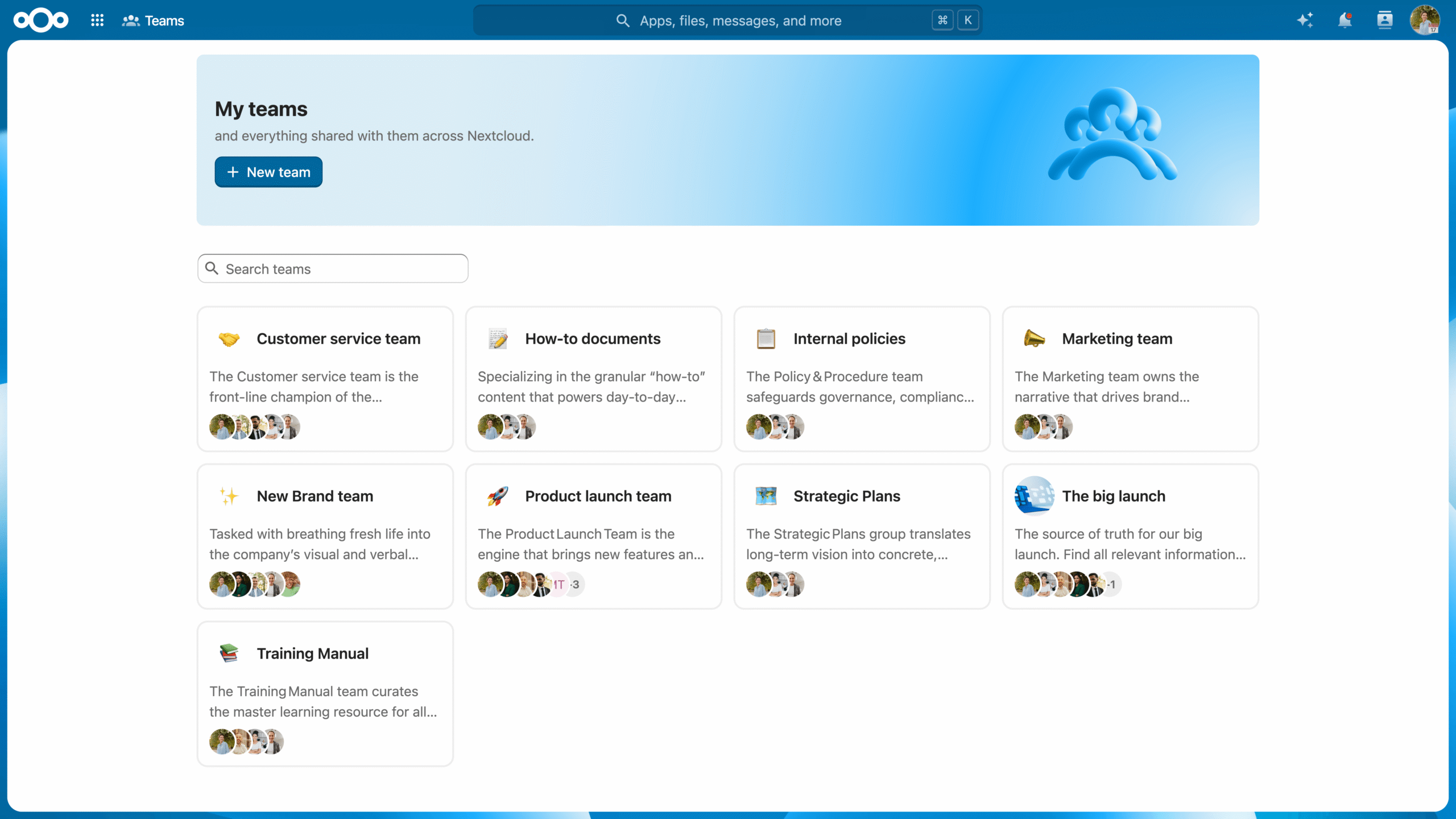
The Nextcloud Teams app gives you an overview of all teams in your Nextcloud and lets you easily create new teams. Each team has its own workspace with a home section which connects files, tasks, knowledge and other resources the team works on.
Creating a team is a simple three-step process:
Create the team and define its sharing and access policies.
Share the relevant resources with the team.
Finally, invite users to join.
You can then configure settings such as:
Invitation policy: Define who can request membership and invite others to the team, whether new members need to accept the invitations, and whether moderator confirmation is needed to accept new members.
Visibility: Make the team publicly visible or private.
Membership policy: Decide if members can participate in other teams.
Password protection for shared files: Set up a password protection policy for teams working with sensitive data by making password protection mandatory, and even set your own unique password for all the shared files.
In Nextcloud teams, you can set fine-grained control, adding an extra layer to rights management. Within a team, users can be simple Members, Moderators, Admins, or Owners (only one per team):
Member
Member has the most basic permissions. They can only access the resources shared with the team and view the team members.
Moderator
Moderator can also invite, confirm invitations and manage the team members.
Admin
In addition to Moderator permissions, an Admin can configure team settings.
Owner
Owner is the highest user rank that, in addition to all other levels of permissions, can also transfer the circle ownership to another member of the circle.
Once a team, always a team!
The real magic of Nextcloud Teams is that it works with the entire Nextcloud Hub. It provides a convenient sharing target across the Nextcloud ecosystem. Once a team is established, you can share resources with its members across different apps, search for teams available to you with the Unified Search feature, and get updates on team activity through the Activity app.
Own resources as a team
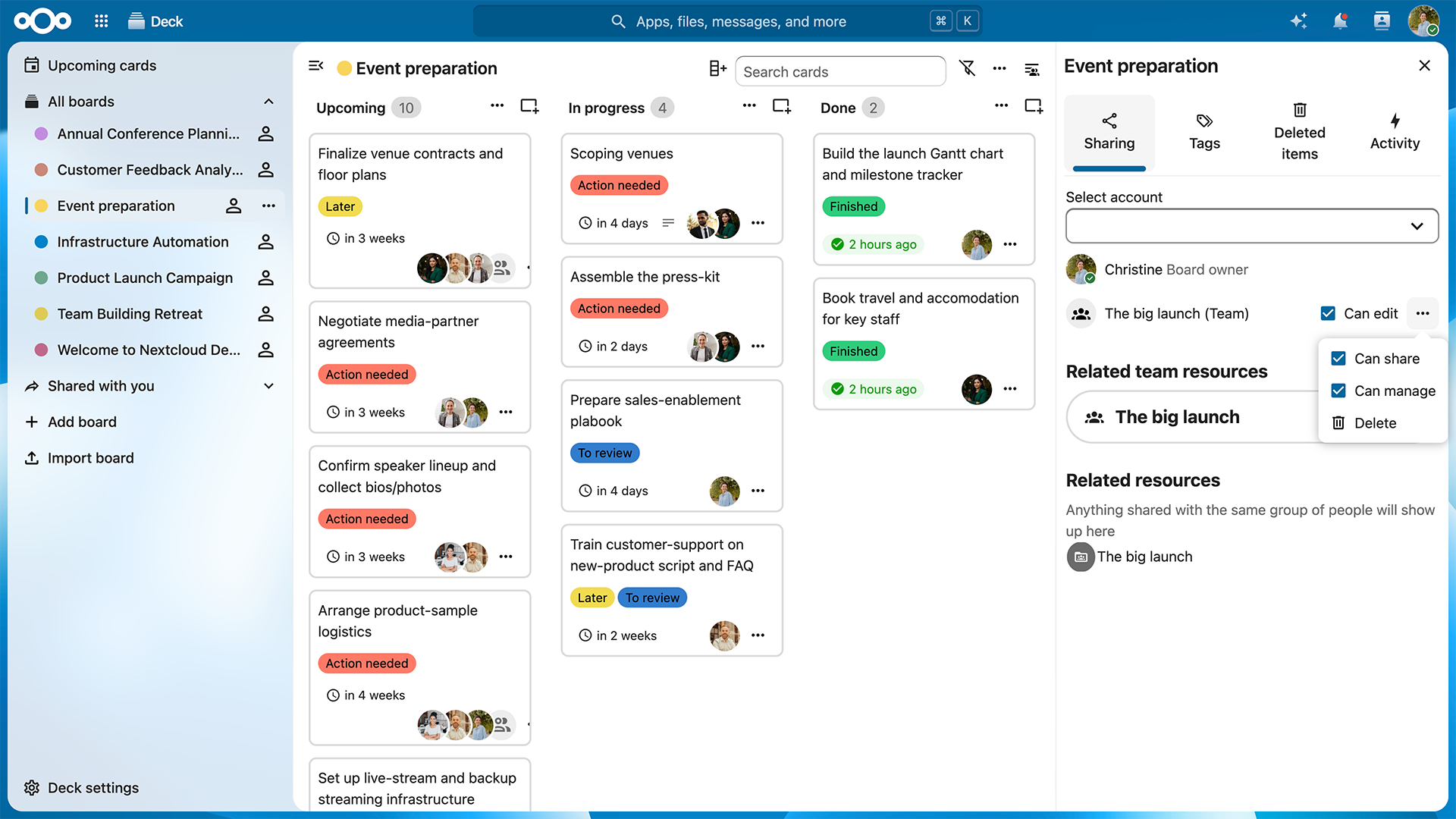
When team resources belong to the team, your project can stay dynamic without dependencies. In addition to team folders, team ownership is possible in Nextcloud Hub apps, starting with Nextcloud Collectives and Nextcloud Deck boards. Now, boards created by the team are owned by the team, not just the creator. Team ownership comes to more apps in the future.
Set up team sharing across apps
Starting a new project, or maybe an internal group of friends? Set up your team and work together in other Nextcloud Hub apps — feels as natural as normal group sharing! To share an item in any Nextcloud Hub app with a team, just search the team name in the Sharing menu and create the share.
What you can share with your team:
Documents, folders and media in the Nextcloud Files app
Collectives pages
Talk rooms
Deck boards and cards
Calendar sharing
Manage team autonomy on the admin level
Nextcloud Teams is a tool to give different teams and projects healthy autonomy. Admins can control the extent of this autonomy by configuring the storage quota for new teams and getting an overview of all teams and their storage usage. The admin setting improvements are expected in the next minor release.
New in Nextcloud Hub 26 Summer: new app, dedicated team workspaces, and admin controls
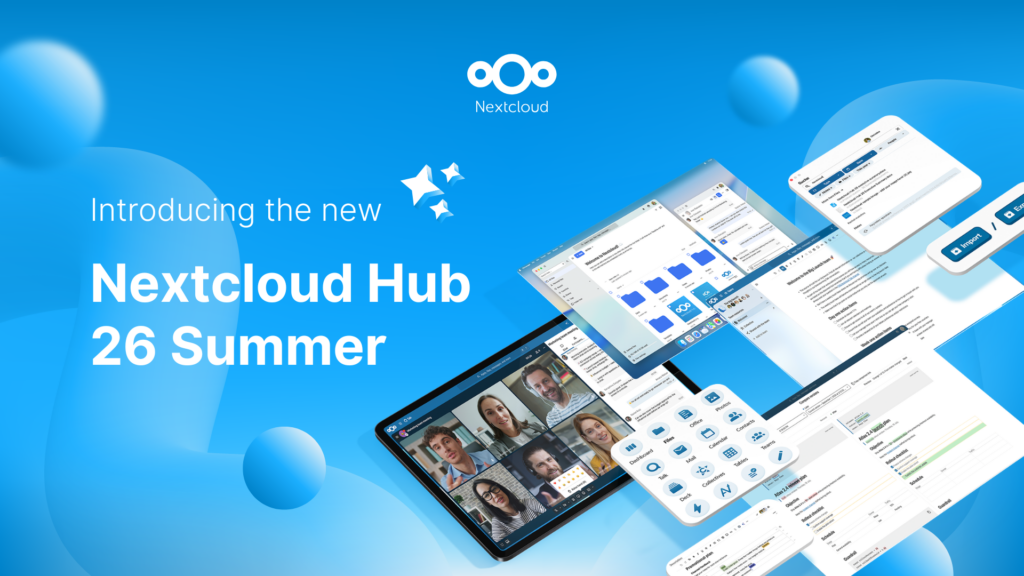
With the recent Nextcloud Hub 26 Summer release, Nextcloud Teams app is accessible with its own icon among other apps. Each team gets own workspace connecting resources from multiple apps for quick access to project files, Deck, related Collectives pages, and more. Admins get more controls too: manageable team quotas, admin endpoints to manage teams, and support for adminsitration of teams via external SCIM and OIDC services.
Boost team management and sharing with Nextcloud Hub
With Nextcloud Teams, you can build a solid collaboration and sharing platform for your organization, integrating team sharing with many other Nextcloud Hub apps like Nextcloud Talk for chats and videoconferencing, Nextcloud Files for file sharing and management, Nextcloud Deck for running projects, and other apps.
If you’re part of a larger organization, take a look at the Nextcloud Enterprise plan. It gives you access to the full Nextcloud Hub product suite combined with the reliability, security, and compliance guarantees needed for critical deployments.
New to Nextcloud? There’s no better time to try it out! Get control over your data today with the most secure open-source collaboration platform.
Creato grazie all'impegno congiunto del nostro team, della community e dei partner, Nextcloud Hub 26 Summer prende forma da chi realmente utilizza i nostri strumenti ogni giorno. Crea lo spazio del tuo team con Nextcloud Teams, organizza i tuoi ricordi nel nuovo Nextcloud Foto e goditi gli aggiornamenti più richiesti in tutte le app. Continua a leggere per una panoramica completa della nostra ultima release!
Nextcloud Hub 25 Autumn semplifica l'avvio di una potente collaborazione con il pieno controllo dei tuoi dati. Dagli aggiornamenti del design globale al miglioramento dell'usabilità e delle prestazioni, scopri la nostra ultima release in questo blog.
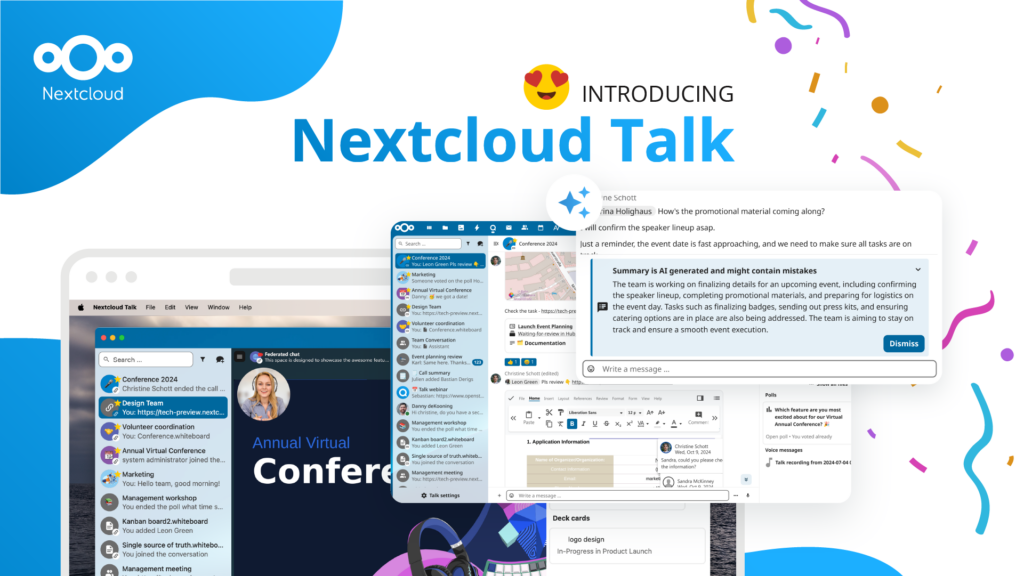
Le organizzazioni, grandi e piccole, necessitano di una soluzione che garantisca la resilienza e la sovranità digitale delle loro operazioni: un'alternativa open source e rispettosa della privacy a Teams. E oggi presentiamo questa soluzione: Nextcloud Talk.
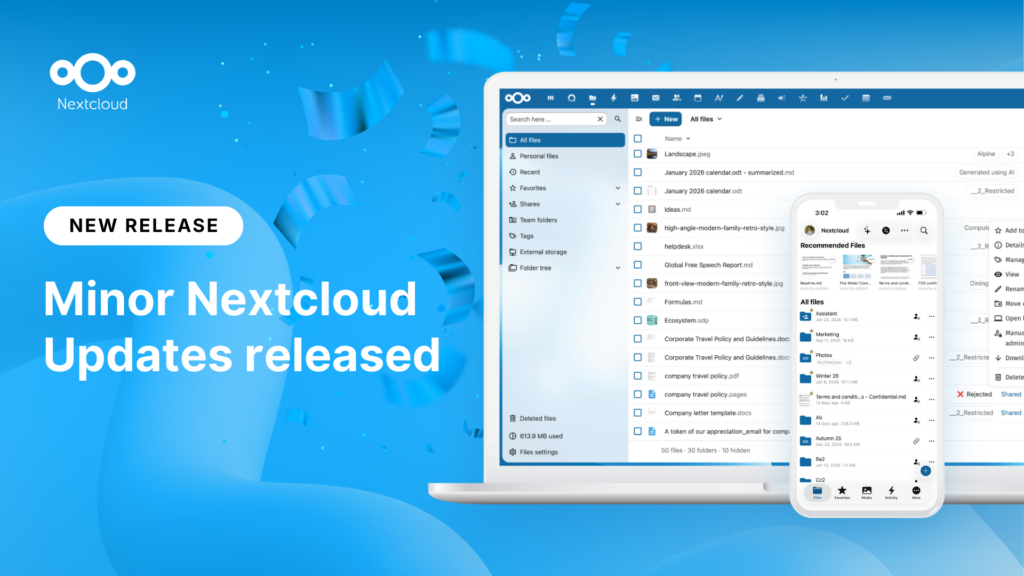
New maintenance updates are available for Nextcloud Hub. Nextcloud Hub 25 Autumn reaches End of Life. Read more in this post or access the full changelog on our website. Keep your server up-to-date!
Michigan Tech Aerospace Enterprise migrated from Google Workspace and Microsoft SharePoint to Nextcloud, creating a unified, self-hosted collaboration platform that supports secure engineering workflows, mission coordination, and full control over data and infrastructure.
Salviamo alcuni cookie per contare i visitatori e rendere il sito più facile da usare. Questi dati non lasciano il nostro server e non servono a tracciare il tuo profilo personale! Per maggiori informazioni, consulta la nostra Informativa sulla privacy. Personalizza
I cookie statistici raccolgono informazioni in forma anonima e ci aiutano a capire come i visitatori utilizzano il nostro sito web. Utilizziamo Matomo in cloud.
Servizio:Matomo
Descrizione del cookie:
_pk_ses*: Conta la prima visita dell'utente
_pk_id*: Aiuta a non contare due volte le visite.
mtm_cookie_consent: Ricorda il consenso alla memorizzazione e all'utilizzo dei cookie dato dall'utente.
Scadenza del cookie:_pk_ses*: 30 minuti
_pk_id*: 13 mesi
mtm_cookie_consent: 30 giorni