
The problems with Big Tech AI data collection: privacy concerns and how to protect your data
AI privacy concerns are growing as Big Tech keeps collecting data. Learn the risks and how privacy-first AI solutions help protect your data.
Read More
The work chat saved us from the email, but who’s going to save us from the work chat? In this article, we discover how your work chat app wears you down, and how Nextcloud Talk’s new features keep group conversations more quiet and focused.
This article is part of the Nextcloud Hub 25 Autumn series.
Like we said in our 10 tips to fight virtual meeting fatigue, some meetings definitely can be a chat. Well, noisy work chats can also get pretty frustrating. At the same time, many people are afraid to miss out on important messages or to come across as unfriendly if they don’t participate.
The constant pressure to remain responsive and stay “always on” contributes to technological overload, which is a known mental health hazard.
Needless to say, in work group chats, the exposure is especially intense. Not only are the pings and updates in the work chat apps distracting, but it’s also easy to get caught in the torrent of conversations once we absolutely have to visit a busy 50-member room.
It is all in design, if you ask us. In the modern remote work setting, chats are inevitable. We can’t always hop on calls, and emails are not agile and real-time enough for a quick conversation. So what’s the way out?
We have an idea: why not make the work chat nice and quiet?
When creating Nextcloud Talk, we asked ourselves: what will help people survive 8 hours a day in a work chat? We believe a chat app should promote a healthy working culture and respond to modern workplace design challenges, such as digital fatigue.
Let’s help you get started on keeping your work chats focused. Below, discover some of the key Nextcloud Talk chat features that keep you in the loop, but gently.
Threads in group chats give you more control over your conversations and keep you focused. They keep side discussions tied to the original message, so feedback and context don’t get lost in the main flow.

Where to find: Start a thread from the + button. Find threads in your conversation list.
With description and title, threads are clearly separated from the rest of the conversation, not letting the discussion get lost.
You can jump to a “Thread view” and see messages others are adding to this specific thread. It can even go multiple levels deep if needed.
You can follow and unfollow threads, and always find them in the threads overview on top right in your conversation list in Nextcloud Talk.
The Nextcloud Talk Home dashboard shows an overview of everything you need before you start: upcoming meetings, new messages, your mentions, and the reminders you have scheduled for yourself. It first opens once you enter Nextcloud Talk, and you can return to it any time by clicking Home at top of your conversation list.

In Nextcloud Hub 25 Autumn, we cleaned up the interface, updated buttons and icons and added colorful graphics to some of the sections at the bottom.
Catch up and prepare for the new day:
Perform instant actions:
Marking a conversation as “Important” will let Nextcloud Talk ignore your “Do not disturb” status for this conversation, so you can rest assured you won’t miss critical communication outside of your normal availability time. Enjoy a day off you deserve!
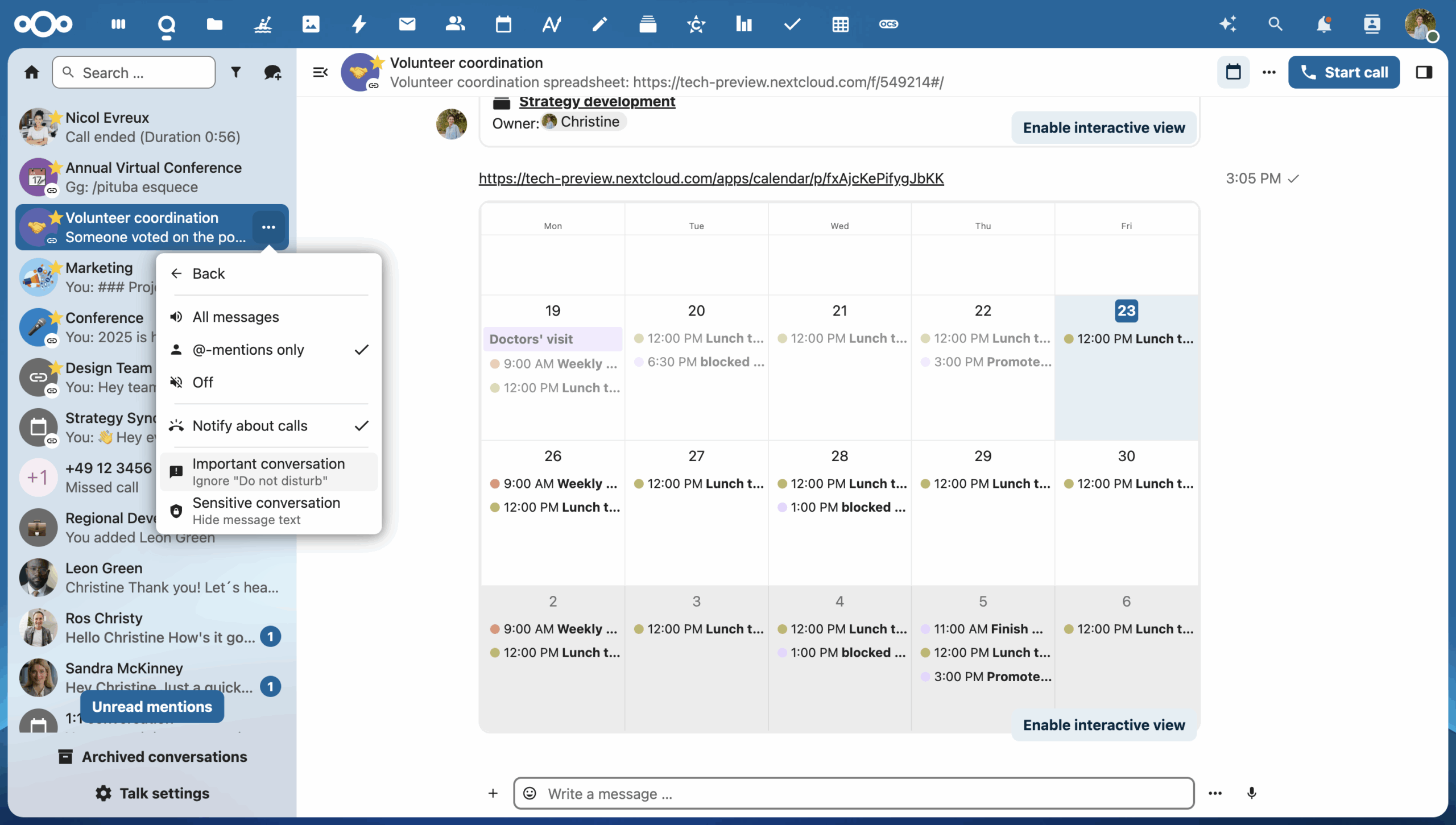
Where to find: Conversation context menu (behind “three dots” icon) → Notifications → Important conversation
To keep your conversation list visually clean and distraction-free, you can hide unnecessary details and message previews with compact mode.
Where to find: Nextcloud Talk Settings → Appearance → Toggle “Show conversations list in compact mode”

When an event is marked as “Busy” in your calendar, your status automatically changes to “Busy” for the time of the event.
How to configure manually: Click on your avatar and choose “Set status”

You can centrally configure an absence period that will also reflect everywhere in Nextcloud Talk and other Nextcloud Hub apps.
Where to find: Nextcloud Settings → Availability → Absence

How Absence setting works in Nextcloud Talk:
In your settings, you can also set daily availability times Nextcloud Hub-wide, which will turn on “Do not disturb” mode outside of your configured working hours, and help others know you are busy.
Where to find: Nextcloud Settings → Availability → Availability

Nextcloud Talk mobile app brings your chats and meetings to your mobile devices, making it easy to access your work chats from anywhere and stay in the loop even when away from your computer. All features and settings we discovered today, like do-not-disturb mode and important chats, work on mobile too. So there’s no need to switch your phone off the grid to avoid unwanted messages and alerts after work.

In the last release, we redesigned the chat interface on iOS, bringing the familiar bubble-style layout to your messenger.
Get the app for your iOS or Android device and start using Nextcloud Talk on the go:
Watch our launch presentation to discover all the new features of Nextcloud Hub 25 Autumn. Wish to experience them first-hand right away? Sign up for an instant trial or get the new version now!

Start your instant trial right away or download the latest version!
AI privacy concerns are growing as Big Tech keeps collecting data. Learn the risks and how privacy-first AI solutions help protect your data.
Read More
Following the overwhelming success of last year’s Nextcloud Summit, Nextcloud is proud to launch its second edition of the Nextcloud Summit, taking place on 9 June in Munich, Germany. During this unique event, we want to address the wider market around digitally sovereign collaboration technology, providing a space for organizations, governments, and experts to connect, […]
Read More
Time to own your data is now. Introducing the new Nextcloud Hub, a powerful open source collaboration platform that puts you in control. Discover improvements in performance, design, and security, and lots of new and improved tools for your daily work and life.
Read More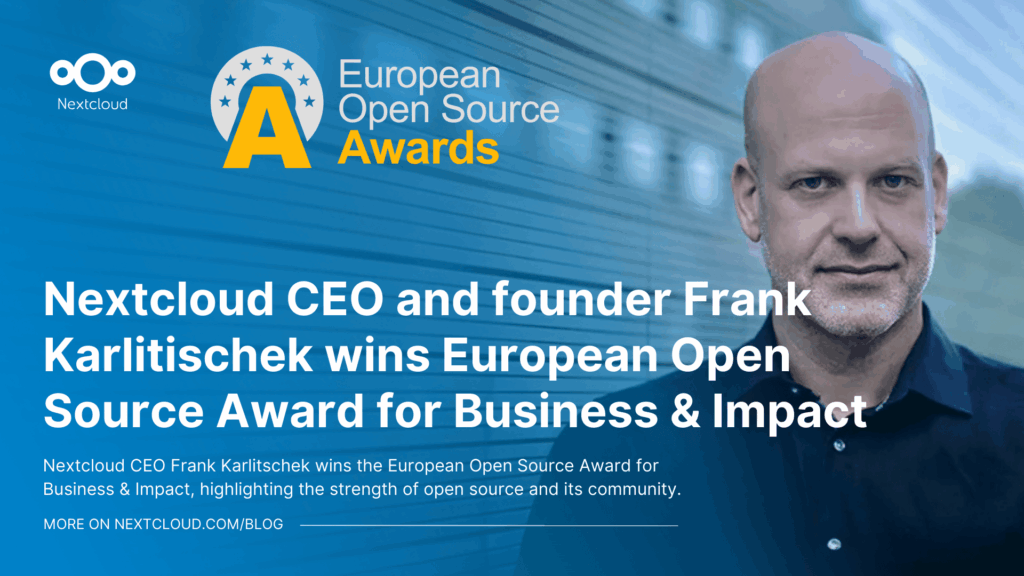
Nextcloud CEO Frank Karlitschek wins the European Open Source Award for Business & Impact, highlighting the strength of open source and its community.
Read More
Looking for a sovereign Microsoft Office alternative? Learn how Nextcloud puts you back in control of your data and online collaboration.
Read More
Nextcloud Hub 25 Autumn makes it easier to get started with powerful collaboration while fully in control of your data. From global design updates to improved usability and performance, discover our latest release in this blog.
Read More
Nextcloud has published its first Digital Sovereignty Index (DSI) to showcase the status of digital sovereign infrastructure.
Read More
Discover the Microsoft 365 alternative by Nextcloud and IONOS: the Nextcloud Workspace office suite, launching in the course of 2025.
Read More
Nextcloud becomes the first cloud software platform to earn the Blauer Engel ecolabel, proving that digitally sovereign and green IT is possible.
Read More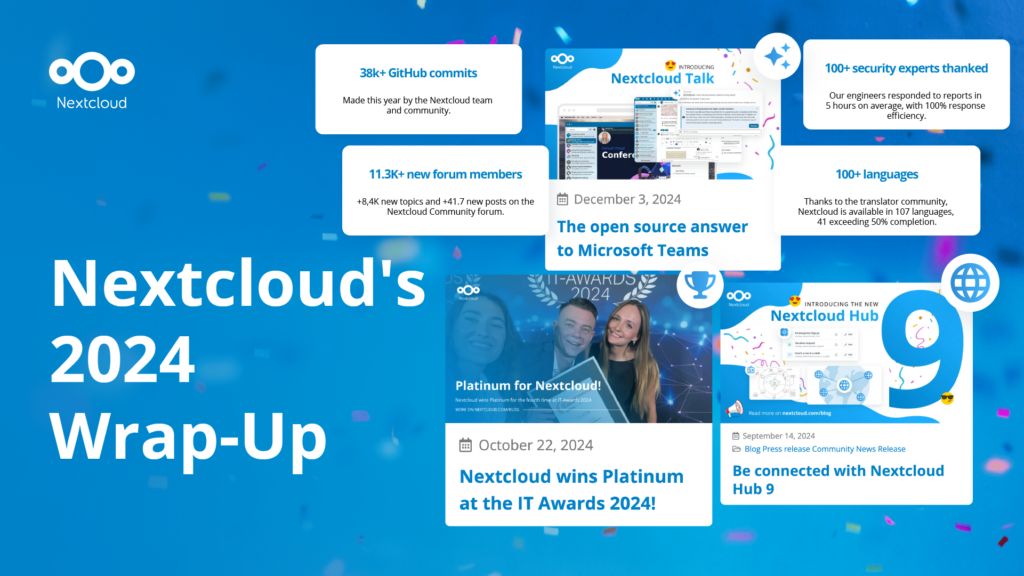
In the Nextcloud 2024 wrap-up, we want to take a moment to celebrate this year's achievements. Join us as we continue to reimagine what’s possible - shaping a world where open source, privacy and connection come together and drive progress for the greater good.
Read More
Organisations, small and large, need a way to ensure the resiliency and digital sovereignty of their operations – an open-source, privacy-respecting alternative to Teams. And today, we present that solution - Nextcloud Talk.
Read More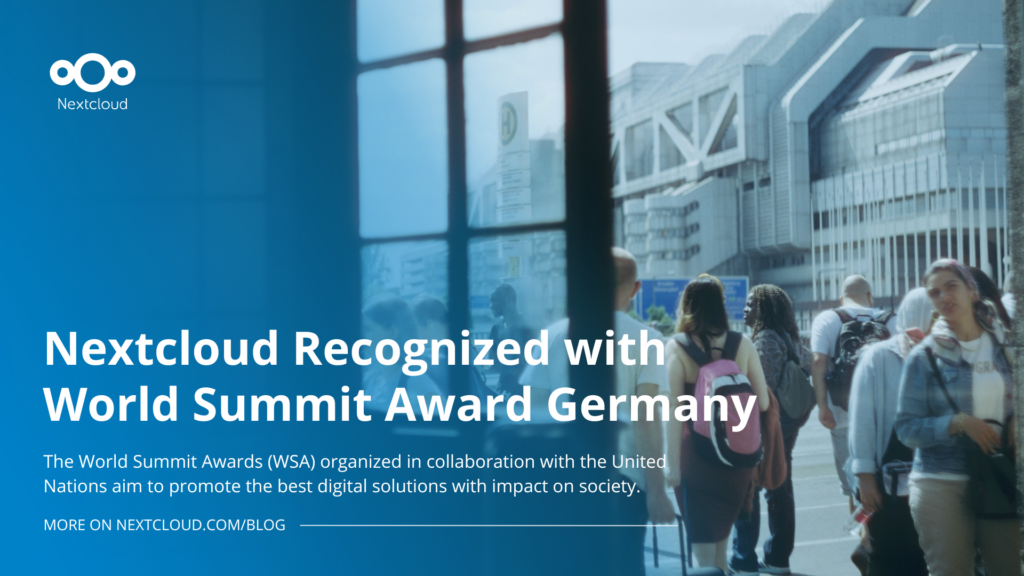
Nextcloud has been recognized with the World Summit Award Germany that selects and promotes local digital innovation improving society, aiming to contribute to the United Nations' agenda of sustainable development goals.
Read More
Nextcloud has been awarded Platinum at the IT Awards 2024. Today, we celebrate this win together!
Read More
DIE ZEIT, a prominent German outlet, interviewed Nextcloud’s founder Frank Karlitschek for an article on Microsoft’s anti-competitive behaviour on the European office software market. Read for a recap of the article and the key takeaways.
Read More
MagentaCLOUD’s migration to Nextcloud in 2021 resulted in a fully equipped Online Storage with an integrated online office suite that further improves the user experience, flexibility and security for customers.
Read More
We bring you a major update to the Nextcloud AI Assistant, plus the news we work with several big hosting providers like IONOS and OVHcloud to bring AI-as-a-Service options to you!
Read More
Bechtle and Nextcloud announce today a complete managed collaboration platform for the public sector that requires no tender and can be deployed immediately.
Read More
Discover how to make the switch from ownCloud to Nextcloud. Our quick guide provides insights into the migration process, helping you make the transition smoothly.
Read More
Today, US-based file sync & share vendor Kiteworks announced their acquisition of ownCloud and Dracoon. Kiteworks points out that their customers now have access to their file-sharing application. It is to be expected they will not maintain 3 similar products, but customers will have to migrate to the US firms’ platform or look for another […]
Read More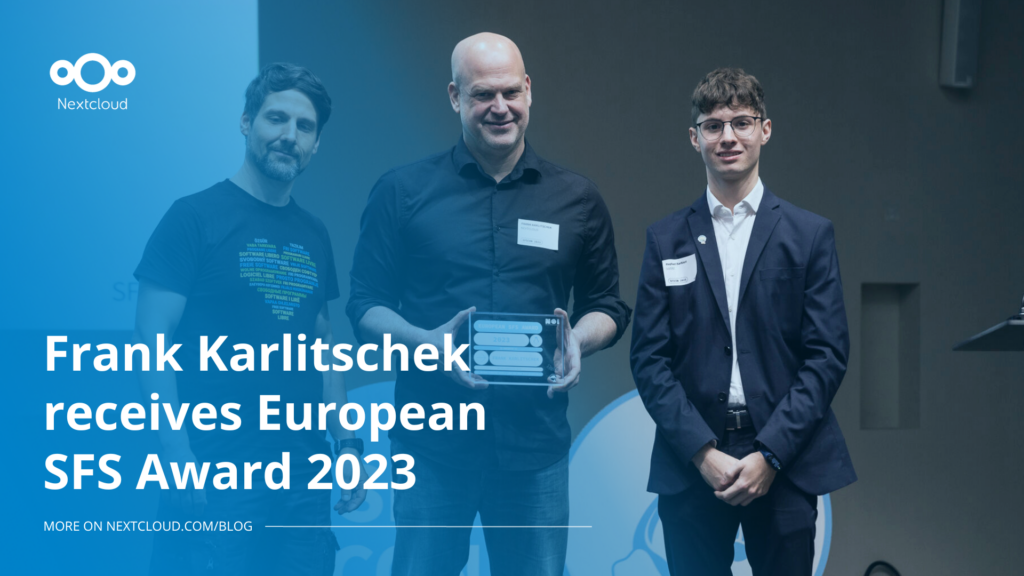
Nextcloud founder and CEO Frank Karlitschek earns the honorary SFS Award at the 20th annual SFSCON taking place in South Tyrol, Italy.
Read More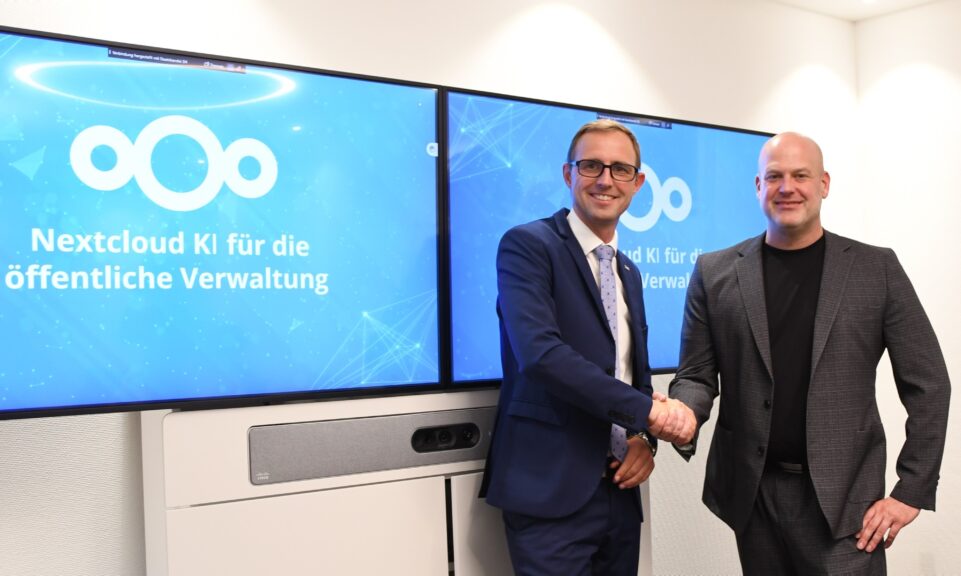
As part of Schleswig-Holstein's state digitization strategy, the state chancellery has announced they will work with Nextcloud to develop AI for working with government documents. This comes just after we announced the first private AI assistant last weekend with Hub 6. The German state already uses Nextcloud and their AI strategy aligns with our work on ethical, local AI technologies.
Read More
Since its mass adoption, AI has become, and still is, a popular and sometimes contraversial topic. Some of it is hype, some is substance. Some is good, some, of course, is bad. We want to give you the good, not the bad, and ignore the hype. In Nextcloud Hub we’ve focused on providing you the […]
Read More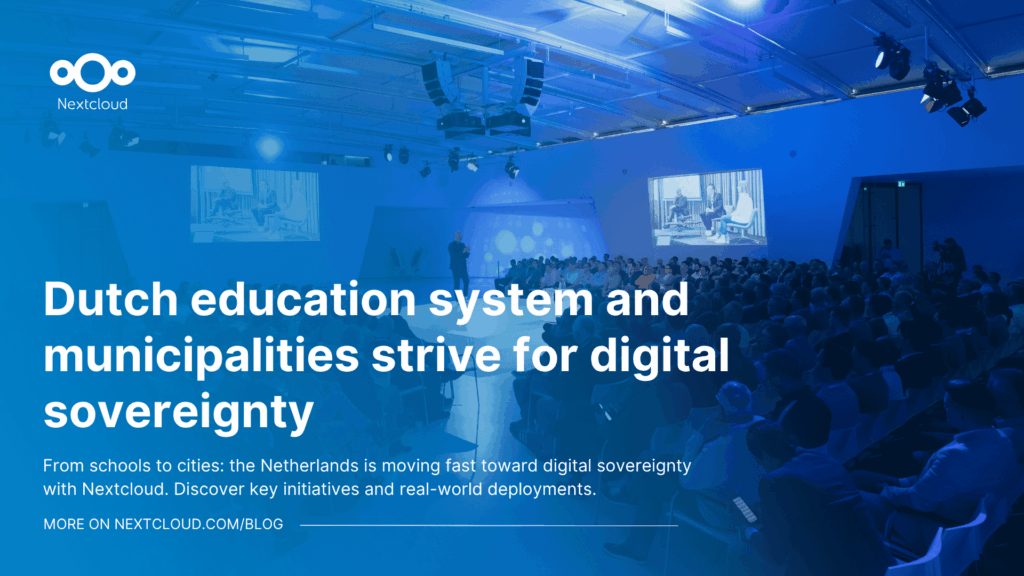
Following two successful Nextcloud Enterprise Days in The Hague in 2025, we brought the event to Utrecht this year, where a massive 750 registrations brought a big crowd to the Jaarbeurs venue. The kickoff in the morning pre-announced the launch of the book “Sovereignty! But how?“ by well-known Dutch IT security journalist and author Brenno […]
Read More
Understand how Nextcloud Ethical AI Rating helps organizations evaluate AI privacy, transparency, and data control in modern AI solutions.
Read More
Looking for a reliable and secure file upload and share solution? Nextcloud File Drop lets you safely upload & transfer files with confidence!
Read More