With Nextcloud 18, we introduced the Flow app. It makes it easy for users to automate some common tasks through an easy, graphical user interface. Read on to understand how it works and how to begin automating your routine already today.
Discover how our four Nextcloud Flow components ensure maximum productivity
Nextcloud Flow consists of four different components: the built-in workflow app, the Open Collaboration Service (OCS) API, Windmill, and Nextcloud Tables.
This article focuses on the capabilities of the built-in workflow app.
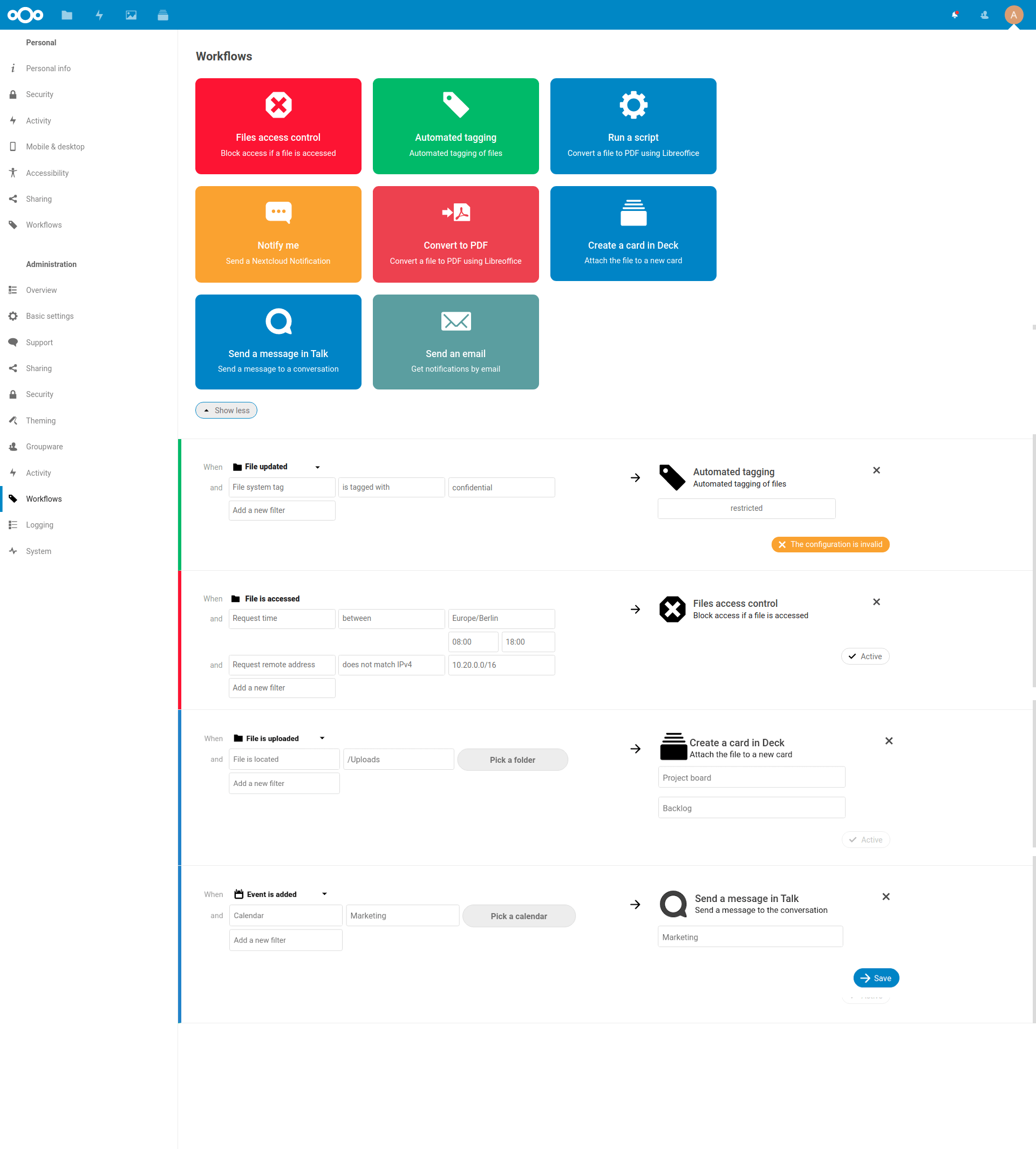
Nextcloud Flow is designed to help you automate tasks. For example, when a file is added to a specific folder, a shared link to the file could be created and sent through Nextcloud Talk into a specified chat room. Or, when a new element (like a file, a chat, or a Deck board) is added to a certain project, you get a notification.
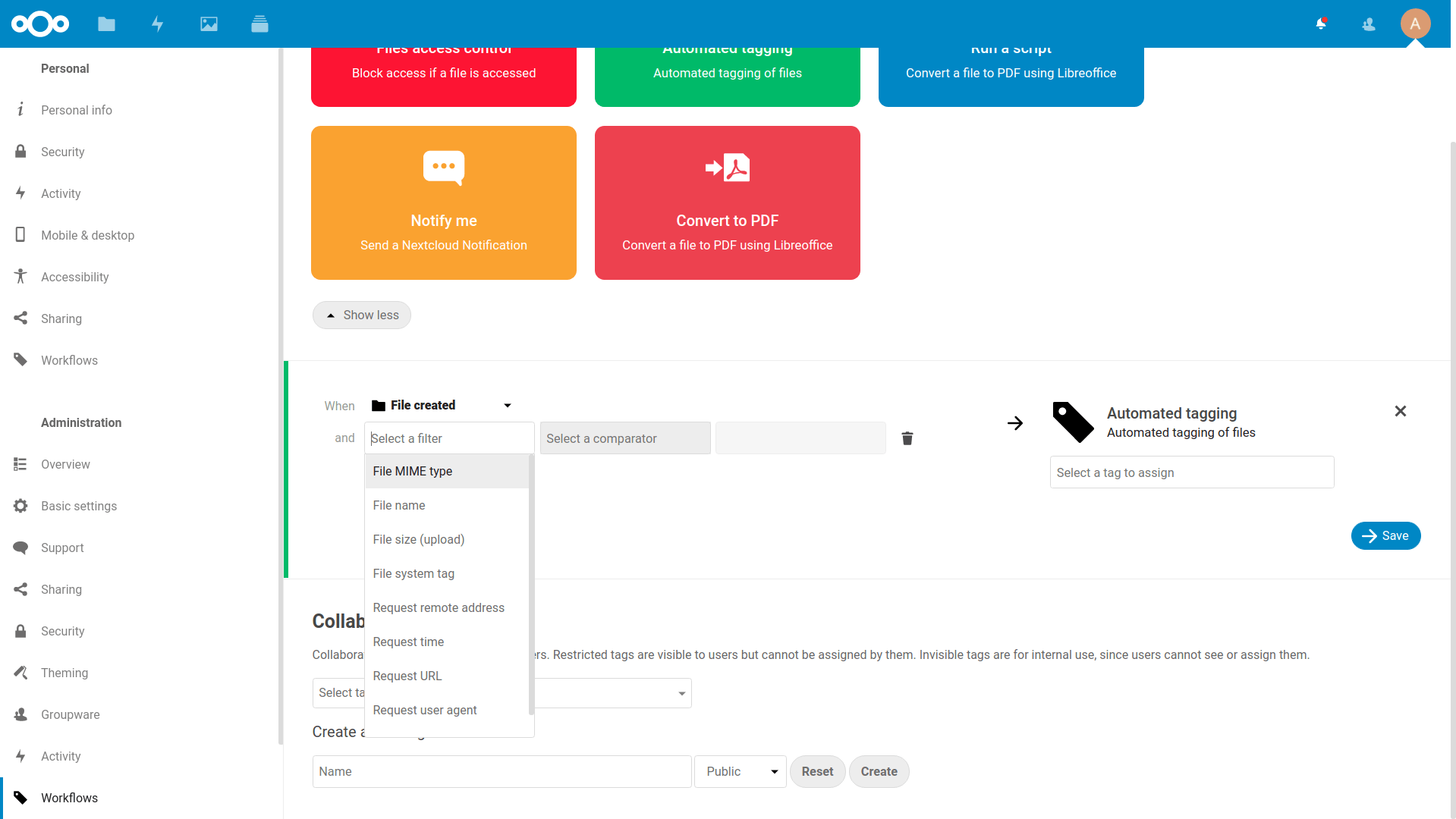
Here is a mockup (based on the current state) of what Nextcloud Flow should look like by release time:
One thing Flow can do is help the workflow of teams collaborating on documents. Think of the approval and review processes, as in this example:
An partner sends a customer order form by mail to a special inbox. The attachments get uploaded to Nextcloud and, because they end in a special folder, are given a specific tag. This tag results in the file getting added as a task card in a Deck board for Team X to process. The chat from Team X notifies them of the arrival of the new task. A team member reviews the form and when done, moves the card to done which automatically adds a ‘reviewed’ tag. This tag results a notification for the manager. Once they adds the ‘approved’ tag, the files are turned into a PDF, then shared via a public link, which in turn is added to a mail that gets send to the partner.
As you see, Flow can go beyond files, tying together the various capabilities of Nextcloud. Through an easy API, Nextcloud applications like Calendar, Mail, Talk, and Deck will be able to provide actions and triggers for users to use. This means that more and more apps will be able to offer integration, so users can configure Nextcloud to respond to a wider range of events with an ever-growing number of actions.
Webinar on Driving digital transformation in local governments: The Nextcloud-powered solution
Discover how local administrations can modernize citizen services, streamline operations with automation and AI, and maintain full control over their data in this practical on-demand webinar.
Flow will be a part of Nextcloud 18. We have just started working on this release, but Flow has been under development for a while already. A first tech preview is available as part of our development version, downloadable as a daily build. Input from users is very welcome, as there is a wide range of capabilities that could be added, and the team is looking for use cases to prioritize. App developers can also get started supporting Flow in their apps! Documentation for Flow will soon be available on our Developer site.
At the Nextcloud Conference this weekend, a workshop will demonstrate how developers can add new capabilities from their apps to Flow.
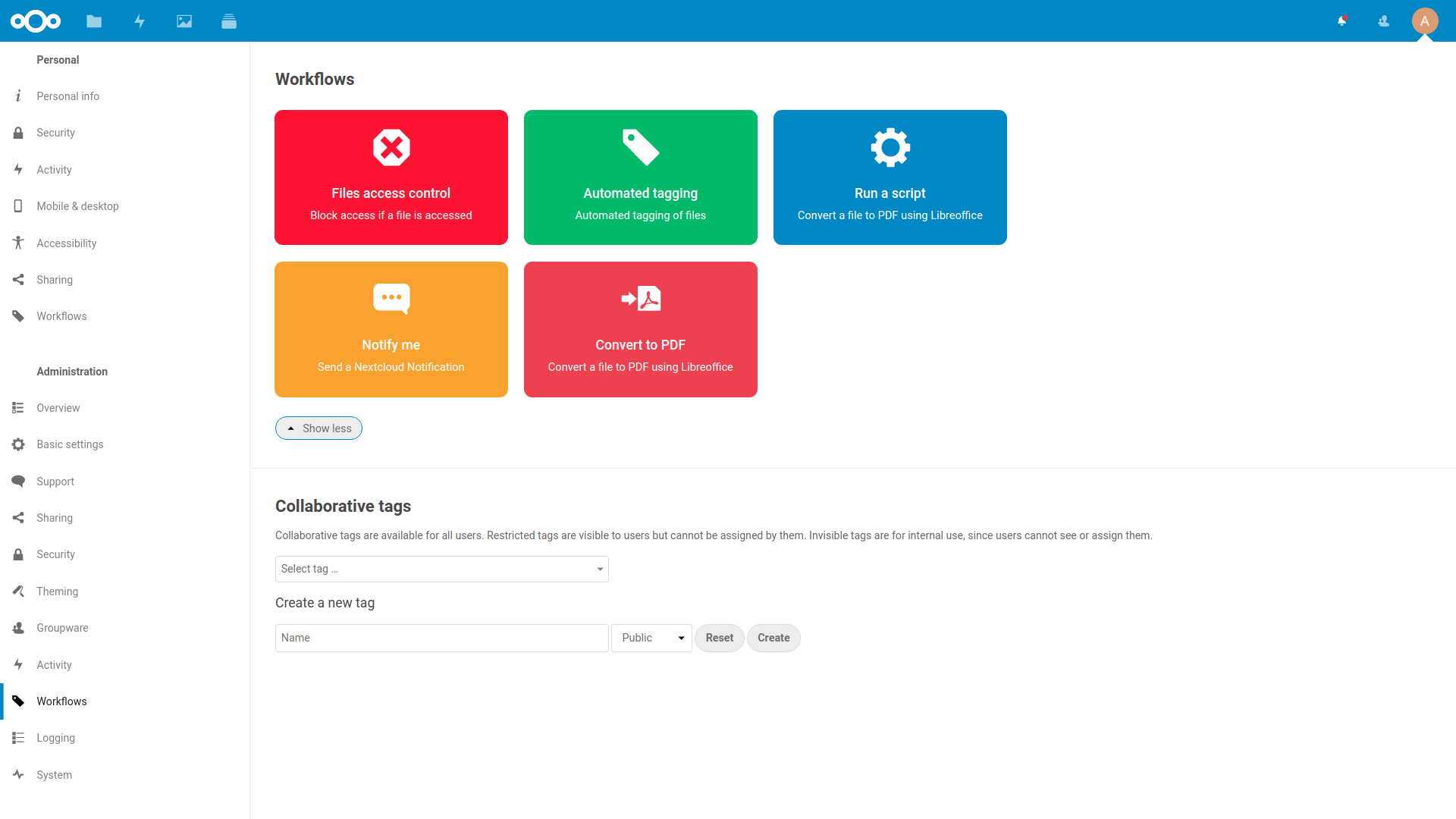
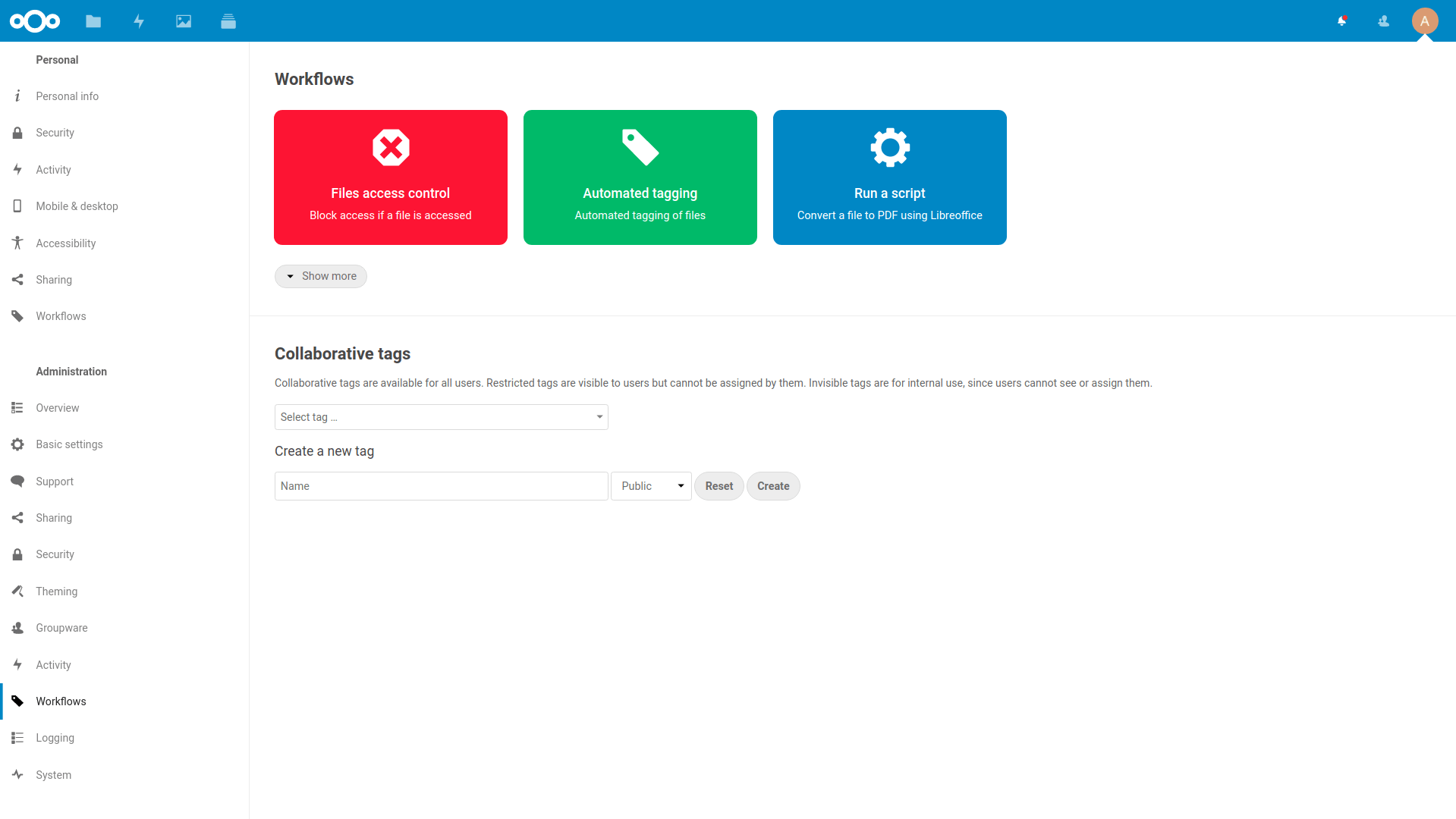
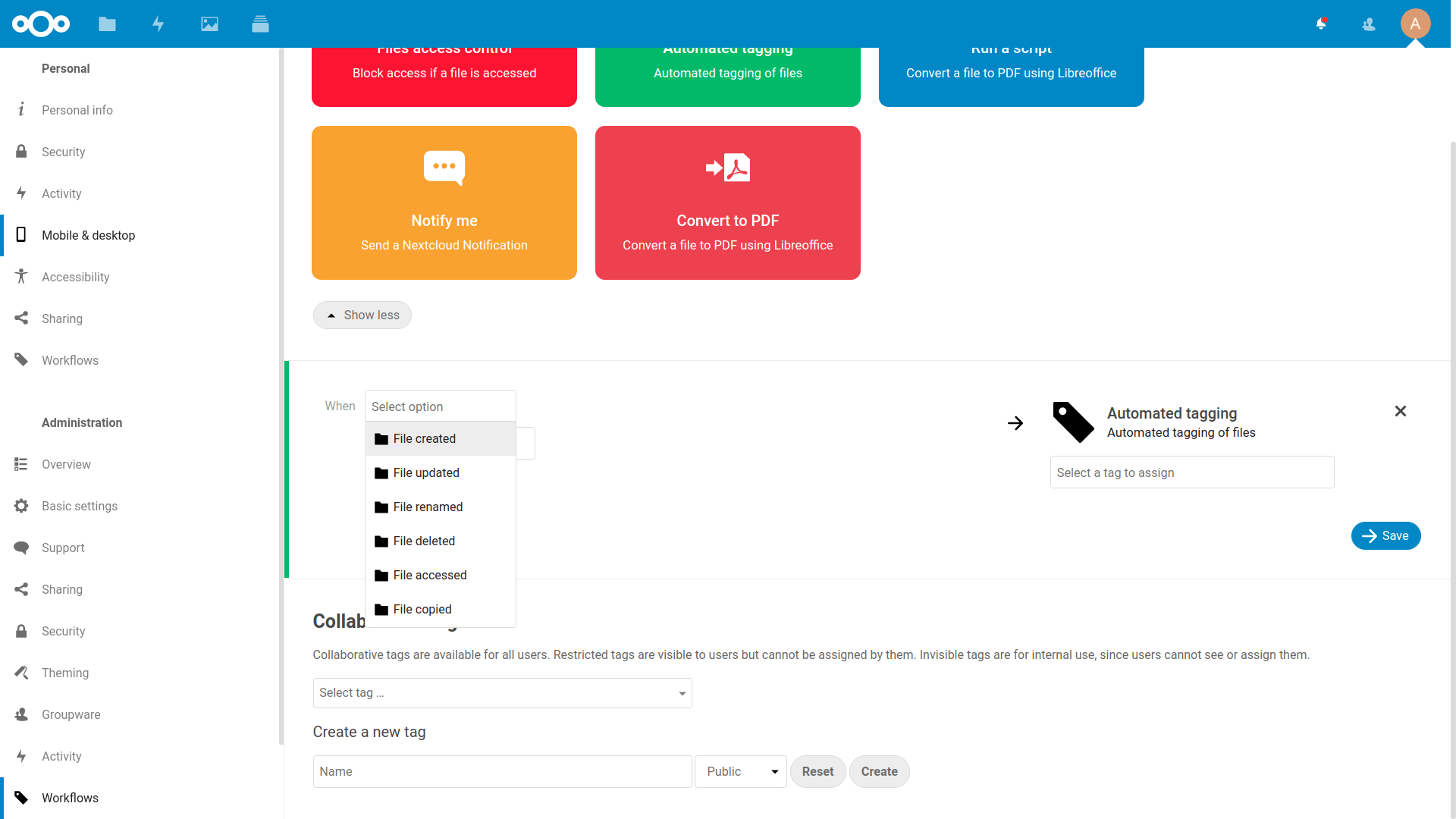
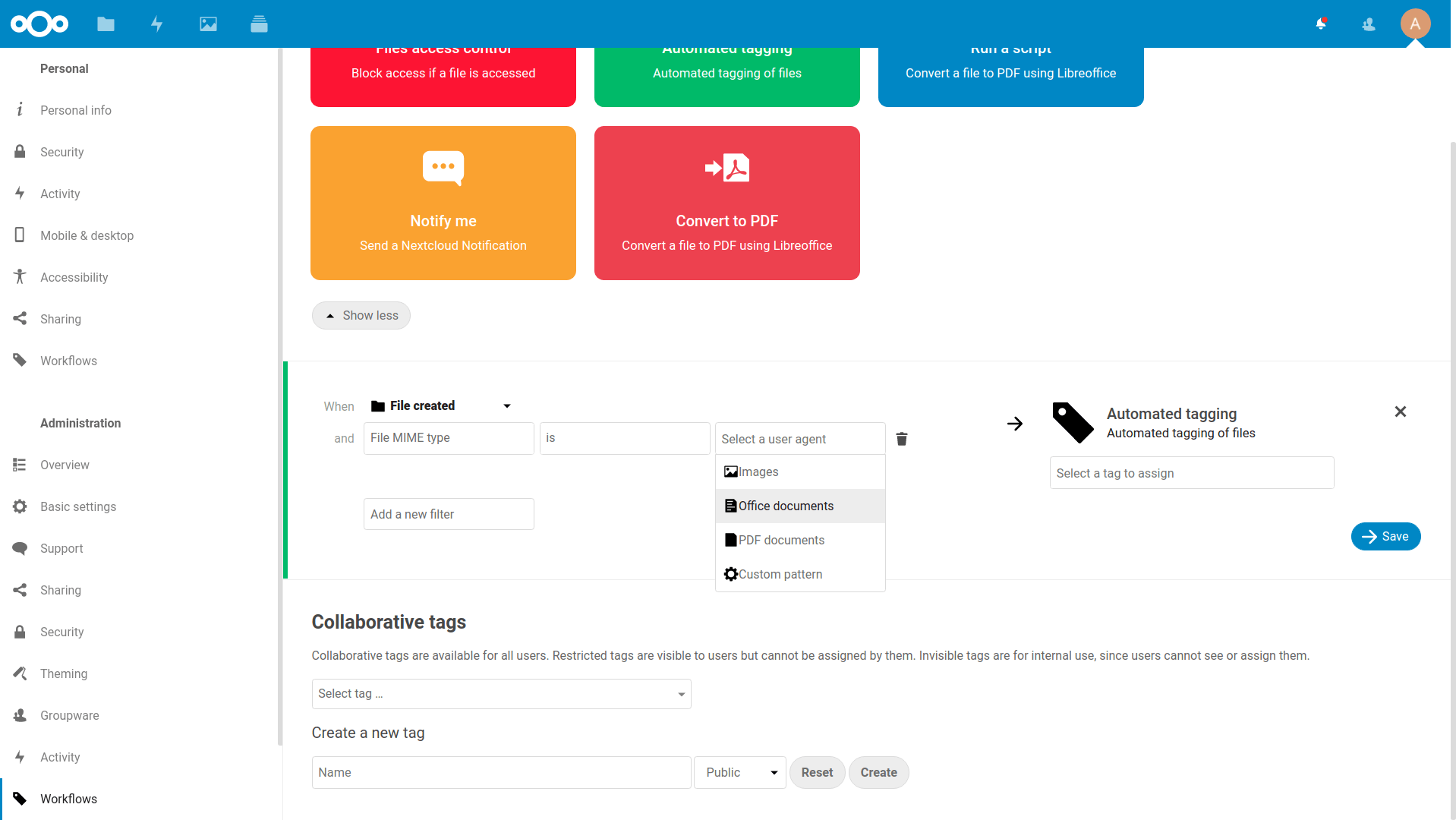
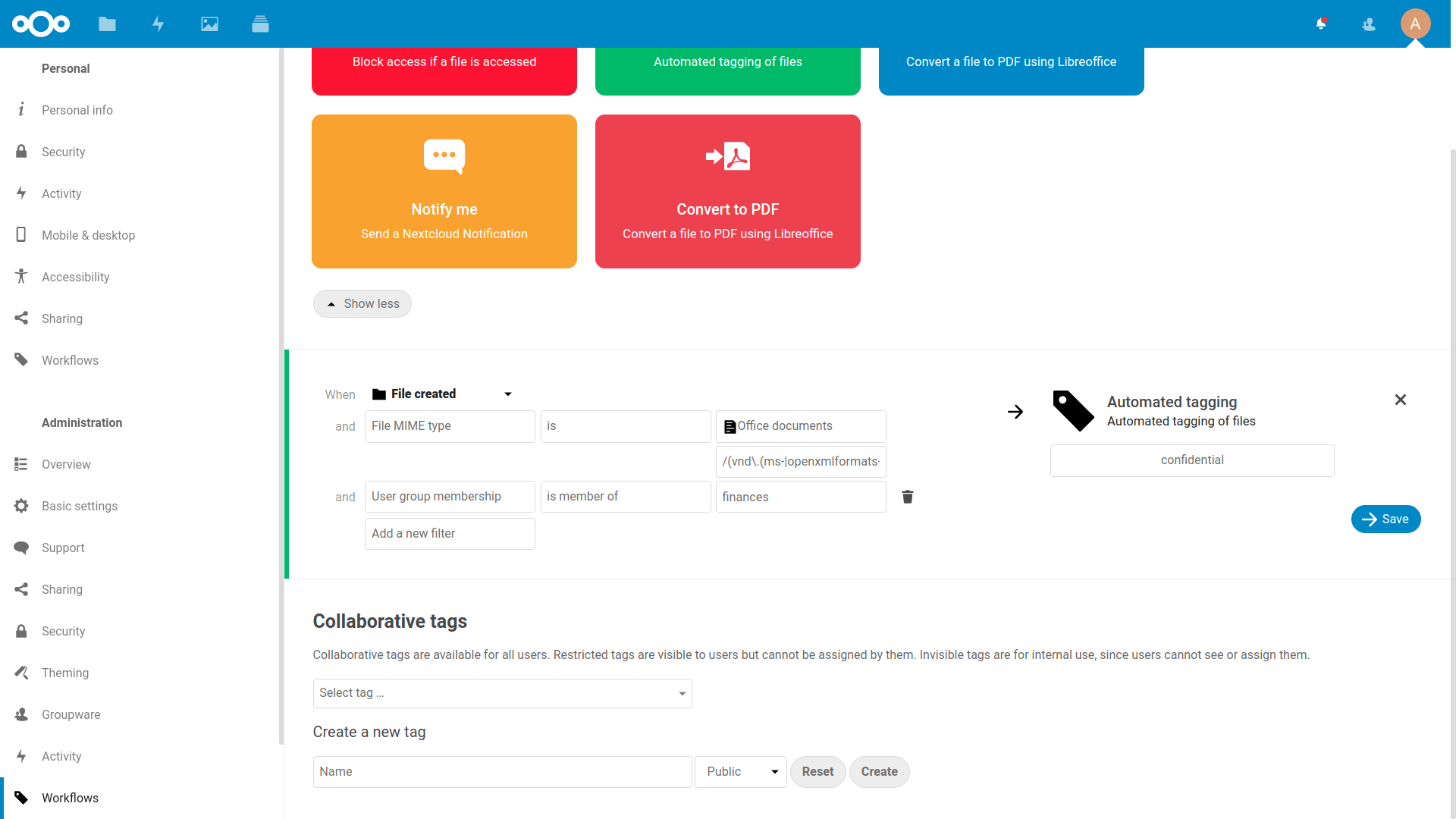
Screenshots of the current state:
Multiple OperationsCreate a workflowSelect Triggering EventAdd check to a ruleDefine mimetype rule with presetsAdditional check and operation optionsFlow screenshots
More news about the Nextcloud Community Conference
Nextcloud 18 was launched at the recent Nextcloud Conference. Want to explore more updates? Here’s all the news from the Nextcloud Conference:
Created in a joint effort of our team, community, and partners, Nextcloud Hub 26 Summer learns from real people using our tools every day. Create your team's own space with Nextcloud Teams, organize your memories in new Nextcloud Photos, and enjoy the updates you asked for across all apps. Read on for a full rundown of our latest release!
You don't need to run Nextcloud to enjoy the Nextcloud Community Conference and take a great deal of value home with you. Let's answer the question: who is the Nextcloud Community Conference for?
We are introducing the Nextcloud ISV Partner Program to support independent app developers through the Nextcloud app store. Read more in this article and get in touch with our team if you want to join the program.
We explore challenges Nextcloud Talk solves that Microsoft Teams can't, uncovering a stronger alternative for organizations that that prioritize digital sovereignty, compliance, and control.
Following two successful Nextcloud Enterprise Days in The Hague in 2025, we brought the event to Utrecht this year, where a massive 750 registrations brought a big crowd to the Jaarbeurs venue. The kickoff in the morning pre-announced the launch of the book “Sovereignty! But how?“ by well-known Dutch IT security journalist and author Brenno […]
Nextcloud Hub 25 Autumn makes it easier to get started with powerful collaboration while fully in control of your data. From global design updates to improved usability and performance, discover our latest release in this blog.
In the Nextcloud 2024 wrap-up, we want to take a moment to celebrate this year's achievements. Join us as we continue to reimagine what’s possible - shaping a world where open source, privacy and connection come together and drive progress for the greater good.
Organisations, small and large, need a way to ensure the resiliency and digital sovereignty of their operations – an open-source, privacy-respecting alternative to Teams. And today, we present that solution - Nextcloud Talk.
Nextcloud has been recognized with the World Summit Award Germany that selects and promotes local digital innovation improving society, aiming to contribute to the United Nations' agenda of sustainable development goals.
DIE ZEIT, a prominent German outlet, interviewed Nextcloud’s founder Frank Karlitschek for an article on Microsoft’s anti-competitive behaviour on the European office software market. Read for a recap of the article and the key takeaways.
MagentaCLOUD’s migration to Nextcloud in 2021 resulted in a fully equipped Online Storage with an integrated online office suite that further improves the user experience, flexibility and security for customers.
We bring you a major update to the Nextcloud AI Assistant, plus the news we work with several big hosting providers like IONOS and OVHcloud to bring AI-as-a-Service options to you!
Bechtle and Nextcloud announce today a complete managed collaboration platform for the public sector that requires no tender and can be deployed immediately.
Discover how to make the switch from ownCloud to Nextcloud. Our quick guide provides insights into the migration process, helping you make the transition smoothly.
Today, US-based file sync & share vendor Kiteworks announced their acquisition of ownCloud and Dracoon. Kiteworks points out that their customers now have access to their file-sharing application. It is to be expected they will not maintain 3 similar products, but customers will have to migrate to the US firms’ platform or look for another […]
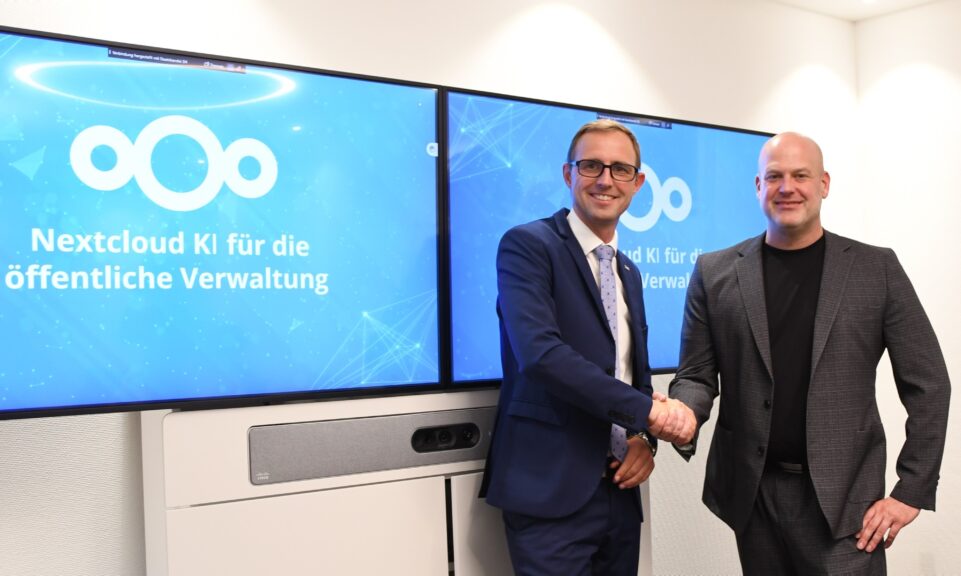
As part of Schleswig-Holstein's state digitization strategy, the state chancellery has announced they will work with Nextcloud to develop AI for working with government documents. This comes just after we announced the first private AI assistant last weekend with Hub 6. The German state already uses Nextcloud and their AI strategy aligns with our work on ethical, local AI technologies.
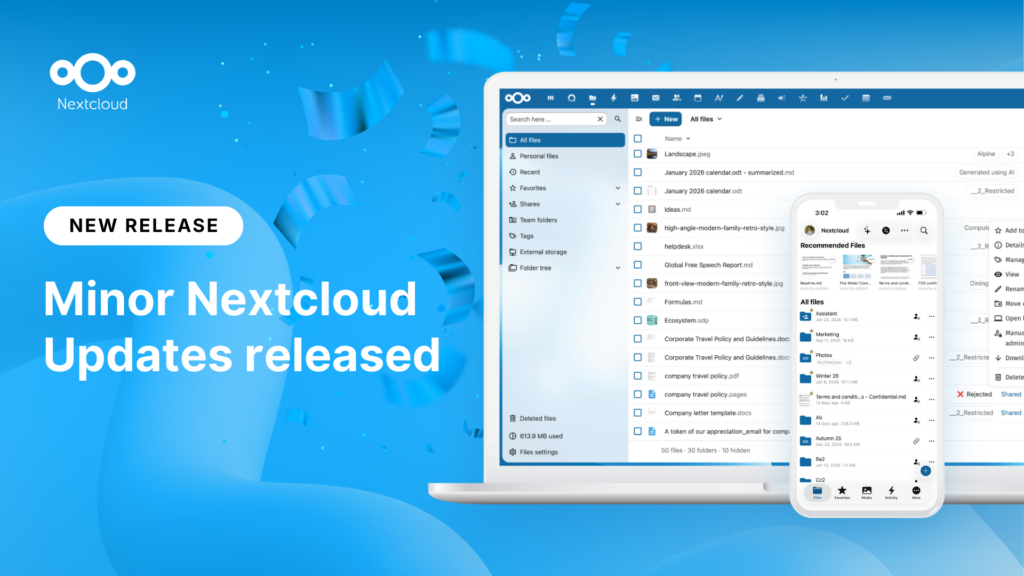
New maintenance updates are available for Nextcloud Hub. Nextcloud Hub 25 Autumn reaches End of Life. Read more in this post or access the full changelog on our website. Keep your server up-to-date!
A new evolutionary step for Nextcloud Circles, Nextcloud Teams app is a hidden gem that amplifies your team sharing. Read this blog to learn everything about the app.
We save some cookies to count visitors and make the site easier to use. This doesn't leave our server and isn't to track you personally!
See our Privacy Policy for more information. Customize
Statistics cookies collect information anonymously and help us understand how our visitors use our website. We use cloud-hosted Matomo
Service:Matomo
Cookies description:
_pk_ses*: Counts the first visit of the user
_pk_id*: Helps not to double count the visits.
mtm_cookie_consent: Remembers that consent for storing and using cookies was given by the user.
Cookies expiry:_pk_ses*: 30 minutes
_pk_id*: 13 months
mtm_cookie_consent: 30 days