AI technology has become too useful and accessible to ignore, so more and more users make the choice to sacrifice tomorrow’s privacy for the sake of an excellent result today.
At Nextcloud, we believe that everybody deserves privacy. We released the first open-source AI assistant that is hosted where you want it to be. It can get a multitude of tasks done inside your content collaboration platform without compromising your data: in content writing, mail communication, team chats, and more.
Introducing Nextcloud AI Assistant
Nextcloud AI Assistant is a capable and versatile tool that enhances your work throughout Nextcloud Hub to keep writing, communication, and other productivity tasks simple and low effort.
Unlike other AI-powered content collaboration tools, Nextcloud doesn’t share your data with a third-party technology provider to train the core AI model. This means that all data you work with, including documents, emails, chats, and more, stays yours.
How do we accomplish that?
We build the AI Assistant using a flexible, solution-independent approach which gives you a choice between multiple large language models (LLM) and services. It can be fully hosted within your instance, processing all requests in-house, or powered by an external service. This enables unmatched capabilities of language processing across various use scenarios with control of what is running behind your instruments and how. And importantly, you can have a 100% open-source assistant.
Nextcloud AI Assistant features are available in the main Nextcloud Hub navigation to help you with quick text tasks. In some apps, for example Nextcloud Text, Nextcloud Mail, and Nextcloud Talk, you even have app-specific actions.
If you want to read about other AI tools available in Nextcloud, we welcome you to read the AI features overview or visit our documentation portal.
Quick access from your navigation bar
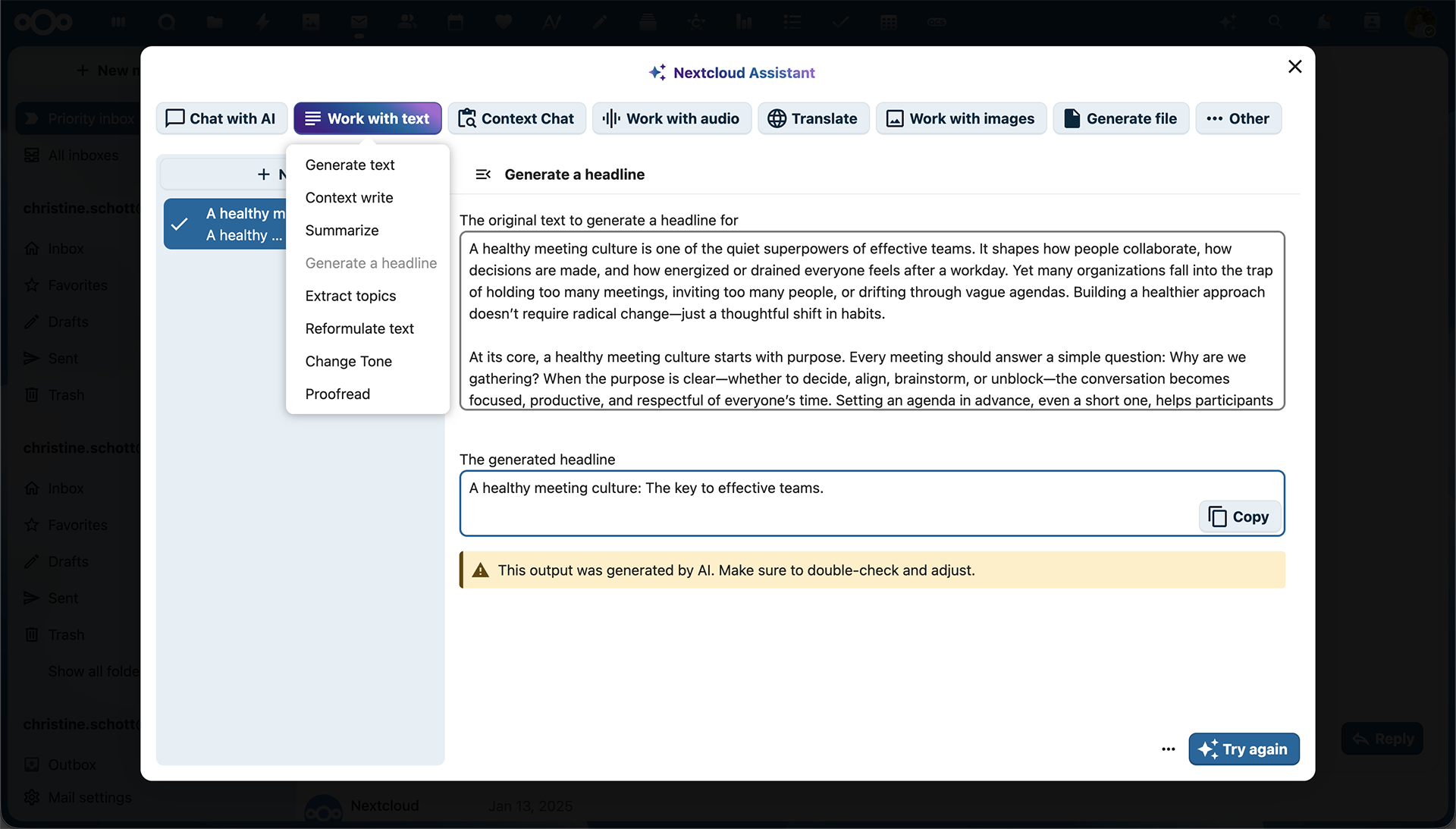
Whatever you are working on, Nextcloud AI Assistant is only one click away. Should you need any help with a small task like generating a headline, paraphrasing a text, or translating a sentence, just click on a ✨ icon on the top right corner of the main navigation and give the Assistant its input.
More and more tools are tools are supported with every new version of Nextcloud Hub. Make sure to check out the Nextcloud Hub 25 Autumn release blog to find the latest features!
Chat with Nextcloud Assistant
Nextcloud Assistant becomes even more convenient with a chat interface, where you can give prompts and ask questions in a dialog format. It will remember your conversations, making interactions more natural and smooth. Chat about your day, work on the next press release, or proofread your social media posts. All locally on your server and without any data leaks!
Ask it about your own assets
You can ask Nextcloud Assistant about your own data with Context Chat. Nextcloud Assistant can access data from different apps, for example, Nextcloud Files, Nextcloud Collectives, and even the Analytics app.
It answers questions about your documents and assets, or finds items across your apps, like your files. You can manually define the scope and even limit it to a specific folder or file for more precision.
AI agent features: ask it to perform actions for you
AI agent features make Nextcloud Assistant even more like your personal assistant. For example, you can ask it to create a calendar event, send a chat message in Nextcloud Talk, or check the weather for you.
Or perhaps something more complex?
For example, look for a conversation with a colleague in Nextcloud Talk, find what document you promised to create for them, and ask Nextcloud Assistant to generate a template for it to help you get started on the task.
You can find more details about setting up and using AI agent tools, as well as all currently supported actions, in the documentation.
Writing help and text generation tools
With the help of the AI Assistant, Nextcloud Text has you covered when it comes to perfecting your writing and text composition. The tool is also available right in the editors in Nextcloud Office apps, freeing you from distractions and extra tab journeys.
Some examples of available “work with text” features:
Generate a text or headline from the text
Summarize
Reformulate
Change tone
Proofread
File generation: documents, presentations, spreadsheets, and PDFs
Using a simple prompt, you can generate documents, spreadsheets, presentations, and even PDFs with AI. For instance, make a spreadsheet for your next product meeting, or get a quick overview of all your support tickets. Give it a rough idea or outline of a presentation and it’ll create a great start for you.
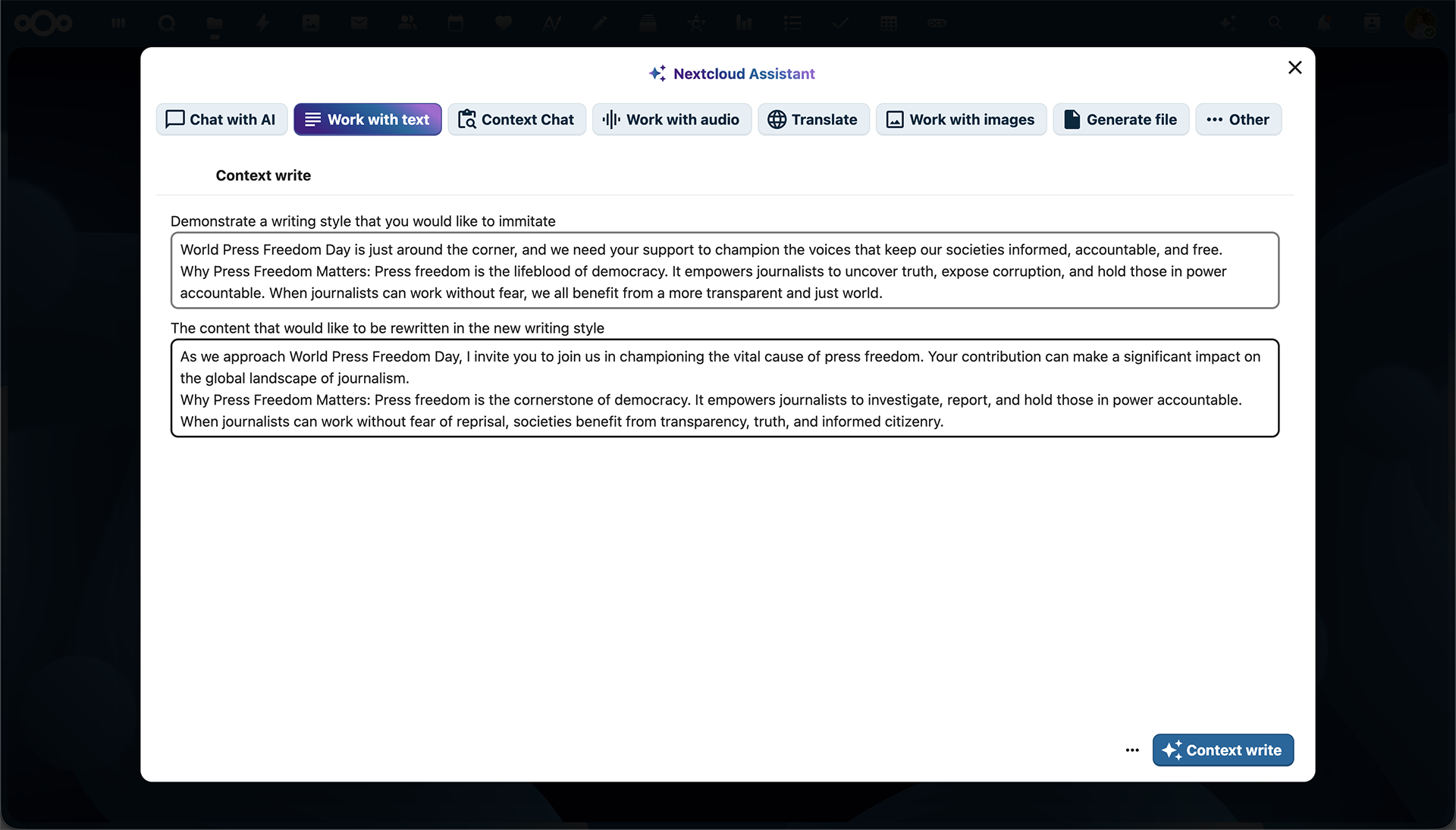
Texts written your way with Context Write
Context Write is another feature of Nextcloud Assistant, powered by context awareness. It can derive context from existing files to convey their unique tone, wording, and even structure to create new texts with the data you provide.
Tell Nextcloud Assistant about your working experience and give it a nice CV file, and it will create a custom CV for you. Share meeting notes of a discussion, or the transcript generated from a video call in Talk, as well as a report that looks like the one you would like to create. The Assistant goes to work and creates a report similar to your reference.
Now review it, and done!
Translate with AI
AI translation is available directly from the Nextcloud Assistant menu. Translation options are now almost limitless, as we added support for hundreds of languages that the app can detect, read, and translate to.
Summaries, replies and reminders in Nextcloud Mail
The Nextcloud Assistant summarizes bulky email threads for you, so you save a hefty amount of time when searching back in your conversations in Nextcloud Mail. All given tasks, suggestions, and questions are displayed in a clear and concise way, so you get an accurate idea of the whole history of communication.
Nextcloud Assistant also generates quick reply suggestions to your incoming emails based on the email texts, letting you quickly respond to them.
Nextcloud Assistant can also check emails to see if the sender expects a reply: If it determines an email needs a follow-up, it will place it in a Follow up section to make sure you don’t forget!
Need help with the answers? Summon the Assistant from the top toolbar to write a response according to your parameters or improve your writing.
Automatic event creation in Nextcloud Calendar
You can create Calendar events from your emails right in the Nextcloud Mail app. Nextcloud Assistant will automatically generate event titles and descriptions, and even the event agenda. No more going back and forth to set up meetings and reminders!
Smart communication in Talk
Nextcloud Assistant is integrated seamlessly into Nextcloud Talk. We designed it to augment your work conversations and help your team in brainstorming, planning, and clearly expressing ideas.
First and foremost, the Assistant will make sure your discussions flow freely with the ability to translate messages, write texts, and generate images and stickers as you chat. Some of those features are available through Smart Picker (type “/” and see the magic!).
Conversation summaries
Nextcloud Assistant can get you a chat summary when you have a lot of unread messages, so you can catch up quickly. It can also create call transcripts for you and summarize your recorded calls automatically based on those transcripts.
Live transcriptions in meetings
Enable AI-powered transcriptions in Nextcloud Talk meetings to make speakers easier to follow, or watch the call in silence whenever you need to turn off the sound.
Quick actions in Nextcloud Files
Ask the Assistant to summarize your documents or get transcripts of audio files directly from your file’s context menu.
Processing data completely on your server
In everything we do, Nextcloud commits to transparency and trust. Working hard to combine comfort with responsible handling of your data, we made all core AI apps in Hub, including the Nextcloud AI Assistant, fully open-source and running locally on your server. All so you can use it for your private tasks or integrate AI into your business without selling your data to Big Tech.
Your data belongs to you, and not a single bit of information is shared with a third-party provider to improve performance, study user behavior, or train an AI model.
You may still want to use popular services like ChatGPT and Dall-E, and we are giving you the freedom to do so in Nextcloud. Before making your decision, you can refer to the Nextcloud Ethical AI Rating to find out more about how available AI apps in Nextcloud handle your data and estimate the risks related to code availability, deployment options, and access to training data.
We, of course, encourage everyone to use open source, ethical AI models in their work.
Sovereign AI-as-a-Service
We have been working closely with several major European hosting companies, including IONOS, OVHcloud, and PlusServer, to integrate their upcoming AI-as-a-Service solutions. This will make them available to Nextcloud customers and users who wish to take advantage of the advanced AI functionalities in Nextcloud Hub but don’t wish to host AI services themselves.
The future: Dedicated AI for the public sector and more
AI is a quickly developing field. One technology that will be important going forward is text generation models optimized for specific tasks. One example is the public sector, where employees are working with large amounts of complicated forms.
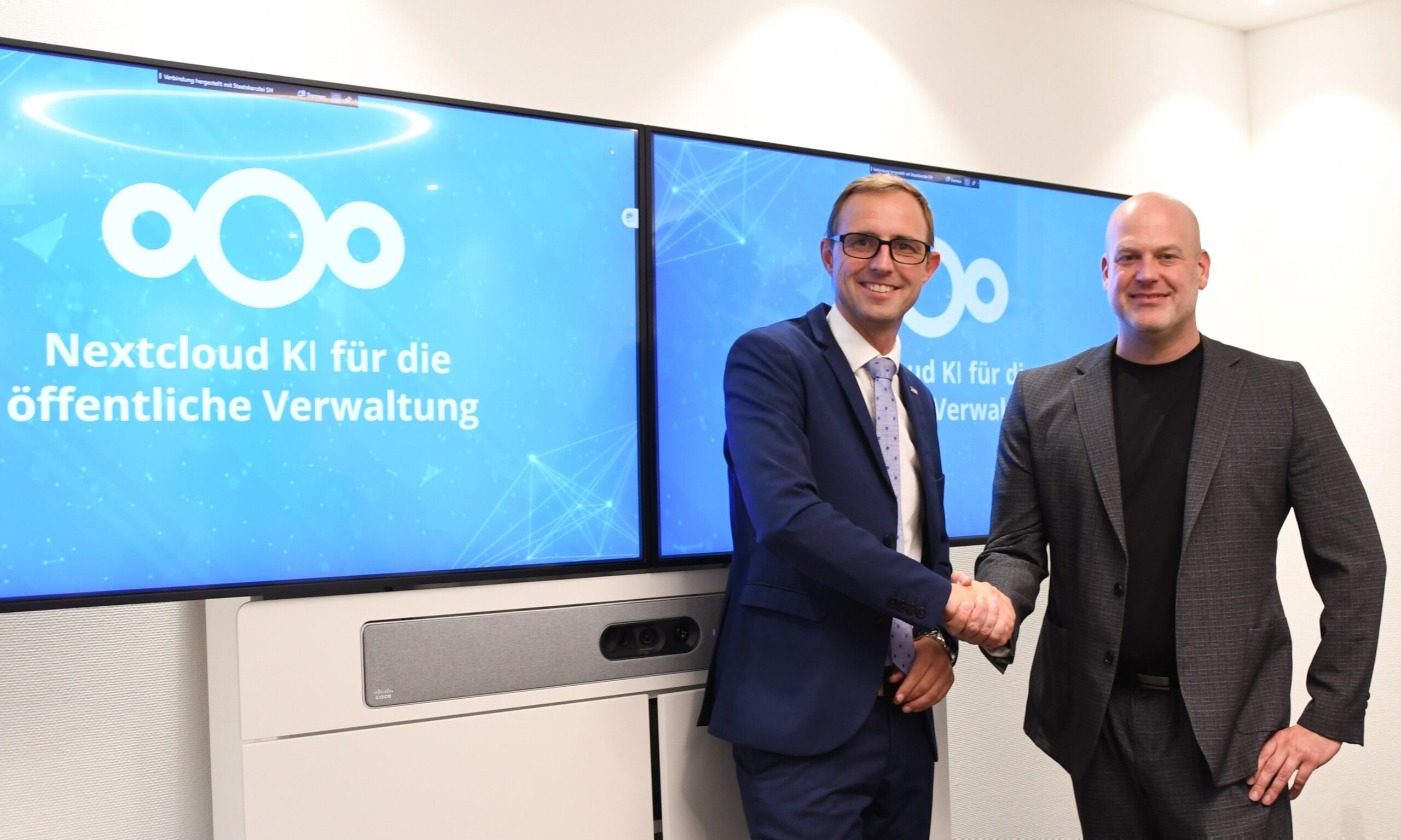
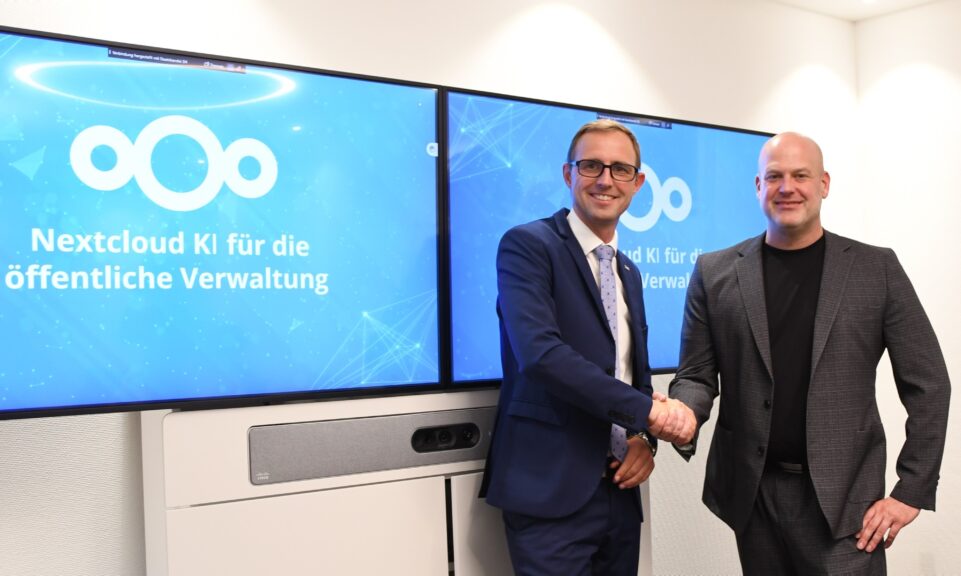
Together with the German state of Schleswig-Holstein, Nextcloud is working to build a digitally sovereign AI model. It aims to accelerate the bureaucratic processes in the public sector with ethical AI-powered content collaboration tools.
Minister of Digitization of Schleswig-Holstein and Nextcloud CEO shake hands
The project focuses on crafting a large language model tailored to the specific needs of the offices dealing with state affairs, namely creation of highly standardized texts using accepted language style and wording, optimized search of process-specific information, and other tasks. Anonymized training data provided by the state will be used in its training.
The model in the making will be released as open source to encourage the adaptation of sovereign, ethical AI within the digitalization strategies of governments. Context Chat feature, for example, is the first result of our collaboration.
There will be other fine-tuned AI models for Nextcloud appearing over the coming months and years, helping employees in all kinds of specializations with their tasks.
Want to experience what digital sovereignty looks like?
Join the Nextcloud Special Event, featuring the release of Nextcloud Hub 26 Winter, on 18 February and see how easy it can be regain data control.
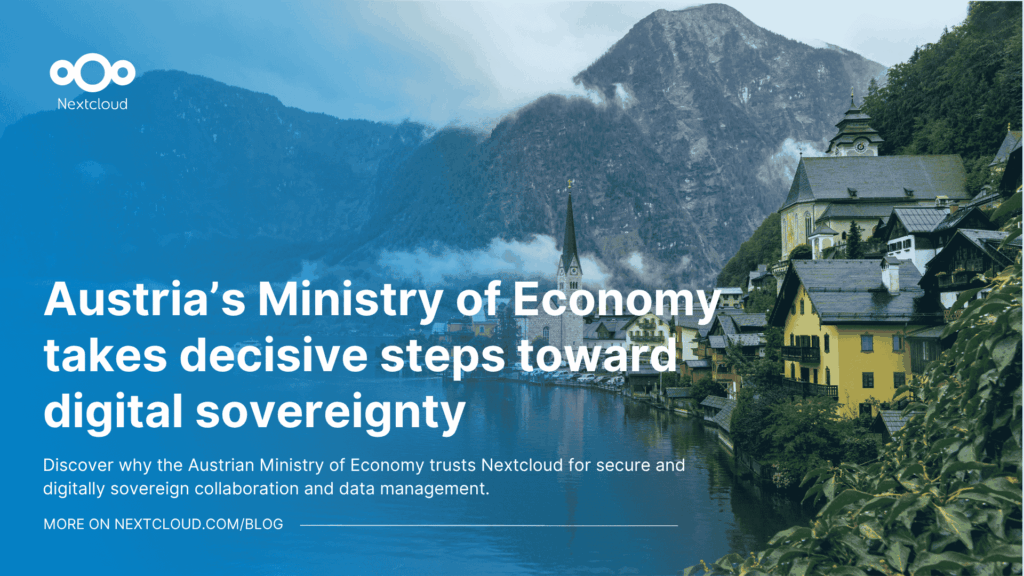
How do you modernize digital collaboration in government without losing control over your data?
Austria’s Federal Ministry for Economy, Energy and Tourism (BMWET) faced this challenge in 2024 - and decided to take a clear, pragmatic step toward digital sovereignty.
Nextcloud Hub 25 Autumn makes it easier to get started with powerful collaboration while fully in control of your data. From global design updates to improved usability and performance, discover our latest release in this blog.
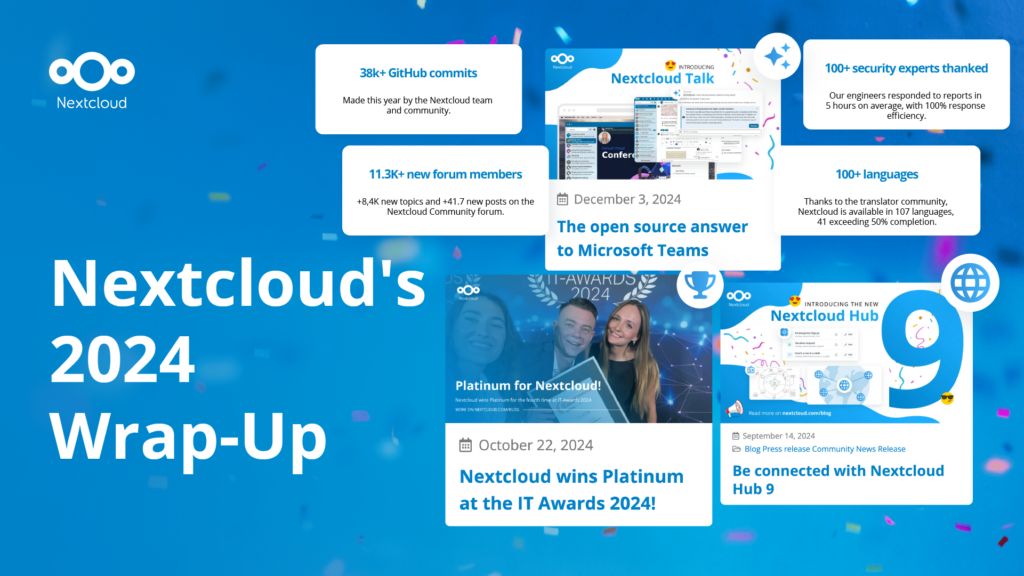
In the Nextcloud 2024 wrap-up, we want to take a moment to celebrate this year's achievements. Join us as we continue to reimagine what’s possible - shaping a world where open source, privacy and connection come together and drive progress for the greater good.
Organisations, small and large, need a way to ensure the resiliency and digital sovereignty of their operations – an open-source, privacy-respecting alternative to Teams. And today, we present that solution - Nextcloud Talk.
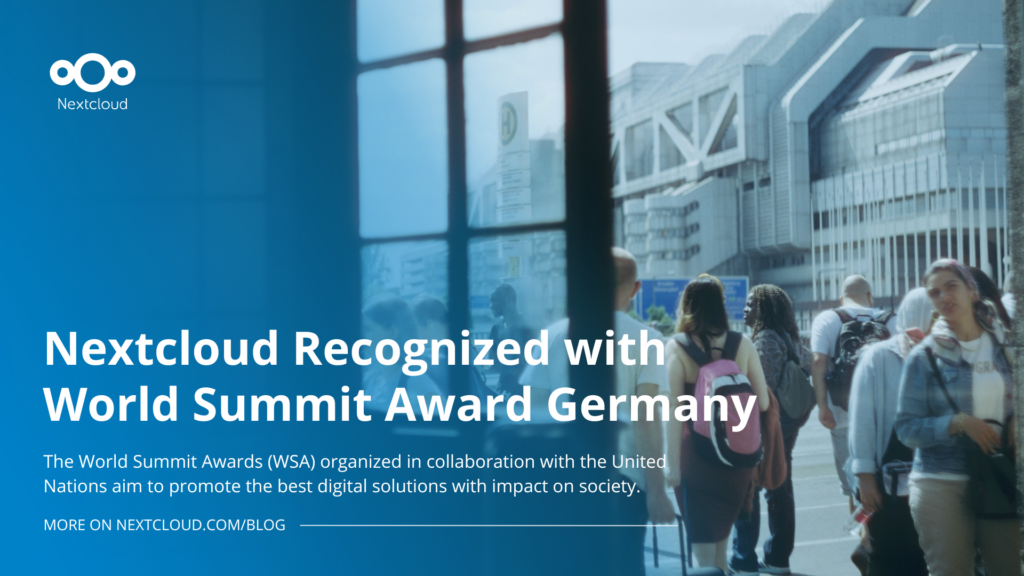
Nextcloud has been recognized with the World Summit Award Germany that selects and promotes local digital innovation improving society, aiming to contribute to the United Nations' agenda of sustainable development goals.
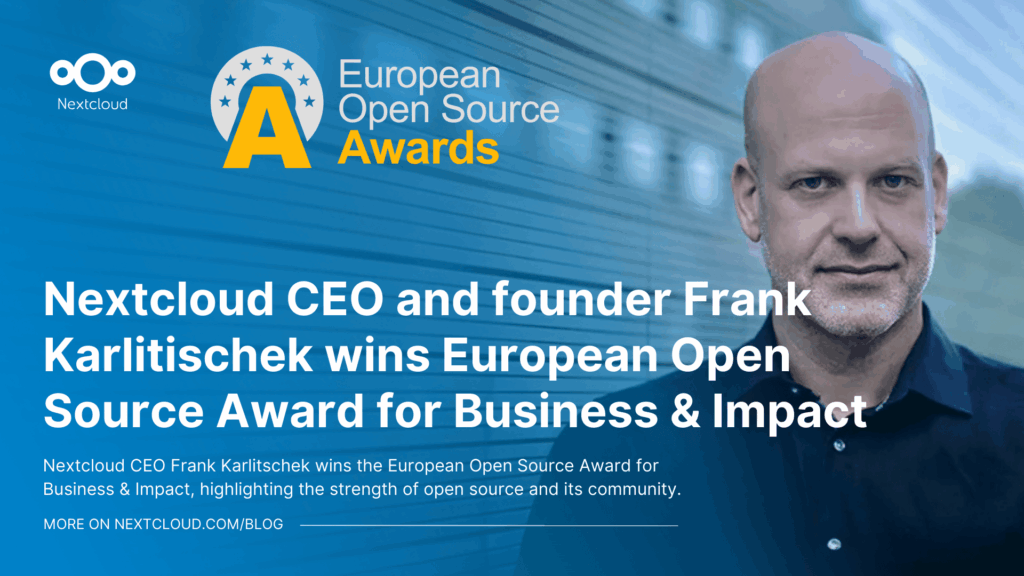
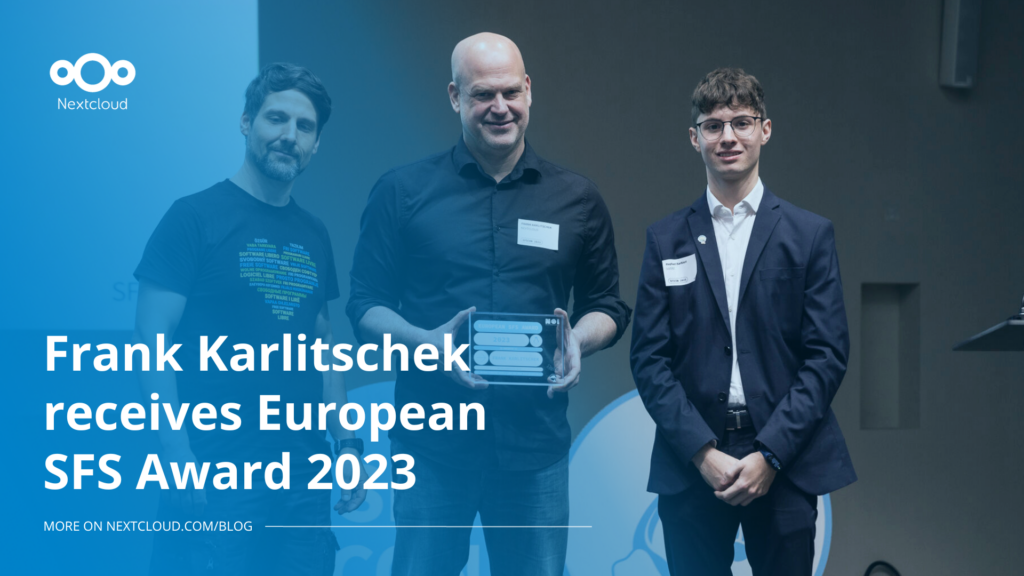
DIE ZEIT, a prominent German outlet, interviewed Nextcloud’s founder Frank Karlitschek for an article on Microsoft’s anti-competitive behaviour on the European office software market. Read for a recap of the article and the key takeaways.
MagentaCLOUD’s migration to Nextcloud in 2021 resulted in a fully equipped Online Storage with an integrated online office suite that further improves the user experience, flexibility and security for customers.
We bring you a major update to the Nextcloud AI Assistant, plus the news we work with several big hosting providers like IONOS and OVHcloud to bring AI-as-a-Service options to you!
Bechtle and Nextcloud announce today a complete managed collaboration platform for the public sector that requires no tender and can be deployed immediately.
Discover how to make the switch from ownCloud to Nextcloud. Our quick guide provides insights into the migration process, helping you make the transition smoothly.
Today, US-based file sync & share vendor Kiteworks announced their acquisition of ownCloud and Dracoon. Kiteworks points out that their customers now have access to their file-sharing application. It is to be expected they will not maintain 3 similar products, but customers will have to migrate to the US firms’ platform or look for another […]
As part of Schleswig-Holstein's state digitization strategy, the state chancellery has announced they will work with Nextcloud to develop AI for working with government documents. This comes just after we announced the first private AI assistant last weekend with Hub 6. The German state already uses Nextcloud and their AI strategy aligns with our work on ethical, local AI technologies.
Over the last year, AI has become a popular topic. Some is hype, some is substance. Some is good, some is bad. We want to give you the good, not the bad, and ignore the hype! AI has a ton of opportunity – but also risk. So we put you in control – off by […]
New maintenance updates are available for Nextcloud Hub. Nextcloud Hub 10 reaches End of Life. Read more in this post or access the full changelog on our website. Keep your server up-to-date!
Watch and discuss the Nextcloud Hub 26 Winter release together with the Nextcloud team and community in Berlin or Stuttgart. Or let us know if you want to organize your own local watch party.
We save some cookies to count visitors and make the site easier to use. This doesn't leave our server and isn't to track you personally!
See our Privacy Policy for more information. Customize
Statistics cookies collect information anonymously and help us understand how our visitors use our website. We use cloud-hosted Matomo
Service:Matomo
Cookies description:
_pk_ses*: Counts the first visit of the user
_pk_id*: Helps not to double count the visits.
mtm_cookie_consent: Remembers that consent for storing and using cookies was given by the user.
Cookies expiry:_pk_ses*: 30 minutes
_pk_id*: 28 days
mtm_cookie_consent: 30 days