How do you get started building your first Nextcloud app? Our beginner’s guide is a valuable resource to better understand how Nextcloud works internally and which pitfalls you should avoid if you want to make sure your app doesn’t break when confronted with real-life use cases.
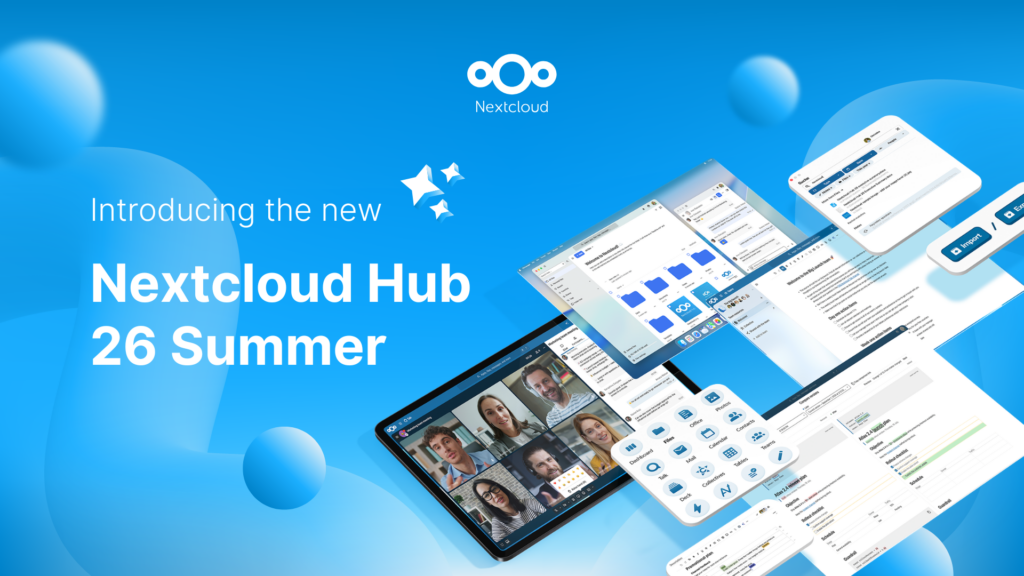
And now, there’s also Nextcloud Academy. Introduced as part of our Nextcloud Hub 26 Summer release, it contains hands-on courses for beginners as well as more experienced Nextcloud developers that take you from the basics all the way to a finished app and beyond.
There are two parallel tracks that build the same app with different architectures:
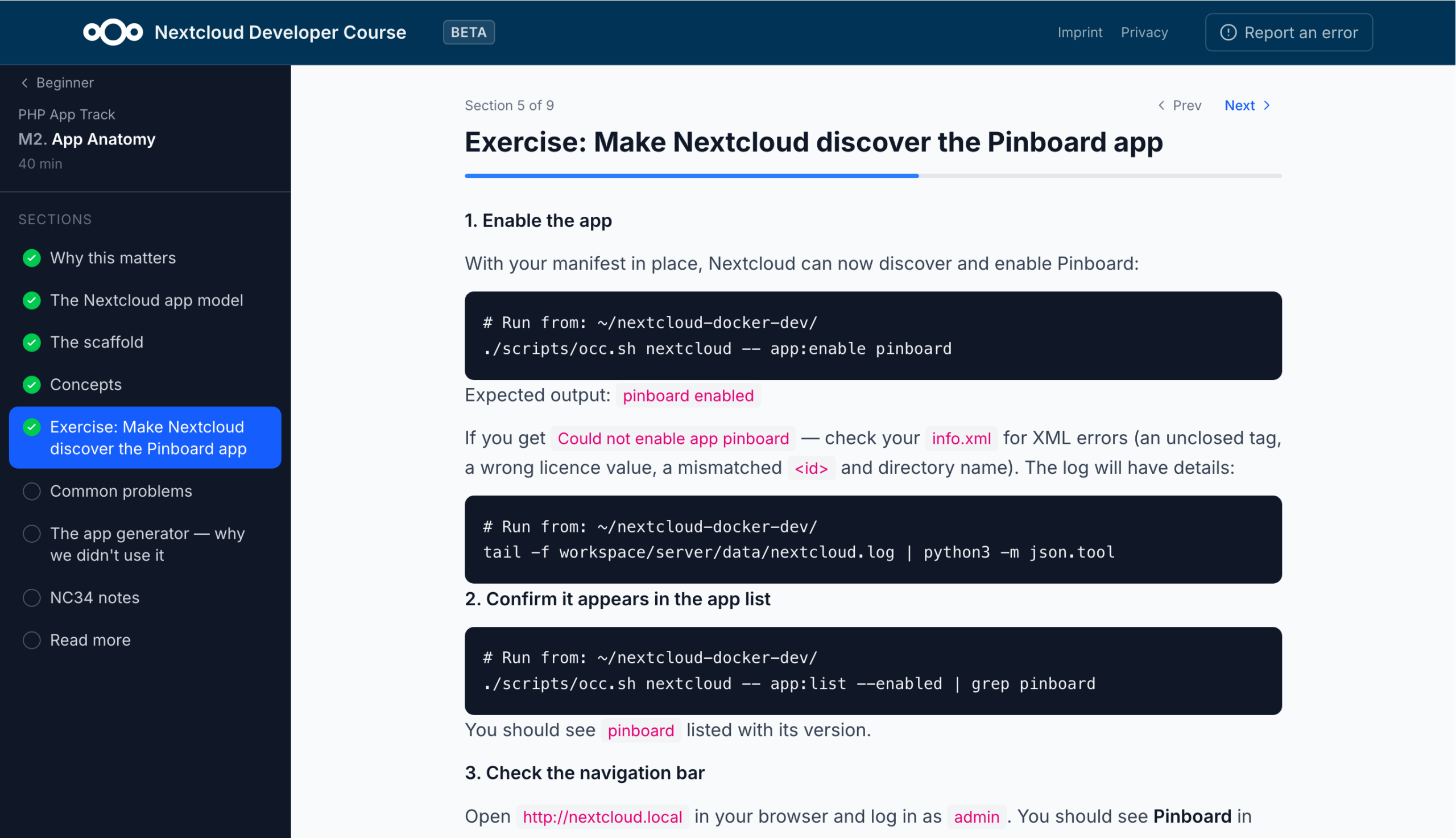
The PHP track for building a classic Nextcloud app running inside the server, using controllers, the OCP API, QBMapper, and migrations.
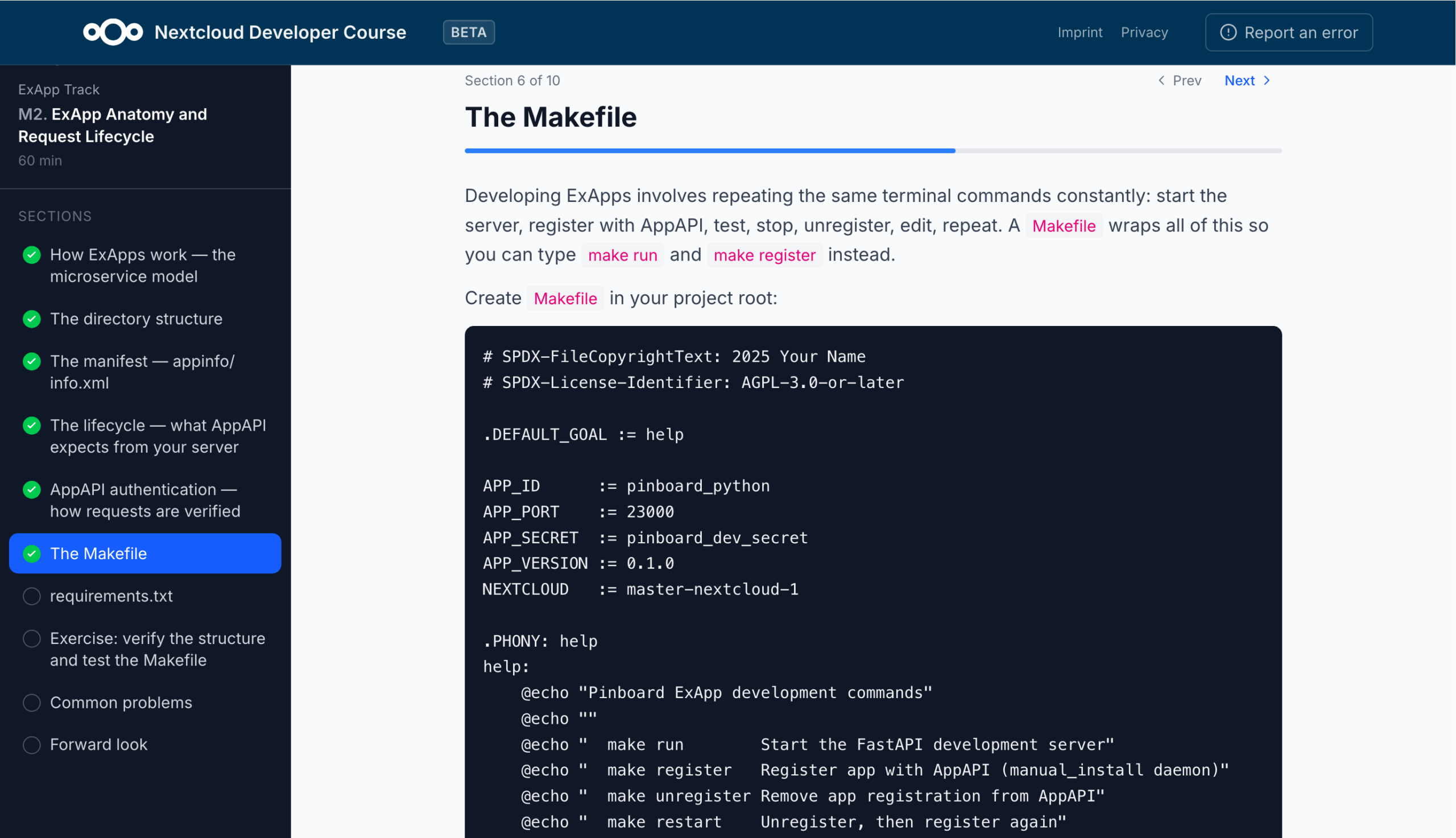
The ExApp track (using Python) for building an external app running as a separate Docker service through AppAPI, using FastAPI, nc_py_api, and its own SQLite/Postgres database.
From environment setup to finished Nextcloud app
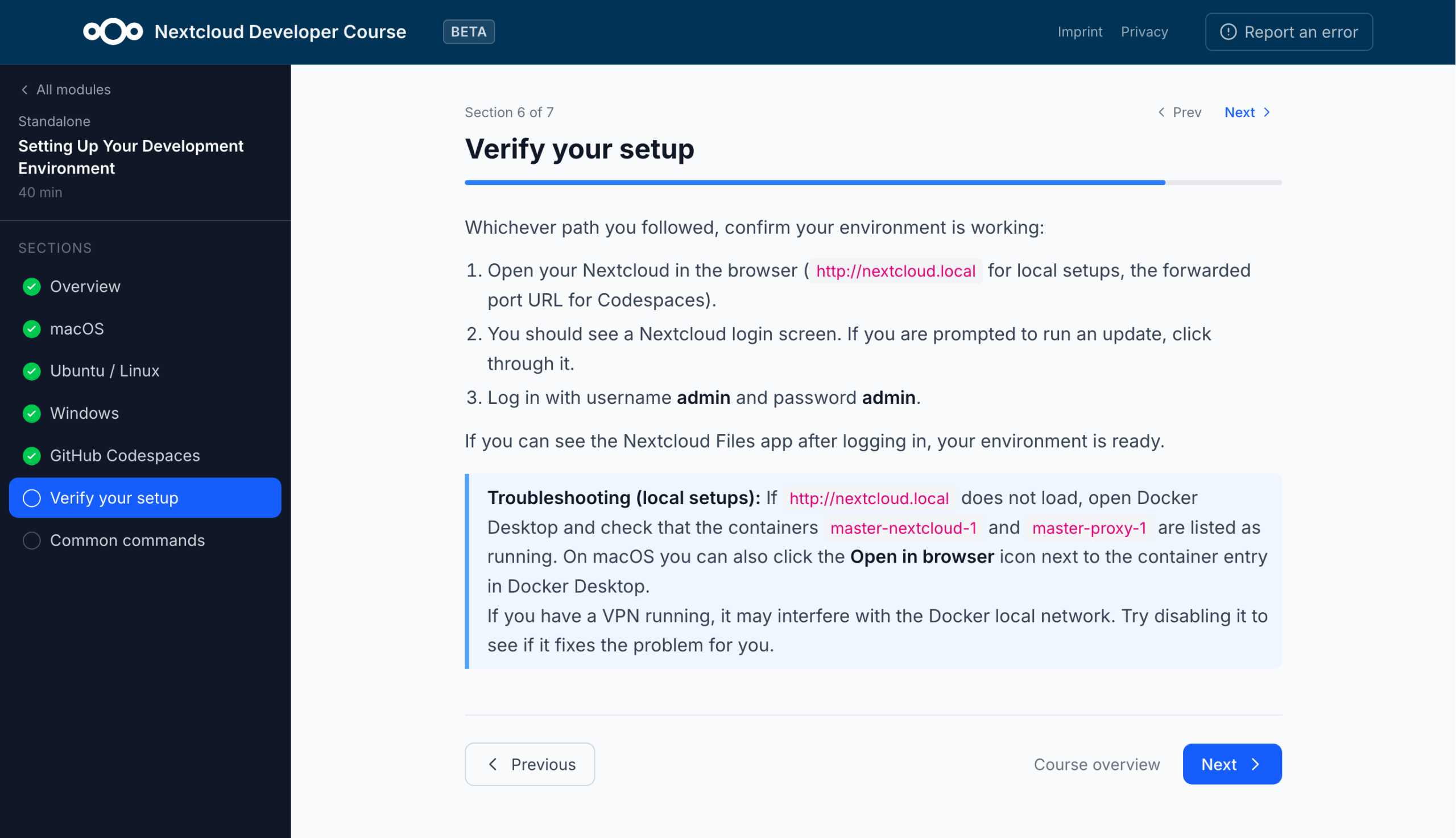
The beginner modules require no prior knowledge. Before you start coding, you will be guided through setting up your development environment to make sure everything works as expected down the road.
From there you learn how a Nextcloud app is structured: the manifest that describes it, how requests are routed to your code, and how the app hooks into Nextcloud when it loads.
Next comes the backend, where you write your first endpoints and return data, followed by a database layer so data can be stored, read, and changed. The course then moves to the frontend. You set up a Vite and Vue build, then create the interface in three steps. It uses Nextcloud’s own Vue components, so the app looks and behaves like the rest of Nextcloud.
Finally, you’ll turn the working prototype into a real app. You’ll first make sure each user sees only their own data by identifying the current user and limiting every query to their data. Then you version, sign, and package the app and submit it to the Nextcloud App Store.
You can do all of this in PHP, as a traditional app inside Nextcloud, or in Python, as a separate service connected through AppAPI. The steps and the finished app are the same either way, but the Python route adds a bit more work on verifying incoming requests and deploying with Docker.
More learning tracks to come in the future
At the time of writing, the courses are still in beta. Only the beginner tracks are available, with the intermediate and advanced tracks coming soon. Feedback is very welcome, so if you notice a mistake of find something is unclear, please file an issue on GitHub.
Ready to get started? Then head over to https://nextcloud.com/academy to write your first lines of Nextcloud-native code!
Nextcloud Hub 26 Summer ist eine Gemeinschaftsleistung des Nextcloud-Teams, unserer Community und unserer Partner und wird auf Grundlage davon weiterentwickelt, wie es tagtäglich genutzt wird. Erstellen Sie mit Nextcloud Teams einen eigenen Bereich für Ihr Team, organisieren Sie Ihre Erinnerungen mit der neuen Nextcloud Photos-App und nutzen Sie die von Ihnen gewünschten Features in allen Apps. Lesen Sie weiter, um einen vollständigen Überblick über den neuesten Release zu erhalten.
Nextcloud Hub 25 Autumn erleichtert Ihnen den Einstieg in eine leistungsstarke Zusammenarbeit, während Sie die vollständige Kontrolle über Ihre Daten behalten. Von globalen Design-Updates bis hin zu verbesserter Benutzerfreundlichkeit und Leistung – entdecken Sie unsere neueste Version in diesem Blog.
Nextcloud ist die erste Cloud-Plattform, die mit dem Umweltzeichen „Blauer Engel“ ausgezeichnet wurde und damit beweist, dass eine digital souveräne und grüne IT möglich ist.
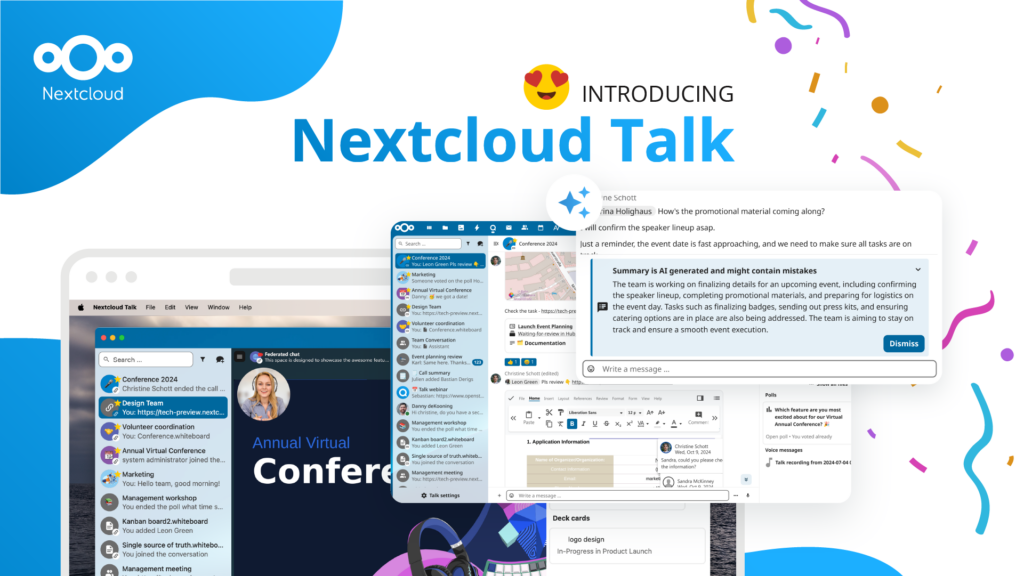
Unternehmen, ob klein oder groß, brauchen eine Möglichkeit, die Ausfallsicherheit und digitale Souveränität ihrer Abläufe zu gewährleisten - eine Open-Source-Alternative zu Teams, die die Privatsphäre respektiert. Und heute stellen wir diese Lösung vor - Nextcloud Talk.
Bechtle und Nextcloud kündigen heute eine vollständig verwaltete Kollaborationsplattform für den öffentlichen Sektor an, die keiner Ausschreibung bedarf und sofort bereitgestellt werden kann.
Our mission is to help individuals, businesses and organizations achieve digital sovereignty and regain control over their data. Nextcloud Hub 5 marks a massive step forward towards achieving this mission, putting the power of AI into your hands – in a way that keeps you in control. New release, new possibilities Hub 5 builds on […]
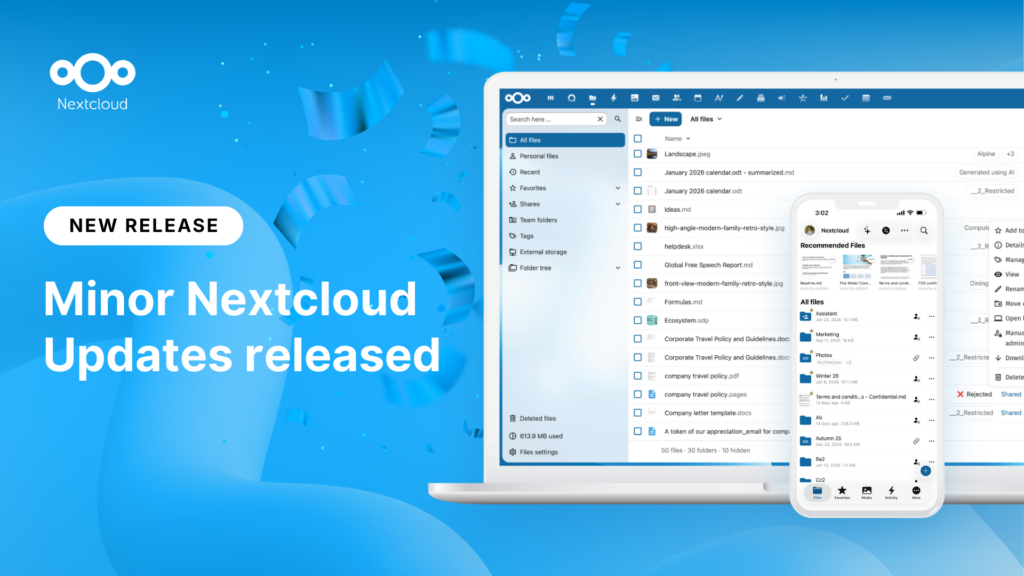
New maintenance updates are available for Nextcloud Hub. Nextcloud Hub 25 Autumn reaches End of Life. Read more in this post or access the full changelog on our website. Keep your server up-to-date!
A new evolutionary step for Nextcloud Circles, Nextcloud Teams app is a hidden gem that amplifies your team sharing. Read this blog to learn everything about the app.
Wir speichern einige Cookies, um Besucher zu zählen und die Nutzung der Website zu erleichtern. Diese verlassen unseren Server nicht und dienen nicht der Verfolgung Ihrer online-Aktivitäten.
Weitere Informationen hierzu finden Sie in unserer Datenschutzrichtlinie. Anpassen
Statistik-Cookies sammeln anonym Informationen und helfen uns zu verstehen, wie unsere Besucher unsere Website nutzen. Wir verwenden cloud-gehostetes Matomo
Dienst:Matomo
Cookie-Beschreibung:
_pk_ses*: Zählt den ersten Besuch des Benutzers
_pk_id*: Hilft, die Besuche nicht doppelt zu zählen.
mtm_cookie_consent: Erinnert daran, dass der Nutzer seine Zustimmung zur Speicherung und Verwendung von Cookies gegeben hat.
Cookie-Ablauf:_pk_ses*: 30 Minuten
_pk_id*: 13 Monate
mtm_cookie_consent: 30 Tage