How do you get started building your first Nextcloud app? Our beginner’s guide is a valuable resource to better understand how Nextcloud works internally and which pitfalls you should avoid if you want to make sure your app doesn’t break when confronted with real-life use cases.
And now, there’s also Nextcloud Academy. Introduced as part of our Nextcloud Hub 26 Summer release, it contains hands-on courses for beginners as well as more experienced Nextcloud developers that take you from the basics all the way to a finished app and beyond.
There are two parallel tracks that build the same app with different architectures:
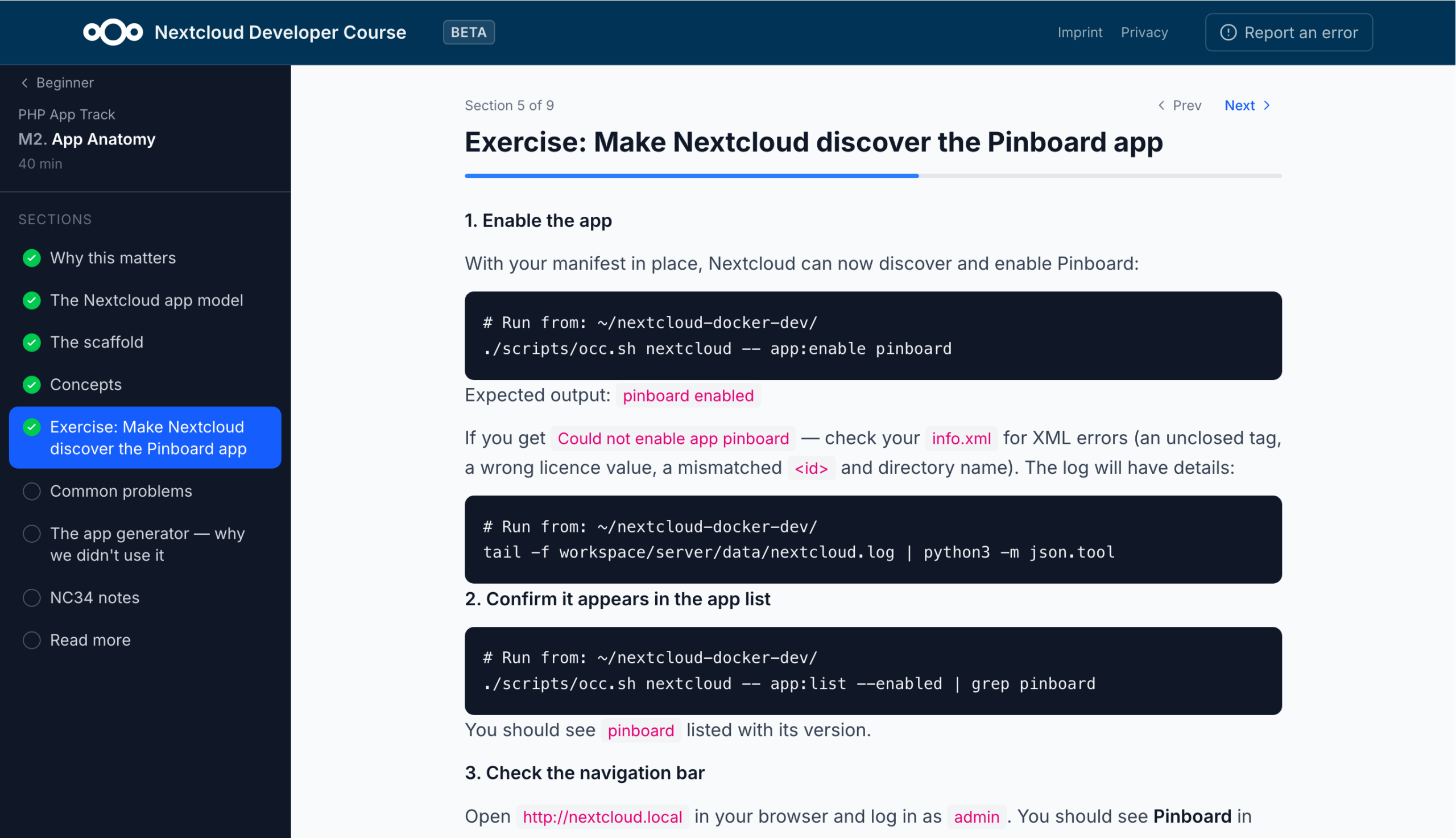
The PHP track for building a classic Nextcloud app running inside the server, using controllers, the OCP API, QBMapper, and migrations.
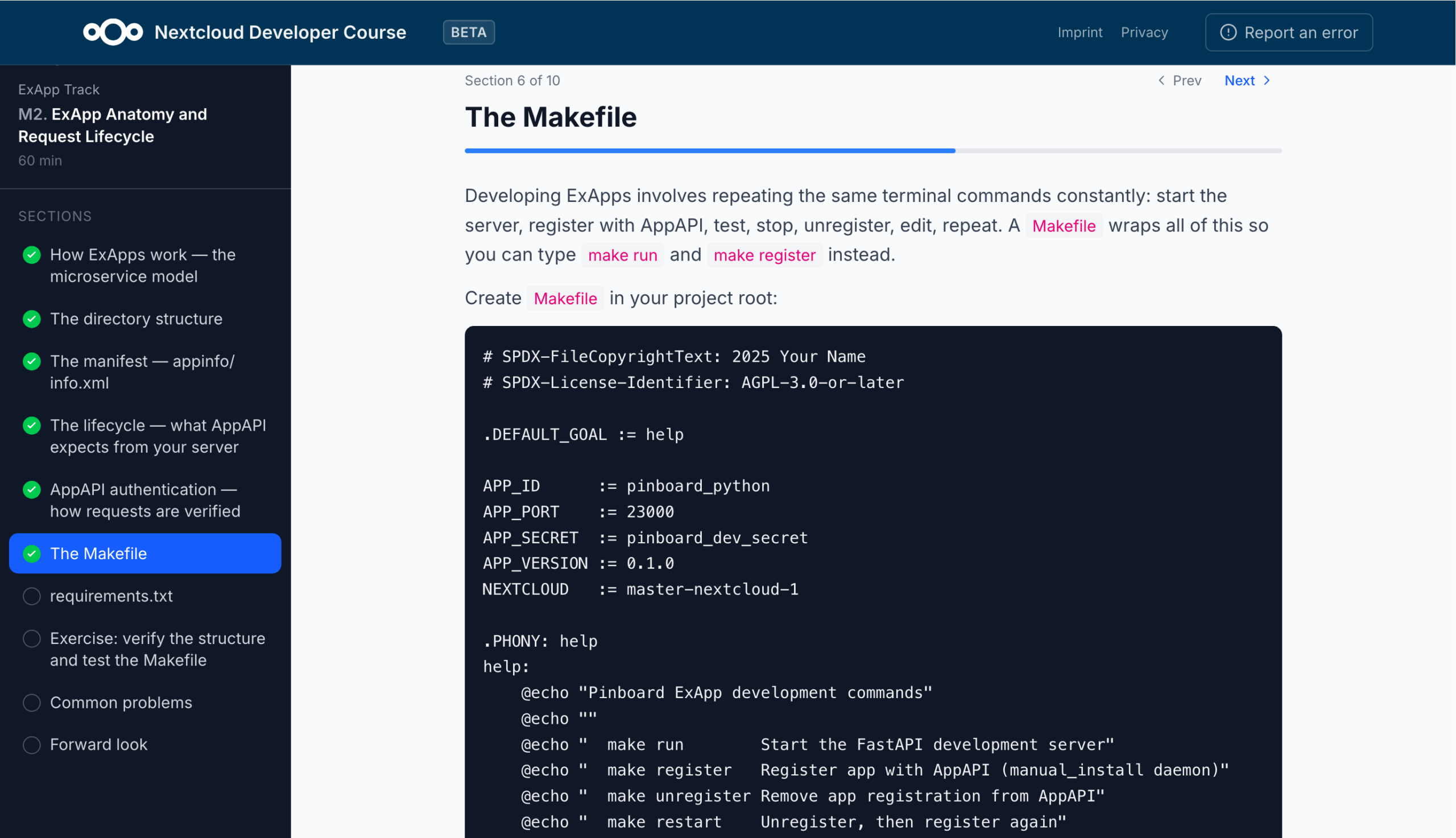
The ExApp track (using Python) for building an external app running as a separate Docker service through AppAPI, using FastAPI, nc_py_api, and its own SQLite/Postgres database.
From environment setup to finished Nextcloud app
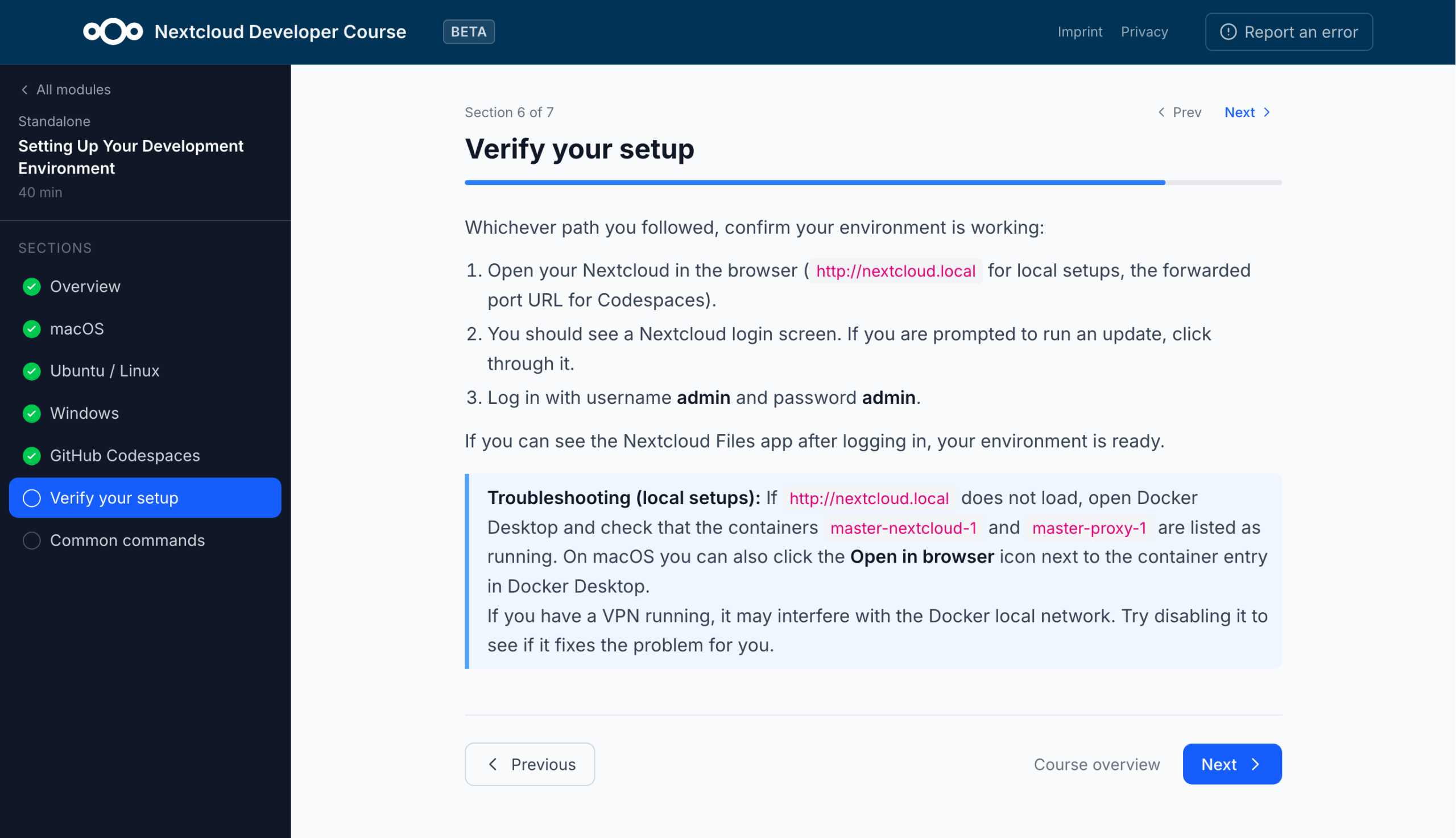
The beginner modules require no prior knowledge. Before you start coding, you will be guided through setting up your development environment to make sure everything works as expected down the road.
From there you learn how a Nextcloud app is structured: the manifest that describes it, how requests are routed to your code, and how the app hooks into Nextcloud when it loads.
Next comes the backend, where you write your first endpoints and return data, followed by a database layer so data can be stored, read, and changed. The course then moves to the frontend. You set up a Vite and Vue build, then create the interface in three steps. It uses Nextcloud’s own Vue components, so the app looks and behaves like the rest of Nextcloud.
Finally, you’ll turn the working prototype into a real app. You’ll first make sure each user sees only their own data by identifying the current user and limiting every query to their data. Then you version, sign, and package the app and submit it to the Nextcloud App Store.
You can do all of this in PHP, as a traditional app inside Nextcloud, or in Python, as a separate service connected through AppAPI. The steps and the finished app are the same either way, but the Python route adds a bit more work on verifying incoming requests and deploying with Docker.
More learning tracks to come in the future
At the time of writing, the courses are still in beta. Only the beginner tracks are available, with the intermediate and advanced tracks coming soon. Feedback is very welcome, so if you notice a mistake of find something is unclear, please file an issue on GitHub.
Ready to get started? Then head over to https://nextcloud.com/academy to write your first lines of Nextcloud-native code!
Creato grazie all'impegno congiunto del nostro team, della community e dei partner, Nextcloud Hub 26 Summer prende forma da chi realmente utilizza i nostri strumenti ogni giorno. Crea lo spazio del tuo team con Nextcloud Teams, organizza i tuoi ricordi nel nuovo Nextcloud Foto e goditi gli aggiornamenti più richiesti in tutte le app. Continua a leggere per una panoramica completa della nostra ultima release!
Nextcloud Hub 25 Autumn semplifica l'avvio di una potente collaborazione con il pieno controllo dei tuoi dati. Dagli aggiornamenti del design globale al miglioramento dell'usabilità e delle prestazioni, scopri la nostra ultima release in questo blog.
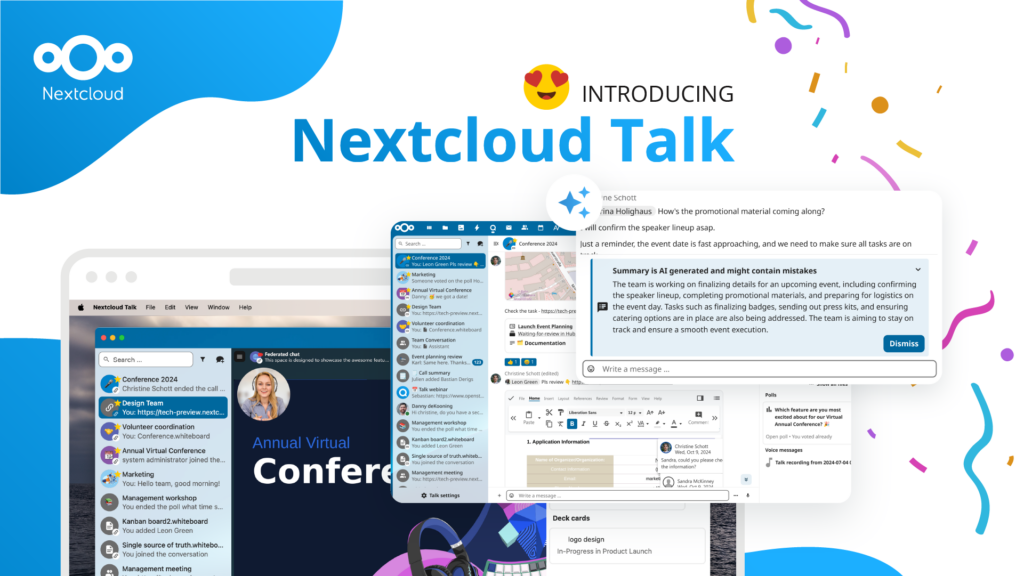
Le organizzazioni, grandi e piccole, necessitano di una soluzione che garantisca la resilienza e la sovranità digitale delle loro operazioni: un'alternativa open source e rispettosa della privacy a Teams. E oggi presentiamo questa soluzione: Nextcloud Talk.
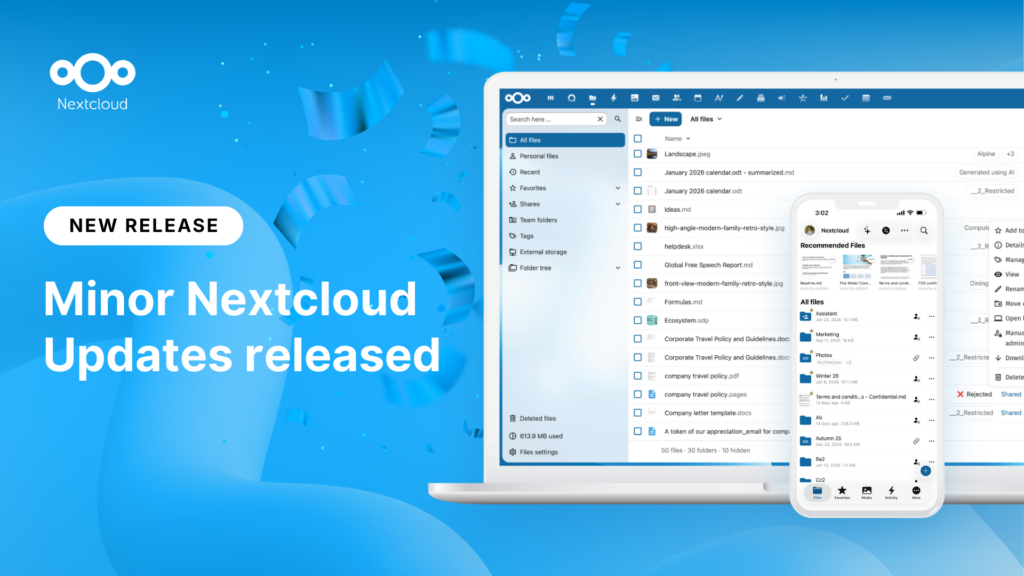
New maintenance updates are available for Nextcloud Hub. Nextcloud Hub 25 Autumn reaches End of Life. Read more in this post or access the full changelog on our website. Keep your server up-to-date!
A new evolutionary step for Nextcloud Circles, Nextcloud Teams app is a hidden gem that amplifies your team sharing. Read this blog to learn everything about the app.
Salviamo alcuni cookie per contare i visitatori e rendere il sito più facile da usare. Questi dati non lasciano il nostro server e non servono a tracciare il tuo profilo personale! Per maggiori informazioni, consulta la nostra Informativa sulla privacy. Personalizza
I cookie statistici raccolgono informazioni in forma anonima e ci aiutano a capire come i visitatori utilizzano il nostro sito web. Utilizziamo Matomo in cloud.
Servizio:Matomo
Descrizione del cookie:
_pk_ses*: Conta la prima visita dell'utente
_pk_id*: Aiuta a non contare due volte le visite.
mtm_cookie_consent: Ricorda il consenso alla memorizzazione e all'utilizzo dei cookie dato dall'utente.
Scadenza del cookie:_pk_ses*: 30 minuti
_pk_id*: 13 mesi
mtm_cookie_consent: 30 giorni