For Nextcloud users, having the option to collaborate on documents, spreadsheets, and presentations via Nextcloud Office means they can escape the vendor lock-in imposed by proprietary office suites like Microsoft Office and Google Workspace. Being able to choose whatever solution works best and switch at any time if necessary is part of Nextcloud’s DNA, and this is also reflected in the choice between office suites available for Nextcloud Office: Euro-Office, Collabora, and Thinkfree Office.
All three are powerful online office suites that integrate seamlessly with your Nextcloud, each shaped by a different history and architecture. The right choice depends on your priorities, so let’s take a closer look at what sets each one apart.
Table of contents
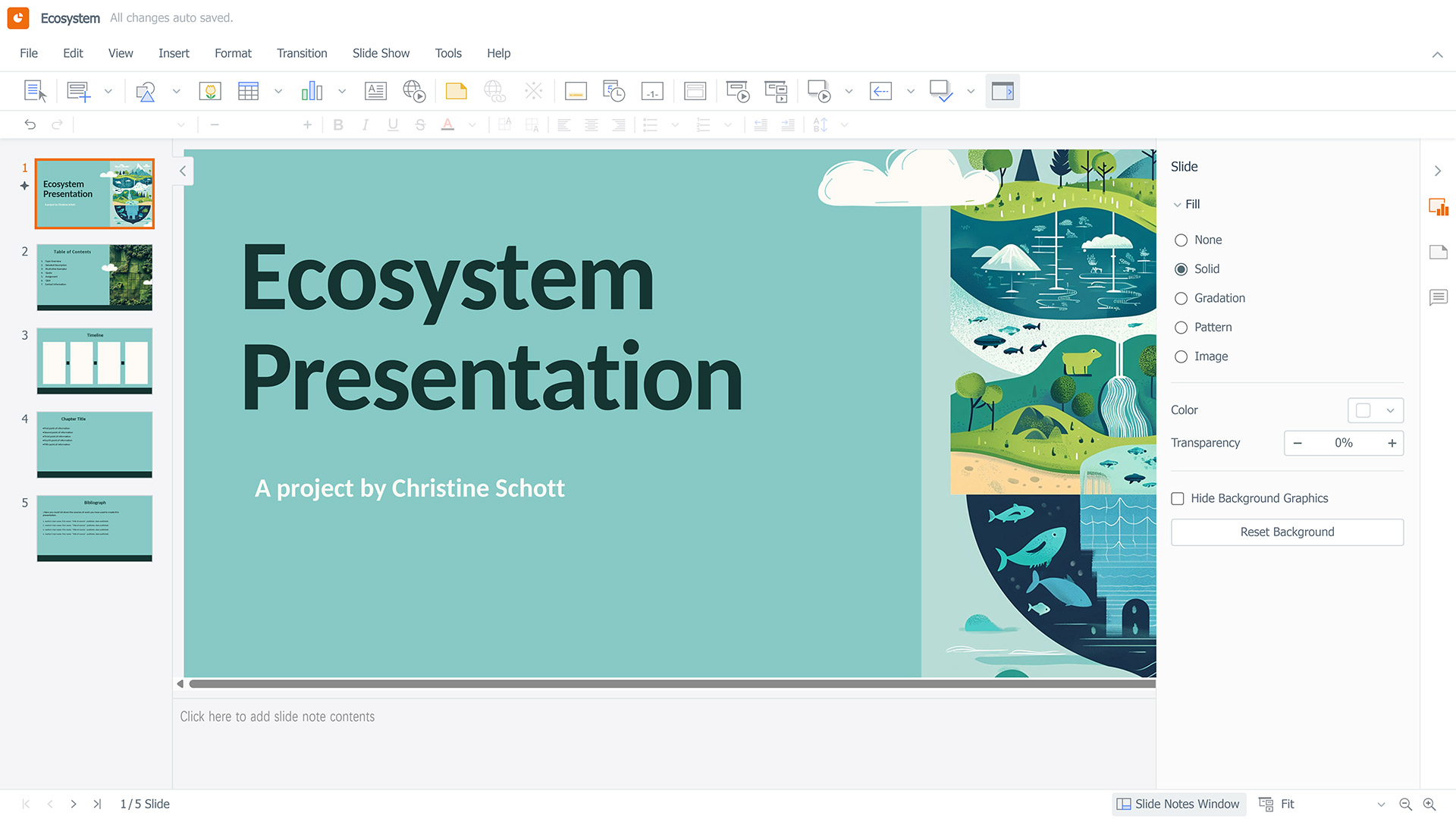
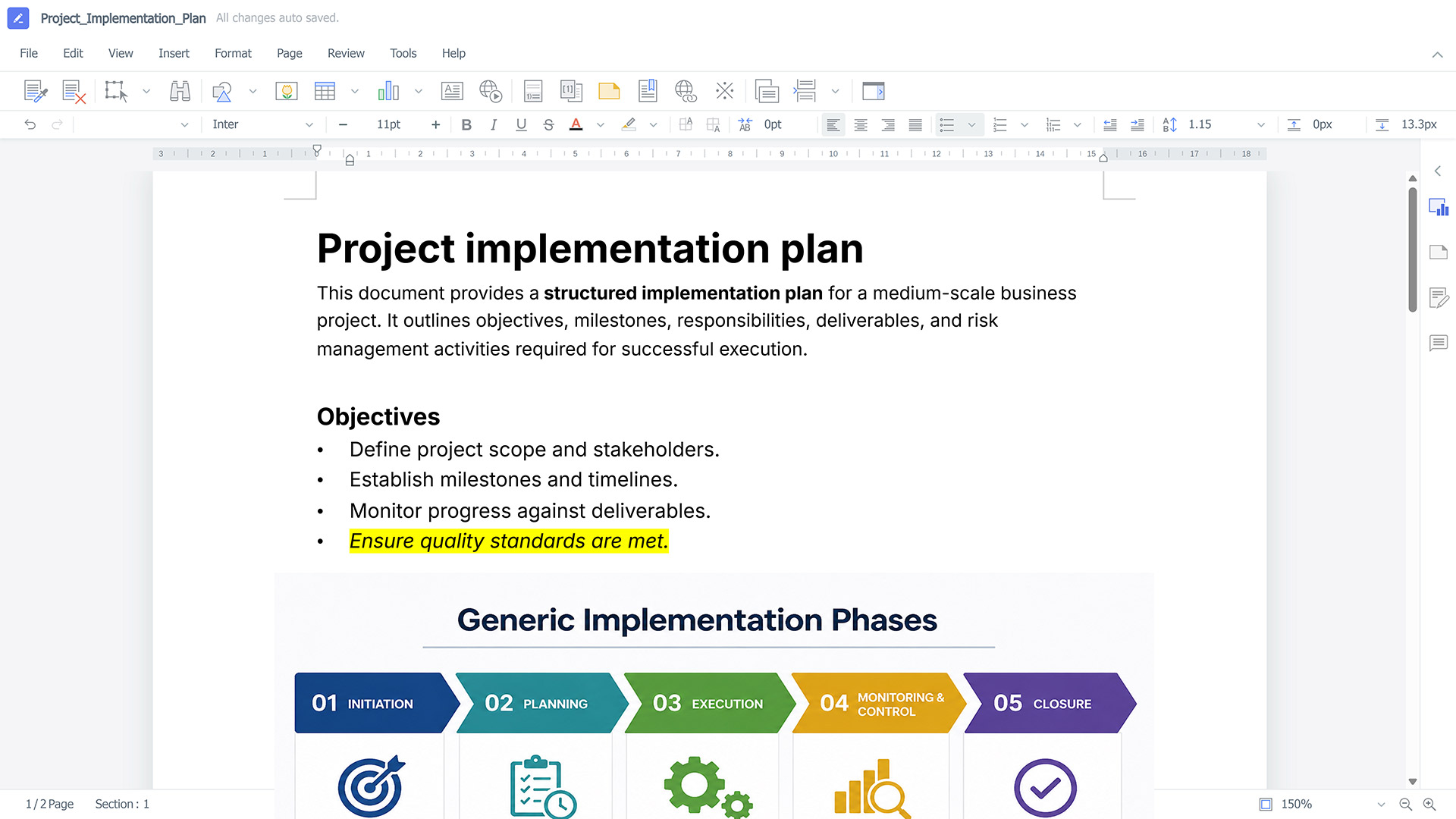
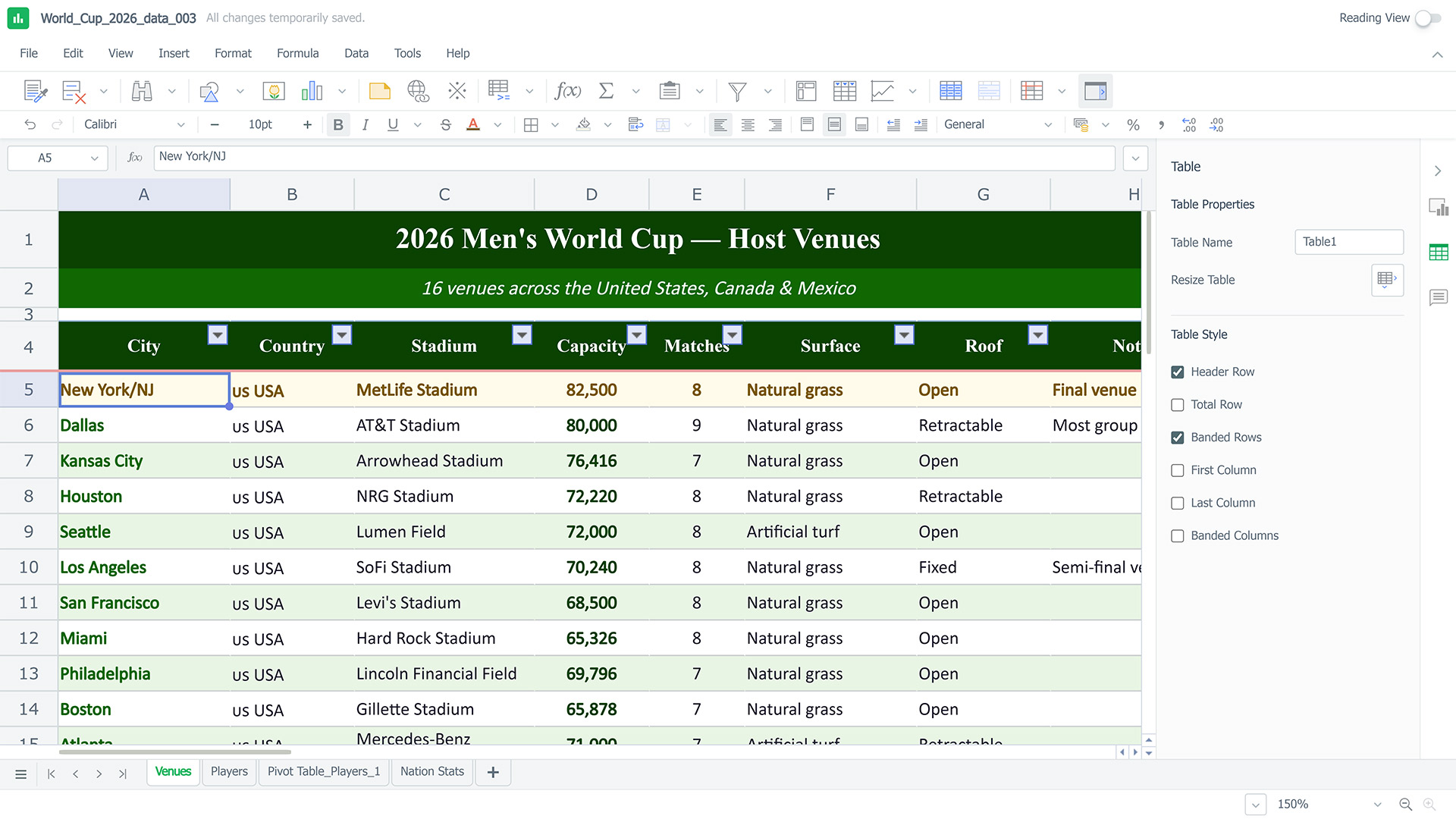
Euro-Office: highly compatible with Microsoft formats, built on client-centric architecture
Our newest office suite, which we’ve introduced as part of the Nextcloud Hub 26 Spring release, comes with editors for text documents, spreadsheets, presentations, and PDF files.
What makes Euro-Office stand out is its client-centric architecture. Most of the processing is done on the user’s device, which reduces server load and increases the moment-to-moment performance while editing.
In terms of file compatibility, Euro-Office focuses on Office Open XML (OOXML) formats, which include DOCX, XLSX, and PPTX. This ensures high-fidelity rendering for files created in Word, Excel, or PowerPoint. Of course, OpenDocument Format (ODF) files such as ODT, ODS, and ODP are also supported.
Here’s what you can do with Euro-Office:
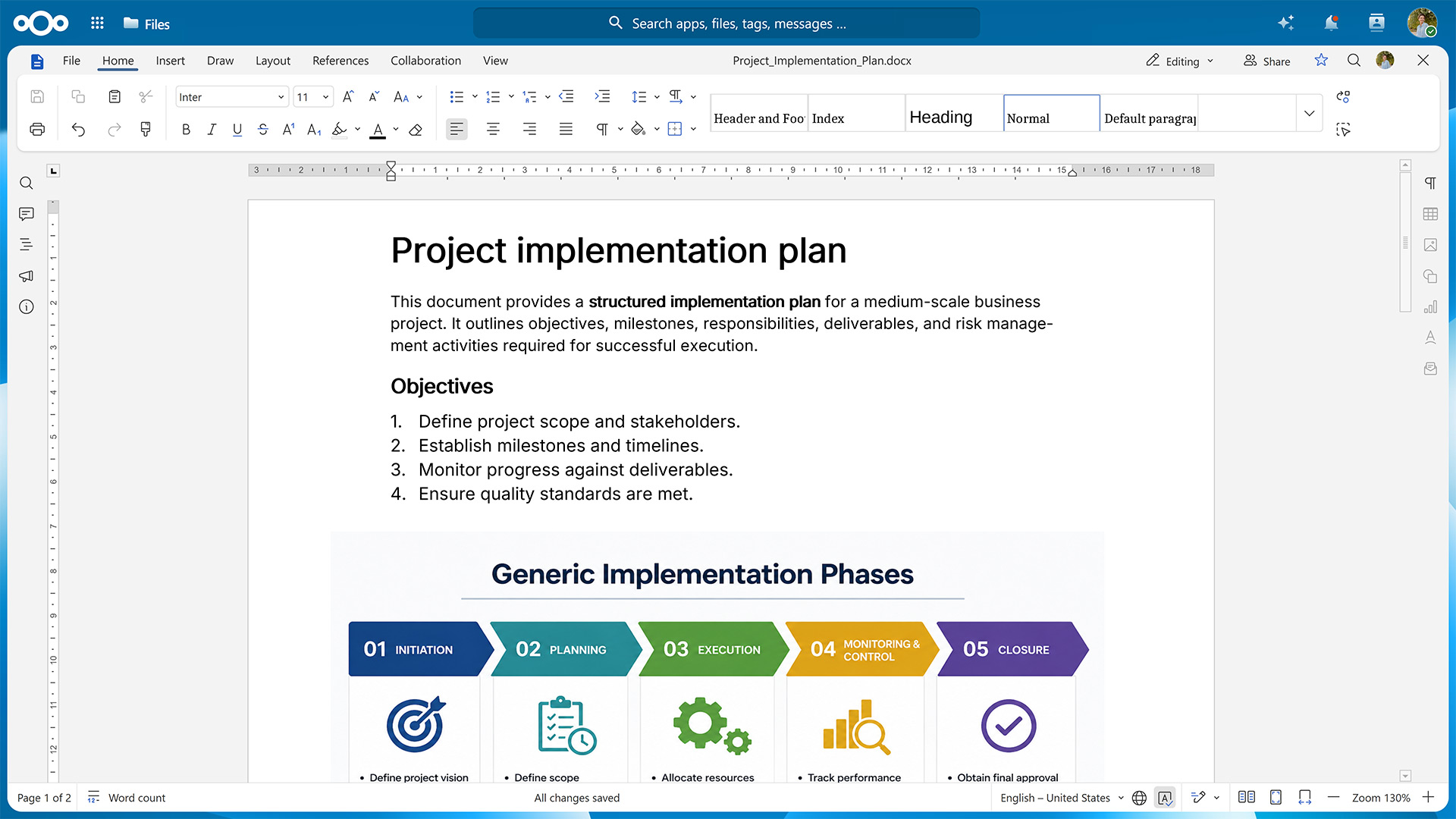
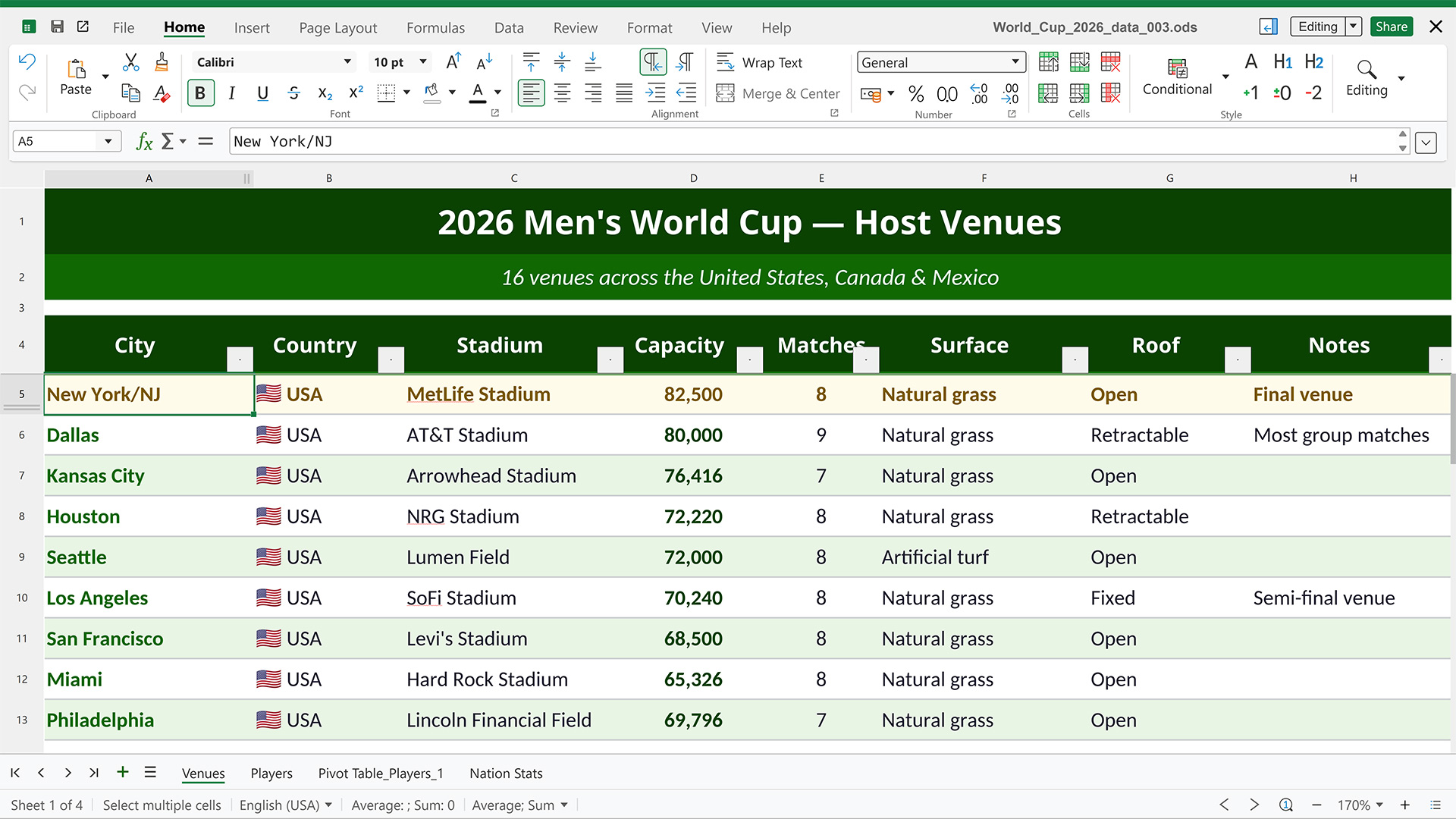
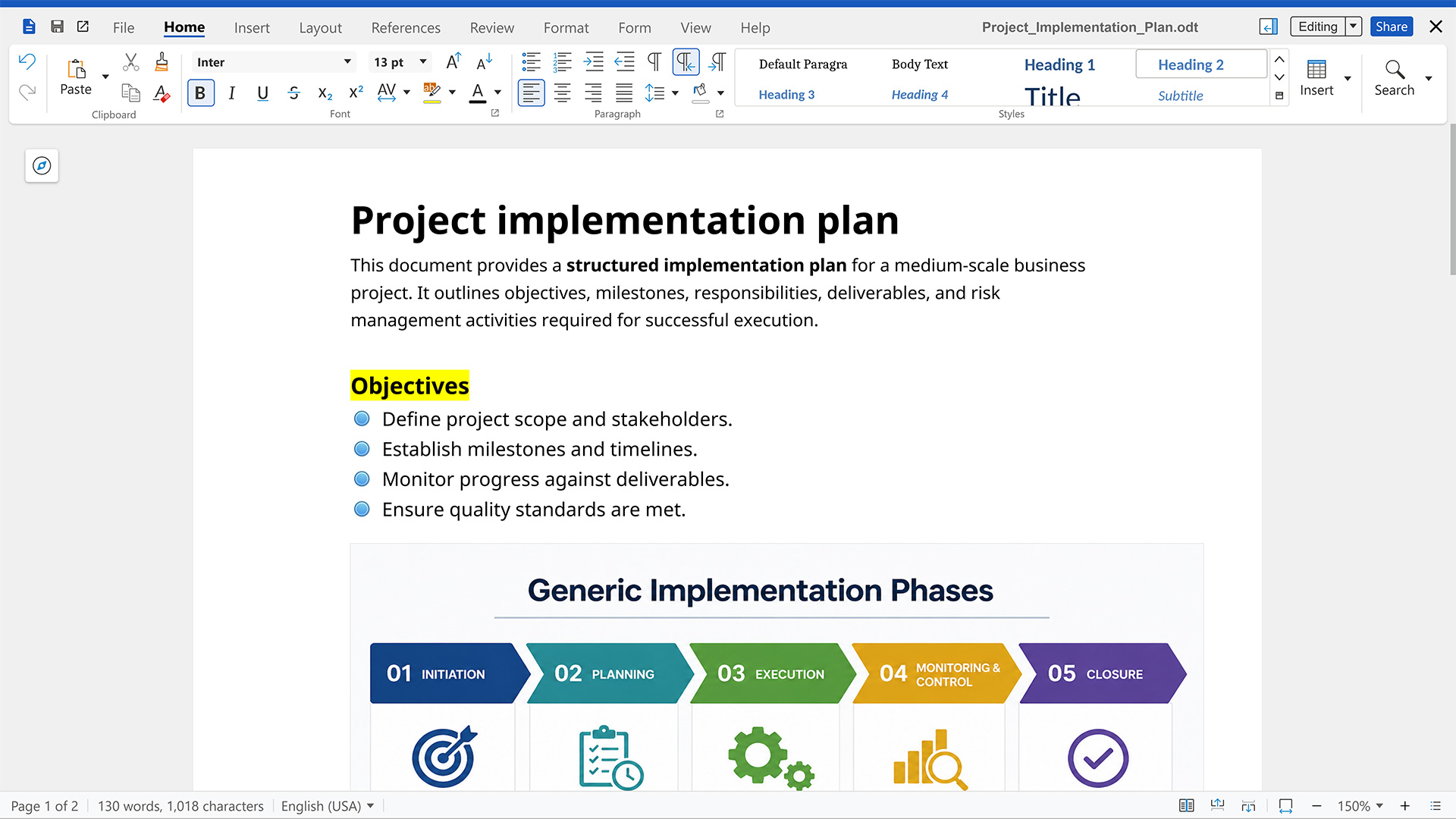
Create and edit documents in Nextcloud Write, collaborate on drafts via comments and tracked changes, and export the result in one of the many supported file formats.
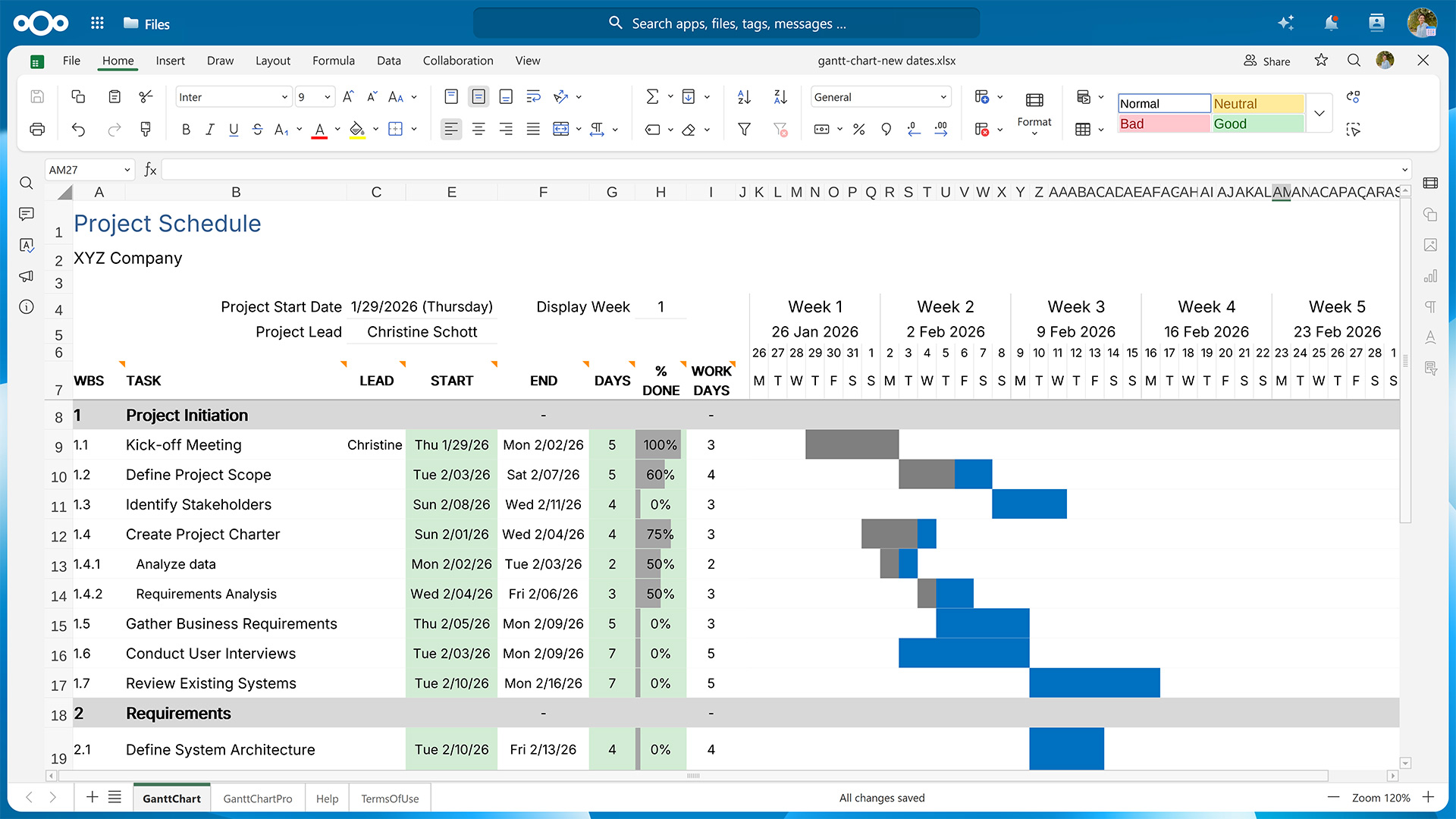
Process and analyze your data in Nextcloud Spreadsheet using functions, macros, tools for sorting and filtering, and various visualization options.
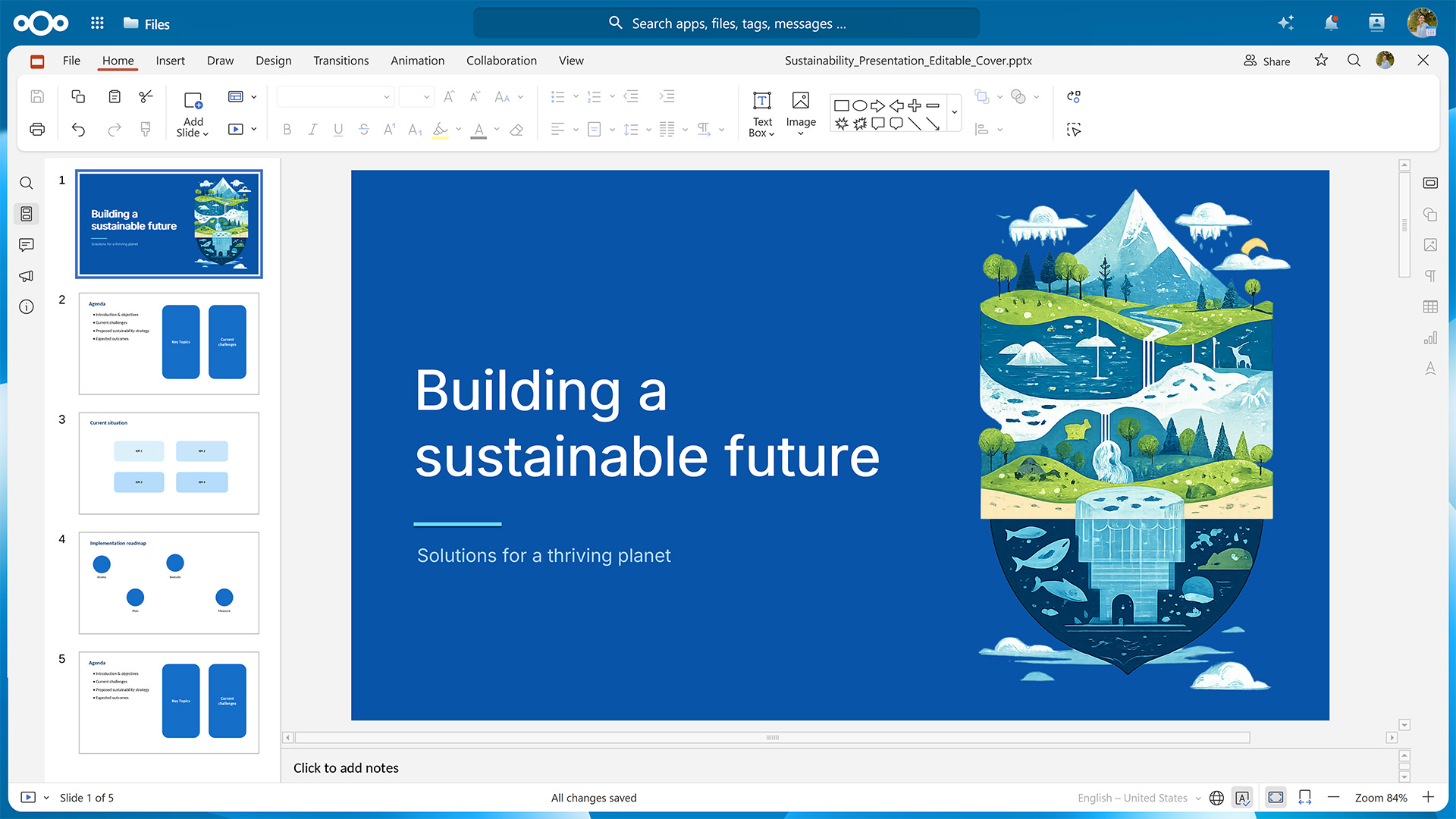
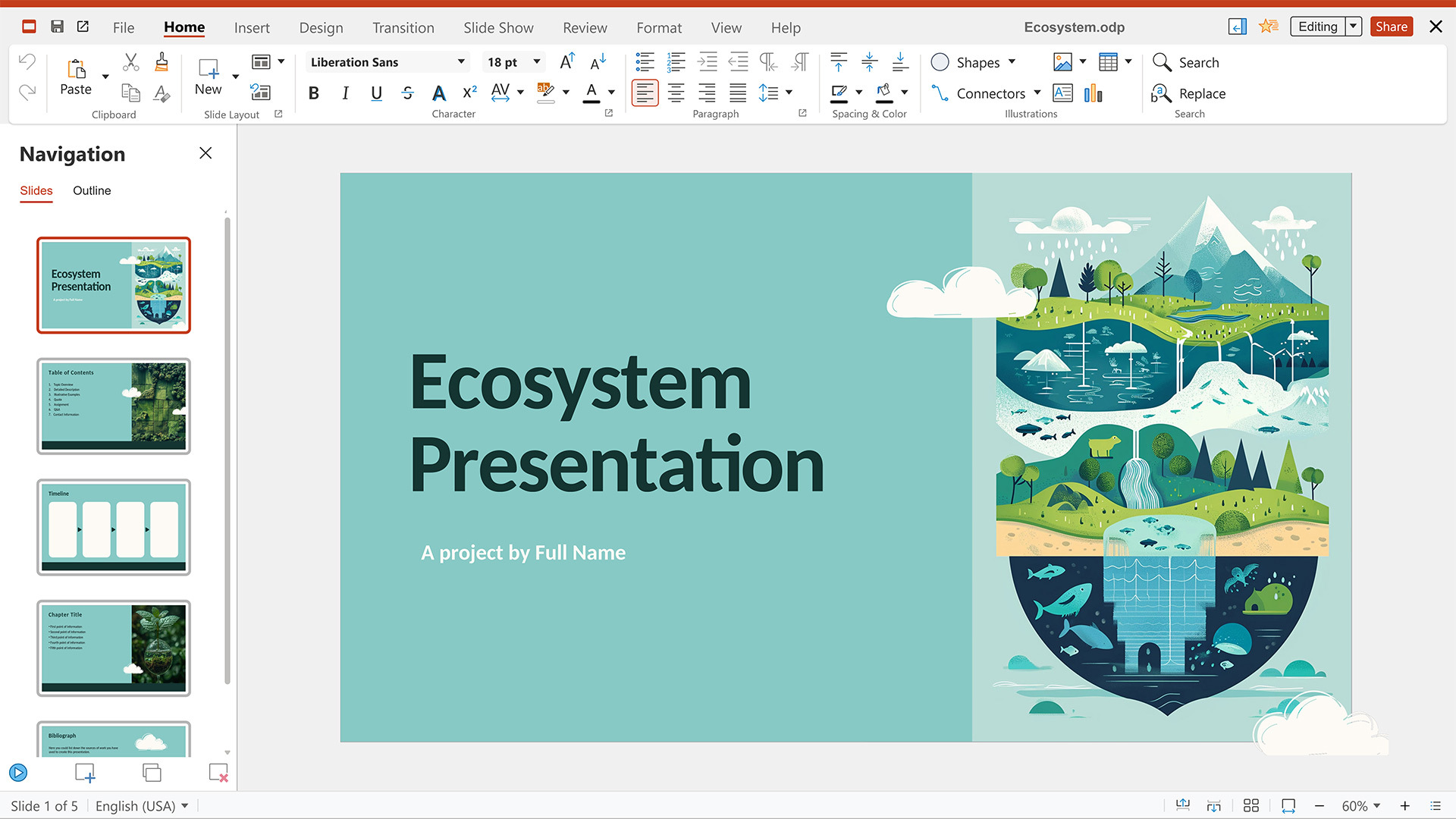
Use animations and embedded multimedia to build captivating slides in Nextcloud Present and deliver them to your audience via the built-in presenter view and speaker notes.
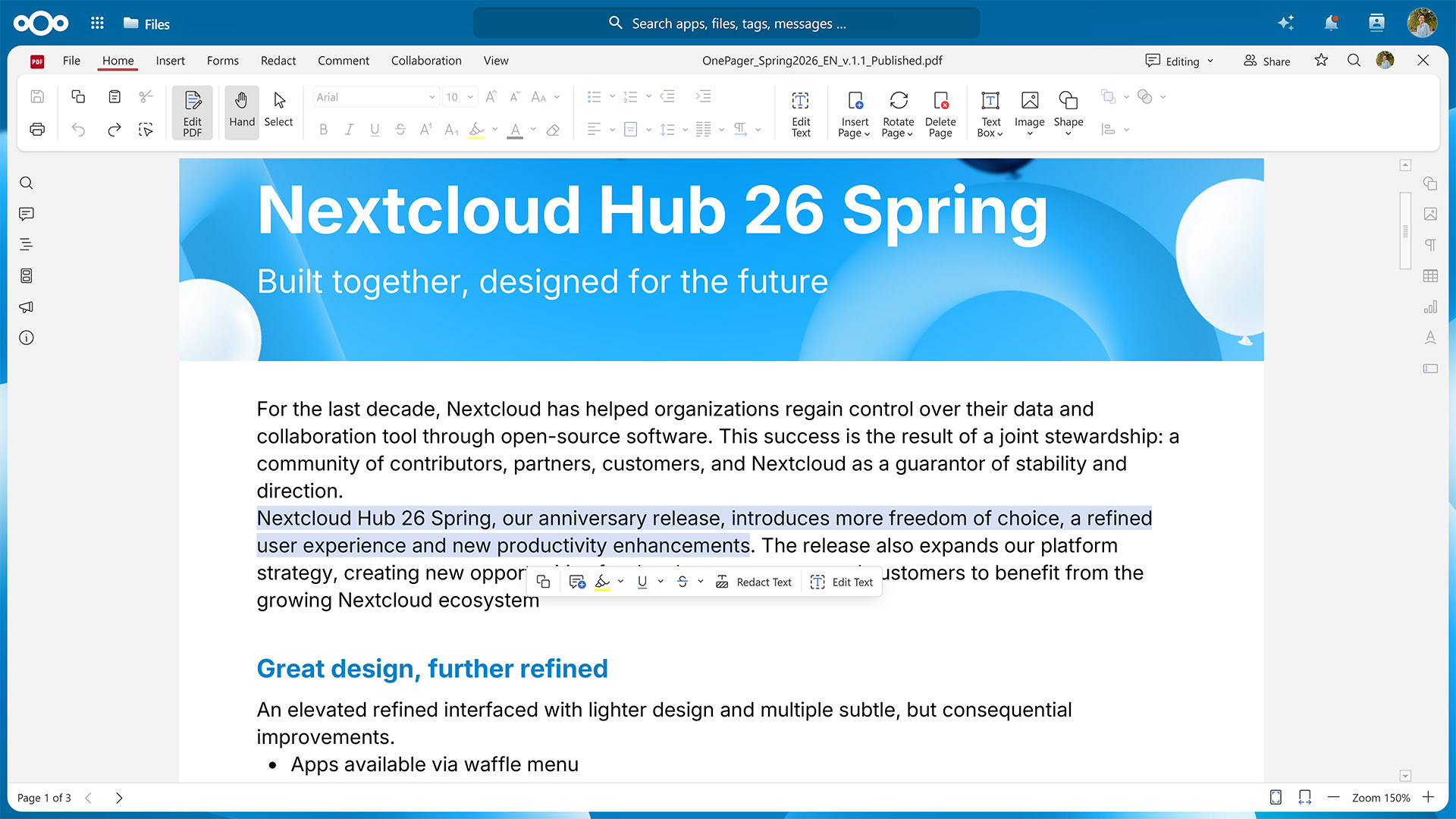
With the Euro-Office-exclusive Nextcloud PDF Editor, you can create fillable forms or collaborate on existing PDF files by annotate them and redacting sensitive information.
Continue working from your smartphone or tablet thanks to a dedicated mobile view
Collabora: highly compatible with OpenDocument formats, built on server-centric architecture
Since 2016, the Collabora Online integration for Nextcloud has brought browser-based document collaboration to a large user base.
Built on the LibreOffice codebase, Collabora focuses on high-fidelity rendering of ODT, ODS, ODP, and other OpenDocument Format files, but also provides limited support for Microsoft’s proprietary formats. It uses a server-centric approach and only sends the rendered content to the user’s browser instead of the raw document.
In Nextcloud, you can use Collabora to power the following applications:
Nextcloud Write for collaborative drafting and editing of ODT files and other formats
Nextcloud Spreadsheet for securely working on ODS files and other tabular data formats
Nextcloud Present for building slides and presenting them online and offline
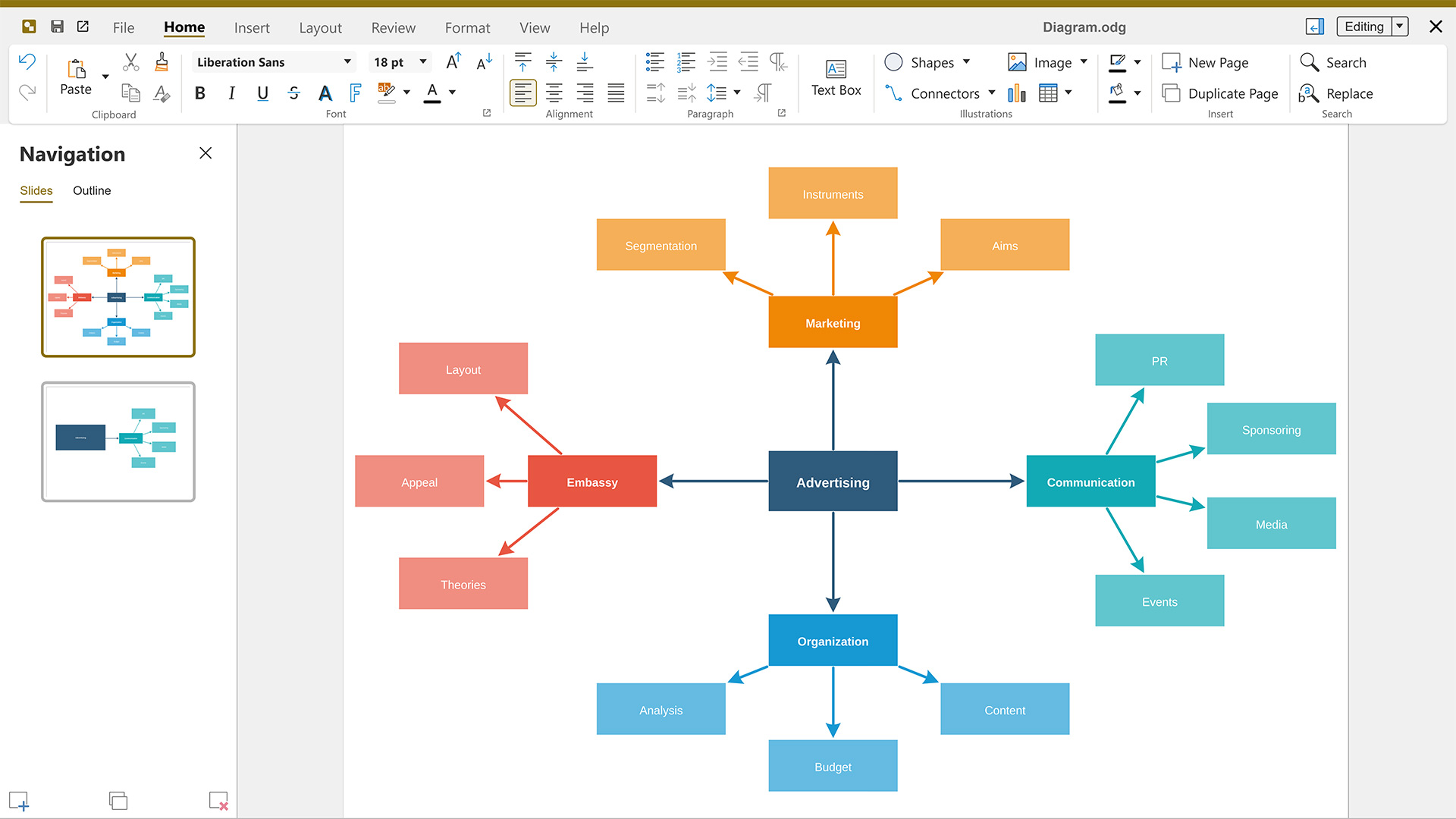
Nextcloud Draw for creating everything from quick sketches to elaborate diagrams
For editing on the go, Collabora also includes an interface for mobile devices.
Thinkfree Office: web-native office suite with a 25+ years legacy
Released in the year 2000, Thinkfree Office was the world’s first online office suite, predating Google Docs and Microsoft Word for the web. Initially built in Java, it now uses HTML5 and CSS3 for reliable performance on desktop and mobile browsers.
Thinkfree Office features broad compatibility across Microsoft Office and OpenDocument Format files, editing and saving them without a conversion step. Similar to Collabora Online, processing mainly takes place on the server.
The three applications included with Thinkfree Office are:
Thinkfree Word Processor
Thinkfree Spreadsheet
Thinkfree Presentation
As web-native tools, they work across desktop and mobile browsers.
Efficient team work with Nextcloud’s productivity tools and AI assistant
No matter which office suite you choose, you can get even more out of your work day by combining it with the many Nextcloud apps specifically built for cross-team collaboration.
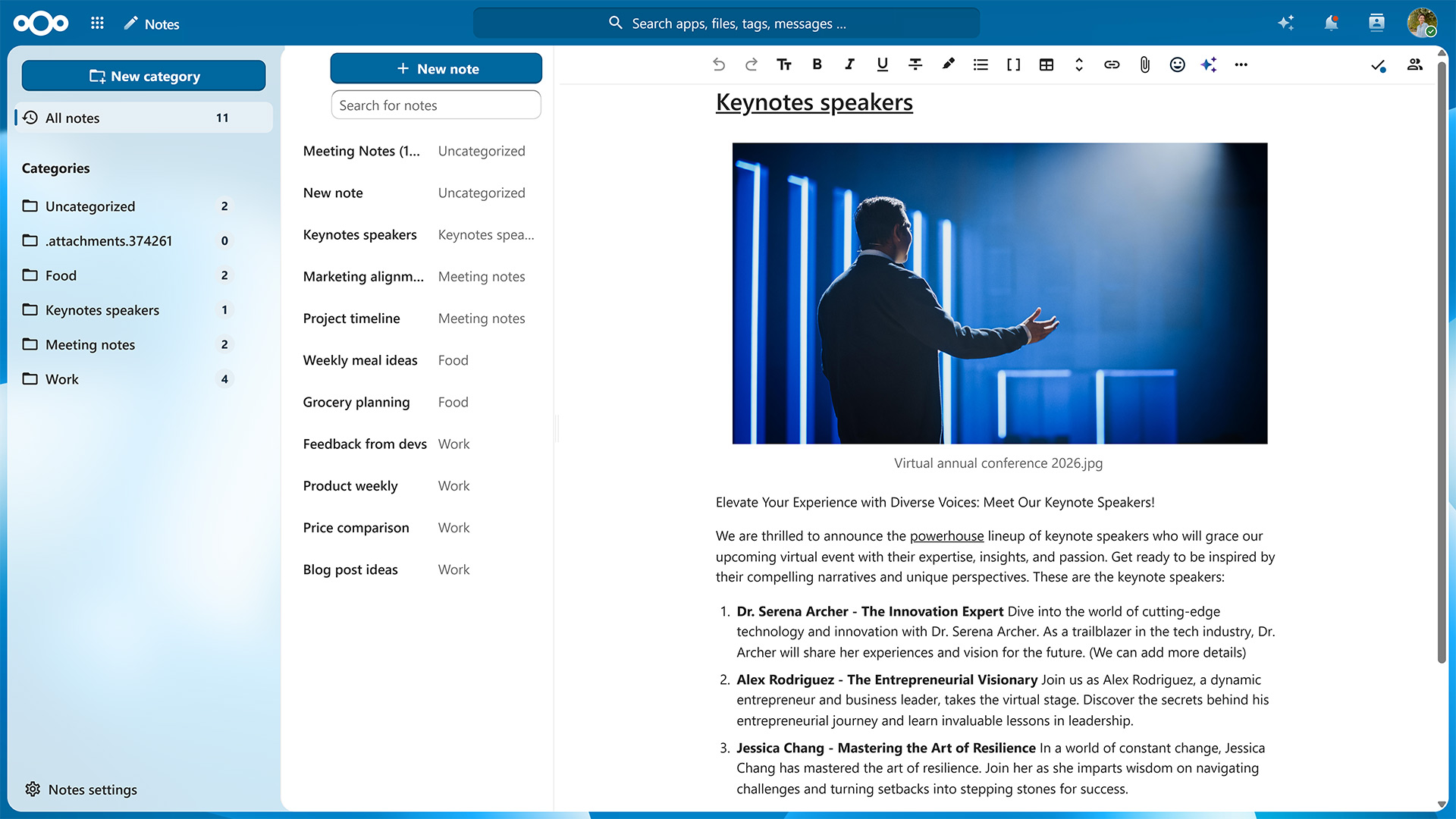
Nextcloud Text
If you want to jot down meeting minutes, create a quick checklist, or just prefer to format your documents using Markdown, then Nextcloud Text is what you’re looking for. The built-in templates help you get started.
Nextcloud Notes
For a similar writing experience that also includes options for organizing the information you’ve collected, try Nextcloud Notes. Assigning a label to your Markdown or TXT file moves it into the corresponding folder.
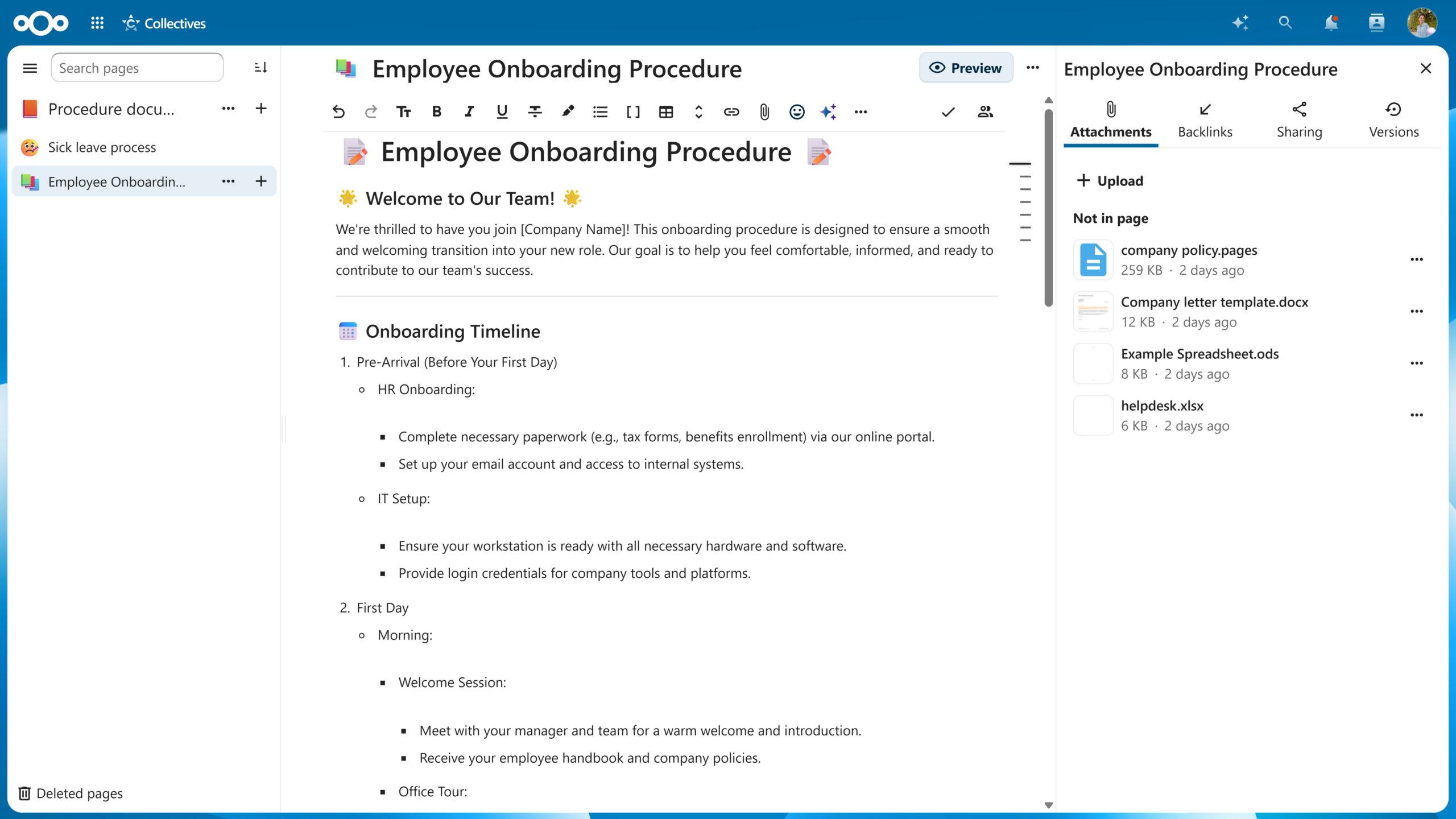
Nextcloud Collectives
Go one step further and you get Nextcloud Collectives. This app lets you create entire wikis and pull in information from all over your Nextcloud to curate a single source of truth for you and your team.
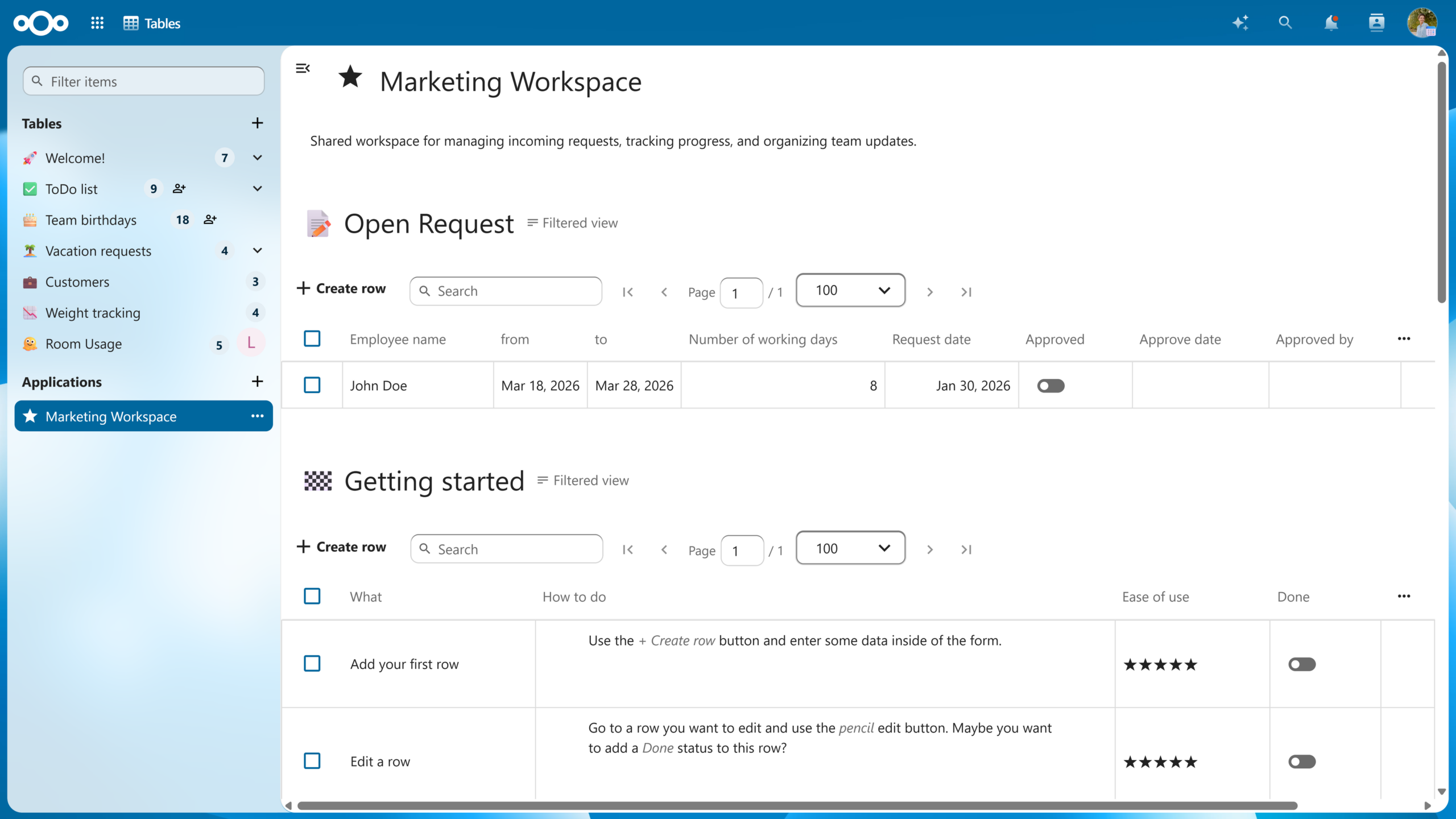
Nextcloud Tables
For structured data, there’s Nextcloud Tables. Functionality-wise, it sits between a spreadsheet and a full database and lets you build custom tables with your own columns that can include plain text, links, progress bars, star ratings, and more. You can then combine several tables and views into a no-code application to automate your processes.
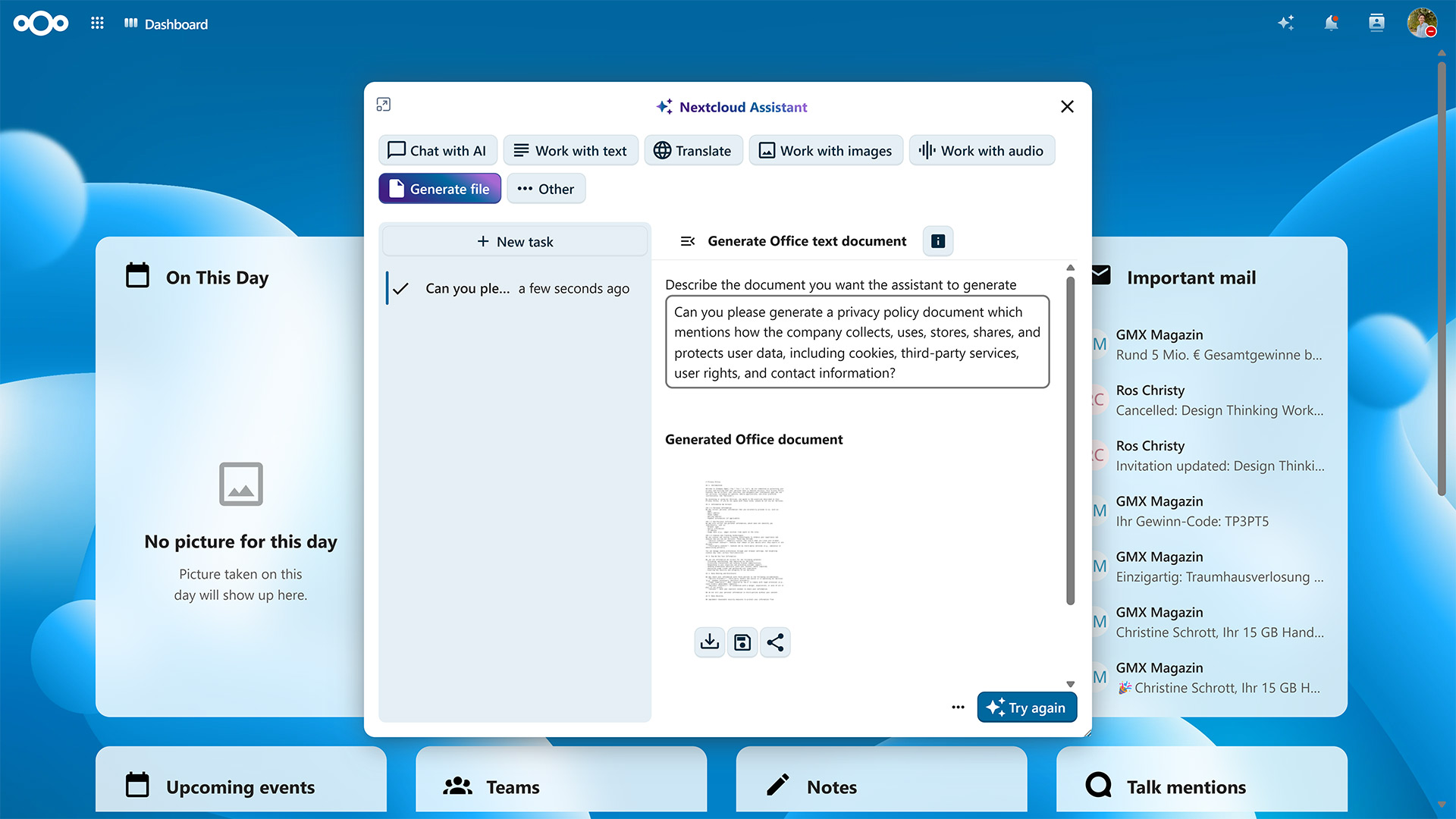
Nextcloud Assistant
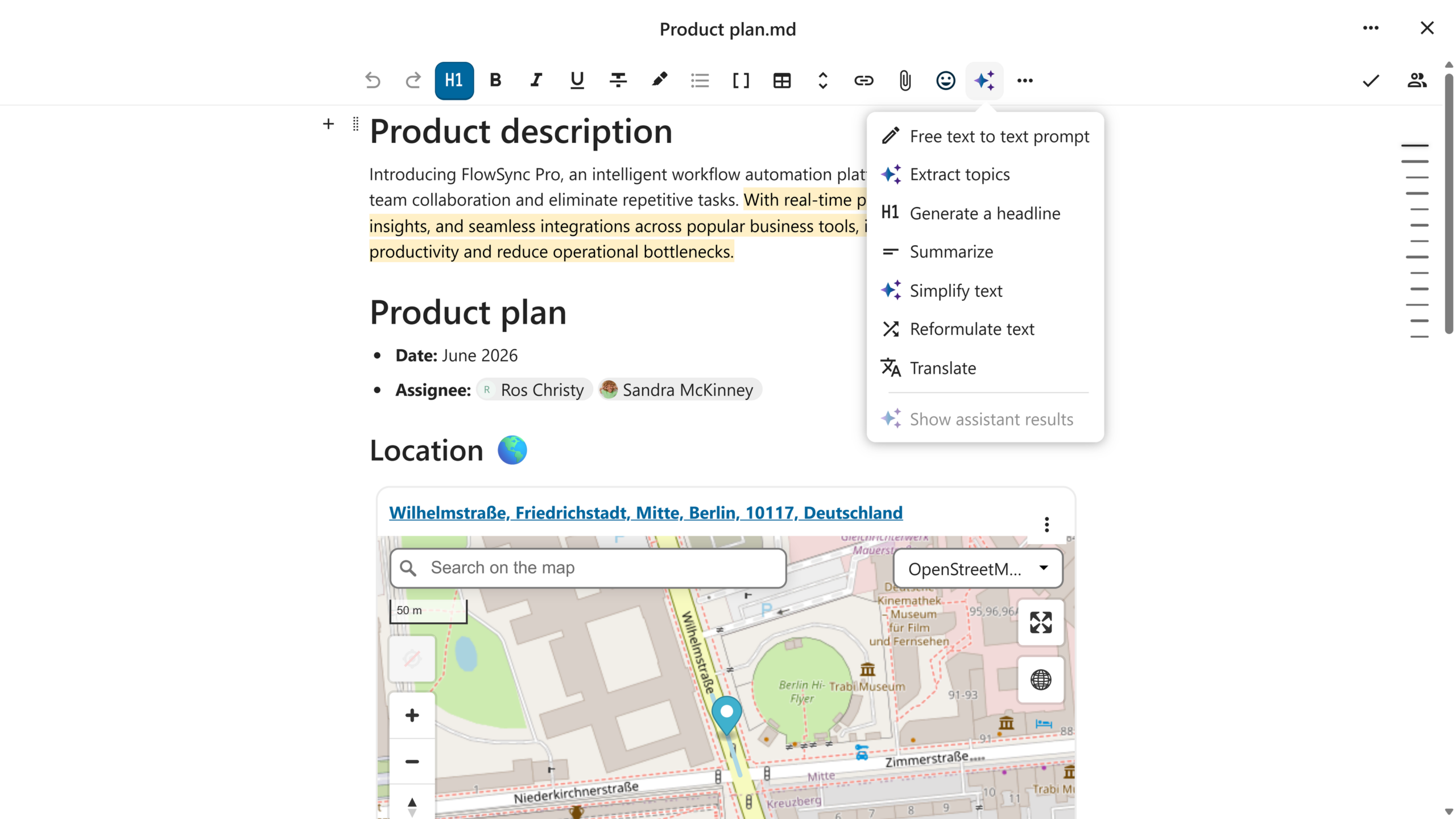
Once your data is in order, Nextcloud Assistant helps you act on it. Ask it to summarize a document, draft a first version of your meeting notes, or transcribe a recording. You can even let it generate documents for Nextcloud Office.
Which AI model or service you use to power Nextcloud Assistant is up to you — run it fully self-hosted and your data never even leaves your server.
With Nextcloud, you and your team get access to all the tools you need to collaborate effectively. As with every Nextcloud component, you can self-host Nextcloud Office or count on one of our trusted providers to host it for you.
If you’re part of a larger organization, take a look at Nextcloud Enterprise. It combines the reliability, security, and compliance guarantees needed for critical deployments with direct access to Nextcloud engineering expertise. Request an instant trial for a free 1-hour test drive or contact us for a quote tailored to your organization’s needs.
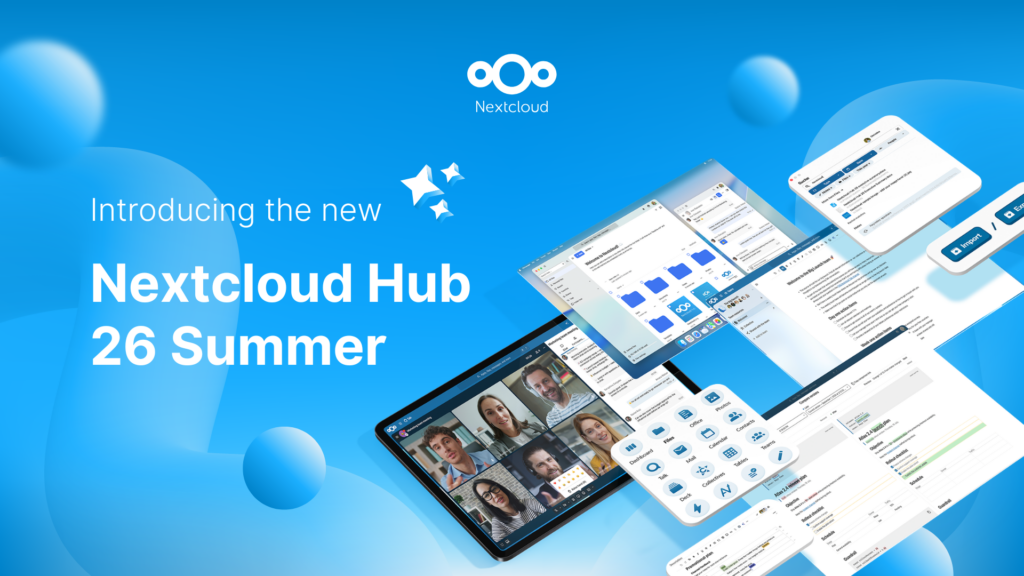
Nextcloud Hub 26 Summer ist eine Gemeinschaftsleistung des Nextcloud-Teams, unserer Community und unserer Partner und wird auf Grundlage davon weiterentwickelt, wie es tagtäglich genutzt wird. Erstellen Sie mit Nextcloud Teams einen eigenen Bereich für Ihr Team, organisieren Sie Ihre Erinnerungen mit der neuen Nextcloud Photos-App und nutzen Sie die von Ihnen gewünschten Features in allen Apps. Lesen Sie weiter, um einen vollständigen Überblick über den neuesten Release zu erhalten.
Nextcloud ist die erste Cloud-Plattform, die mit dem Umweltzeichen „Blauer Engel“ ausgezeichnet wurde und damit beweist, dass eine digital souveräne und grüne IT möglich ist.
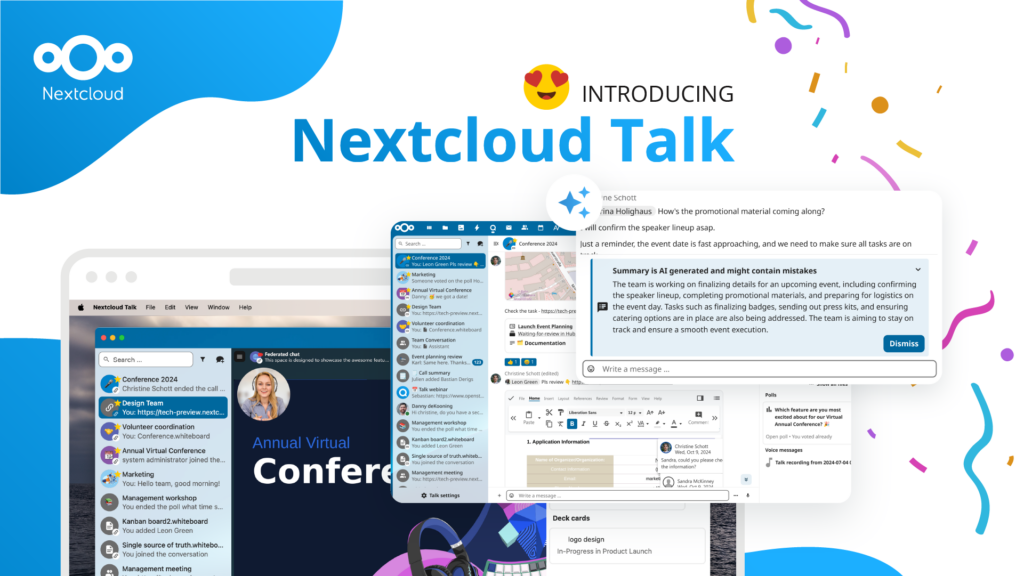
Unternehmen, ob klein oder groß, brauchen eine Möglichkeit, die Ausfallsicherheit und digitale Souveränität ihrer Abläufe zu gewährleisten - eine Open-Source-Alternative zu Teams, die die Privatsphäre respektiert. Und heute stellen wir diese Lösung vor - Nextcloud Talk.
Bechtle und Nextcloud kündigen heute eine vollständig verwaltete Kollaborationsplattform für den öffentlichen Sektor an, die keiner Ausschreibung bedarf und sofort bereitgestellt werden kann.
Our mission is to help individuals, businesses and organizations achieve digital sovereignty and regain control over their data. Nextcloud Hub 5 marks a massive step forward towards achieving this mission, putting the power of AI into your hands – in a way that keeps you in control. New release, new possibilities Hub 5 builds on […]
A new framework agreement makes sovereign, open-source collaboration technology available to schools across six German federal states. The solution is based on Nextcloud and provided by IONOS.
Cyberattacks can now be carried out faster than ever, with less human involvement and on a much larger scale. Air-gapped environments offer a way to protect sensitive data and critical systems from increasingly sophisticated attacks.
Wir speichern einige Cookies, um Besucher zu zählen und die Nutzung der Website zu erleichtern. Diese verlassen unseren Server nicht und dienen nicht der Verfolgung Ihrer online-Aktivitäten.
Weitere Informationen hierzu finden Sie in unserer Datenschutzrichtlinie. Anpassen
Statistik-Cookies sammeln anonym Informationen und helfen uns zu verstehen, wie unsere Besucher unsere Website nutzen. Wir verwenden cloud-gehostetes Matomo
Dienst:Matomo
Cookie-Beschreibung:
_pk_ses*: Zählt den ersten Besuch des Benutzers
_pk_id*: Hilft, die Besuche nicht doppelt zu zählen.
mtm_cookie_consent: Erinnert daran, dass der Nutzer seine Zustimmung zur Speicherung und Verwendung von Cookies gegeben hat.
Cookie-Ablauf:_pk_ses*: 30 Minuten
_pk_id*: 13 Monate
mtm_cookie_consent: 30 Tage