Most people only think about where their notes are stored when they try to take them somewhere else. With Microsoft OneNote or Google Keep, years of meeting notes and half-finished ideas sit in the provider’s own format on servers run by US companies, where they fall under laws like the US CLOUD Act.
If you’re looking for an open source alternative to OneNote or Google Keep, Nextcloud Notes takes a simpler approach: it saves your notes as files on infrastructure of your choice, whether that’s your own server or a trusted provider.
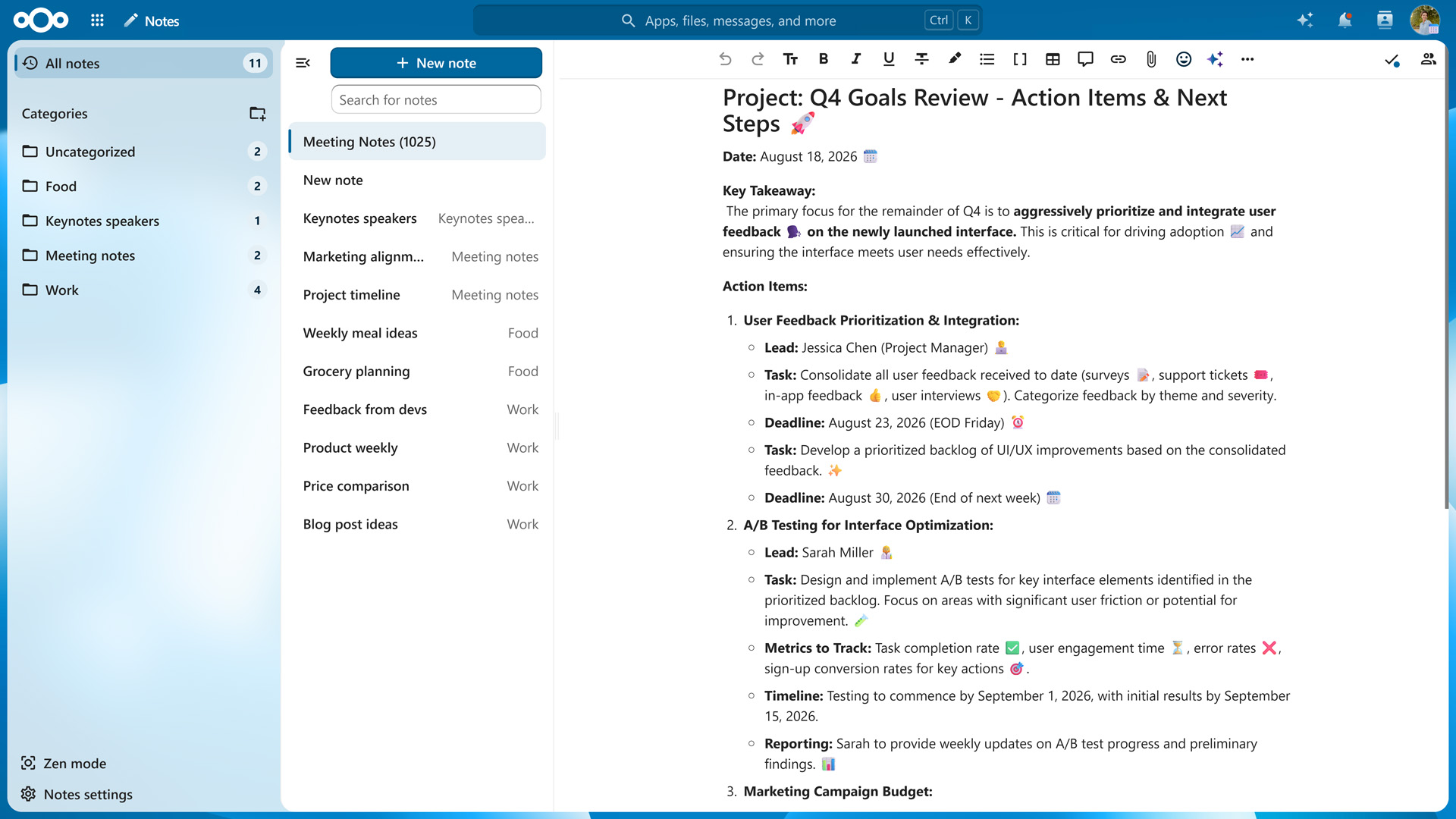
Capture ideas in Markdown and keep them organized
Nextcloud Notes is built for quick capture. You open it, start typing, and the interface stays out of your way. To speed things up, start a new note from a ready-made template. When you need to concentrate on longer writing, Zen mode hides everything in the app except your working area.
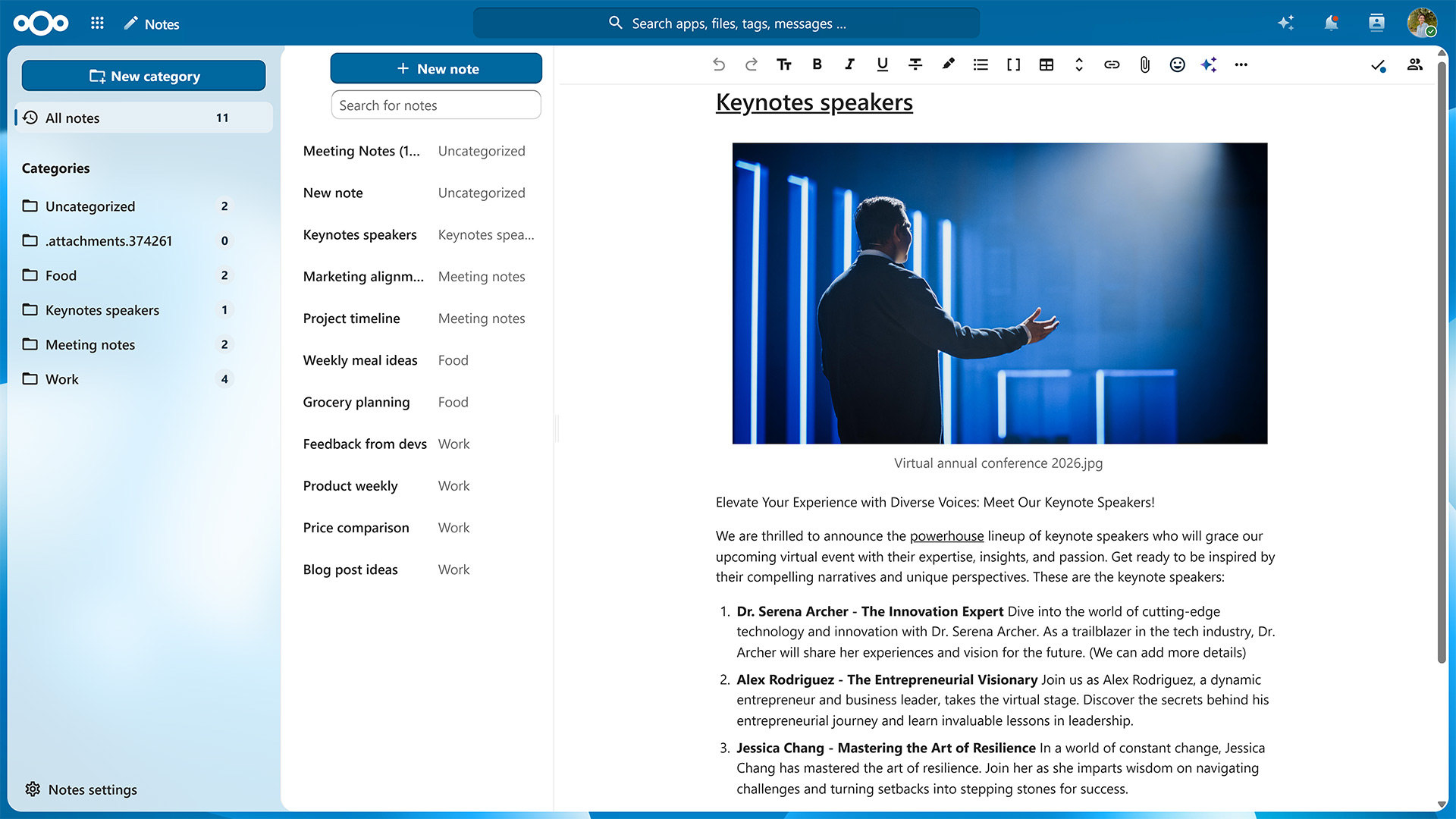
You can add headings, bold and italic text, checklists, tables, images, and links using Markdown syntax or the app’s WYSIWYG editor. Beyond basic formatting, Nextcloud Notes offers a range of elements that give longer notes structure, which is especially useful when your team works on them together:
Callouts in five styles (info, success, warning, danger, and question) to highlight key information, decisions, or open questions
Collapsible details sections that keep background information out of the way until someone needs it
Tables for comparisons, schedules, or simple trackers
Mermaid diagrams for flowcharts and process overviews, written as plain text
Inline and block math for formulas
Code blocks for commands, configuration snippets, or code
Blockquotes for citing sources or earlier discussions
File attachments and images, uploaded from your device or picked from Nextcloud Files
You can organize your notes by assigning them categories and marking them as favorites to keep them at the top of your list. If you have a lot of notes, the search box makes it easy to find a specific one.
Nextcloud Notes works in any web browser, with no installation needed. On your phone or tablet, the free Nextcloud Notes apps for Android and iOS keep your notes in sync with your server. Thanks to the REST API, a range of third-party apps also work with Nextcloud Notes.
Share notes and work on them together
A note can be shared with other users, groups, or via a public link, so even people without a Nextcloud account can read them. Since notes are files, the same sharing options as in Nextcloud Files apply, including fine-grained permissions and one-time passwords for shares.
Once shared, a note can be edited by several people simultaneously. Each collaborator’s cursor is shown in real time, so it’s always clear who’s writing what. They can also add inline comments to a specific passage and reply to them. Comments are saved in the note’s Markdown file, so they stay readable even if you open the note in another editor.
Your notes are files you own
Every note you create in Nextcloud Notes is saved as a regular file in a Notes folder, using either .md, .txt, or a file extension you specify yourself. Since they’re ordinary files, you can open and edit your notes with any text or Markdown editor you like.
This also makes it easy to export your notes: you simply copy the folder. In comparison, OneNote and Google Keep export your notes as per-notebook PDF and Word files and archives of HTML and JSON files respectively, which you’ll need to convert before another app can use them.
Nextcloud Notes also keeps a version history, which you can browse directly in the sidebar, so you can see how a note changed over time and restore an earlier version. For developers and power users, a REST API lets third-party apps read and write your notes.
Connect your notes to other Nextcloud apps
Your notes can link to content from elsewhere in your Nextcloud, such as a kanban card in Nextcloud Deck, a calendar event, or a chat message in Nextcloud Talk. You also have access to Nextcloud Assistant, an optional AI assistant that can help you draft and summarize text. Your Nextcloud administrators decide which model it uses and whether it runs locally or on a server of a trusted provider.
Other Nextcloud apps complement Nextcloud Notes‘ feature set. If you often use reminders, Nextcloud Tasks lets you set due dates and reminder times and syncs them to your phone via CalDAV. If you want to build structured notebooks with your team, Nextcloud Collectives lets you curate a team wiki with linked pages, using the same editor as Nextcloud Notes. Since Markdown is supported by most Nextcloud apps, copying to and pasting from Nextcloud Notes preserves formatting.
Get started with Nextcloud Notes
If you already run Nextcloud, you or your instance’s administrator can enable Nextcloud Notes from the Nextcloud App Store in just a few clicks.
Nextcloud Hub 26 Summer ist eine Gemeinschaftsleistung des Nextcloud-Teams, unserer Community und unserer Partner und wird auf Grundlage davon weiterentwickelt, wie es tagtäglich genutzt wird. Erstellen Sie mit Nextcloud Teams einen eigenen Bereich für Ihr Team, organisieren Sie Ihre Erinnerungen mit der neuen Nextcloud Photos-App und nutzen Sie die von Ihnen gewünschten Features in allen Apps. Lesen Sie weiter, um einen vollständigen Überblick über den neuesten Release zu erhalten.
Nextcloud ist die erste Cloud-Plattform, die mit dem Umweltzeichen „Blauer Engel“ ausgezeichnet wurde und damit beweist, dass eine digital souveräne und grüne IT möglich ist.
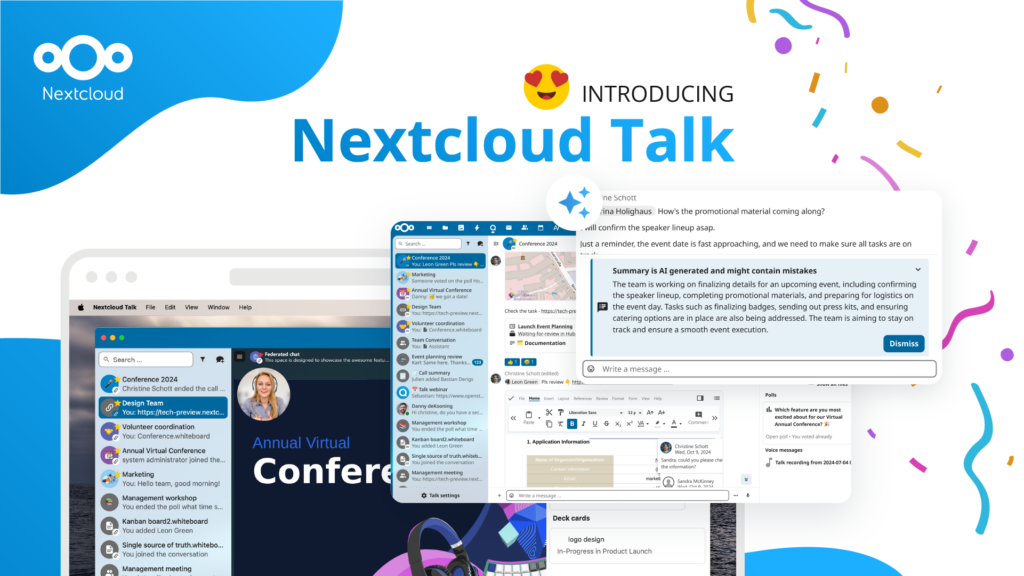
Unternehmen, ob klein oder groß, brauchen eine Möglichkeit, die Ausfallsicherheit und digitale Souveränität ihrer Abläufe zu gewährleisten - eine Open-Source-Alternative zu Teams, die die Privatsphäre respektiert. Und heute stellen wir diese Lösung vor - Nextcloud Talk.
Bechtle und Nextcloud kündigen heute eine vollständig verwaltete Kollaborationsplattform für den öffentlichen Sektor an, die keiner Ausschreibung bedarf und sofort bereitgestellt werden kann.
Our mission is to help individuals, businesses and organizations achieve digital sovereignty and regain control over their data. Nextcloud Hub 5 marks a massive step forward towards achieving this mission, putting the power of AI into your hands – in a way that keeps you in control. New release, new possibilities Hub 5 builds on […]
One year ago, the European Commission proposed the Digital Omnibus, a package to “simplify” EU digital rules. Its most important part is still being negotiated: a GDPR change that would make it easier for companies to train AI on your personal data, while EU governments want to weaken your right to say no. Here’s where things stand, who’s lobbying, and how to keep your data out of someone else’s AI.
What does the dependency on U.S. Big Tech put at risk and what can Canadian organizations learn from Europe’s digital sovereignty movement? In this article, we try to find the answers.
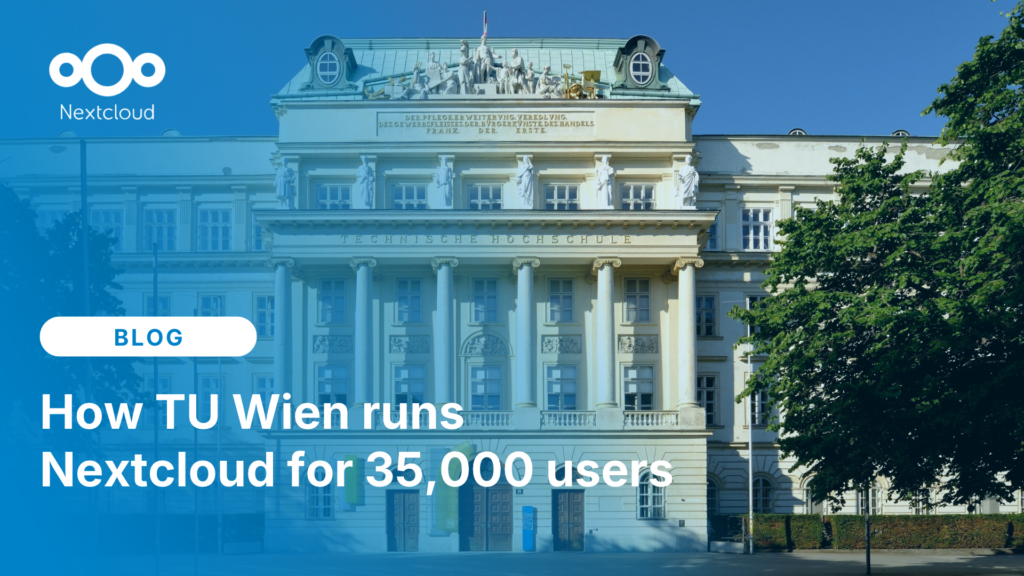
Jan Vales, System Administrator for the TUcloud at TU Wien, tells us about university's 35,000-user Nextcloud setup, how share links solved TU Wien’s external collaboration problems, and why he thinks open source should win over closed source.
Wir speichern einige Cookies, um Besucher zu zählen und die Nutzung der Website zu erleichtern. Diese verlassen unseren Server nicht und dienen nicht der Verfolgung Ihrer online-Aktivitäten.
Weitere Informationen hierzu finden Sie in unserer Datenschutzrichtlinie. Anpassen
Statistik-Cookies sammeln anonym Informationen und helfen uns zu verstehen, wie unsere Besucher unsere Website nutzen. Wir verwenden cloud-gehostetes Matomo
Dienst:Matomo
Cookie-Beschreibung:
_pk_ses*: Zählt den ersten Besuch des Benutzers
_pk_id*: Hilft, die Besuche nicht doppelt zu zählen.
mtm_cookie_consent: Erinnert daran, dass der Nutzer seine Zustimmung zur Speicherung und Verwendung von Cookies gegeben hat.
Cookie-Ablauf:_pk_ses*: 30 Minuten
_pk_id*: 13 Monate
mtm_cookie_consent: 30 Tage