If your organization handles personal information about Canadians in the course of commercial activity, the Personal Information Protection and Electronic Documents Act (PIPEDA) sets the rules for how you collect, use, store and protect it. This also holds true for files such as contracts, HR records, customer files, chat logs stored on a collaboration platform like Nextcloud, so configuring it to ensure PIPEDA compliance is crucial.
PIPEDA places obligations not on tools but on organizations, and Nextcloud gives you everything you to need to meet them. You get to decide where your data lives, who can access it, how long you keep it, and what leaves your servers.
This article gives you an overview of what a PIPEDA-ready Nextcloud deployment involves: what works out of the box, what you configure once, and what remains your organization’s job. Links to the documentation help you get more information if needed.
💡 The current state of PIPEDA (and its possible successor PPCDA)
As Canada’s federal private-sector privacy law, PIPEDA covers organizations that handle personal information in commercial activities, as well as employee data in federally regulated industries such as banking and telecommunications. Quebec, British Columbia and Alberta have their own private-sector privacy laws that apply instead within those provinces, but PIPEDA still applies whenever personal information crosses provincial or national borders.
The law is built on ten fair information principles, from accountability and consent to security safeguards and individual access. Since 2018, organizations must also report breaches that create a « real risk of significant harm » to the Office of the Privacy Commissioner of Canada, notify the people affected, and keep a record of every breach for 24 months.
On June 15, 2026, the federal government introduced Bill C-36, which would replace PIPEDA’s privacy rules with a new Protecting Privacy and Consumer Data Act (PPCDA), require a privacy impact assessment before personal data leaves Canada, and allow fines of up to C$10 million or 3% of global revenue. At the time of this writing, the bill is still awaiting second reading in the House of Commons, and its rules only take effect once it has passed both houses and a new regulator has been set up. Until then, PIPEDA remains the law.
For cloud storage, the most relevant change is about transfers abroad: organizations would need to assess and mitigate privacy risks before transferring personal information outside Canada. Keeping your data in Canada from the start avoids this assessment for your core platform.
1. Determine data location
Before you install Nextcloud, decide where your instance and everything connected to it will run. You have three main options:
Self-hosting on your own infrastructure, in your own data center or office
A Canadian hosting provider, running Nextcloud on servers you rent
A Nextcloud partner that hosts and manages Nextcloud for you. You can filter the partner directory by location.
PIPEDA doesn’t require you to keep data in Canada. However, you remain accountable for personal information you hand to a provider, and transfers abroad bring extra obligations. Choosing Canadian hosting keeps things simple.
Pay attention to who owns the provider, not just where its servers are. A provider headquartered outside Canada may be subject to its home country’s laws on government access to data, even for data stored in a Canadian data center. The Privacy Commissioner’s guidelines on processing personal data across borders expect you to tell people plainly when their information may be processed in another country.
Make sure your storage backends, database, backups and logs are located in Canada too. If a provider hosts or manages your instance, sign a contract that covers security measures, breach notification, subcontractors and what happens to your data when the contract ends. The Privacy Commissioner’s guidance on working with third-party service providers helps you assess a provider before you sign.
2. Secure the platform
PIPEDA requires security safeguards that match the sensitivity of the information you hold. Health, financial, or HR records need stronger protection than marketing materials.
Every connection to your instance should use HTTPS. For data at rest, Nextcloud works with three layers of encryption. Disk encryption on your servers is the baseline. Server-side encryption adds protection when files sit on external or object storage you don’t fully control, though it doesn’t protect against a compromised Nextcloud server and adds some storage and performance overhead. End-to-end encryption protects selected folders so that not even server administrators can read them. The trade-off is convenience: encrypted folders are set up in the desktop or mobile apps and are read-only in the browser.
For logins, you can connect your existing identity system through LDAP, SAML or OpenID Connect, so access ends automatically when someone leaves your organization. You can also enforce two-factor authentication for everyone or for specific groups. Brute-force protection is enabled by default.
Beyond that, keeping a Nextcloud server secure is the same routine work as for any server: install updates promptly and disable apps you don’t use. The free Nextcloud Security Scan checks your instance for common configuration problems.
3. Control sharing and data flows
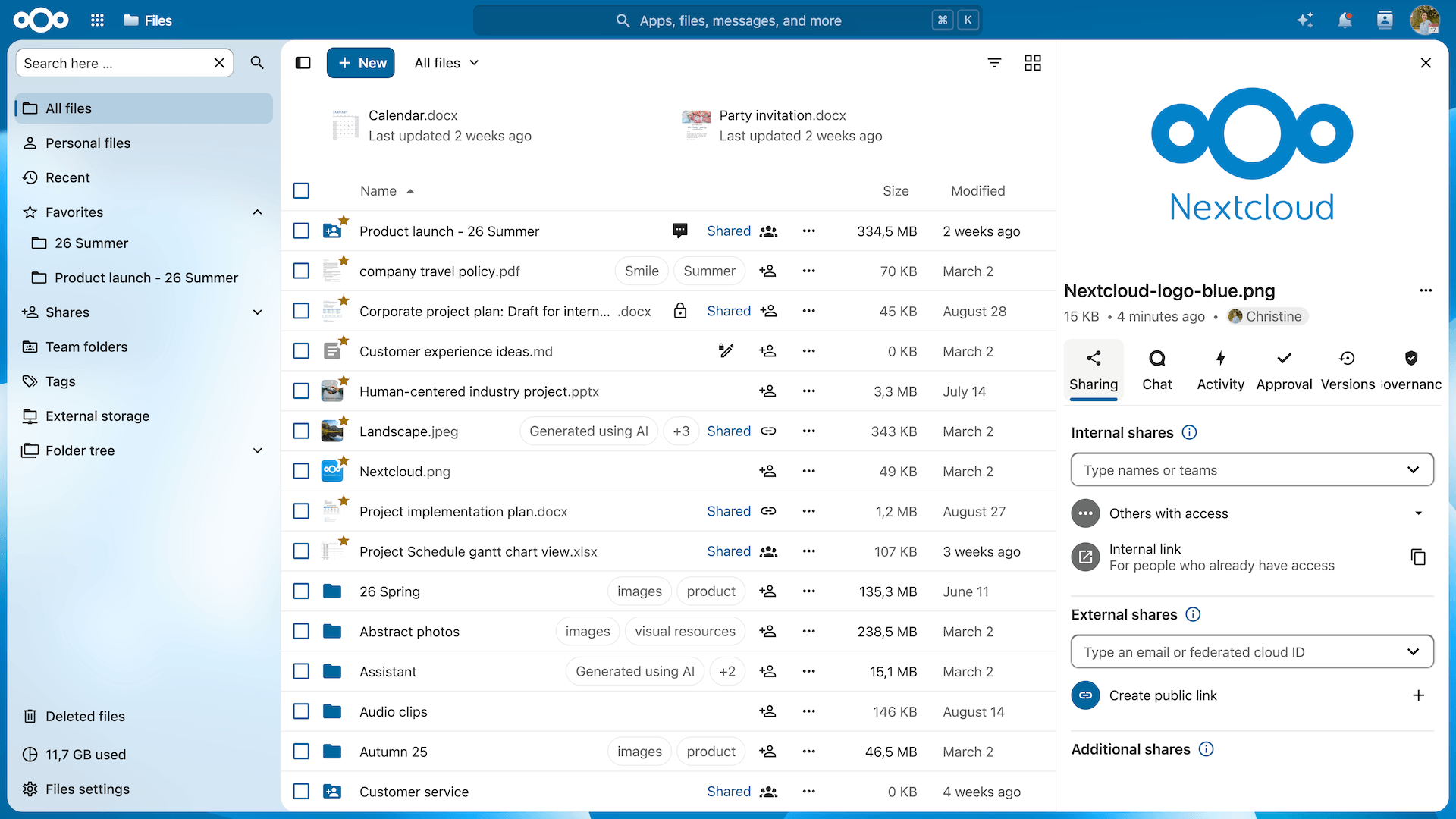
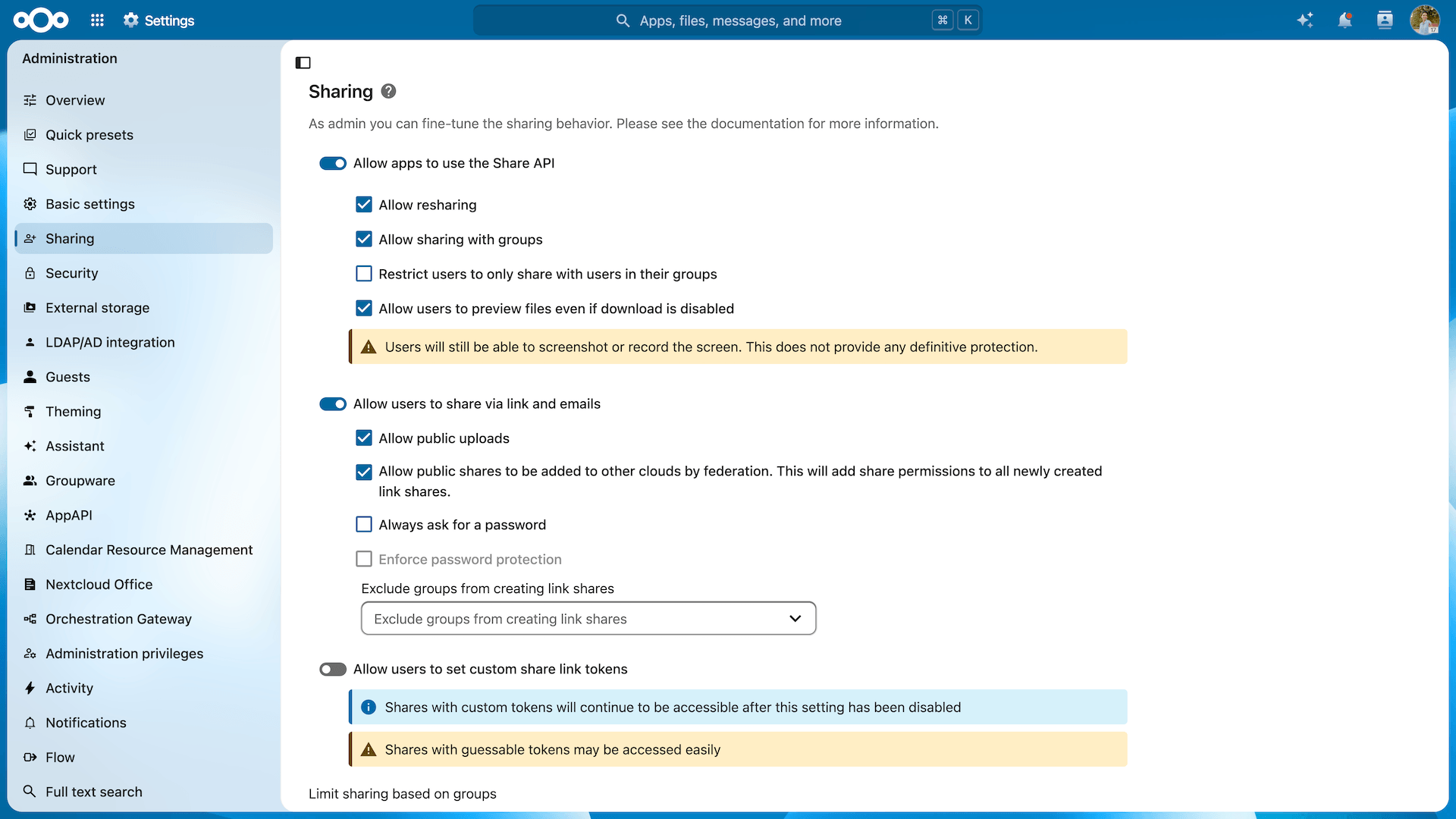
PIPEDA says personal information should only be used and disclosed for the purposes it was collected for. On a collaboration platform, the biggest risk is usually not an attacker but an overly generous share link.
Nextcloud lets you set clear rules for sharing. You can require passwords and expiration dates on public links, limit public links to the groups that need them, and keep teams from sharing outside their own group.
For your most sensitive files, file access control adds conditions on top of sharing permissions. For example, an accounting firm could tag all client tax files as « Client confidential » and allow access to them only from the office network or company VPN. Even if a file is shared by mistake, it can’t be opened from anywhere else.
You also decide which outside services your instance connects to. You can switch off connections you don’t need, such as federation with other Nextcloud servers, which may be located outside Canada. Nextcloud’s AI features are optional, and you can run them on local models so documents never leave your servers.
4. Set up retention and data request handling
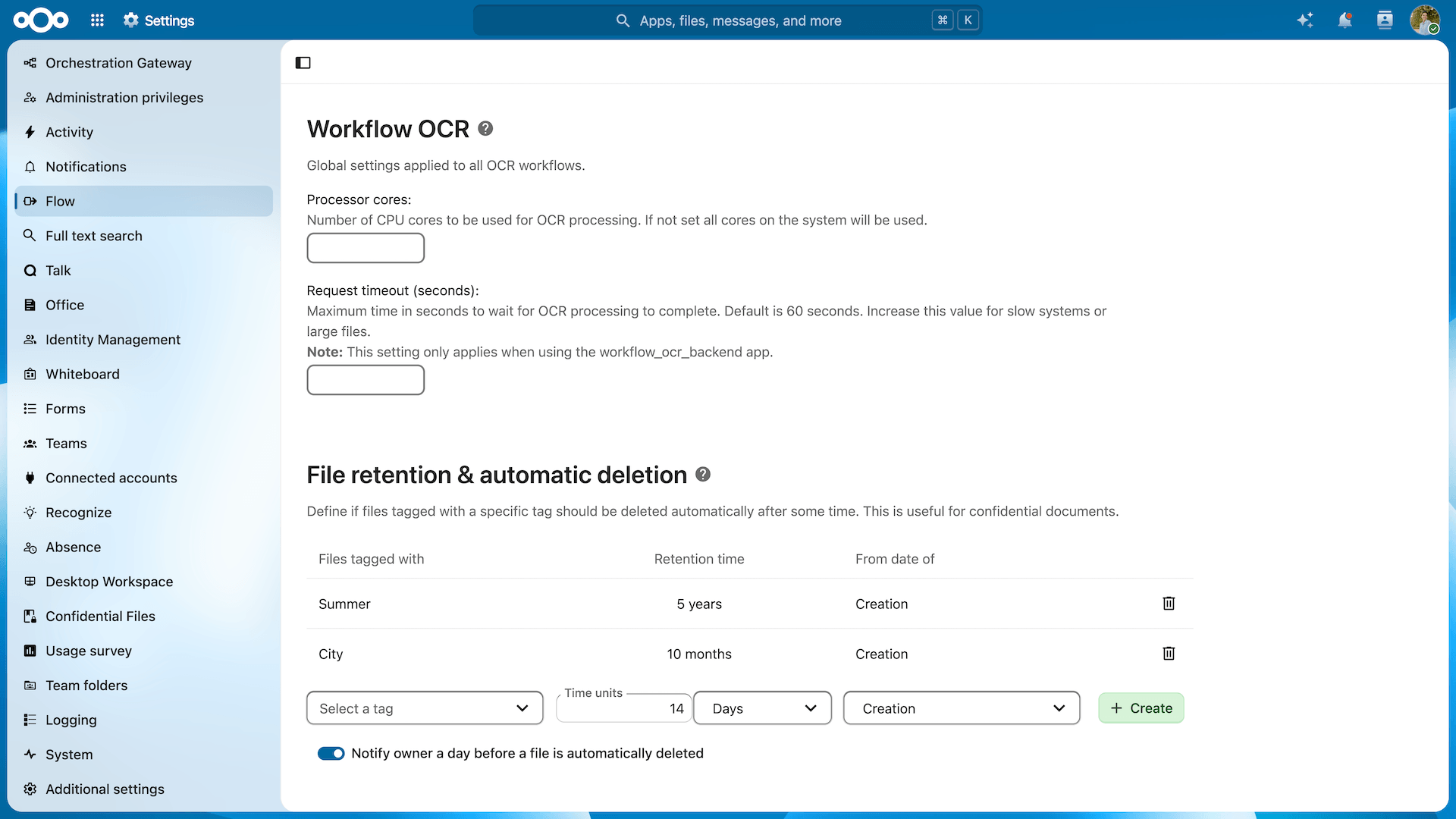
PIPEDA requires you to keep personal information only as long as you need it. Once you have a retention schedule, the Retention app can enforce it automatically. For example, files tagged « Job application » could be deleted one year after they were created. You can also limit how long deleted files and older versions are kept. Remember to align your backups with the same schedule, or you’ll keep the data anyway.
People also have the right to ask what personal information you hold about them, and you have 30 days to respond. Users can export their own account data with the User Migration app, and Nextcloud’s search helps you find information stored in other people’s files.
5. Set up logging and monitoring
If something goes wrong, you need to be able to show what happened and whose data was affected. The built-in logging feature writes security-relevant events, such as logins, to a separate audit log, which you can also send to syslog and on to your central logging system. Store that log where regular administrators can’t change it and give it a retention period, since it contains personal information itself.
Completing the organizational side of PIPEDA compliance
Nextcloud gives you the technical controls to keep data private, but whether you comply with PIPEDA depends in large part on your organization’s own policies and processes.
Start by appointing someone to be responsible for privacy. PIPEDA requires a designated person who is accountable for compliance, and in a small organization this can be an existing employee. That person should make sure your policies are written down, covering why you collect personal information, how long you keep it, and how you handle requests and complaints. Nextcloud helps make those policies visible: you can link your privacy policy on the login page and ask users to accept your terms with the Terms of Service app.
Before you go live, a privacy impact assessment helps you find risks early. It’s good practice under PIPEDA and required in some cases under Quebec’s Law 25. You should also have a plan for breaches, covering how you contain one, assess the risk, report it, and notify the people affected, as well as how you keep your 24-month breach record. Finally, train your staff, because even the best sharing settings won’t help if people don’t understand why they exist.
For more guidance, see the Office of the Privacy Commissioner of Canada’s PIPEDA compliance help. This article isn’t legal advice, so if your deployment handles sensitive information, ask a Canadian privacy lawyer to review your approach.
What to expect after deployment
Some of what you need comes with every Nextcloud installation: full control over where your data is stored, brute-force protection, and a fine-grained permission system. Most of the rest is one-time configuration. Encryption, single sign-on, two-factor authentication, sharing and file access rules, retention rules, audit logging, and links to your privacy policy are all things an experienced administrator sets up as part of a normal deployment.
After that, the ongoing work is routine: installing updates, reviewing logs, answering access requests, and keeping your policies, training, and breach plan up to date.
Get support for your deployment
Setting up Nextcloud for PIPEDA is easier with expert help. With Nextcloud Enterprise, you get direct support from our engineers and help with secure, scalable deployments. If you’d rather not run it yourself, our partners can host and manage Nextcloud for you.
Many of the same controls help with Europe’s GDPR. To learn more, have a look at our GDPR Compliance Kit. If you have specific questions about your deployment, get in touch with our team.
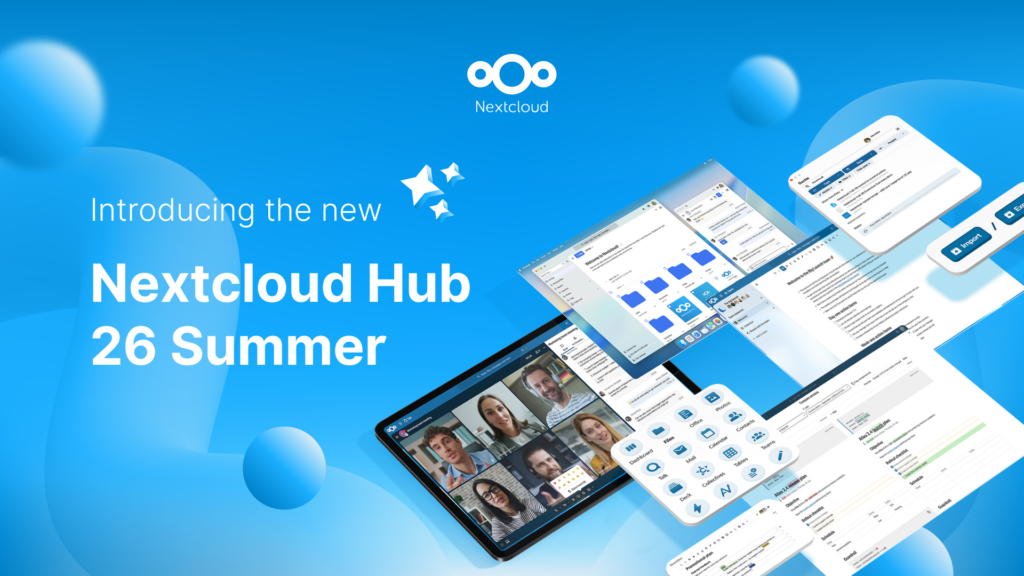
Créé grâce à un effort conjoint de notre équipe, de la communauté et de nos partenaires, Nextcloud Hub 26 Summer s'inspire des personnes réelles qui utilisent nos outils au quotidien. Créez votre propre espace d’équipe avec Nextcloud Teams, organisez vos souvenirs dans le nouveau Nextcloud Photos et profitez des améliorations que vous avez demandées dans l’ensemble des applications. Poursuivez votre lecture pour un aperçu complet de notre dernière version !
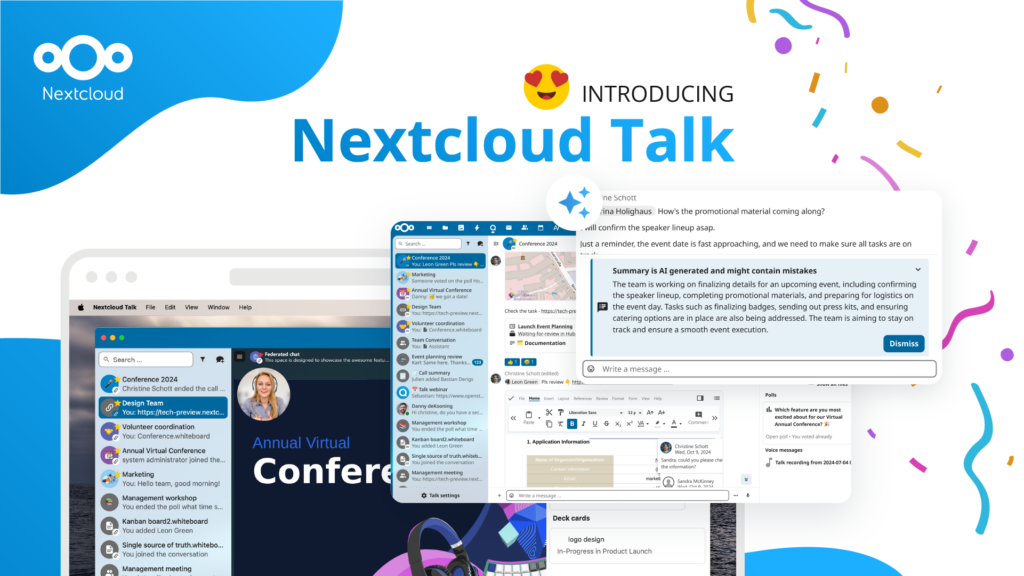
Les organisations, petites et grandes, ont besoin d'un moyen d'assurer la résilience et la souveraineté numérique de leurs opérations - une alternative à Teams, open-source et respectueuse de la vie privée. Aujourd'hui, nous vous présentons cette solution - Nextcloud Talk.
Nous vous présentons une mise à jour majeure de l'assistant Nextcloud IA, ainsi que de nouvelles informations sur notre collaboration avec plusieurs grands fournisseurs d'hébergement tels que IONOS et OVHcloud pour vous proposer des options d'IA en tant que service !
Bechtle et Nextcloud ont annoncé aujourd'hui une plateforme de collaboration entièrement administrée pour le secteur public, qui ne nécessite pas d'appel d'offres et peut être déployée immédiatement.
Découvrez comment passer de ownCloud à Nextcloud. Notre outil d'aide à la migration fournit des informations sur le processus de migration et vous aide à effectuer la transition en douceur.
One year ago, the European Commission proposed the Digital Omnibus, a package to “simplify” EU digital rules. Its most important part is still being negotiated: a GDPR change that would make it easier for companies to train AI on your personal data, while EU governments want to weaken your right to say no. Here’s where things stand, who’s lobbying, and how to keep your data out of someone else’s AI.
What does the dependency on U.S. Big Tech put at risk and what can Canadian organizations learn from Europe’s digital sovereignty movement? In this article, we try to find the answers.
Nous enregistrons certains cookies pour compter les visiteurs et faciliter l'utilisation du site. Ces données ne quittent pas notre serveur et ne sont pas destinées à vous suivre personnellement ! Consultez notre politique de confidentialité pour plus d'informations Personnaliser
Les cookies utilisés pour enregistrer les données saisies dans les formulaires, telles que le nom, l'adresse électronique, le numéro de téléphone et la langue préférée.
Nom du cookie :nc_form_fields
Description du cookie :Mémorise les données saisies dans les formulaires pour une prochaine visite (nom, adresse électronique, numéro de téléphone et langue préférée).
Expiration du cookie :30 jours
Consentement
Nom du cookie :nc_utm_parameters
Description du cookie :We use cookies to store UTM parameters from your visit so we can understand how you arrived at our website.
Les cookies statistiques collectent des informations de manière anonyme et nous aident à comprendre comment nos visiteurs utilisent notre site web. Nous utilisons la solution open source de mesure de statistiques web Matomo
Service:Matomo
Description du cookie :
_pk_ses*: Compte la première visite de l'utilisateur
_pk_id*: Aide à ne pas compter deux fois les visites.
mtm_cookie_consent: Se souvient que l'utilisateur a donné son accord pour le stockage et l'utilisation de cookies.
Expiration du cookie :_pk_ses*: 30 minutes
_pk_id*: 13 mois
mtm_cookie_consent: 30 jours