From proposals and contracts to internal policies and reports, every business runs on documents. With third-party-hosted solutions like Microsoft Word or Google Docs, its contents are stored on servers the business has no control over.
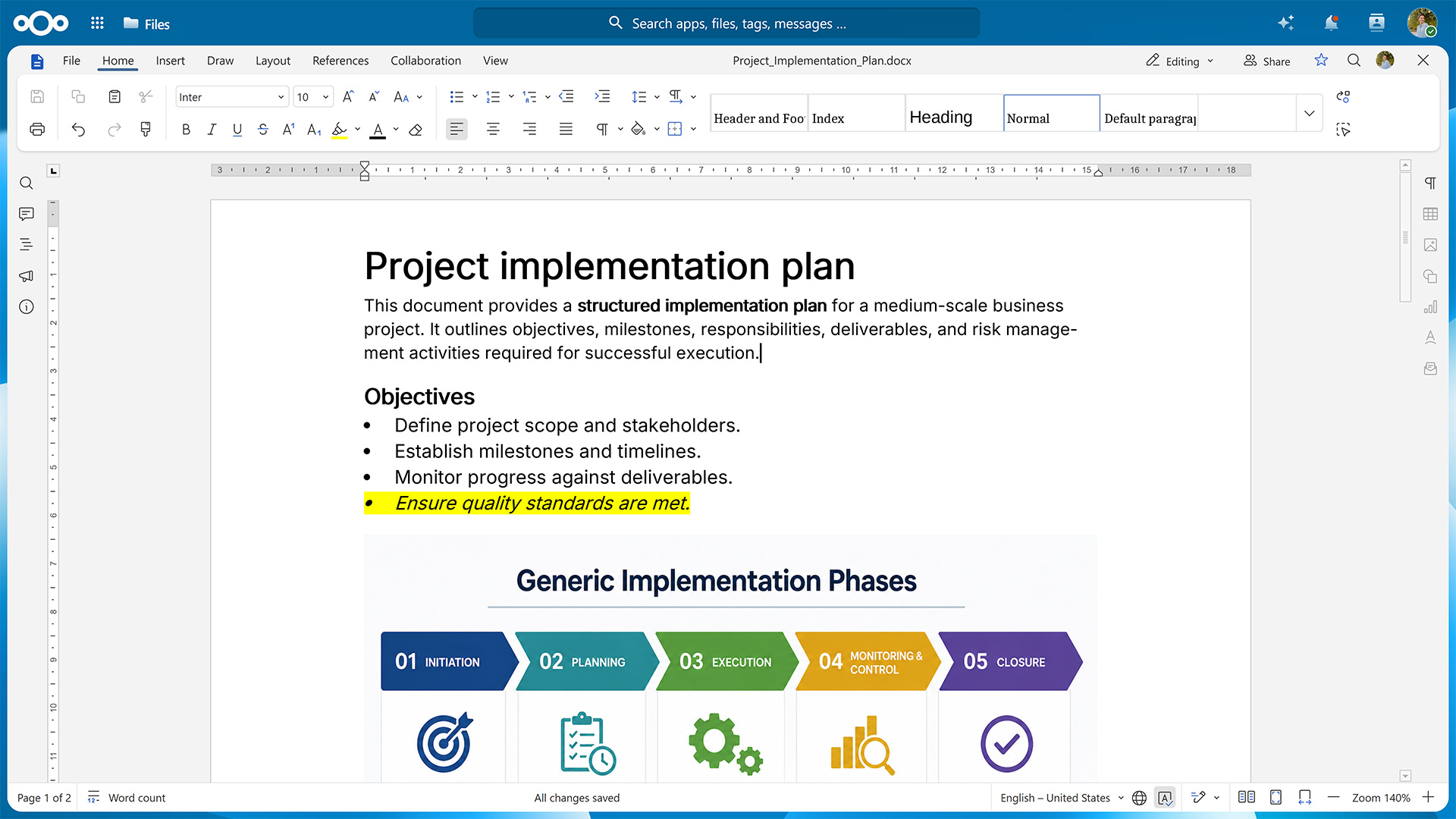
Nextcloud Write is a full-featured, real-time collaborative document editor that runs entirely on infrastructure of your choice. The data never leaves your servers or trusted cloud, making it a sovereign alternative to Word and Google Docs.
As part of Nextcloud Office, Nextcloud Write brings together data sovereignty and seamless collaboration, with real-time co-editing, comments, templates, and support for a wide range of file formats.
Built for working together: real-time document collaboration, your way
Working on a document with other people at the same time is straightforward with Nextcloud Write. Each co-author’s cursor is shown in a different color so it’s always clear who’s writing what, and a formal review mode lets you track edits and accept or reject changes from collaborators the same way you would in Microsoft Word.
Documents can be shared internally with fine-grained permissions or via a public link, so even people without a Nextcloud account can view or edit them. Since Nextcloud supports multiple, independently configured public links, you can hand out different access levels for the same file, such as read-only, editable, or watermarked. Collaborators can leave and reply to comments directly in the margin of a document, so feedback stays attached to the exact passage it refers to.
Collaboration isn’t limited to people on a single, shared install. Thanks to Nextcloud’s federated nature, teams on separate instances, such as subsidiaries or partner organizations, can co-author the same document across servers.
Nextcloud Write also helps you keep documents organized over time. Changes are saved continuously, with automatic saving and version history keeping previous versions available so you can review or restore earlier drafts. If multiple collaborators worked on different versions of a document, Nextcloud Write’s compare and combine tools let you reconcile and merge them into one.
Intuitive editing of all common document formats
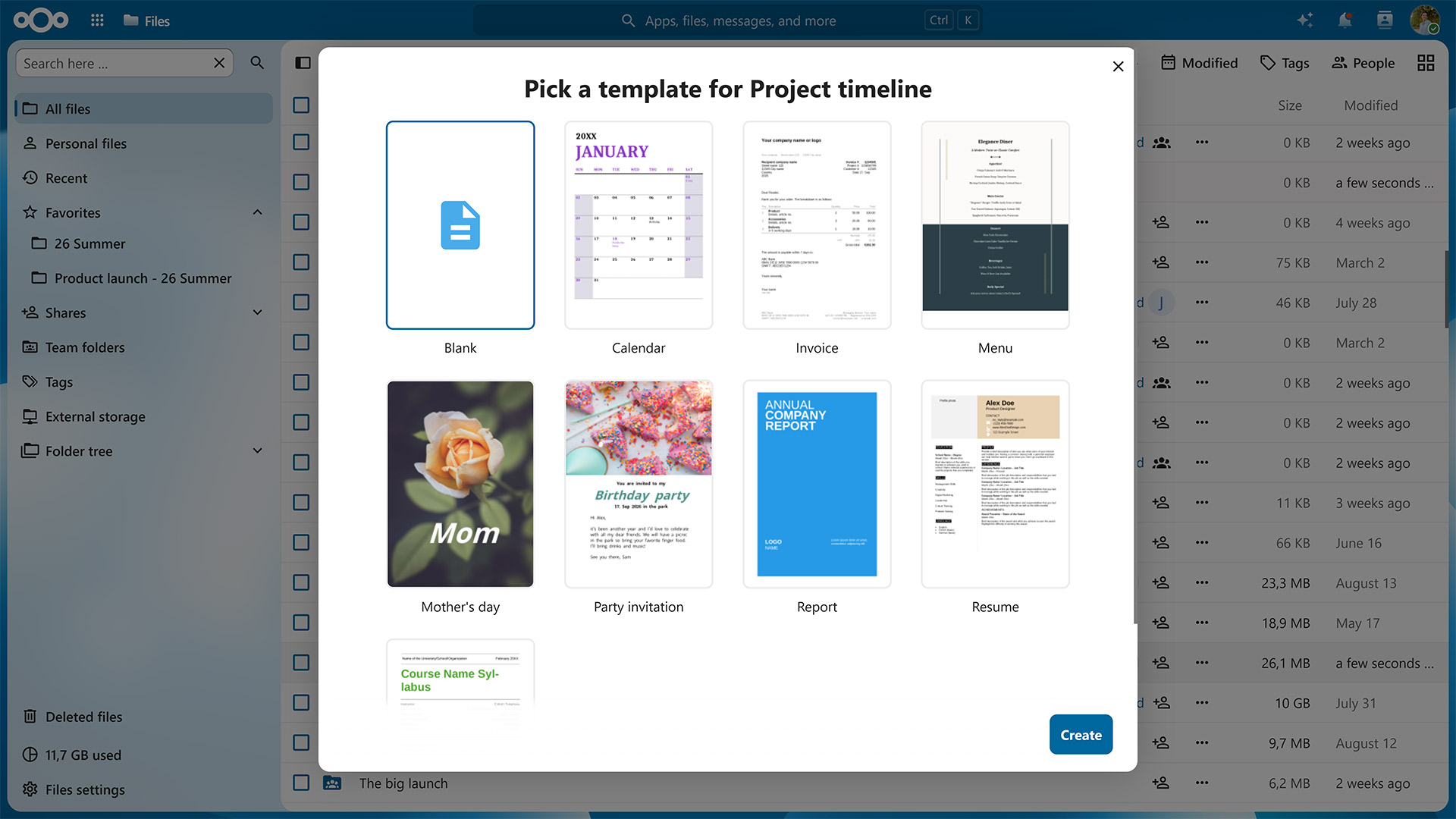
When creating a new document in Nextcloud Write, you can use one of the built-in templates rather than starting with a blank page or build your own template for recurring document types like proposals or meeting notes. If you need support in creating your first draft, you can access Nextcloud’s optional AI assistant from the Smart Picker menu, which also lets you quickly embed content from elsewhere in your Nextcloud.
Nextcloud Write supports a wide range of document formats, including Microsoft Word’s DOCX and the open standard ODT. This ensures documents remain intact when you open and save them, regardless of which software was used to create them.
If you need to edit on the go, a dedicated mobile view ensures you can comfortably do so from your smartphone or tablet. On the big screen, you have the option to use Nextcloud Write in your browser or use the desktop apps for Windows, Mac, and Linux. Should you lose internet access, you can keep working offline and your changes will be synced once you’re back online.
Secure access and private AI integration
Thanks to Nextcloud’s granular access controls, you have the option to define exactly who can view, comment on, or edit a given document. When sharing it with others, you can scope these permissions down to individual links to ensure that whoever opens them only gets to do what you’ve allowed.
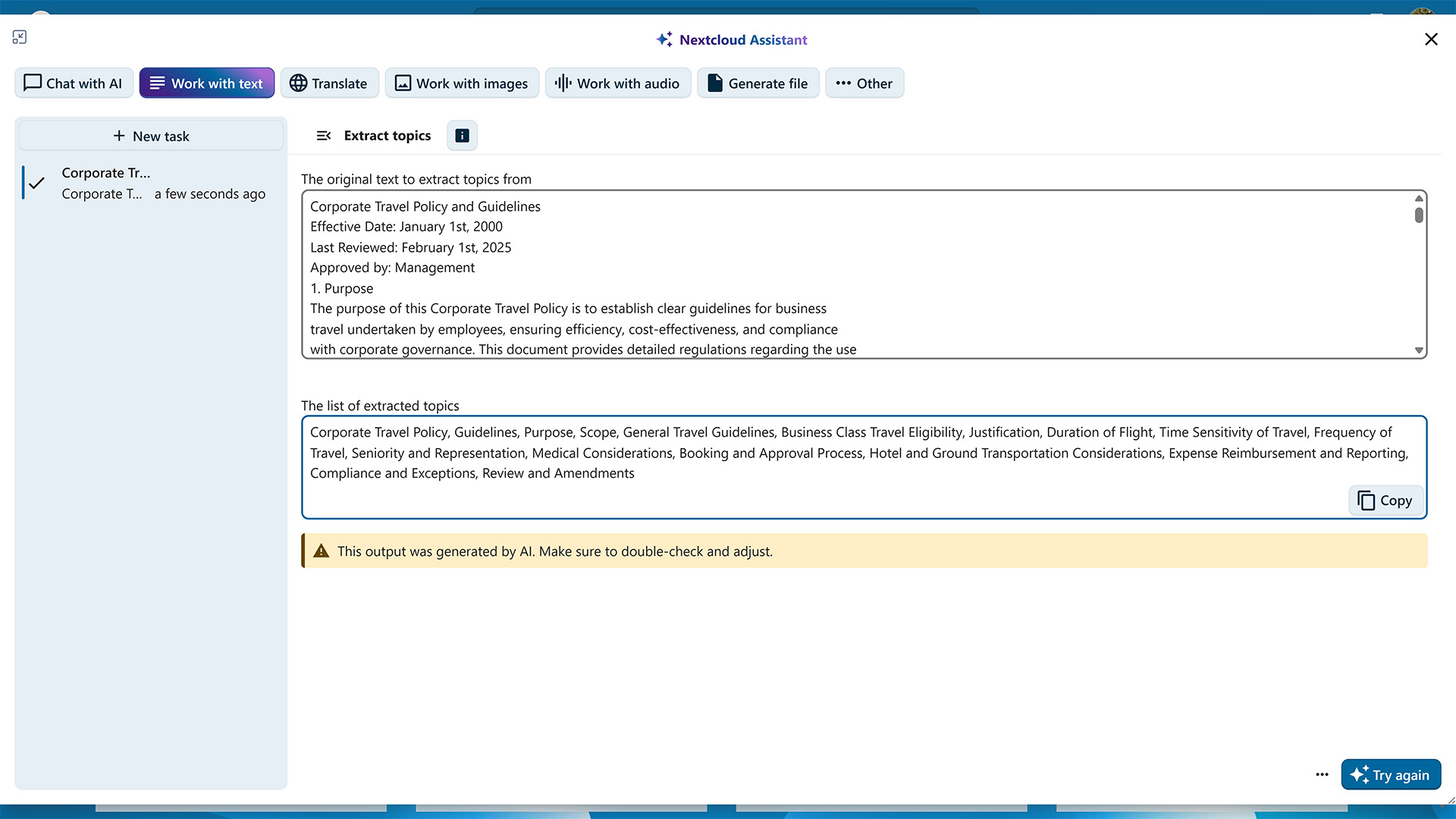
This level of control also extends to other Nextcloud apps that interact with Nextcloud Write. The LLM-powered Nextcloud Assistant helps you polish phrases, generate ideas, or summarize long documents. Which model it uses and whether it runs locally or on a server of a trusted provider is something your Nextcloud instance’s administrators have full control over.
Nextcloud Office: the sovereign office suite for distributed teams
As a powerful document editor, Nextcloud Write is part of the integrated office suite Nextcloud Office. It also includes a spreadsheet editor for working with complex calculations and a presentation editor for creating slide decks, along with a number of optional productivity tools for taking notes, organizing information, and working with structured data.
You can run Nextcloud Office with different office suites. Euro-Office focuses on compatibility with Microsoft file formats and uses a client-centric architecture, with most processing taking place on the user’s device. Collabora Online prioritizes the OpenDocument Format and uses a server-centric architecture in which the server does the heavy lifting. You can switch from one office suite to another at any time without losing your data.
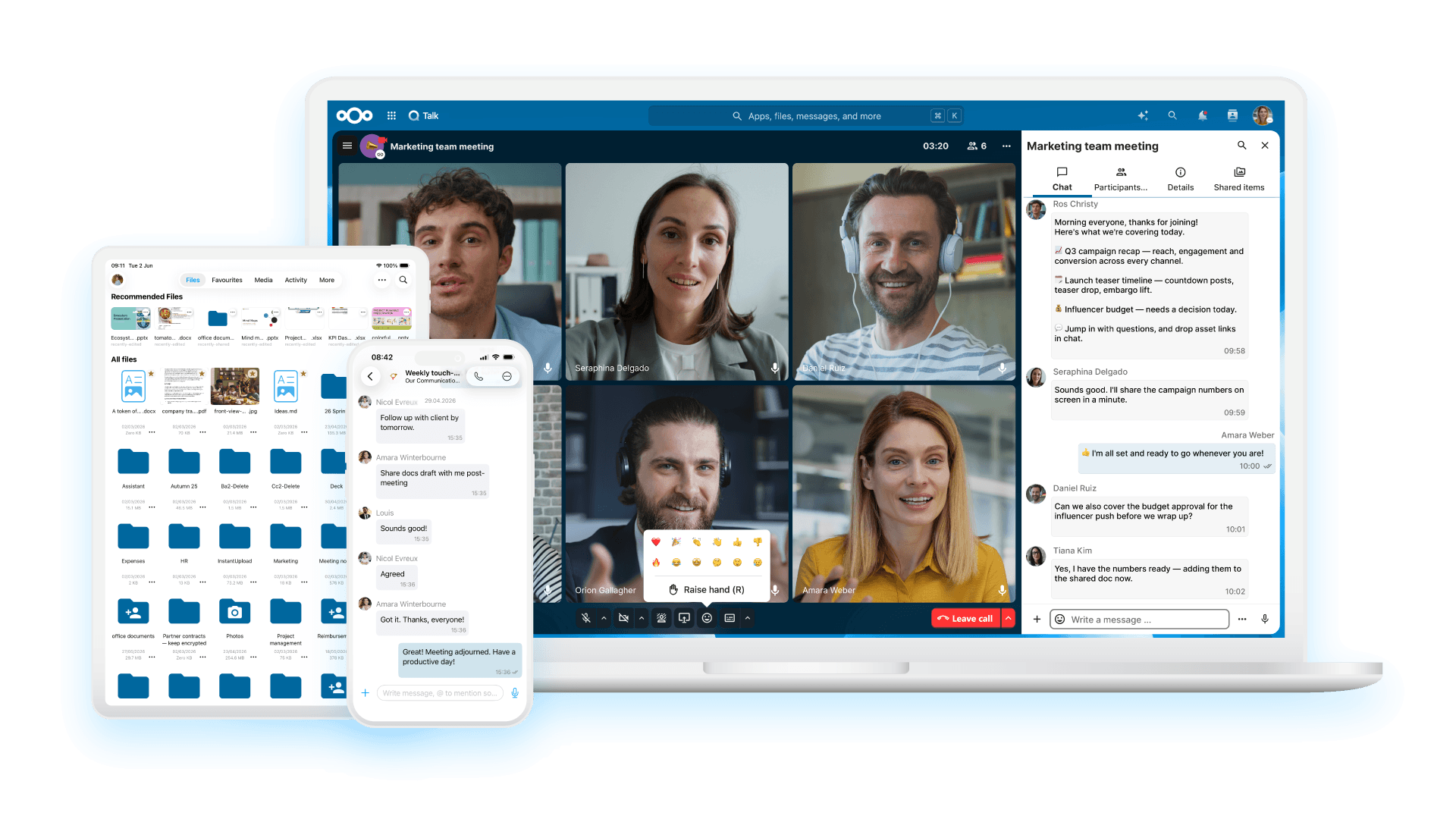
Nextcloud Office is also part of Nextcloud Hub, a software suite that combines it with Nextcloud Files, Talk, Groupware, and Assistant into one integrated workspace. Rather than switching between separate tools for file storage, chat, video calls, email, and document editing, Nextcloud Hub keeps them working together on the same infrastructure. In practice, this means that you can, for example, collaborate on a document with your team members during a video call, attach it to the calendar invite for the next meeting, and reference both the document and the corresponding discussions on the project’s kanban board. This makes Nextcloud Hub the sovereign alternative to Microsoft 365 and Google Workspace.
Get started with Nextcloud Write in Nextcloud Office
Nextcloud Office can be added to any Nextcloud deployment, whether self-hosted or through a trusted provider. For larger organizations, Nextcloud Enterprise scales to hundreds or even millions of users, comes with direct support from the Nextcloud engineering team, and gives you the opportunity to shape its future roadmap.
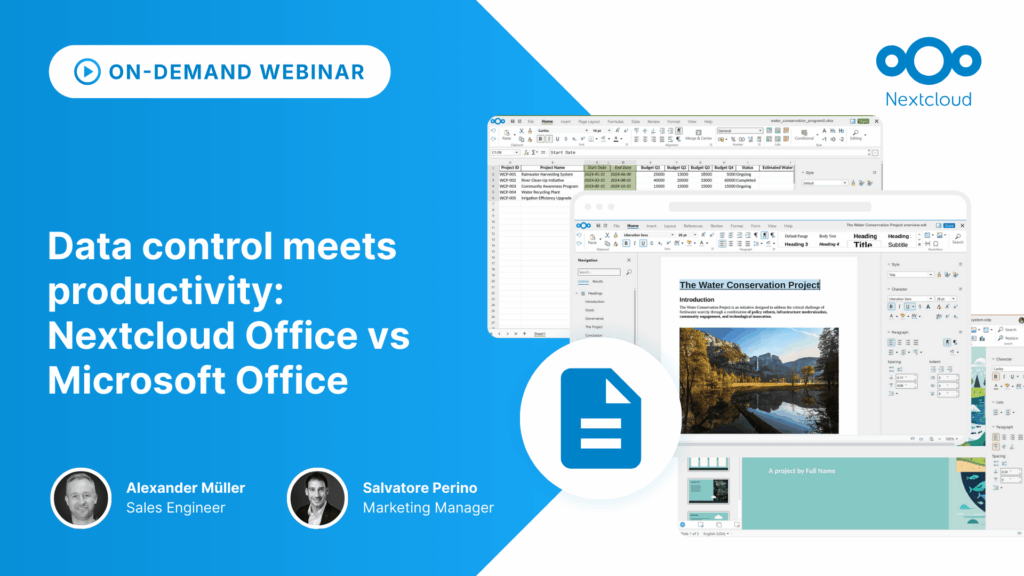
If you’re weighing a move away from Big Tech productivity tools or want a clearer picture of how Nextcloud Office compares to Microsoft Office, you can watch our on-demand webinar covering the risks associated with Microsoft’s productivity tools, the similarities and differences of Nextcloud’s solutions, and the compatibility between them.
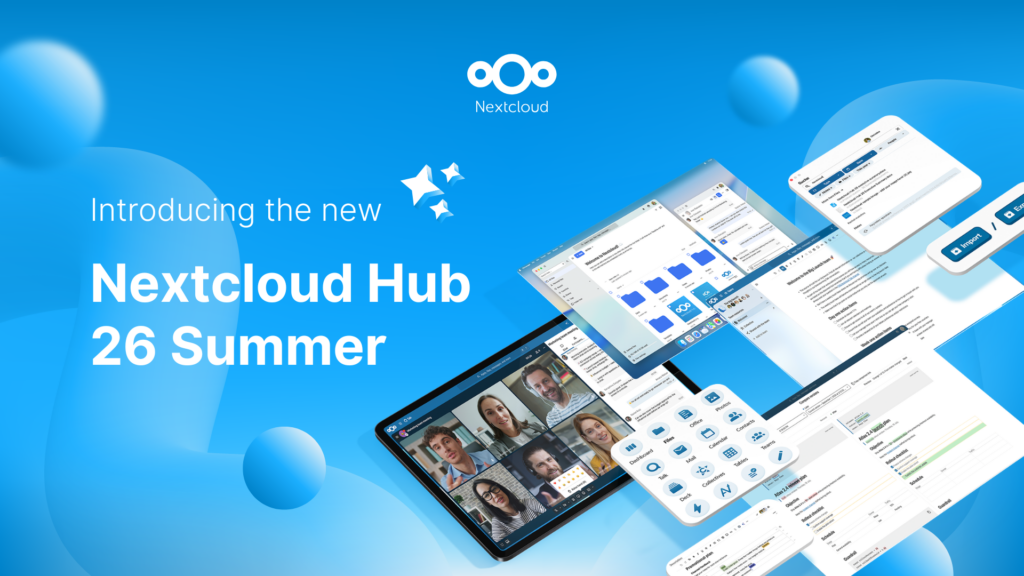
Fruto del trabajo conjunto de nuestro equipo, la comunidad y nuestros partners, Nextcloud Hub 26 Summer aprende de personas reales que utilizan nuestras herramientas a diario. Crea un espacio propio para tu equipo con Nextcloud Teams, organiza tus recuerdos en el nuevo Nextcloud Photos y disfruta de las actualizaciones que pediste en todas las aplicaciones. ¡Sigue leyendo para conocer todos los detalles de nuestra última versión!
Nextcloud Hub offers several types of integrations for AI, from completely self-hosted options to integrations with external services like Open AI. Here's an overview of what you can use and where, and where it stands on our Ethical AI scale.
Nextcloud Hub 25 Otoño facilita la puesta en marcha de una potente colaboración mientras controlas totalmente tus datos. Desde actualizaciones globales de diseño hasta mejoras de usabilidad y rendimiento, descubre nuestra última versión en este blog.
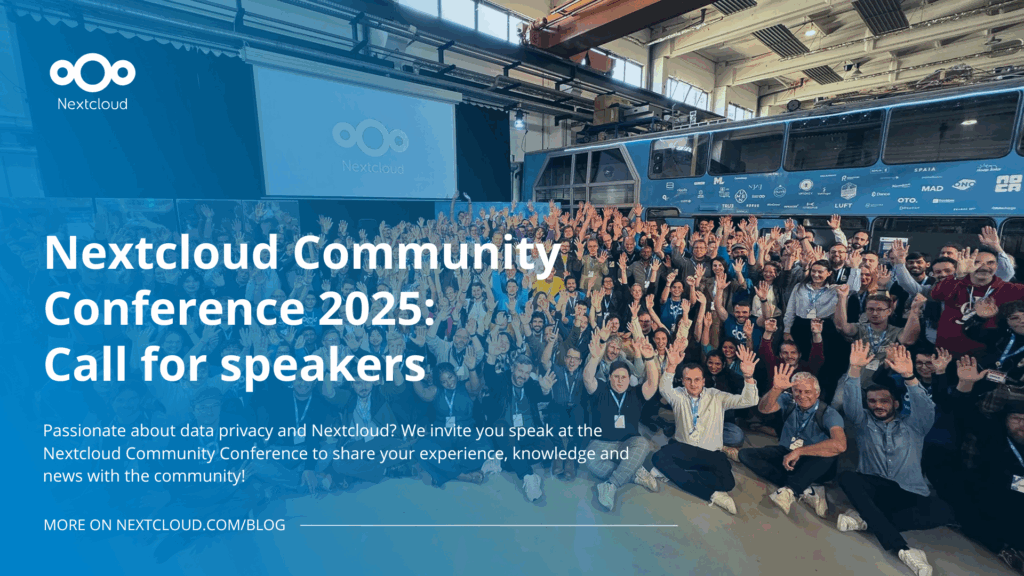
Passionate about data privacy and Nextcloud? We invite you speak at the Nextcloud Community Conference to share your experience, knowledge and news with the community!
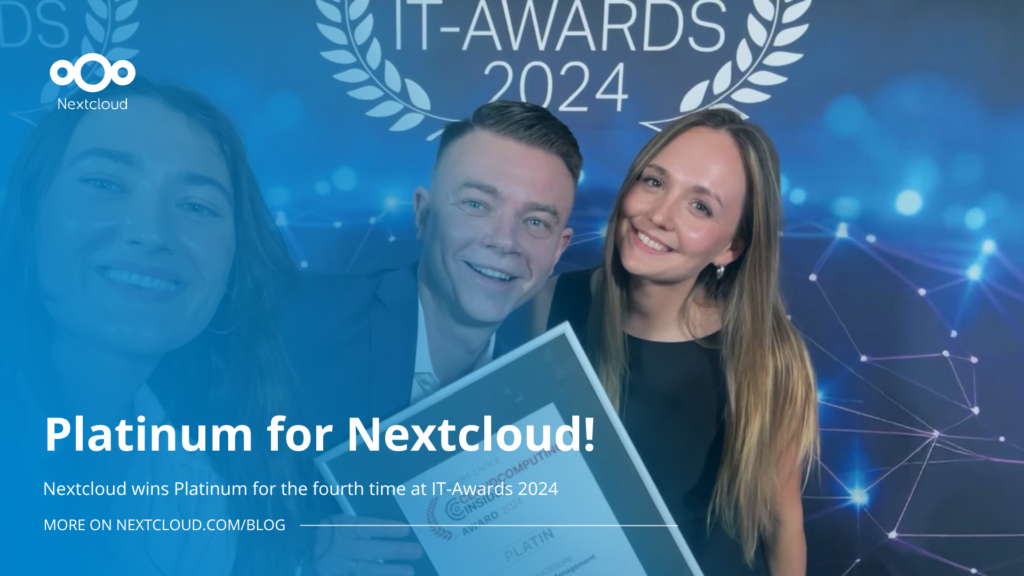
For the ninth time, Nextcloud has been nominated for the CloudComputing-Insider Readers’ Choice Award in the category of Cloud Content Management. We’d love to reach the top again! And we’re looking for the support of you and everyone else in our amazing community to get there. Nextcloud as the best Cloud Content Management tool? Only […]
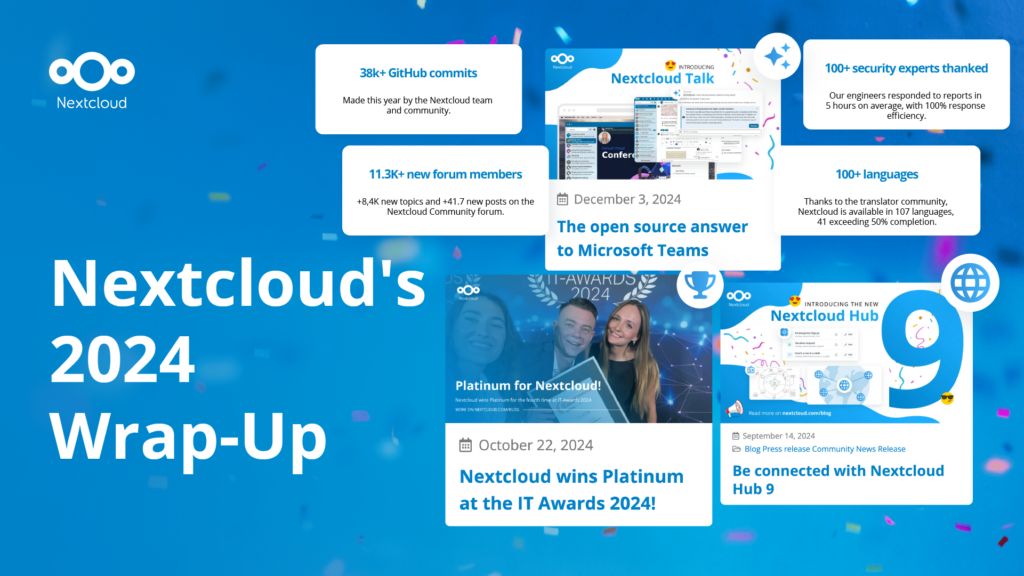
In the Nextcloud 2024 wrap-up, we want to take a moment to celebrate this year's achievements. Join us as we continue to reimagine what’s possible - shaping a world where open source, privacy and connection come together and drive progress for the greater good.
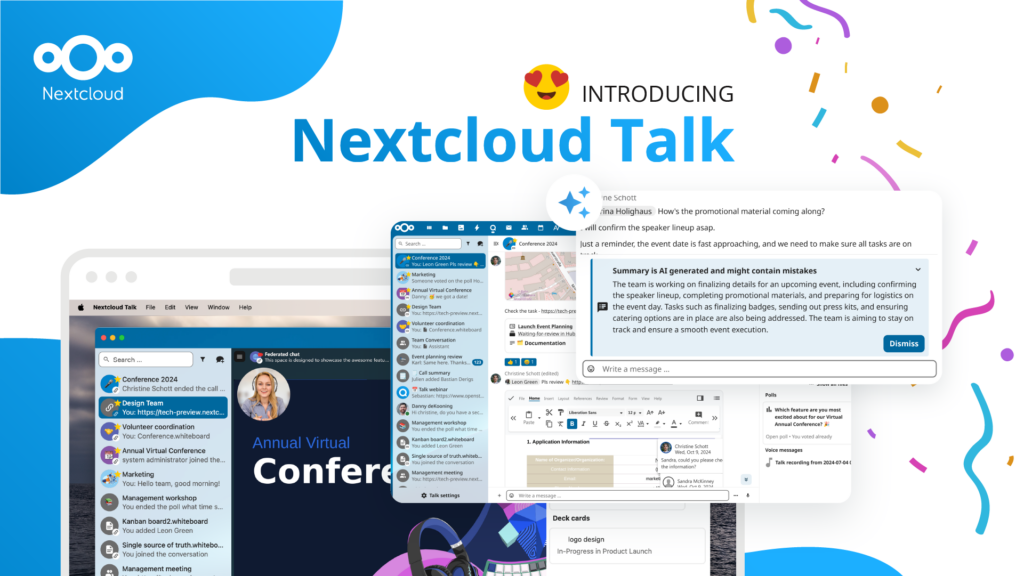
Las organizaciones, grandes y pequeñas, necesitan una forma de garantizar la resiliencia y la soberanía digital de sus operaciones: una alternativa de código abierto que respete la privacidad frente a Teams. Y hoy, presentamos esa solución: Nextcloud Talk.
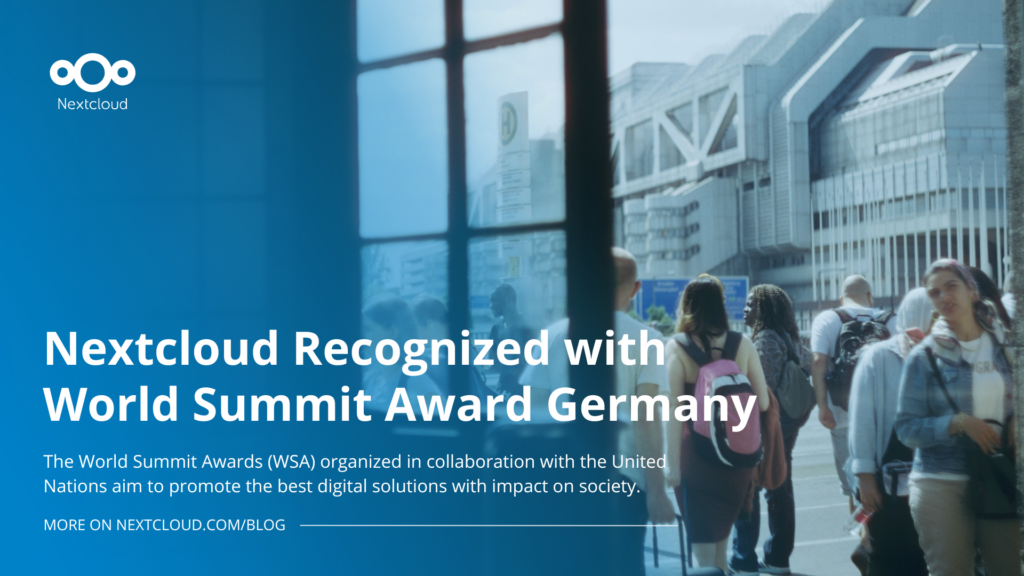
Nextcloud has been recognized with the World Summit Award Germany that selects and promotes local digital innovation improving society, aiming to contribute to the United Nations' agenda of sustainable development goals.
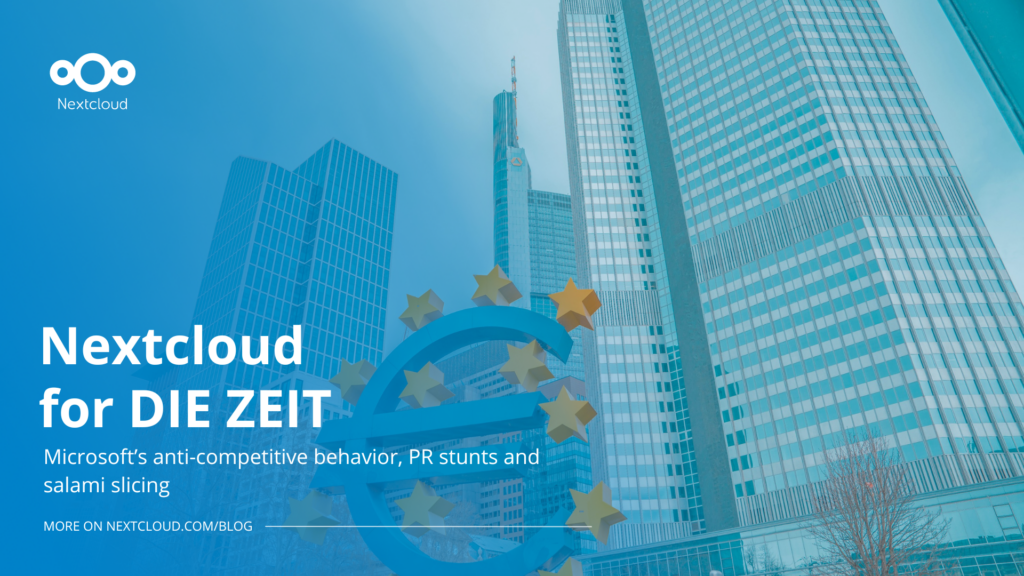
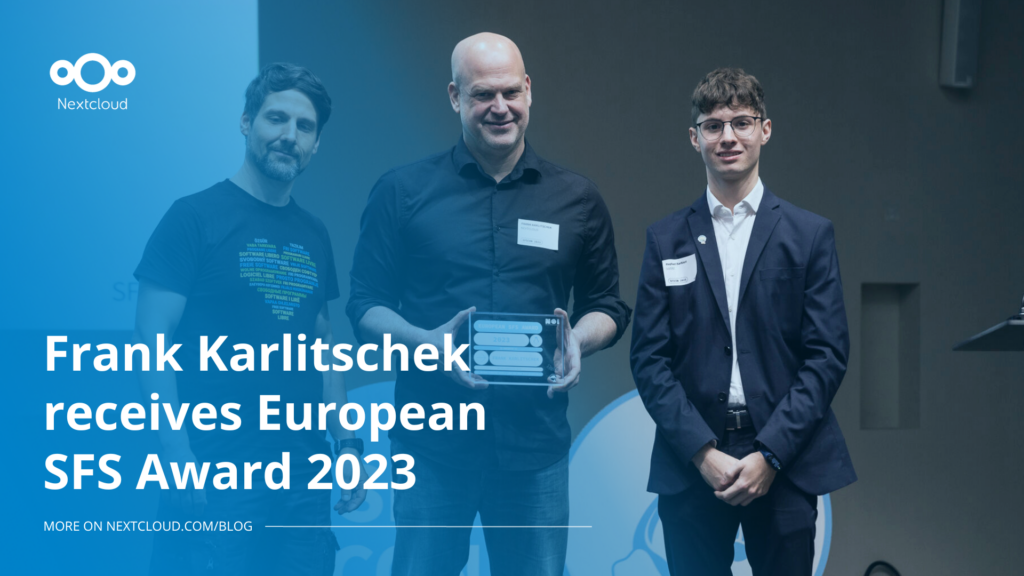
DIE ZEIT, a prominent German outlet, interviewed Nextcloud’s founder Frank Karlitschek for an article on Microsoft’s anti-competitive behaviour on the European office software market. Read for a recap of the article and the key takeaways.
MagentaCLOUD’s migration to Nextcloud in 2021 resulted in a fully equipped Online Storage with an integrated online office suite that further improves the user experience, flexibility and security for customers.
We bring you a major update to the Nextcloud AI Assistant, plus the news we work with several big hosting providers like IONOS and OVHcloud to bring AI-as-a-Service options to you!
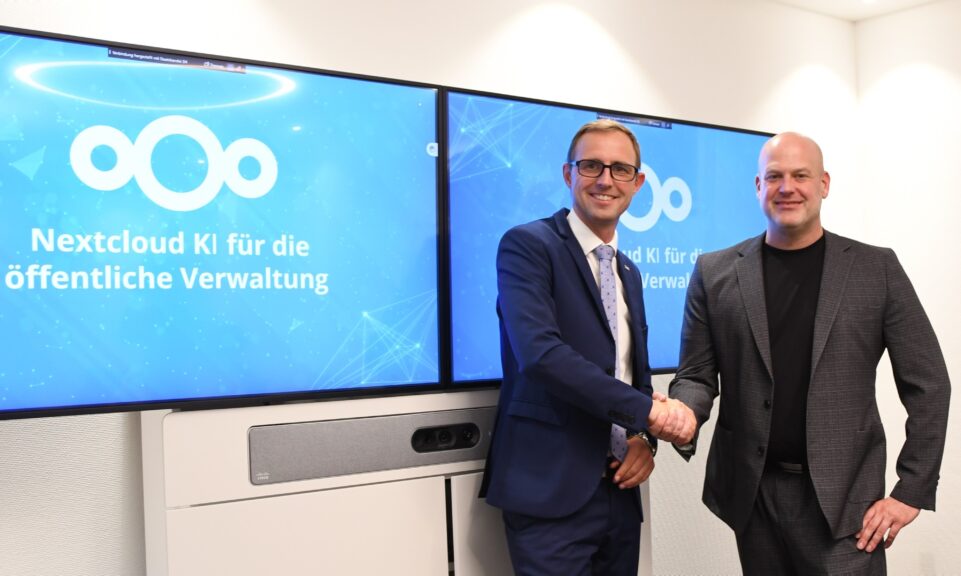
Bechtle and Nextcloud announce today a complete managed collaboration platform for the public sector that requires no tender and can be deployed immediately.
Discover how to make the switch from ownCloud to Nextcloud. Our quick guide provides insights into the migration process, helping you make the transition smoothly.
Today, US-based file sync & share vendor Kiteworks announced their acquisition of ownCloud and Dracoon. Kiteworks points out that their customers now have access to their file-sharing application. It is to be expected they will not maintain 3 similar products, but customers will have to migrate to the US firms’ platform or look for another […]
As part of Schleswig-Holstein's state digitization strategy, the state chancellery has announced they will work with Nextcloud to develop AI for working with government documents. This comes just after we announced the first private AI assistant last weekend with Hub 6. The German state already uses Nextcloud and their AI strategy aligns with our work on ethical, local AI technologies.
Nuestra misión es ayudar a particulares, empresas y organizaciones a alcanzar la soberanía digital y recuperar el control sobre sus datos. Nextcloud Hub 5 supone un enorme paso adelante en la consecución de esta misión, poniendo el poder de la IA en tus manos, de forma que mantengas el control. Nueva versión, nuevas posibilidades Hub […]
Guardamos algunas cookies para contar los visitantes y facilitar el uso del sitio. Esto no sale de nuestro servidor y no es para rastrearte personalmente. Consulta nuestra política de privacidad para obtener más información. Personalización
Cookies utilizadas para guardar los datos introducidos en los formularios, como nombre, correo electrónico, número de teléfono e idioma preferido.
Nombre de la cookie:nc_form_fields
Descripción de la cookie:Recuerda los datos introducidos en los formularios para la próxima vez (nombre, correo electrónico, teléfono e idioma preferido)
Caducidad de la cookie:30 días
Consentir
Nombre de la cookie:nc_utm_parameters
Descripción de la cookie:We use cookies to store UTM parameters from your visit so we can understand how you arrived at our website.
Las cookies estadísticas recopilan información de forma anónima y nos ayudan a comprender cómo utilizan nuestro sitio web nuestros visitantes. Utilizamos Matomo alojado en la nube.
Servicio:Matomo
Descripción de la cookie:
_pk_ses*: Cuenta la primera visita del usuario
_pk_id*: Ayuda a no contar dos veces las visitas.
mtm_cookie_consent: Recuerda que el usuario ha dado su consentimiento para almacenar y utilizar cookies.
Caducidad de la cookie:_pk_ses*: 30 minutos
_pk_id*: 13 meses
mtm_cookie_consent: 30 días