From proposals and contracts to internal policies and reports, every business runs on documents. With third-party-hosted solutions like Microsoft Word or Google Docs, its contents are stored on servers the business has no control over.
Nextcloud Write is a full-featured, real-time collaborative document editor that runs entirely on infrastructure of your choice. The data never leaves your servers or trusted cloud, making it a sovereign, open source alternative to Word and Google Docs.
As part of Nextcloud Office, Nextcloud Write brings together data sovereignty and seamless collaboration, with real-time co-editing, comments, templates, and support for a wide range of file formats.
Built for working together: real-time document collaboration, your way
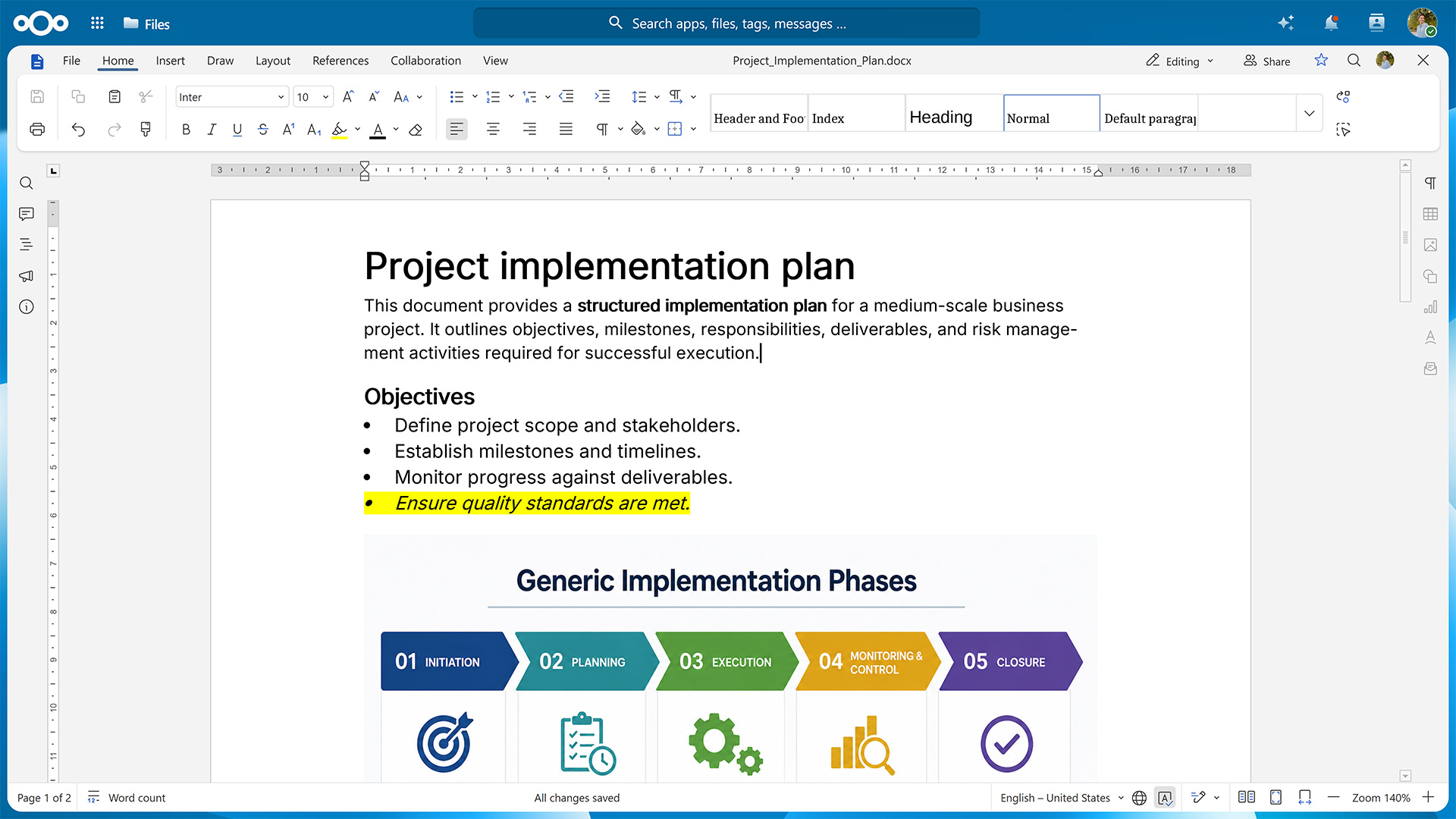
Working on a document with other people at the same time is straightforward with Nextcloud Write. Each co-author’s cursor is shown in a different color so it’s always clear who’s writing what, and a formal review mode lets you track edits and accept or reject changes from collaborators the same way you would in Microsoft Word and Google Docs.
Documents can be shared internally with fine-grained permissions or via a public link, so even people without a Nextcloud account can view or edit them. Since Nextcloud supports multiple, independently configured public links, you can hand out different access levels for the same file, such as read-only, editable, or watermarked. Collaborators can leave and reply to comments directly in the margin of a document, so feedback stays attached to the exact passage it refers to.
Collaboration isn’t limited to people on a single, shared install. Thanks to Nextcloud’s federated nature, teams on separate instances, such as subsidiaries or partner organizations, can co-author the same document across servers.
Nextcloud Write also helps you keep documents organized over time. Changes are saved continuously, with automatic saving and version history keeping previous versions available so you can review or restore earlier drafts. If multiple collaborators worked on different versions of a document, Nextcloud Write’s compare and combine tools let you reconcile and merge them into one.
Intuitive editing of all common document formats
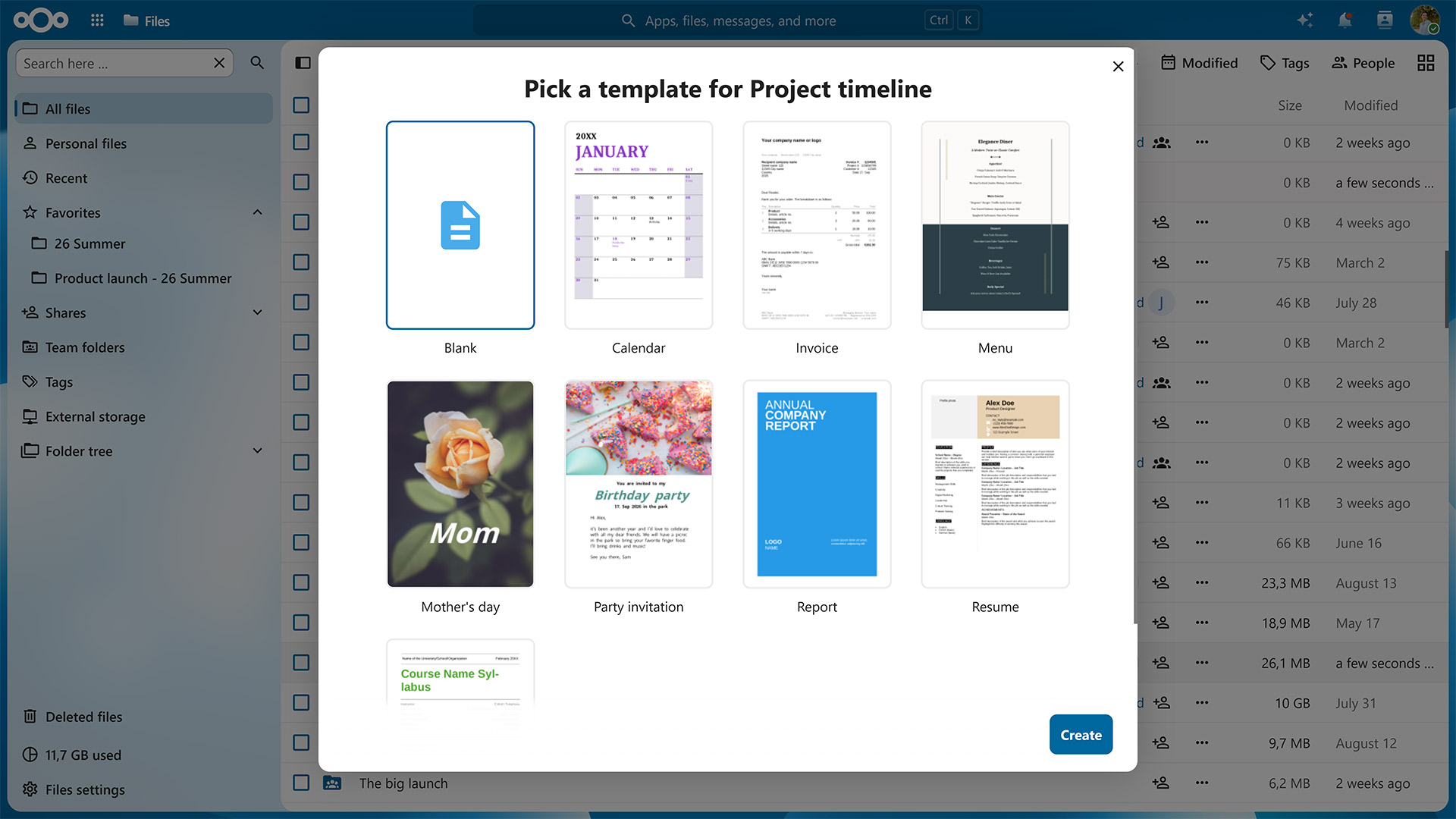
When creating a new document in Nextcloud Write, you can use one of the built-in templates rather than starting with a blank page or build your own template for recurring document types like proposals or meeting notes. If you need support in creating your first draft, you can access Nextcloud’s optional AI assistant from the Smart Picker menu, which also lets you quickly embed content from elsewhere in your Nextcloud.
Nextcloud Write supports a wide range of document formats, including Microsoft Word’s DOCX and the open standard ODT. This ensures documents remain intact when you open and save them, regardless of which software was used to create them.
If you need to edit on the go, a dedicated mobile view ensures you can comfortably do so from your smartphone or tablet. On the big screen, you have the option to use Nextcloud Write in your browser or use the desktop apps for Windows, Mac, and Linux. Should you lose internet access, you can keep working offline and your changes will be synced once you’re back online.
Secure access and private AI integration
Thanks to Nextcloud’s granular access controls, you have the option to define exactly who can view, comment on, or edit a given document. When sharing it with others, you can scope these permissions down to individual links to ensure that whoever opens them only gets to do what you’ve allowed.
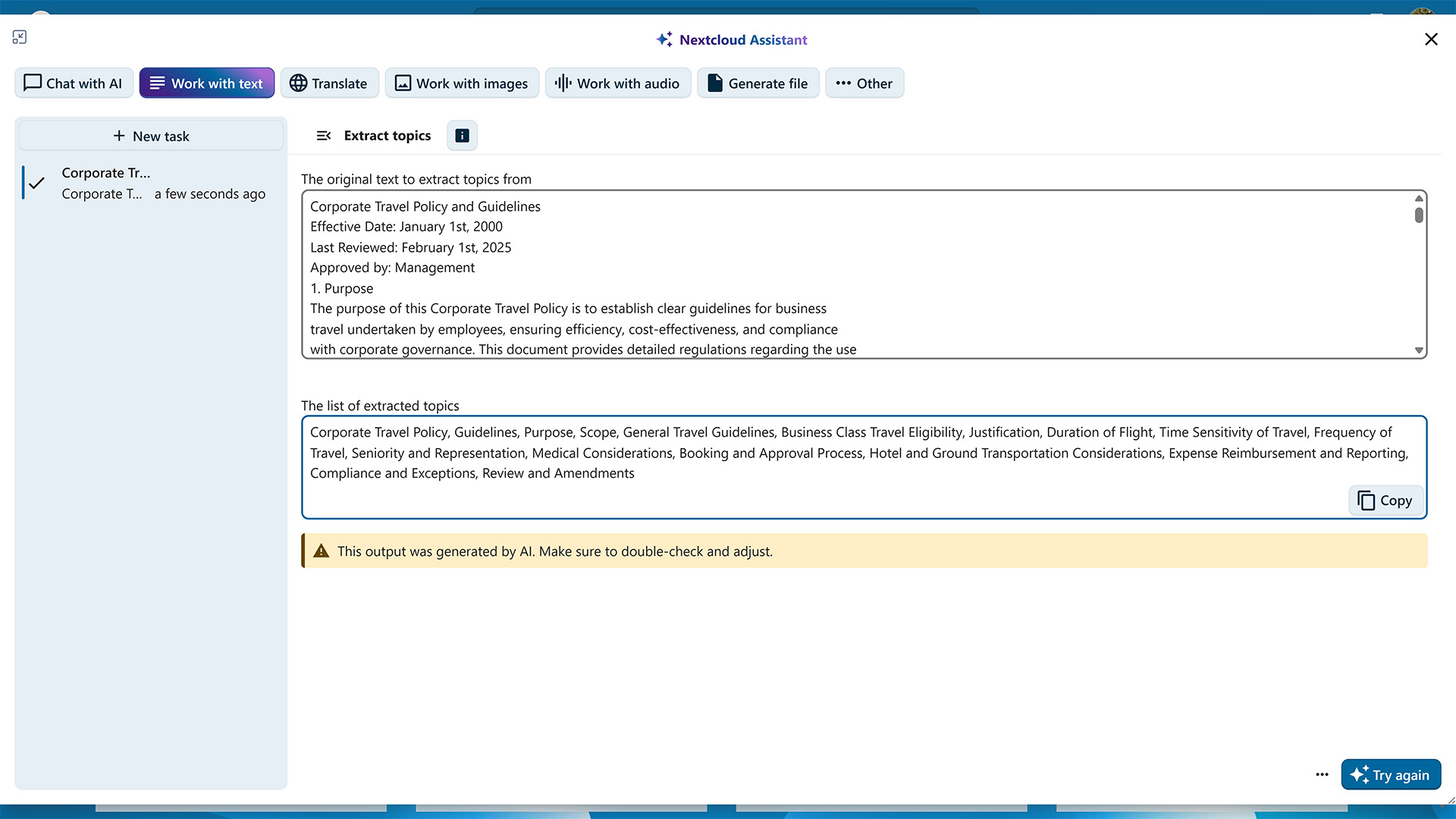
This level of control also extends to other Nextcloud apps that interact with Nextcloud Write. The LLM-powered Nextcloud Assistant helps you polish phrases, generate ideas, or summarize long documents. Which model it uses and whether it runs locally or on a server of a trusted provider is something your Nextcloud instance’s administrators have full control over.
Nextcloud Office: the sovereign open source office suite for distributed teams
As a powerful document editor, Nextcloud Write is part of the integrated office suite Nextcloud Office. It also includes a spreadsheet editor for working with complex calculations and a presentation editor for creating slide decks, along with a number of optional productivity tools for taking notes, organizing information, and working with structured data.
You can run Nextcloud Office with different office suites. Euro-Office focuses on compatibility with Microsoft file formats and uses a client-centric architecture, with most processing taking place on the user’s device. Collabora Online prioritizes the OpenDocument Format and uses a server-centric architecture in which the server does the heavy lifting. You can switch from one office suite to another at any time without losing your data.
Nextcloud Office is also part of Nextcloud Hub, an open source software suite that combines it with Nextcloud Files, Talk, Groupware, and Assistant into one integrated workspace. Rather than switching between separate tools for file storage, chat, video calls, email, and document editing, Nextcloud Hub keeps them working together on the same infrastructure. In practice, this means that you can, for example, collaborate on a document with your team members during a video call, attach it to the calendar invite for the next meeting, and reference both the document and the corresponding discussions on the project’s kanban board. This makes Nextcloud Hub the sovereign alternative to Microsoft 365 and Google Workspace.
Get started with Nextcloud Write in Nextcloud Office
Nextcloud Office can be added to any Nextcloud deployment, whether self-hosted or through a trusted provider. For larger organizations, Nextcloud Enterprise scales to hundreds or even millions of users, comes with direct support from the Nextcloud engineering team, and gives you the opportunity to shape its future roadmap.
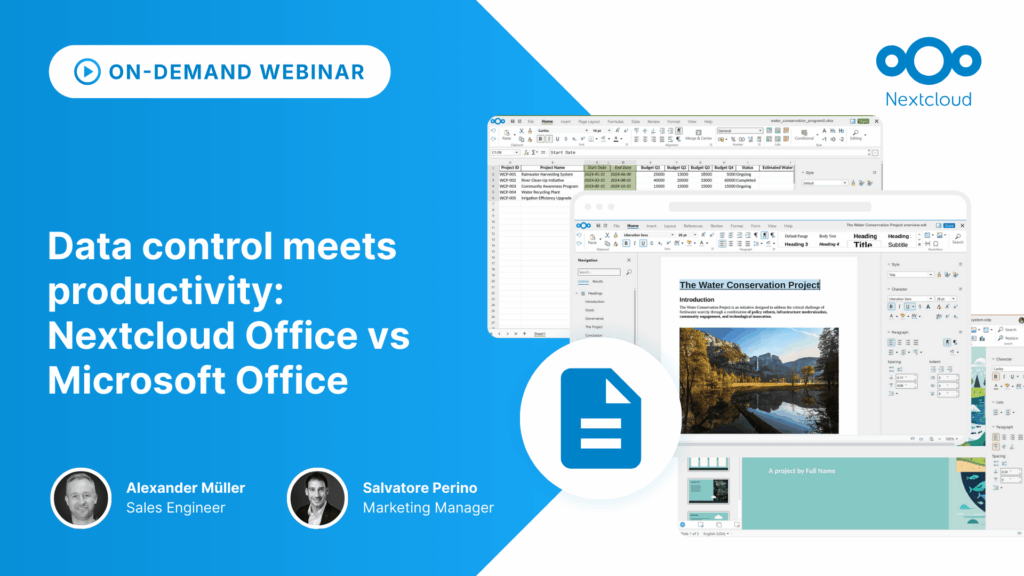
If you’re weighing a move away from Big Tech productivity tools or want a clearer picture of how Nextcloud Office compares to Microsoft Office, you can watch our on-demand webinar covering the risks associated with Microsoft’s productivity tools, the similarities and differences of Nextcloud’s solutions, and the compatibility between them.
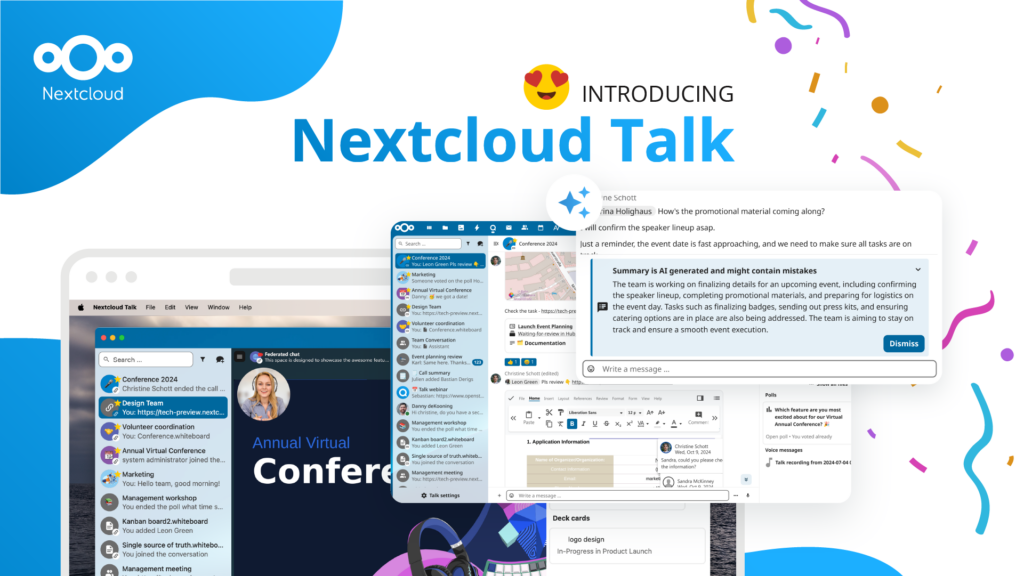
Les organisations, petites et grandes, ont besoin d'un moyen d'assurer la résilience et la souveraineté numérique de leurs opérations - une alternative à Teams, open-source et respectueuse de la vie privée. Aujourd'hui, nous vous présentons cette solution - Nextcloud Talk.
Nous vous présentons une mise à jour majeure de l'assistant Nextcloud IA, ainsi que de nouvelles informations sur notre collaboration avec plusieurs grands fournisseurs d'hébergement tels que IONOS et OVHcloud pour vous proposer des options d'IA en tant que service !
Bechtle et Nextcloud ont annoncé aujourd'hui une plateforme de collaboration entièrement administrée pour le secteur public, qui ne nécessite pas d'appel d'offres et peut être déployée immédiatement.
Découvrez comment passer de ownCloud à Nextcloud. Notre outil d'aide à la migration fournit des informations sur le processus de migration et vous aide à effectuer la transition en douceur.
Fancy names, same lock-in: here's why Microsoft’s digital sovereignty promises don’t protect European data from US law and why its “sovereign” cloud still leaves you dependent.
Once again, Nextcloud takes home Platinum at the CloudComputing-Insider IT-Awards. For this award, we want to thank everyone who supported us this year and took a minute to put it into a vote! Read more details about the awards in this post.
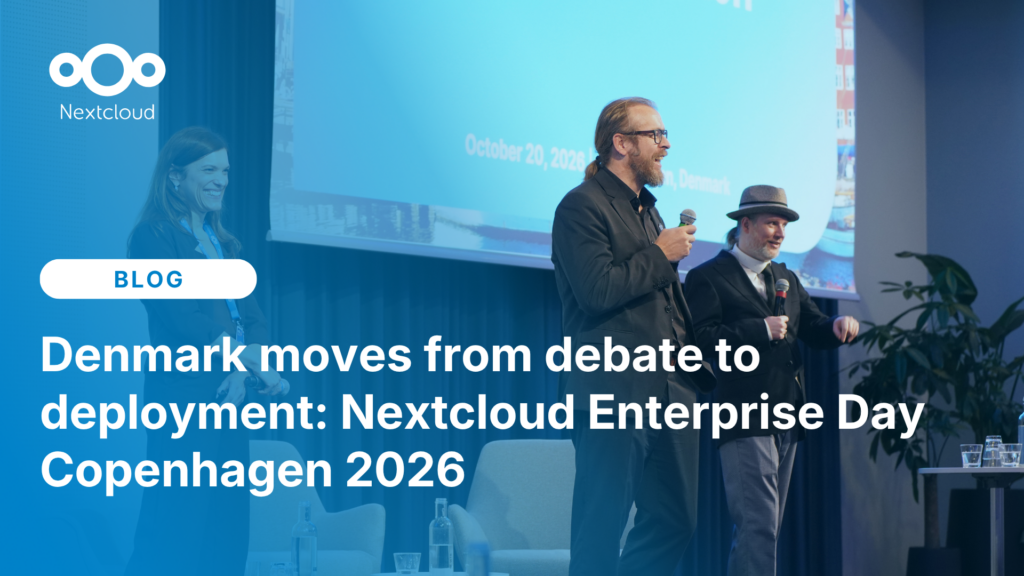
At the second Nextcloud Enterprise Day Copenhagen, municipalities, universities and other public organisations discussed how they can reduce their dependency on US Big Tech. Read our recap of the event.
Nous enregistrons certains cookies pour compter les visiteurs et faciliter l'utilisation du site. Ces données ne quittent pas notre serveur et ne sont pas destinées à vous suivre personnellement ! Consultez notre politique de confidentialité pour plus d'informations Personnaliser
Les cookies utilisés pour enregistrer les données saisies dans les formulaires, telles que le nom, l'adresse électronique, le numéro de téléphone et la langue préférée.
Nom du cookie :nc_form_fields
Description du cookie :Mémorise les données saisies dans les formulaires pour une prochaine visite (nom, adresse électronique, numéro de téléphone et langue préférée).
Expiration du cookie :30 jours
Consentement
Nom du cookie :nc_utm_parameters
Description du cookie :We use cookies to store UTM parameters from your visit so we can understand how you arrived at our website.
Les cookies statistiques collectent des informations de manière anonyme et nous aident à comprendre comment nos visiteurs utilisent notre site web. Nous utilisons la solution open source de mesure de statistiques web Matomo
Service:Matomo
Description du cookie :
_pk_ses*: Compte la première visite de l'utilisateur
_pk_id*: Aide à ne pas compter deux fois les visites.
mtm_cookie_consent: Se souvient que l'utilisateur a donné son accord pour le stockage et l'utilisation de cookies.
Expiration du cookie :_pk_ses*: 30 minutes
_pk_id*: 13 mois
mtm_cookie_consent: 30 jours