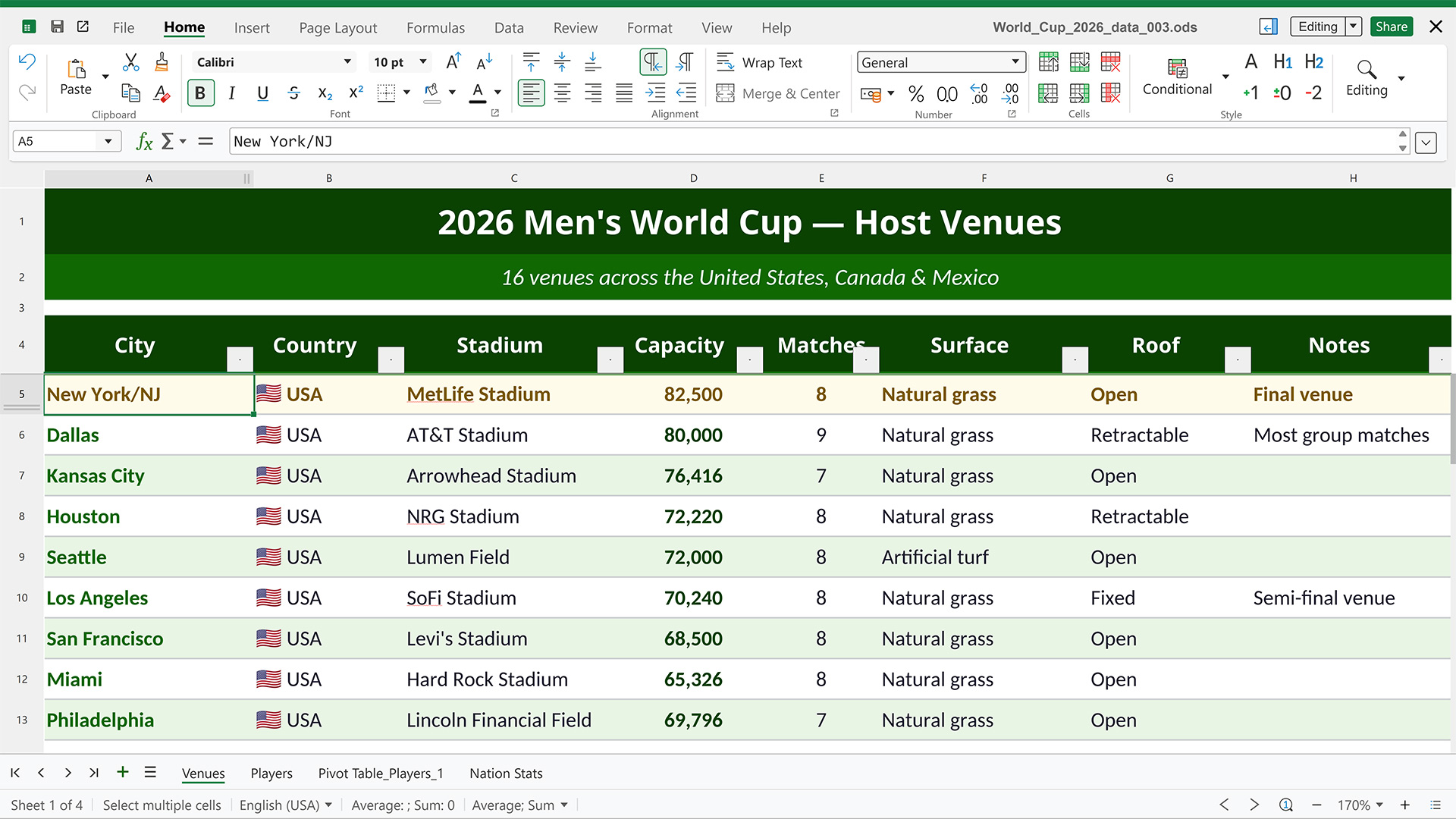
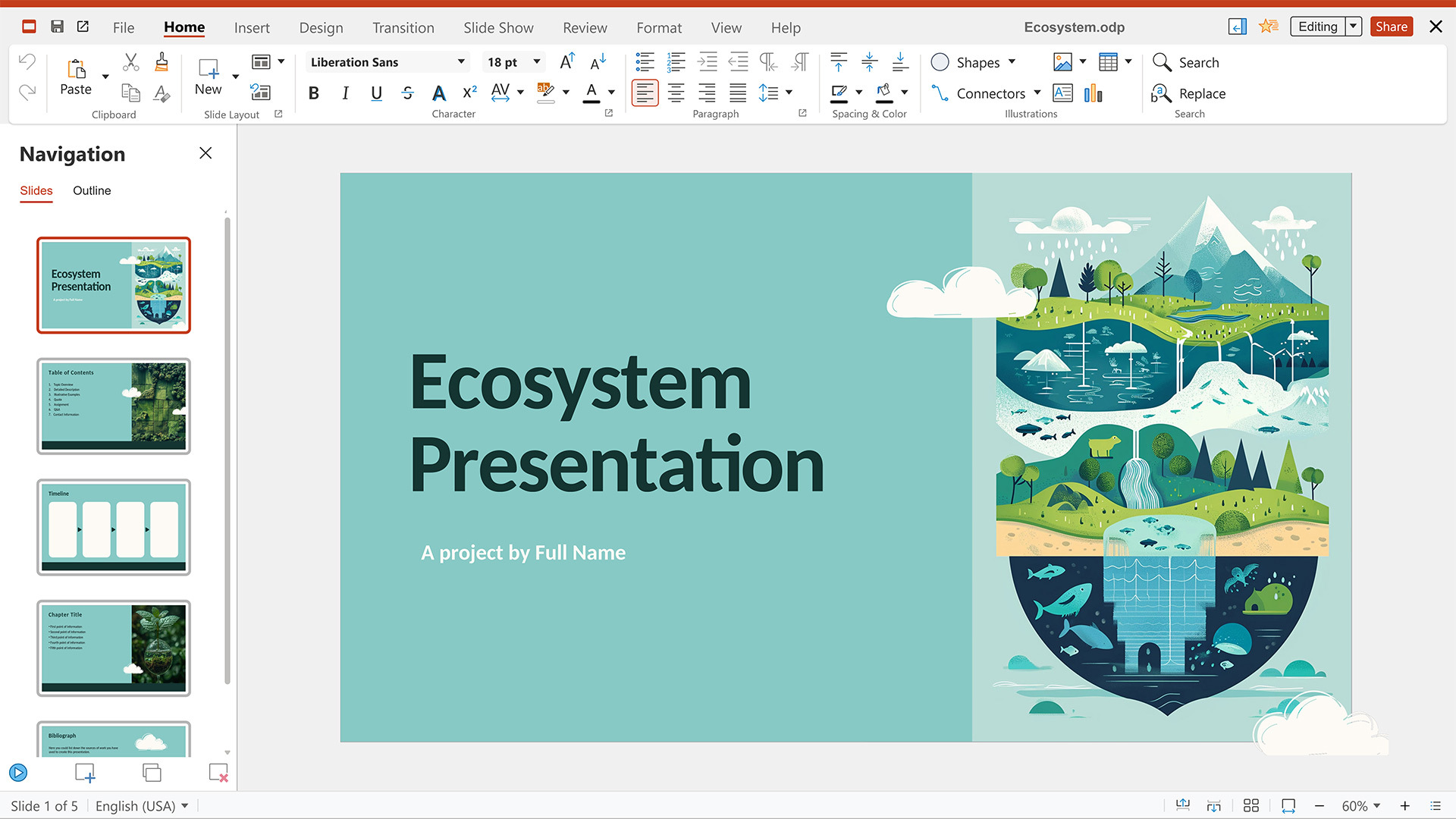
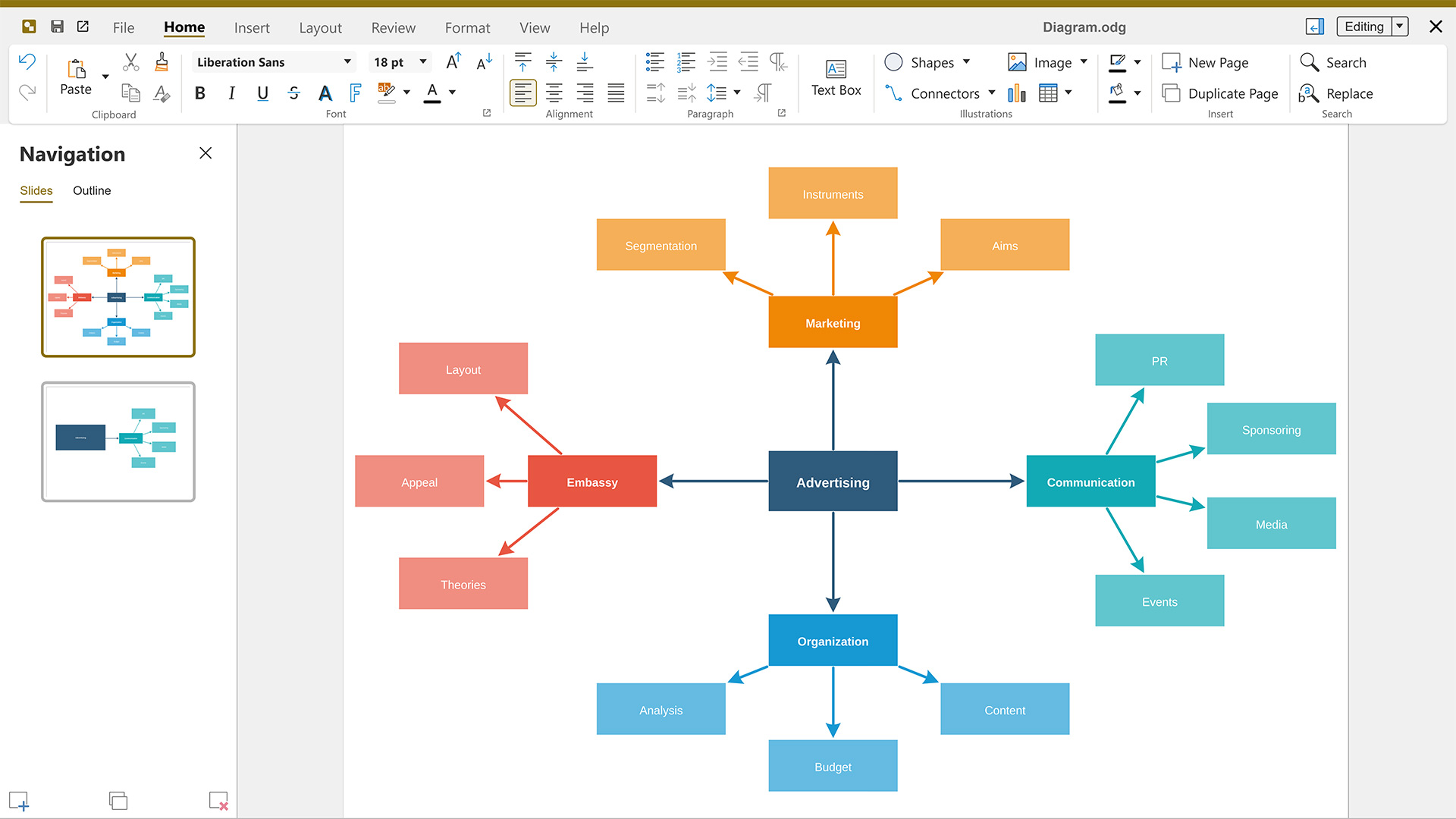
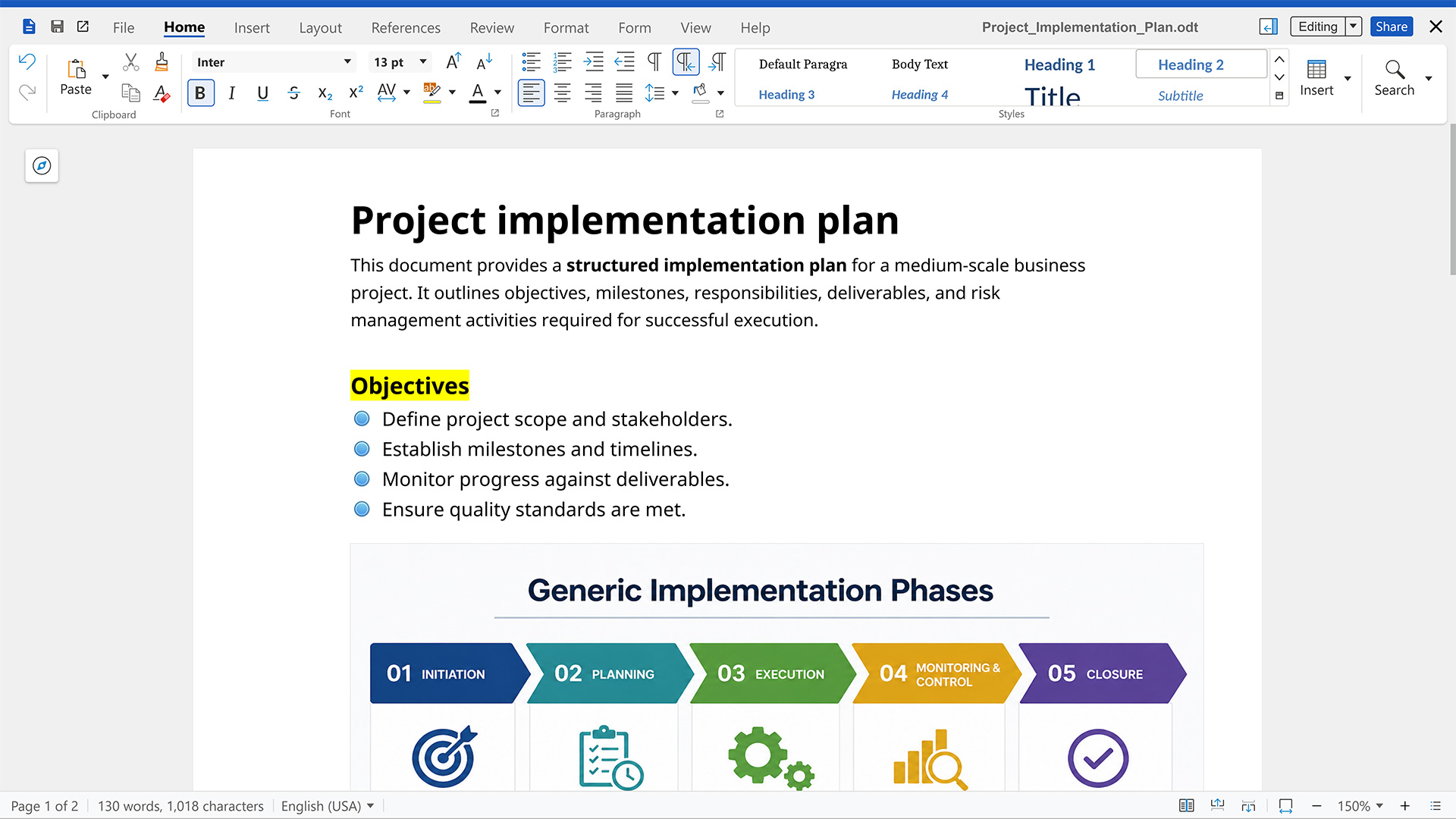
For Nextcloud users, having the option to collaborate on documents, spreadsheets, and presentations via Nextcloud Office means they can escape the vendor lock-in imposed by proprietary office suites like Microsoft Office and Google Workspace. Being able to choose whatever solution works best and switch at any time if necessary is part of Nextcloud’s DNA, and this is also reflected in the choice between office suites available for Nextcloud Office: Euro-Office, Collabora, and Thinkfree Office.
All three are powerful online office suites that integrate seamlessly with your Nextcloud, each shaped by a different history and architecture. The right choice depends on your priorities, so let’s take a closer look at what sets each one apart.
Euro-Office: highly compatible with Microsoft formats, built on client-centric architecture
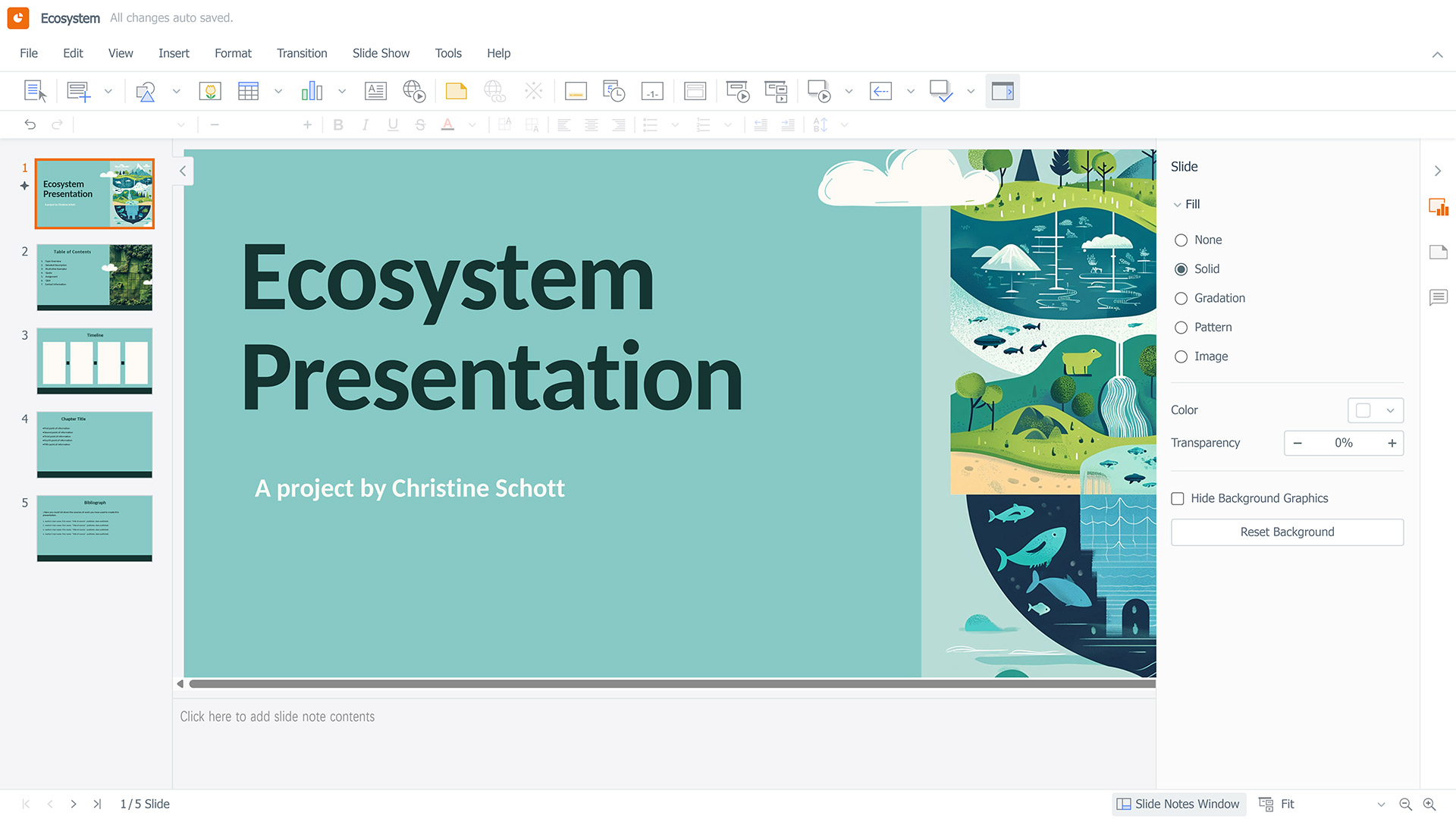
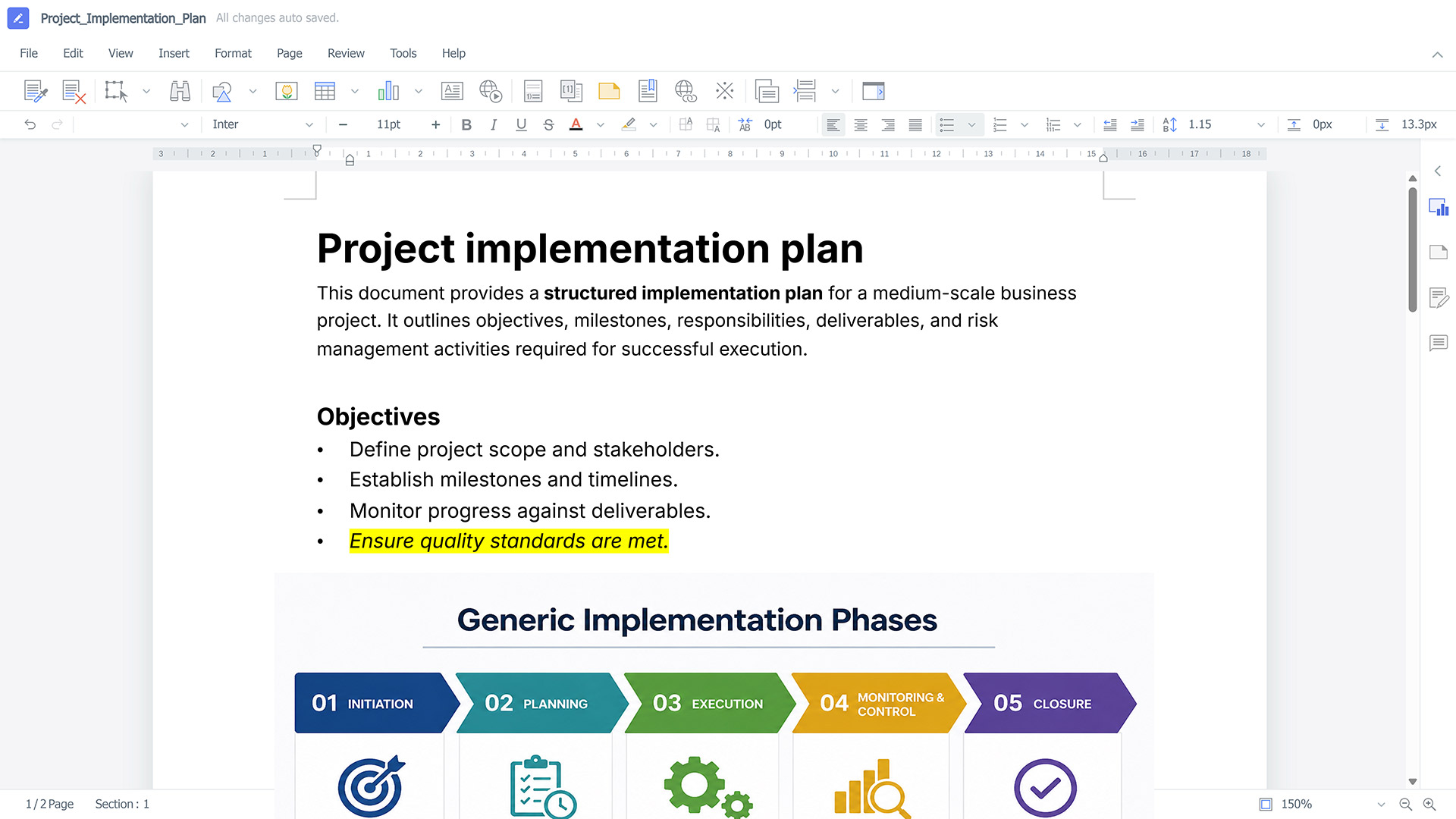
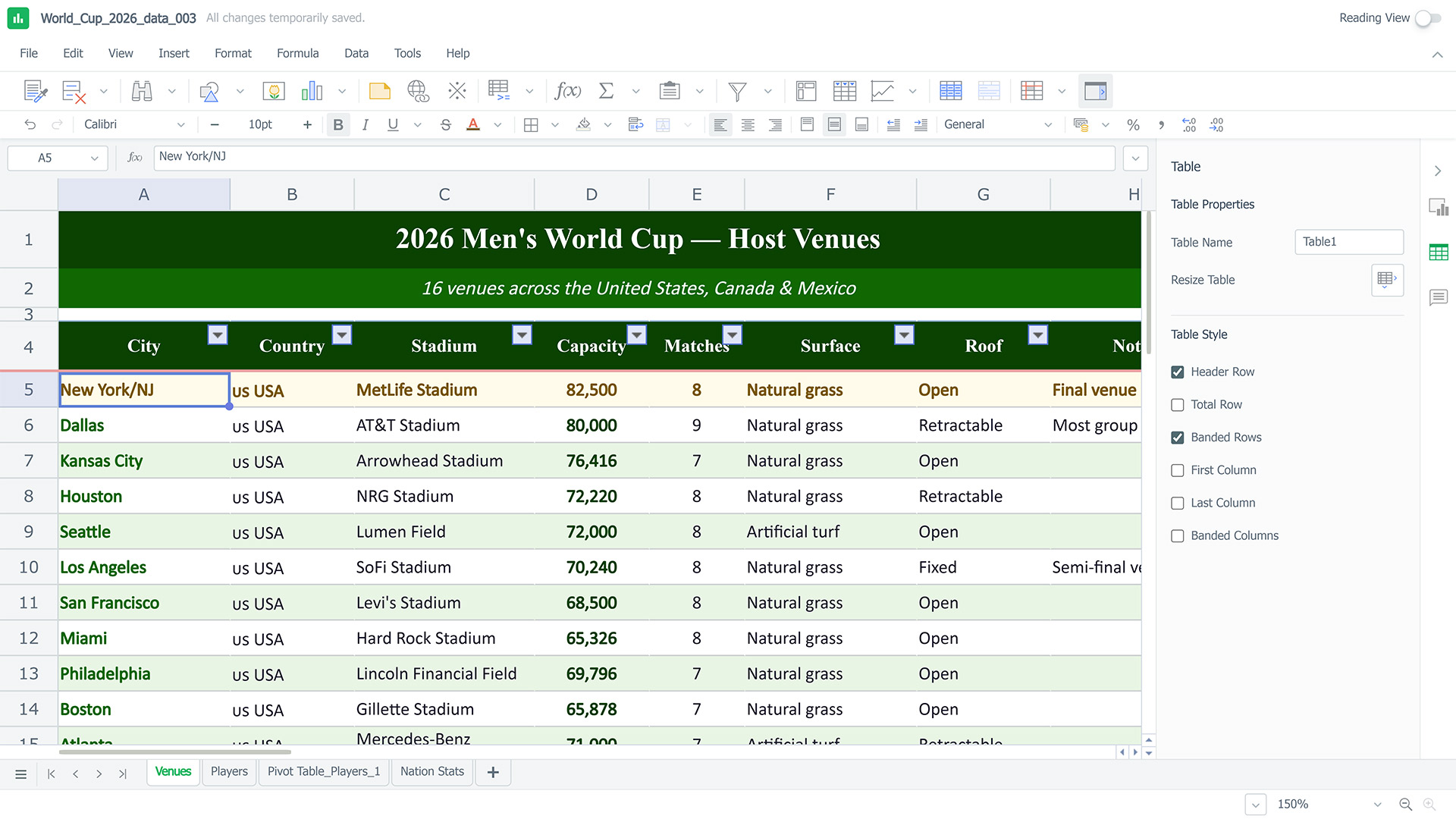
Our newest office suite, which we’ve introduced as part of the Nextcloud Hub 26 Spring release, comes with editors for text documents, spreadsheets, presentations, and PDF files.
What makes Euro-Office stand out is its client-centric architecture. Most of the processing is done on the user’s device, which reduces server load and increases the moment-to-moment performance while editing.
In terms of file compatibility, Euro-Office focuses on Office Open XML (OOXML) formats, which include DOCX, XLSX, and PPTX. This ensures high-fidelity rendering for files created in Word, Excel, or PowerPoint. Of course, OpenDocument Format (ODF) files such as ODT, ODS, and ODP are also supported.
Here’s what you can do with Euro-Office:
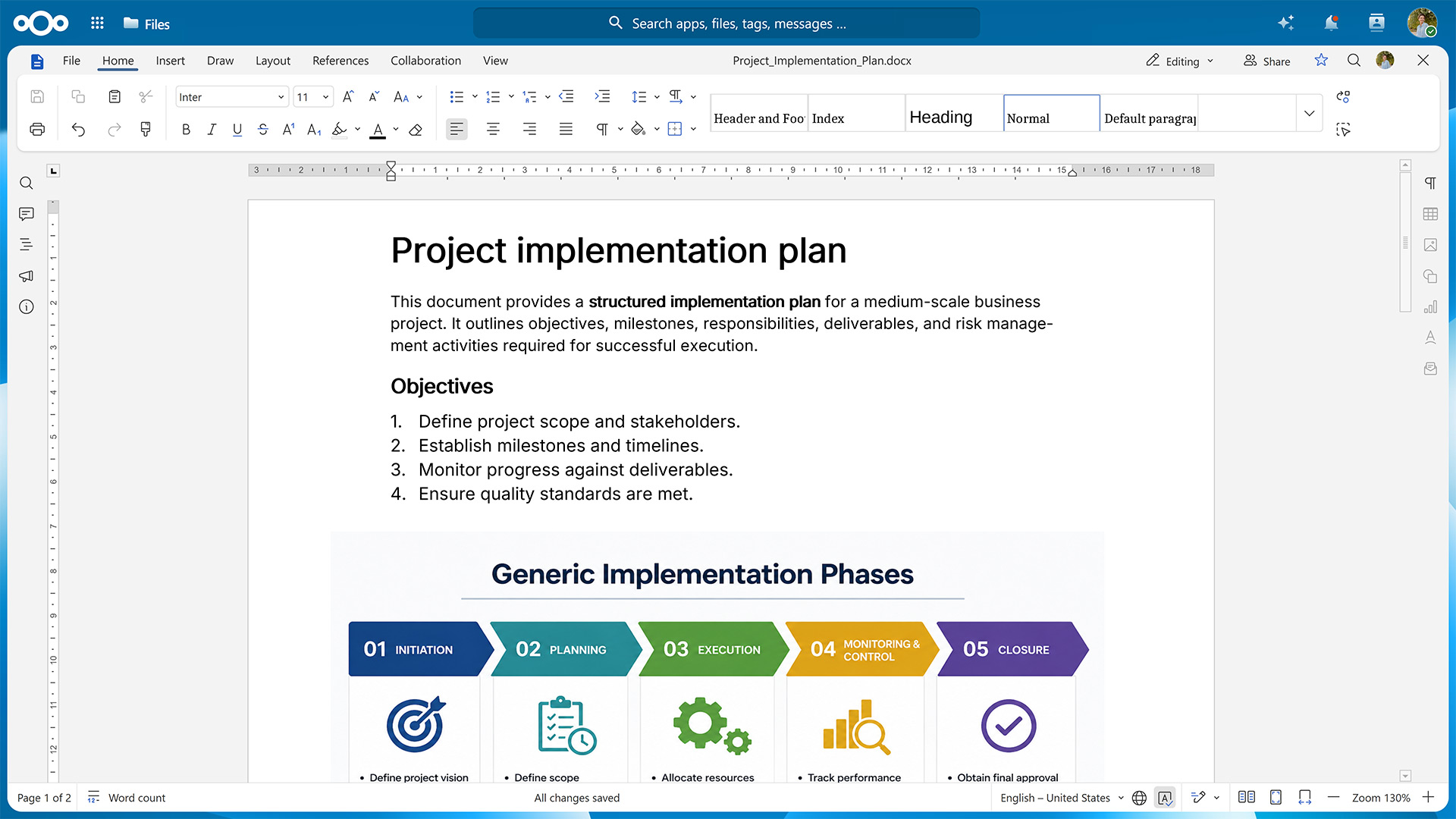
Create and edit documents in Nextcloud Write, collaborate on drafts via comments and tracked changes, and export the result in one of the many supported file formats.
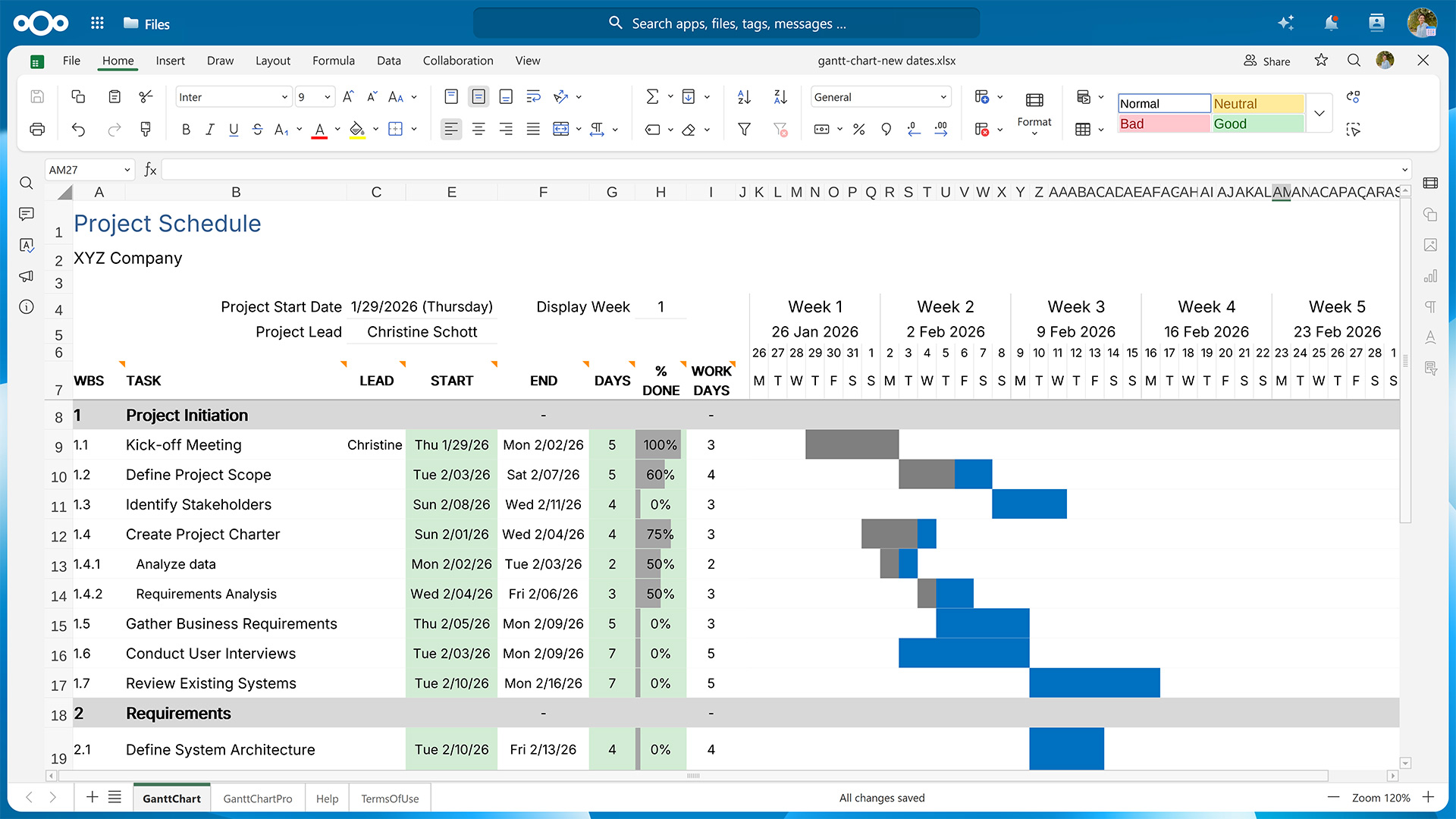
Process and analyze your data in Nextcloud Spreadsheet using functions, macros, tools for sorting and filtering, and various visualization options.
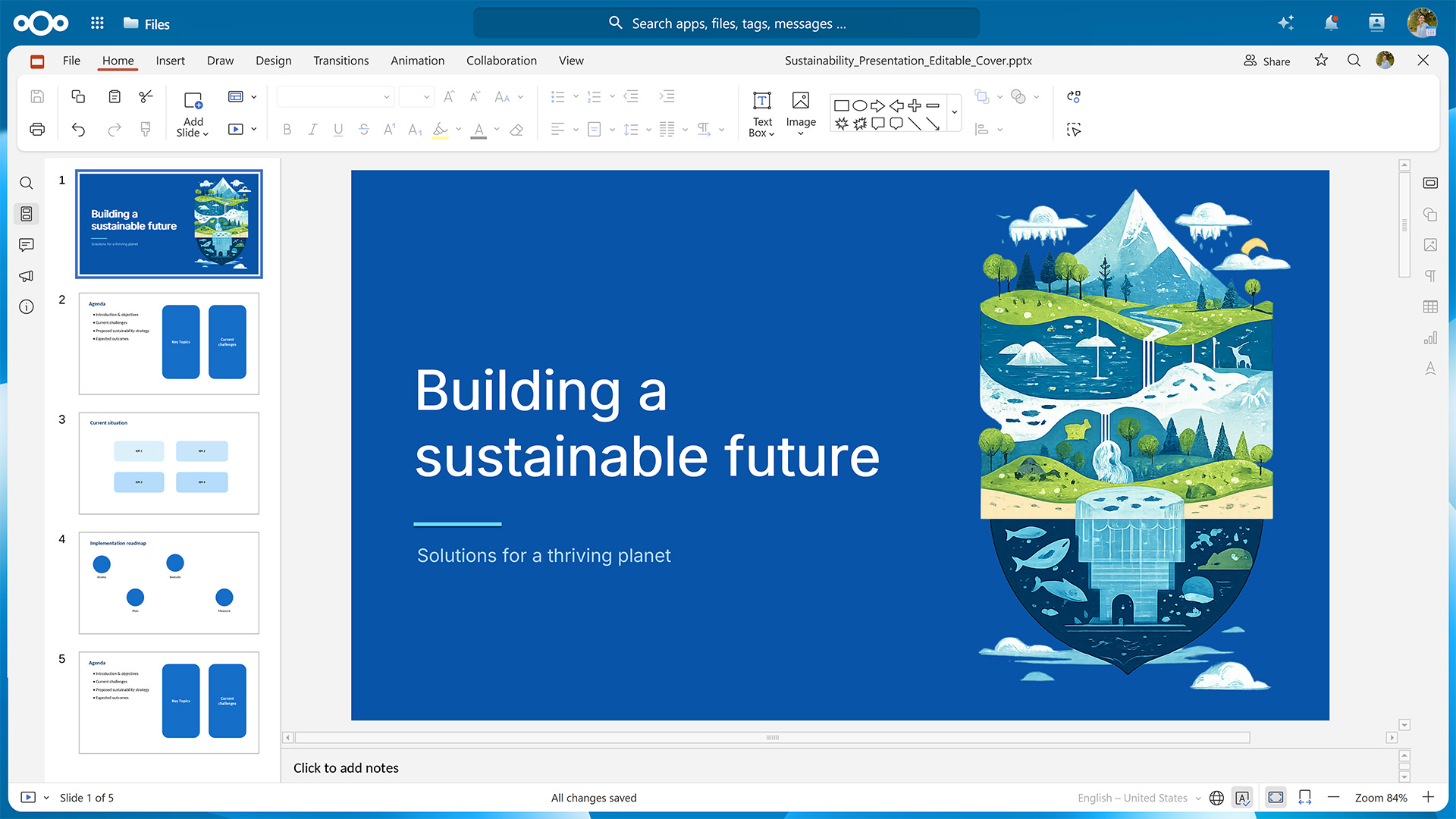
Use animations and embedded multimedia to build captivating slides in Nextcloud Present and deliver them to your audience via the built-in presenter view and speaker notes.
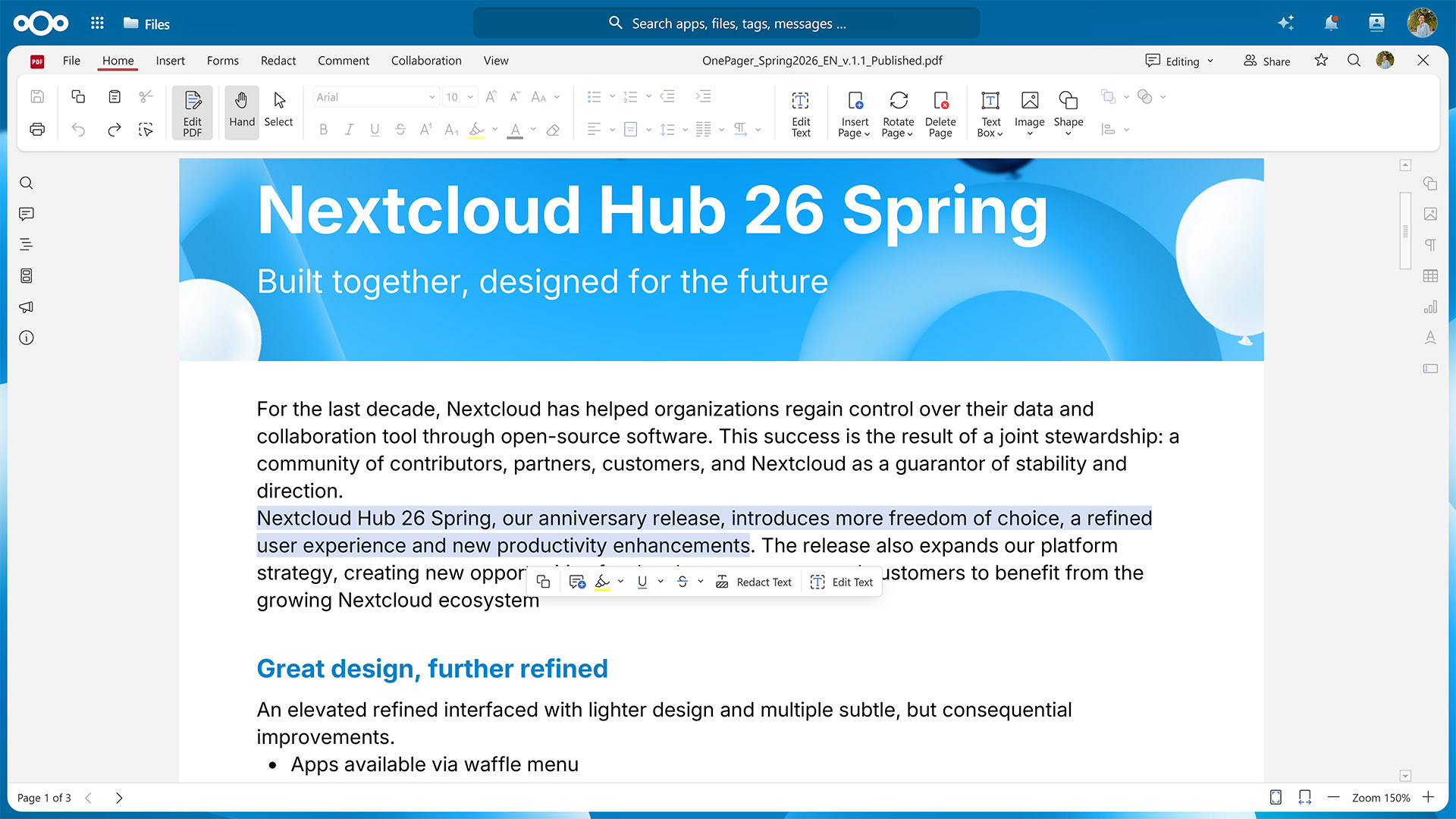
With the Euro-Office-exclusive Nextcloud PDF Editor, you can create fillable forms or collaborate on existing PDF files by annotate them and redacting sensitive information.
Continue working from your smartphone or tablet thanks to a dedicated mobile view
Collabora: highly compatible with OpenDocument formats, built on server-centric architecture
Since 2016, the Collabora Online integration for Nextcloud has brought browser-based document collaboration to a large user base.
Built on the LibreOffice codebase, Collabora focuses on high-fidelity rendering of ODT, ODS, ODP, and other OpenDocument Format files, but also provides limited support for Microsoft’s proprietary formats. It uses a server-centric approach and only sends the rendered content to the user’s browser instead of the raw document.
In Nextcloud, you can use Collabora to power the following applications:
Nextcloud Write for collaborative drafting and editing of ODT files and other formats
Nextcloud Spreadsheet for securely working on ODS files and other tabular data formats
Nextcloud Present for building slides and presenting them online and offline
Nextcloud Draw for creating everything from quick sketches to elaborate diagrams
For editing on the go, Collabora also includes an interface for mobile devices.
Thinkfree Office: web-native office suite with a 25+ years legacy
Released in the year 2000, Thinkfree Office was the world’s first online office suite, predating Google Docs and Microsoft Word for the web. Initially built in Java, it now uses HTML5 and CSS3 for reliable performance on desktop and mobile browsers.
Thinkfree Office features broad compatibility across Microsoft Office and OpenDocument Format files, editing and saving them without a conversion step. Similar to Collabora Online, processing mainly takes place on the server.
The three applications included with Thinkfree Office are:
Thinkfree Word Processor
Thinkfree Spreadsheet
Thinkfree Presentation
As web-native tools, they work across desktop and mobile browsers.
Efficient team work with Nextcloud’s productivity tools and AI assistant
No matter which office suite you choose, you can get even more out of your work day by combining it with the many Nextcloud apps specifically built for cross-team collaboration.
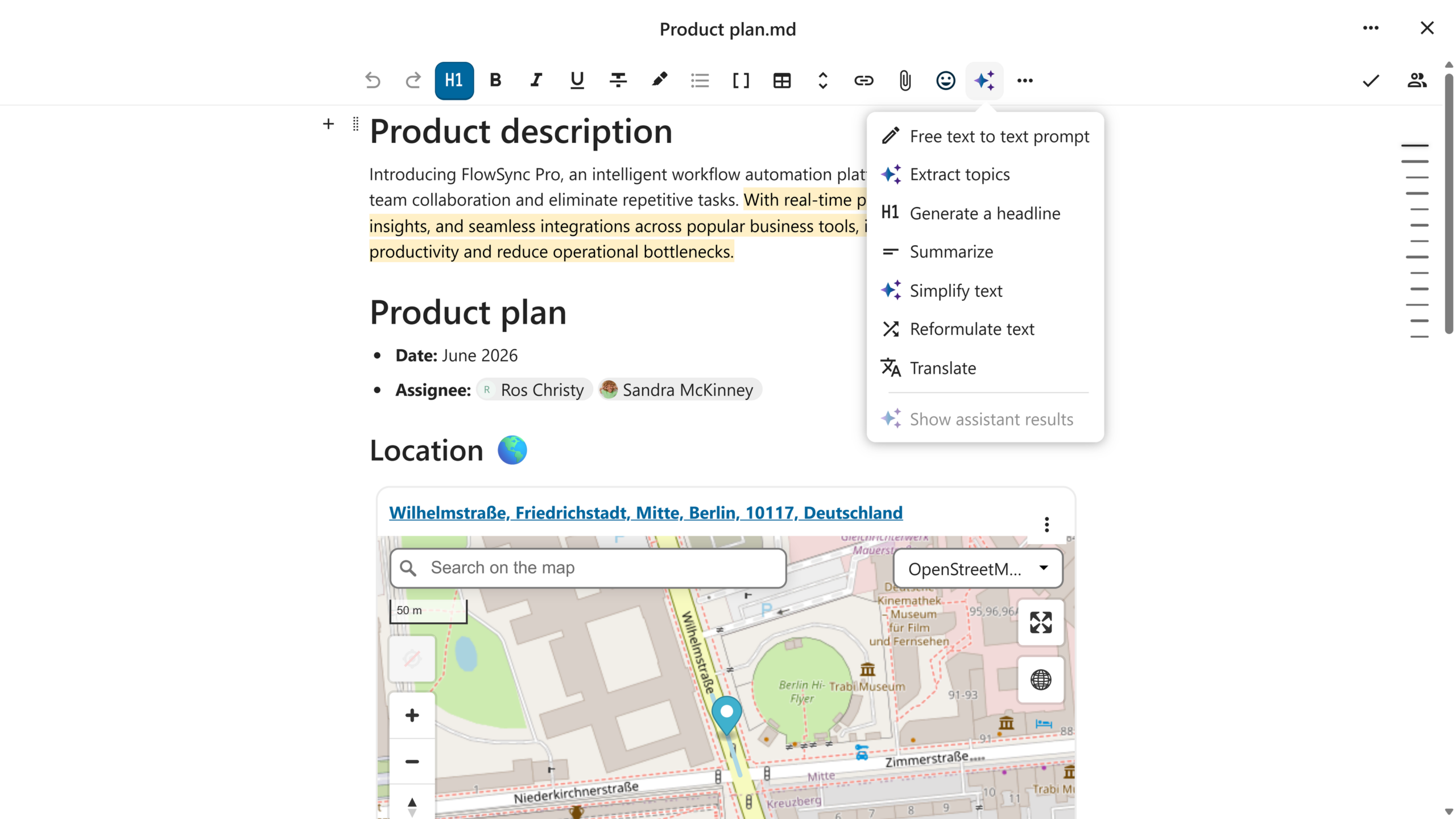
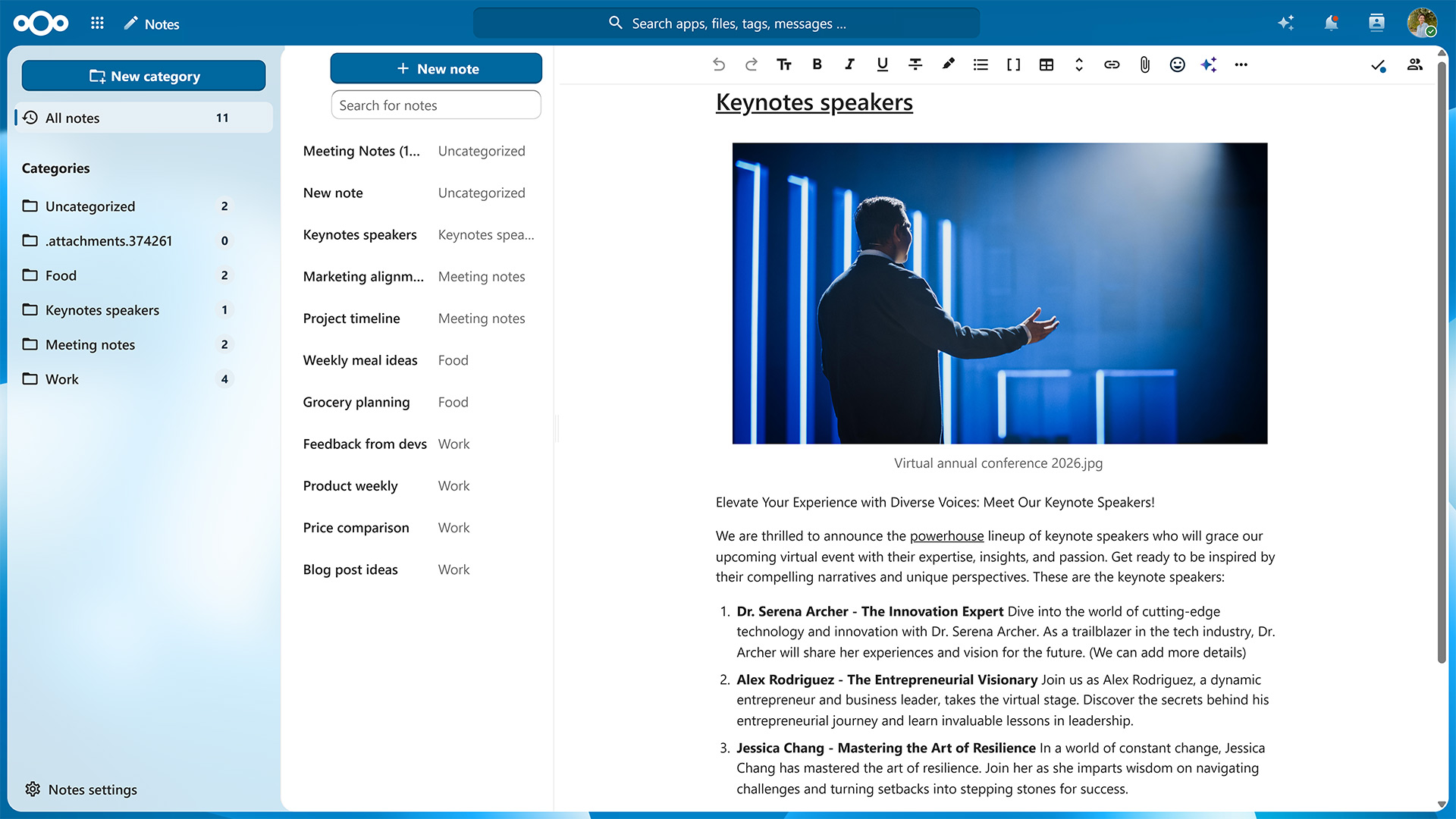
Nextcloud Text
If you want to jot down meeting minutes, create a quick checklist, or just prefer to format your documents using Markdown, then Nextcloud Text is what you’re looking for. The built-in templates help you get started.
Nextcloud Notes
For a similar writing experience that also includes options for organizing the information you’ve collected, try Nextcloud Notes. Assigning a label to your Markdown or TXT file moves it into the corresponding folder.
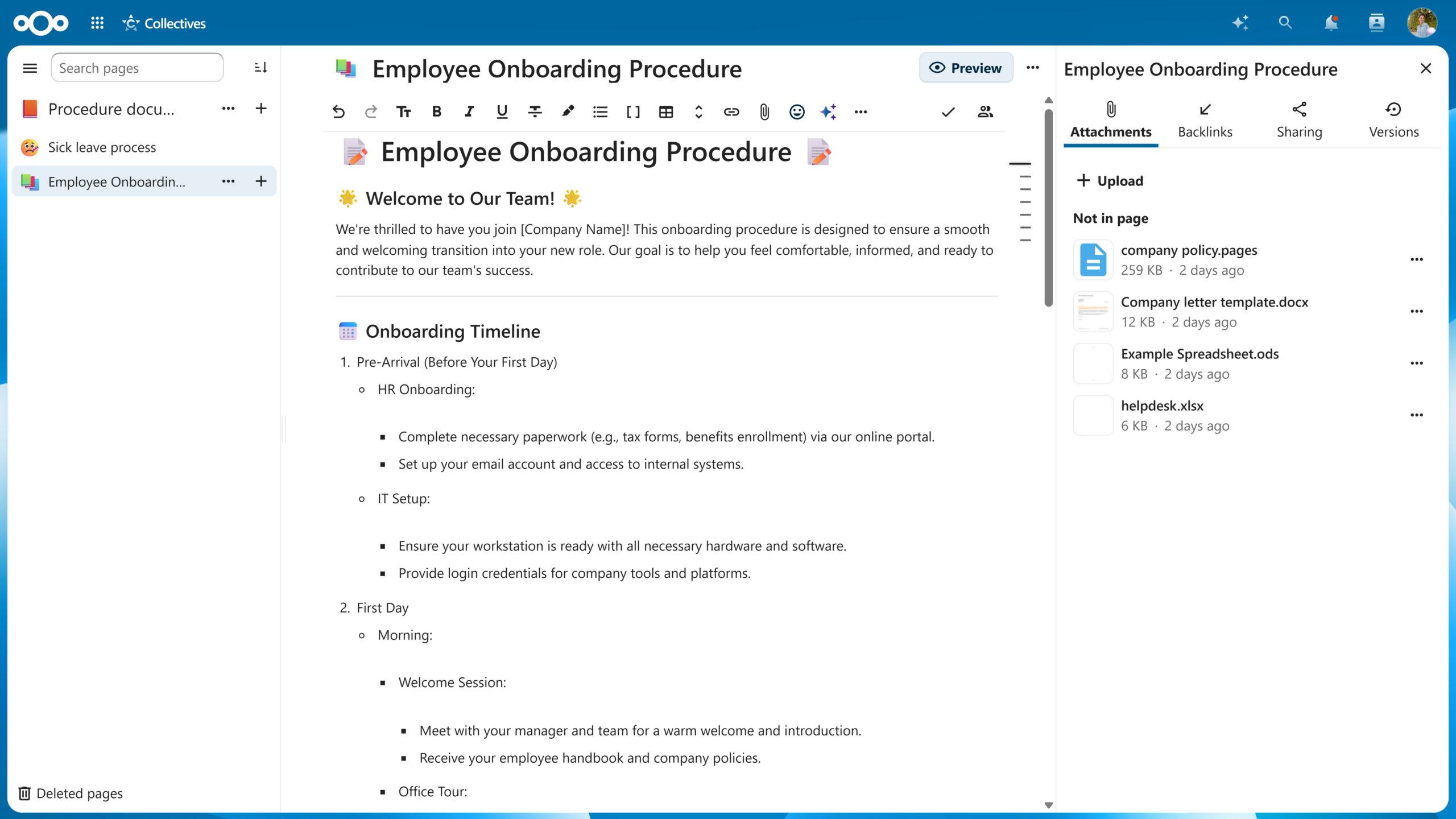
Nextcloud Collectives
Go one step further and you get Nextcloud Collectives. This app lets you create entire wikis and pull in information from all over your Nextcloud to curate a single source of truth for you and your team.
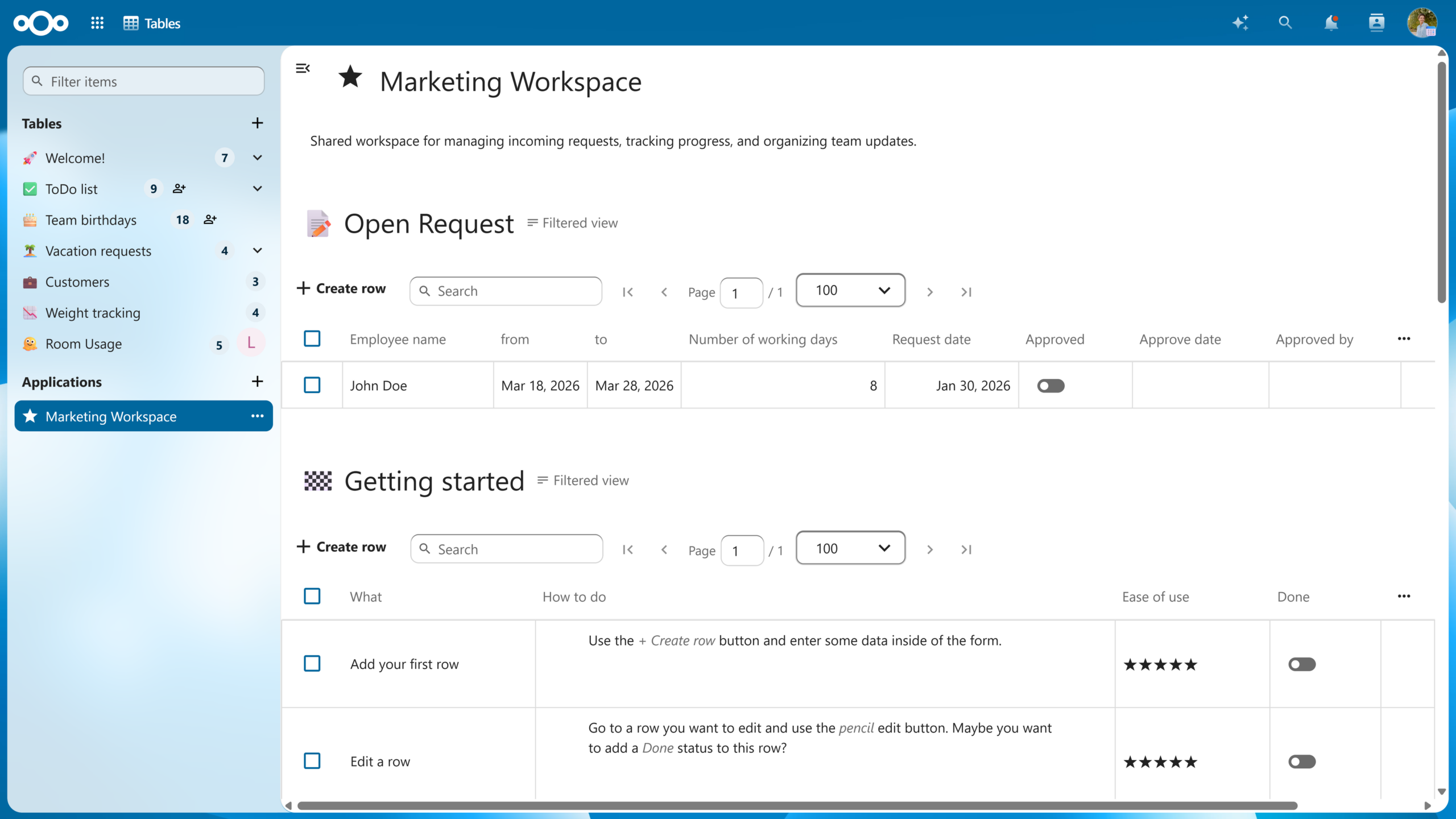
Nextcloud Tables
For structured data, there’s Nextcloud Tables. Functionality-wise, it sits between a spreadsheet and a full database and lets you build custom tables with your own columns that can include plain text, links, progress bars, star ratings, and more. You can then combine several tables and views into a no-code application to automate your processes.
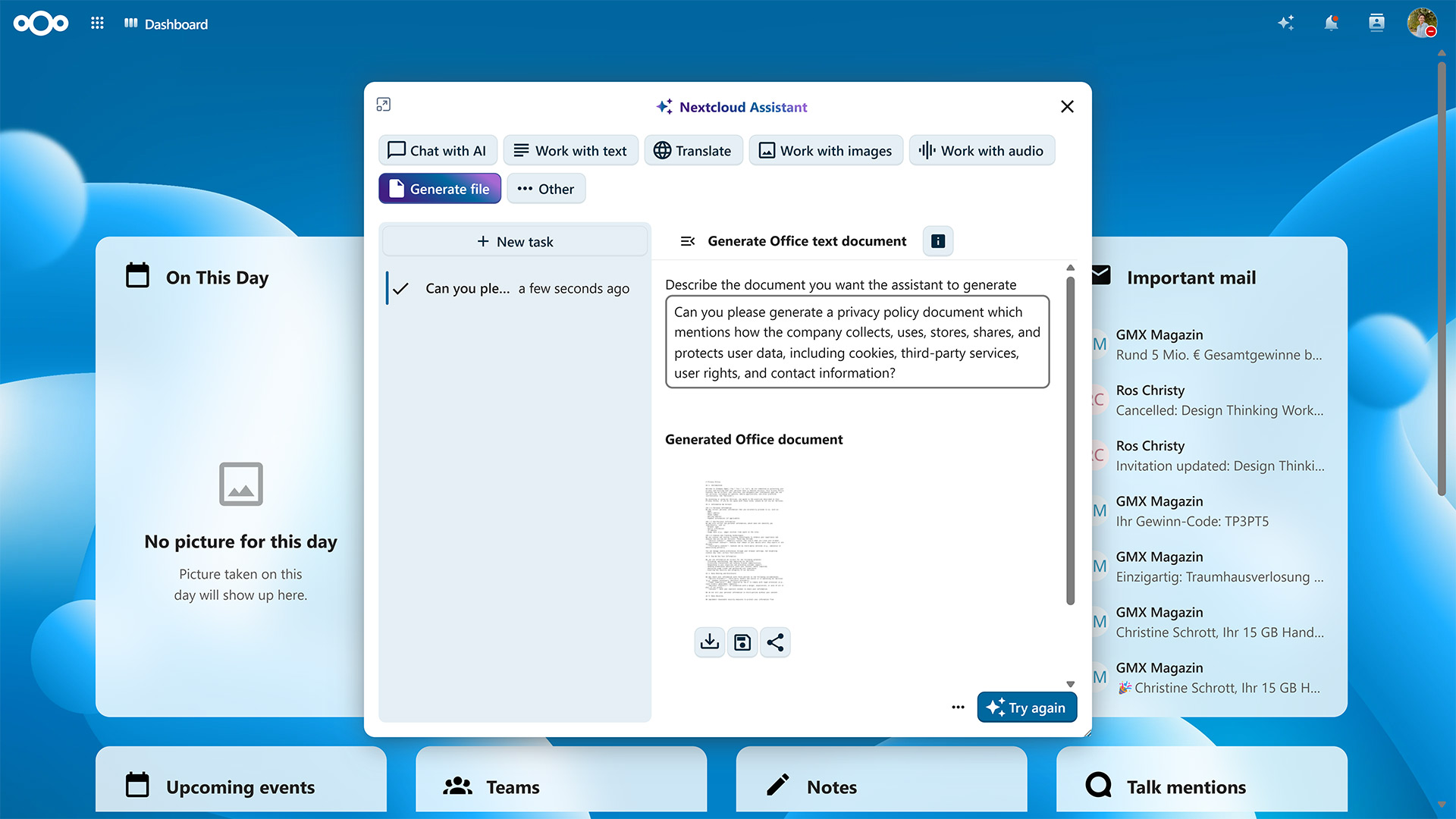
Nextcloud Assistant
Once your data is in order, Nextcloud Assistant helps you act on it. Ask it to summarize a document, draft a first version of your meeting notes, or transcribe a recording. You can even let it generate documents for Nextcloud Office.
Which AI model or service you use to power Nextcloud Assistant is up to you — run it fully self-hosted and your data never even leaves your server.
With Nextcloud, you and your team get access to all the tools you need to collaborate effectively. As with every Nextcloud component, you can self-host Nextcloud Office or count on one of our trusted providers to host it for you.
If you’re part of a larger organization, take a look at Nextcloud Enterprise. It combines the reliability, security, and compliance guarantees needed for critical deployments with direct access to Nextcloud engineering expertise. Request an instant trial for a free 1-hour test drive or contact us for a quote tailored to your organization’s needs.
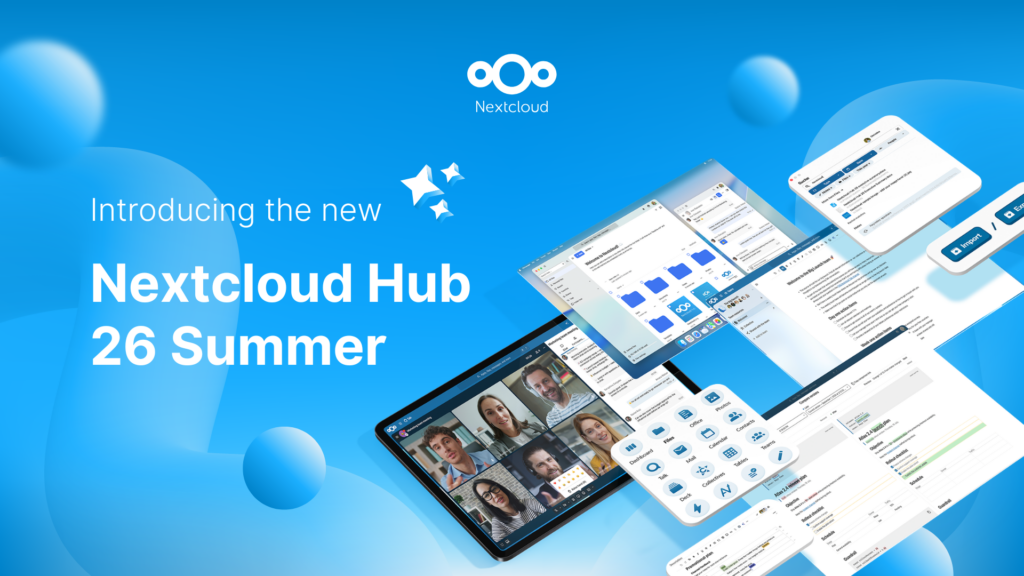
Creato grazie all'impegno congiunto del nostro team, della community e dei partner, Nextcloud Hub 26 Summer prende forma da chi realmente utilizza i nostri strumenti ogni giorno. Crea lo spazio del tuo team con Nextcloud Teams, organizza i tuoi ricordi nel nuovo Nextcloud Foto e goditi gli aggiornamenti più richiesti in tutte le app. Continua a leggere per una panoramica completa della nostra ultima release!
Nextcloud Hub 25 Autumn semplifica l'avvio di una potente collaborazione con il pieno controllo dei tuoi dati. Dagli aggiornamenti del design globale al miglioramento dell'usabilità e delle prestazioni, scopri la nostra ultima release in questo blog.
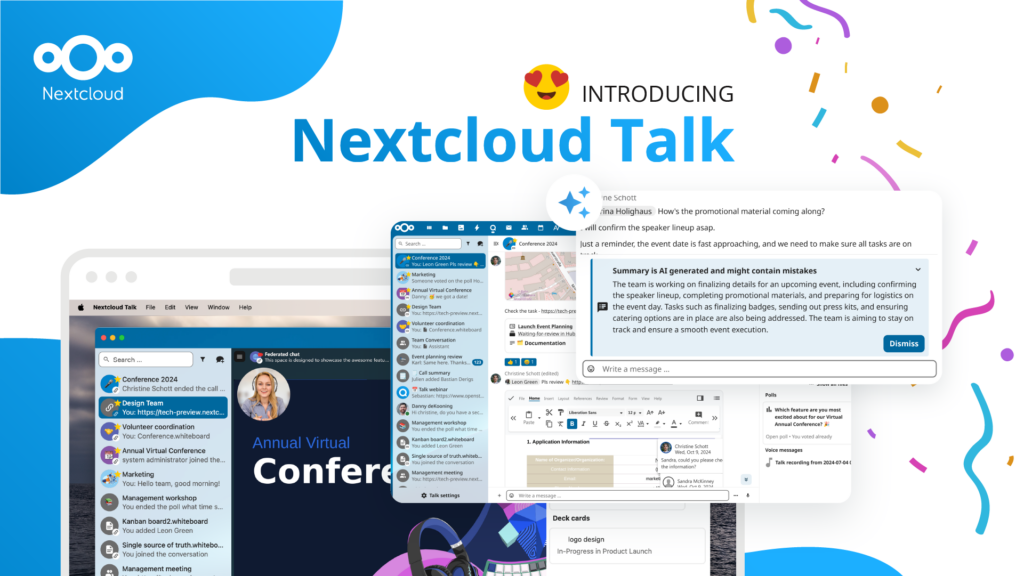
Le organizzazioni, grandi e piccole, necessitano di una soluzione che garantisca la resilienza e la sovranità digitale delle loro operazioni: un'alternativa open source e rispettosa della privacy a Teams. E oggi presentiamo questa soluzione: Nextcloud Talk.
Salviamo alcuni cookie per contare i visitatori e rendere il sito più facile da usare. Questi dati non lasciano il nostro server e non servono a tracciare il tuo profilo personale! Per maggiori informazioni, consulta la nostra Informativa sulla privacy. Personalizza
I cookie statistici raccolgono informazioni in forma anonima e ci aiutano a capire come i visitatori utilizzano il nostro sito web. Utilizziamo Matomo in cloud.
Servizio:Matomo
Descrizione del cookie:
_pk_ses*: Conta la prima visita dell'utente
_pk_id*: Aiuta a non contare due volte le visite.
mtm_cookie_consent: Ricorda il consenso alla memorizzazione e all'utilizzo dei cookie dato dall'utente.
Scadenza del cookie:_pk_ses*: 30 minuti
_pk_id*: 13 mesi
mtm_cookie_consent: 30 giorni