
Verified Enterprise Class Security
Our customers care deeply about security and so do we. Nextcloud aligns with industry standards such as Clause 14 of ISO/IEC27001-2013 and related standards, guidance and security principles. Our solution is built around combined assurance layers consisting of rich security features, applied best practices governed by policy and the design itself validated by industry standard testing processes.
Logging and monitoring
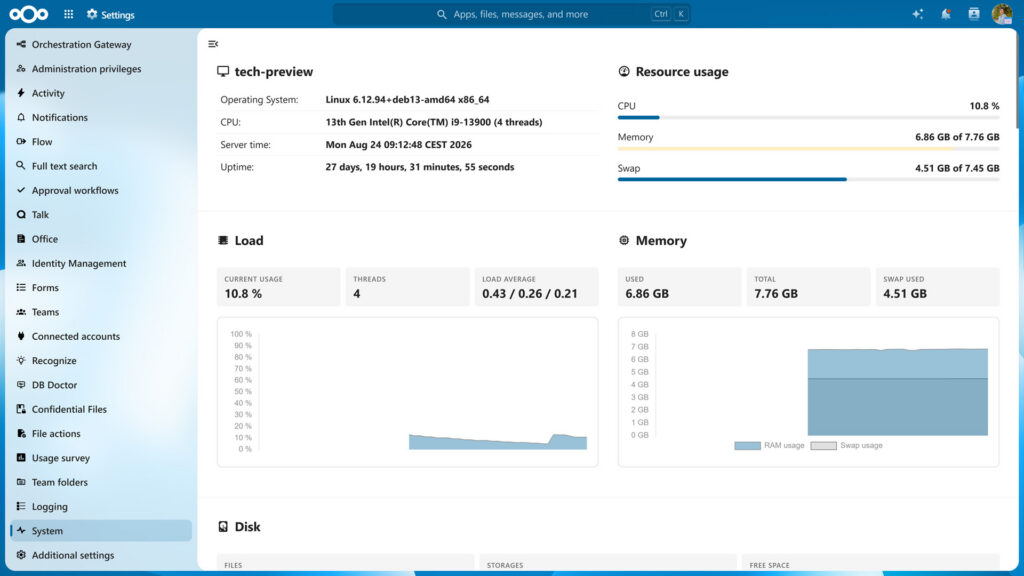
Nextcloud has built in monitoring and logging tools, compatible with industry standard tools like Splunk, Nagios and OpenNMS. It also offers a full, compliance-ready activity log for reporting and auditing purposes.
Permissions
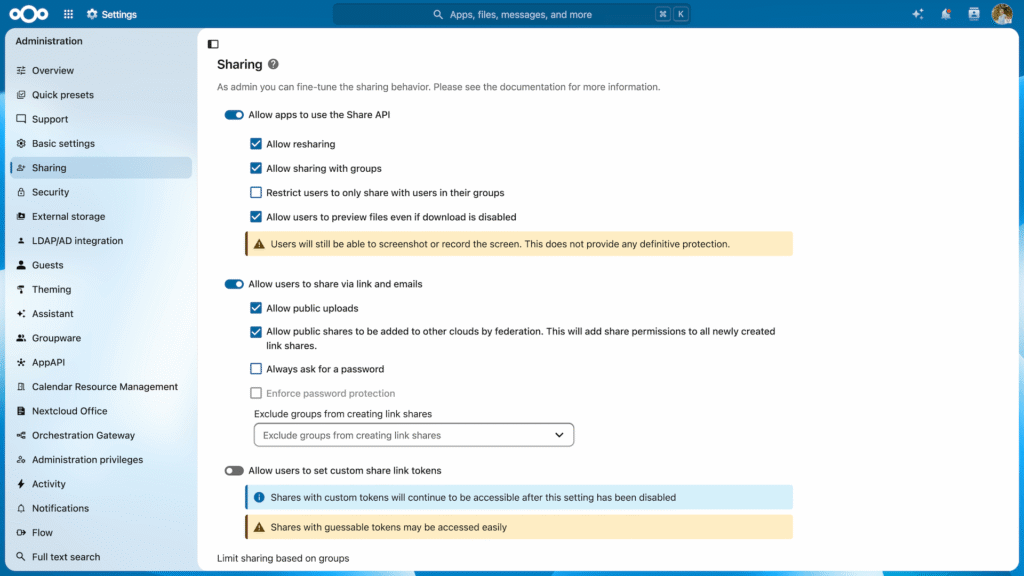
Administrators can set permissions on sharing and access to files using groups. Permissions of underlying storage, like Windows Network Drive access rights, are respected by Nextcloud. Sharing can be protected by passwords, expiration dates, hiding of existing files, blocking downloads and the enforcing of a video call before access is granted (Video Verification). There is also support for ACLs on team folders.
Data retention
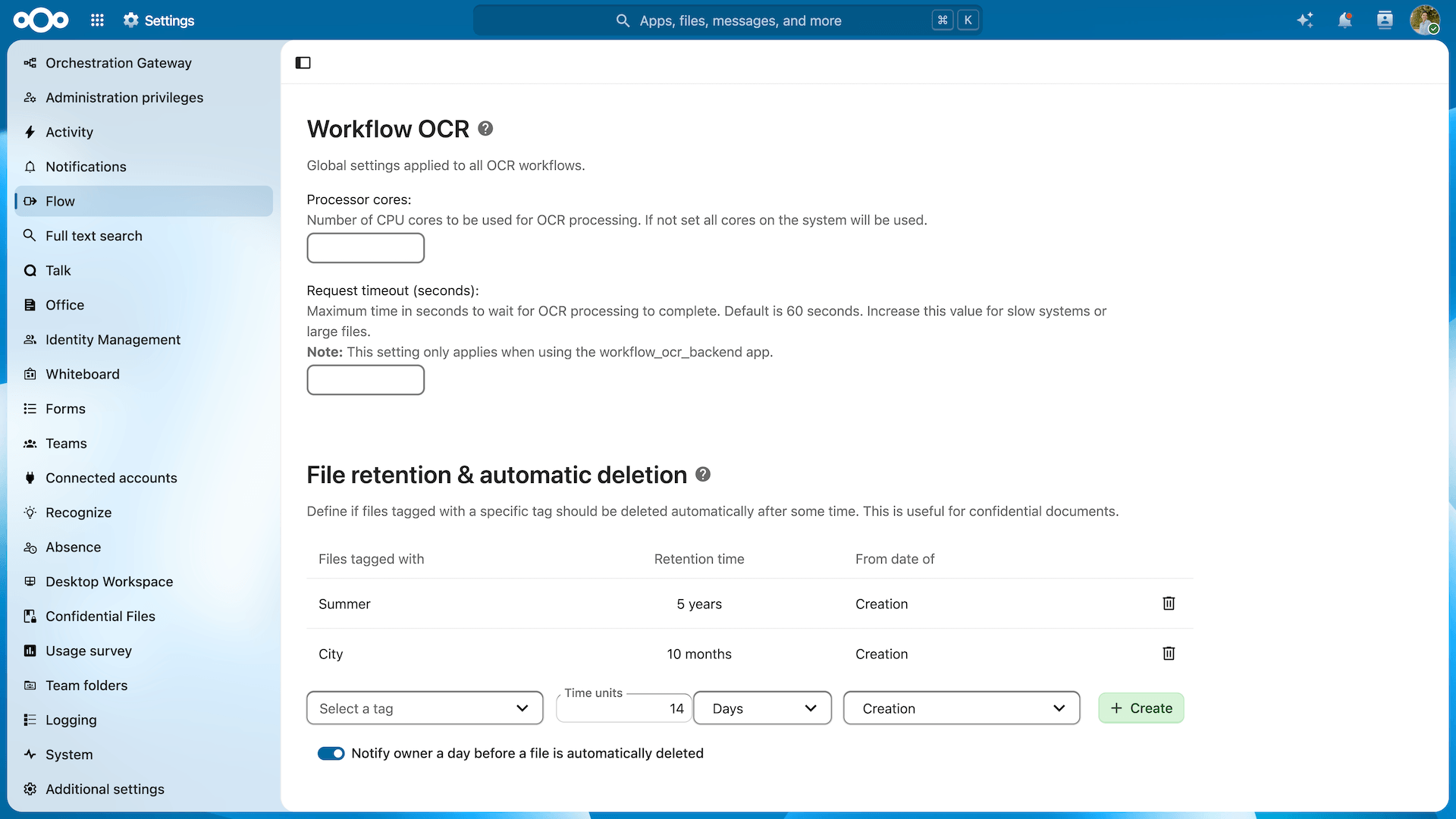
Define rules for data retention, allowing regular cleanup of files or guarantees that data stays put for a set amount of time.
File access control
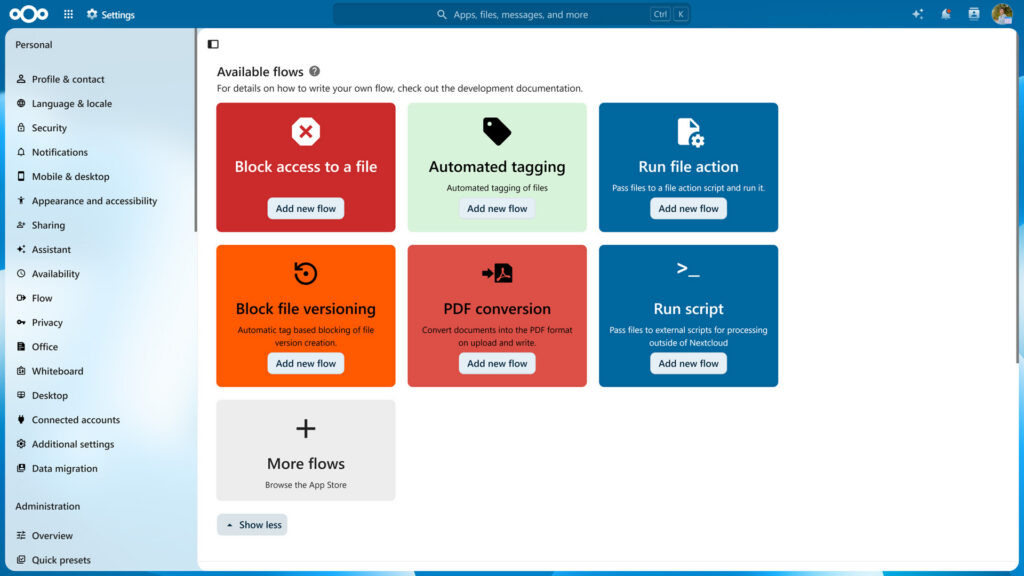
The powerful workflow tools in Nextcloud enable administrators to limit access to data in accordance with business and legal requirements and perform automatic actions like file conversion. Describe restrictions like “XLSX files from the HR department are not to be accessible outside company IP ranges” or “employees in the US shouldn’t access customer data from European data centers” for Nextcloud to enforce.
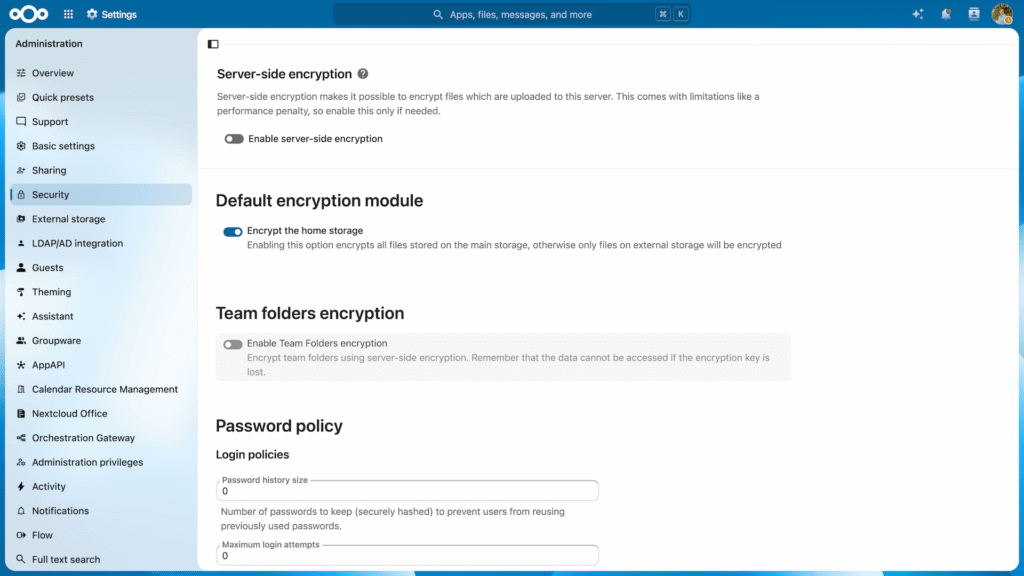
Multi-layered encryption
Nextcloud uses industry-standard SSL/TLS encryption for data in transfer. Additionally, data at rest in storage can be encrypted using a default military grade AES-256 encryption with server-based or custom key management. Also optionally and on a per-folder basis data can be end-to-end encrypted on the client with the server assisting in sharing and key management using a Zero-Knowledge model.

Compliance
Nextcloud puts all the pieces for compliance with regulations like HIPAA and GDPR at your fingertips. This goes from extensive documentation on our customer portal to specific apps for data requests as well as encryption and security capabilities in Nextcloud itself.
Integration
Storage
Nextcloud supports your existing storage solution, keeping data under control of trusted IT administrators and managed with established policies. Nextcloud works with industry standard SQL databases like PostgreSQL, MySQL and MariaDB for user and metadata storage.
Monitoring
Nextcloud offers built in monitoring tools and integrates with existing MDM, DLP, event logging and backup tools, enabling existing tool chains to be used to monitor, backup and restore systems
IT Department in control
Nextcloud leverages existing data storage and database technologies so current security policies and governance processes can continue to be used to manage, control and secure operations with Nextcloud. Your IT department is fully in control.
Security case studies

NCC Group security review
Nextcloud understands the necessity to provide core security requirements. As such, Nextcloud 11 is built on these security principles to ultimately deliver a robust solution to their customers.

Nextcloud code audit by Swiss Kyos
The second largest city in Switzerland, Geneva, contracted Swiss IT Security firm Kyos to audit the Nextcloud code base they use.
Passive security measures
Besides active security measures like authentication and encryption, Nextcloud protects your data without any need for administrator action
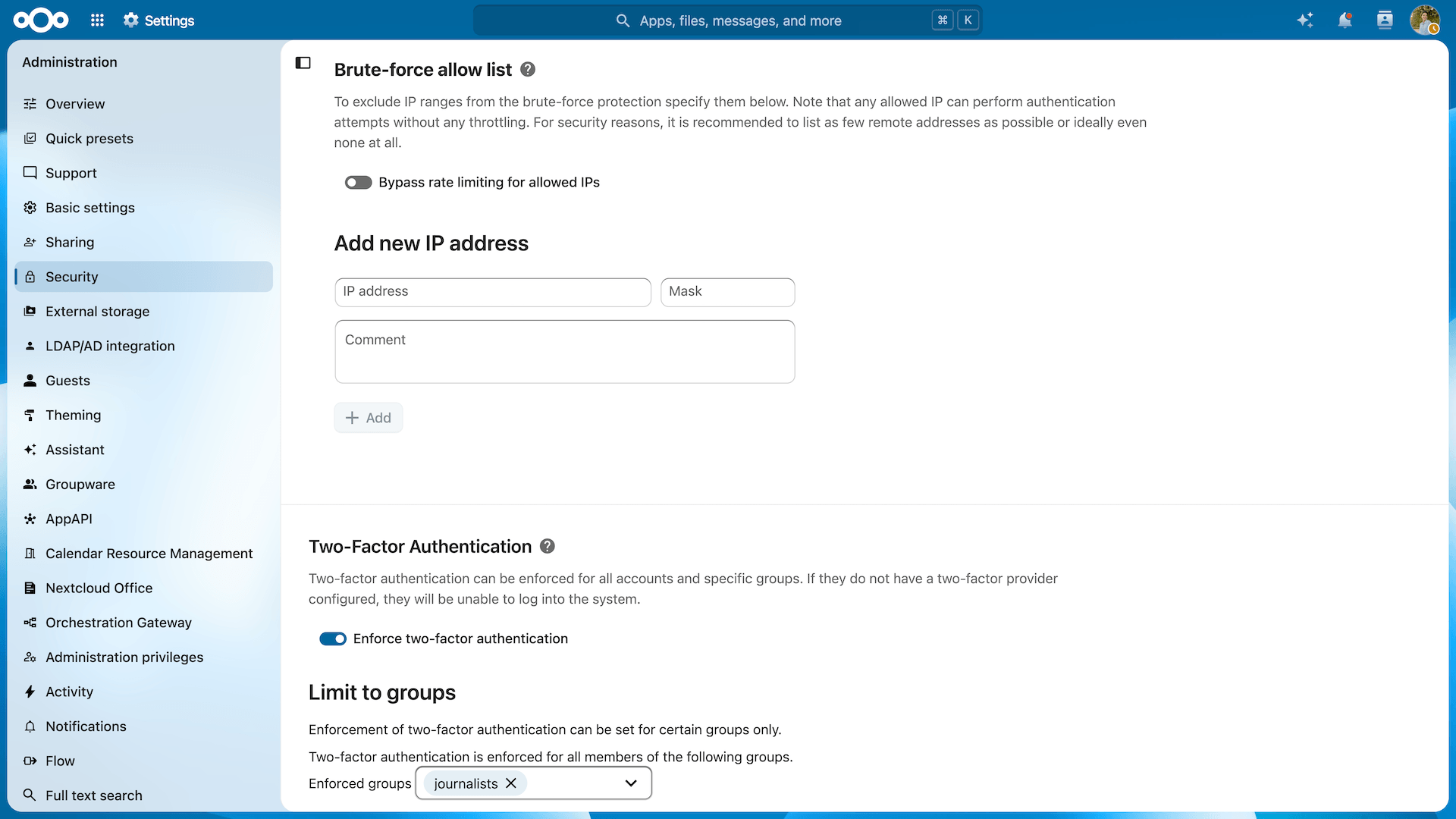
Brute force protection
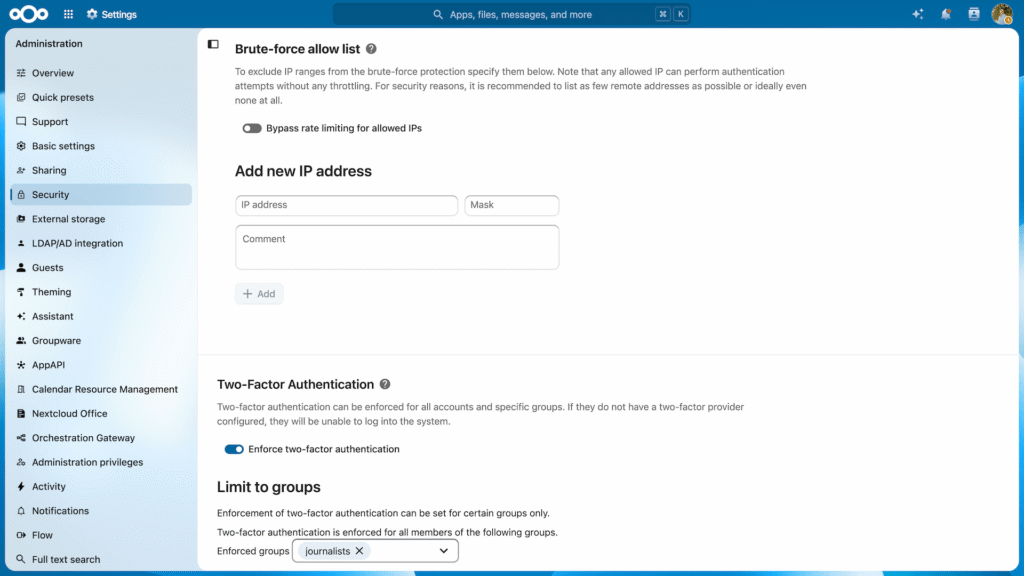
Brute Force Protection logs invalid login attempts and slows down multiple attempts from a single IP address (or IPv6 range). This feature is enabled by default and protects against an attacker who tries to guess a password of one or more users.
Password reset tokens are invalidated when critical information like user email has been changed to protect against phishing attacks.
Nextcloud will ask system administrators for password confirmation on security critical actions.
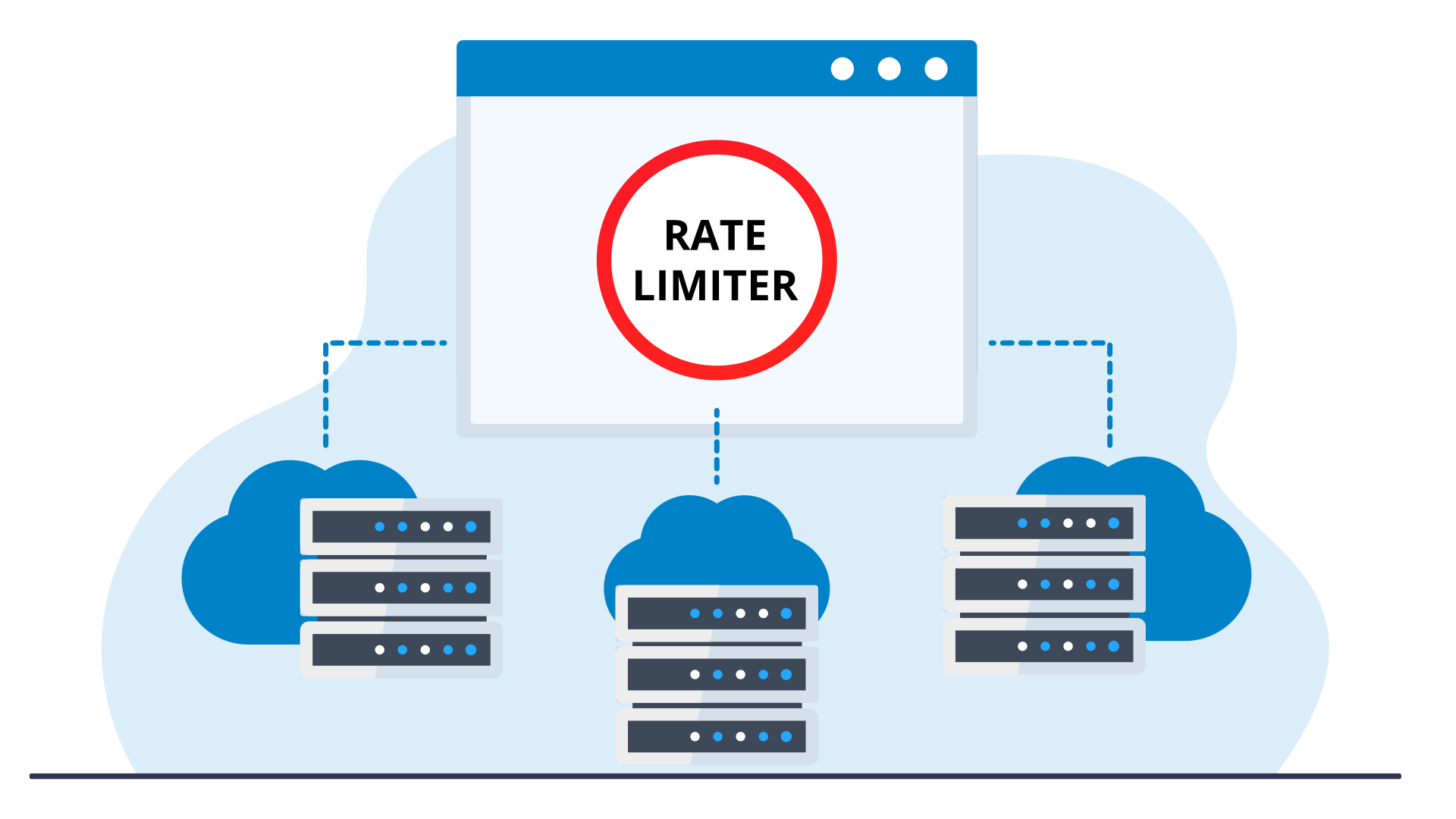
Rate limiting
Rate Limiting allows a developer to specify how often an IP range or a user may send a request in a specific time period. This can be useful for expensive API calls, to prevent users from accessing too much data in a a shorter amount of time or harden bruteforce protection further. It is used by Nextcloud apps to protect users from spam and overloading.
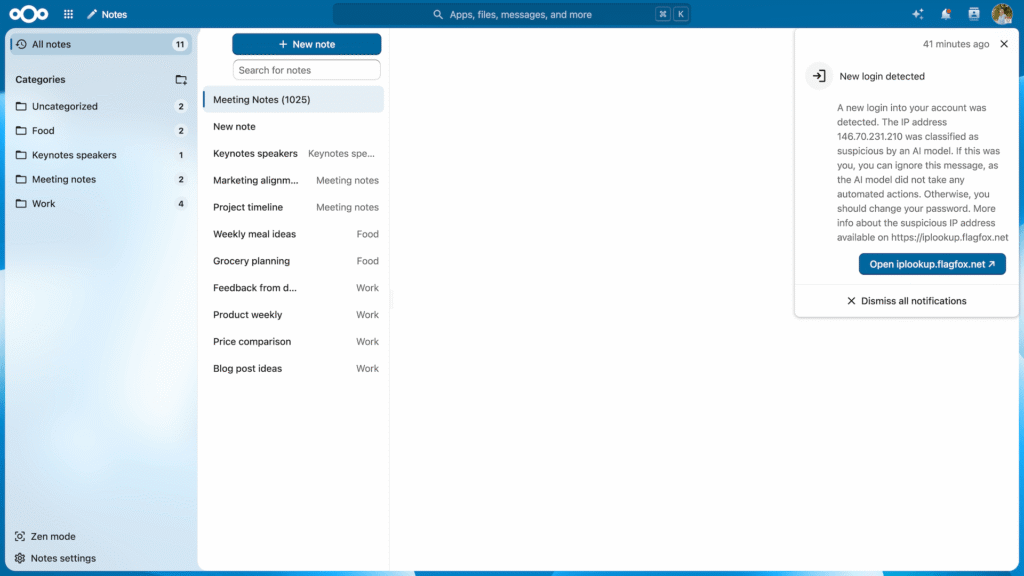
Machine learning based suspicious login detection
Nextcloud includes a machine learning technology which trains a neural network on successful logins on the instance and uses it to classify login attempts. Should it detect a login classified as suspicious by the trained model, it will notify the user and store an entry in the log for the system administrator.
When the user is notified, they can terminate the suspicious session, and proceed to set a new password. The administrator can also take action, like disabling user accounts or forcing users to pick a new password.
Of course, the solution is designed to protect privacy and all data remains on your server!
Security hardening
Nextcloud employs a wide variety of extra security hardening capabilities, including:
Content Security Policy 3.0
CSP is a HTTP feature that allows the server to set specific restrictions on a resource when opened in a browser. Such as only allowing to load images or JavaScript from specific targets.
CSP 3.0 is the latest, most strict version of the standard, increasing the barrier for attackers to exploit a Cross-Site Scripting vulnerability.
Same-Site Cookies
Same-Site cookies are a security measure supported by modern browsers that prevent CSRF vulnerabilities and protect your privacy further. Nextcloud enforces the same-site cookies to be present on every request by enforcing this within the request middle ware.
We include the __Host prefix to the cookie (if supported by browser and server). This mitigates cookie injection vulnerabilities within potential third-party software sharing the same second level domain.
Password security enforcement
Password security is extremely important and Nextcloud follows the latest and most strict standards.
We go beyond these standards, checking passwords against the database of compromised accounts and passwords from well known security researcher Troy Hunt. This optional but highly recommended feature ensures users can not reuse a password which has been compromised on another website already. Read our blog to learn how this feature protects your users.
Authentication

Active and passive protection
Nextcloud offers a series of advanced security features:
- Server side, client side and in-transit encryption
- Security hardenings like brute-force detection, CSP and SCC
- Machine learning based suspicious login detection
- Automated security checks and warnings
Protected sharing
For Nextcloud customers, securely exchanging data is key. Nextcloud offers industry standard protection mechanisms and adds innovative and unique capabilities like Video Verification.
Securing shared links
Nextcloud features industry-leading protection for file shares.
- Share password
- Expiration date
- Access rights (Read/Write, re-sharing)
- Hide Download (Secure View)
- Hide file listing (File Drop)
- File Access Control
- Video Verification
- Administrators can set defaults or enforce these options.
Video verification
In situations where extreme security is warranted and the identity of a recipient has to be verified with absolute certainty before they are granted access, Nextcloud includes the industry-first implementation of Video Verification.
Video Verification enforces a Nextcloud Talk video call before access is given to a share, making sure the identity of the recipient is properly checked. The call can be picked up through the Nextcloud Talk Mobile apps as well as the web interface.
Remote wipe
While Nextcloud supports Mobile Device Management solutions, thanks to built-in support, remote wipe will work on systems not under management of the company. This is useful for home users but also large universities and of course in a scenario where guest accounts were handed to a third party. If you permit downloading of documents by the third party, you can wipe the documents from their devices when the the collaboration has ended.
Remote wipe can be used on a per-device basis by users and on a per-user base by the administrator.
Virtual data room
In settings where a firewall is needed between departments or organizations without impeding smooth and efficient collaboration, a separate Virtual Data Room can be set up. Nextcloud offers a wide range of unique features for VDR use and its on-premises nature offers unparalleled confidentiality and control.

Regain control
Protect your data and communication with the leading content collaboration platform. Contact us now to learn how we can help you!
