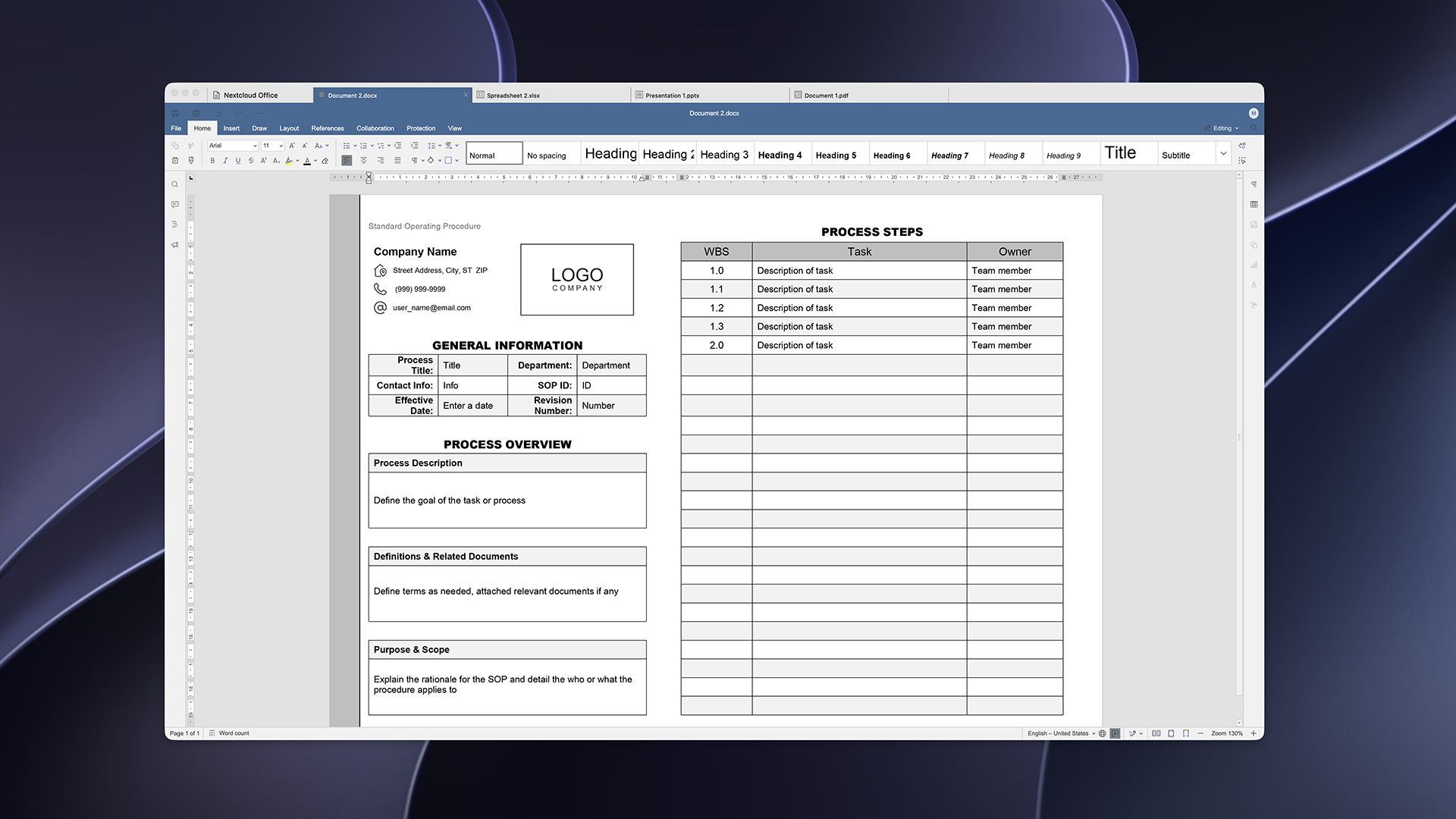
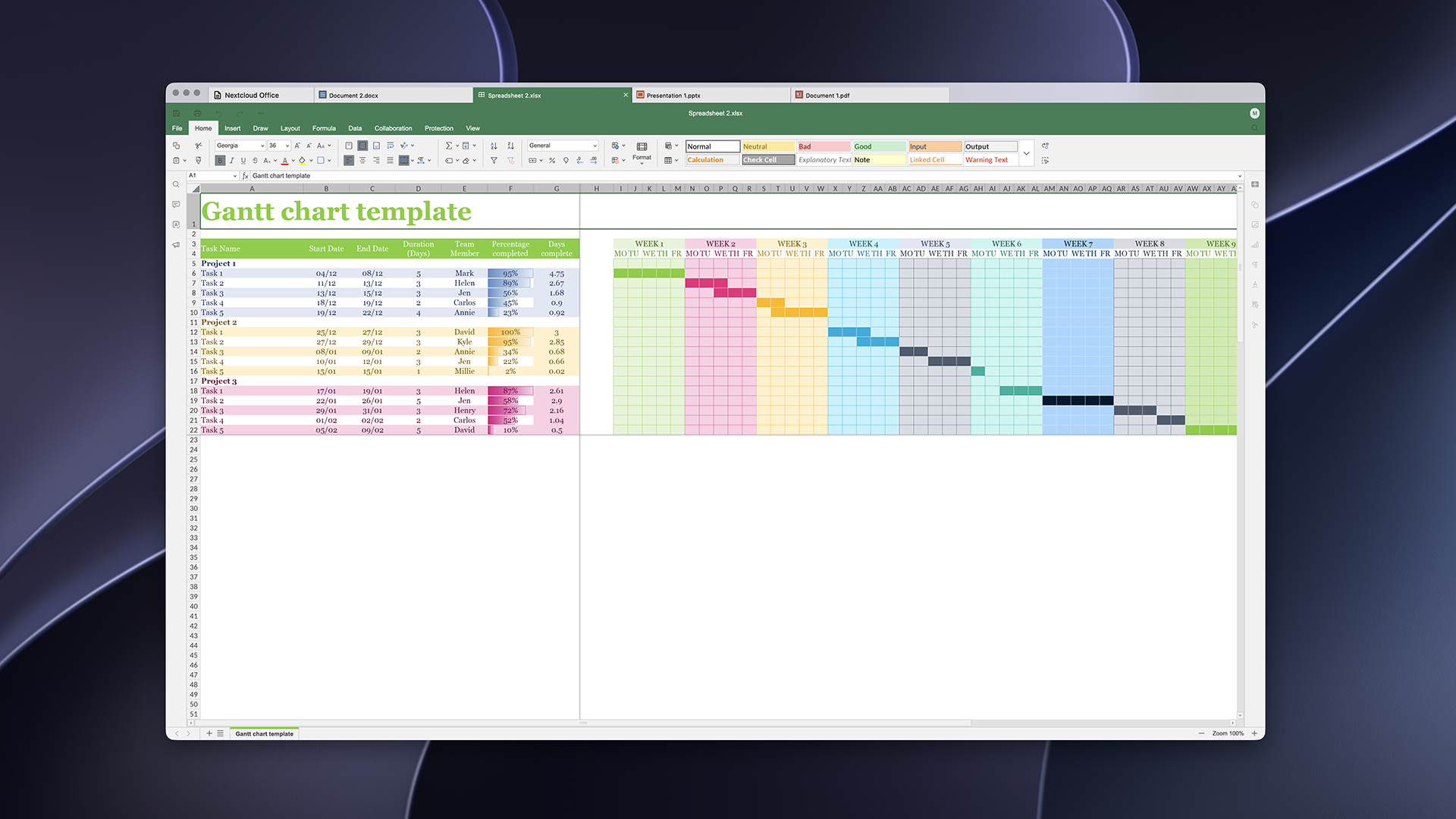
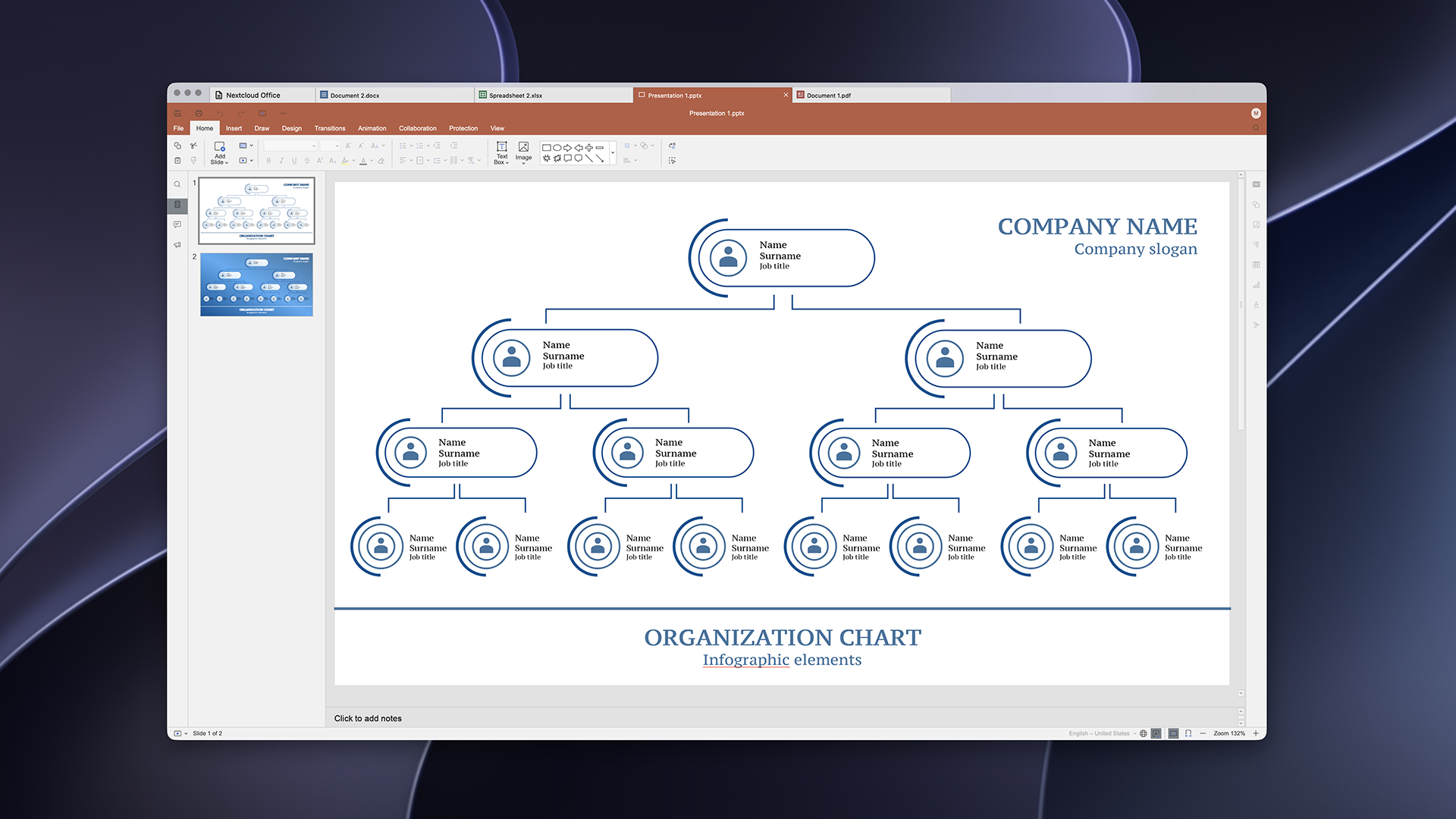
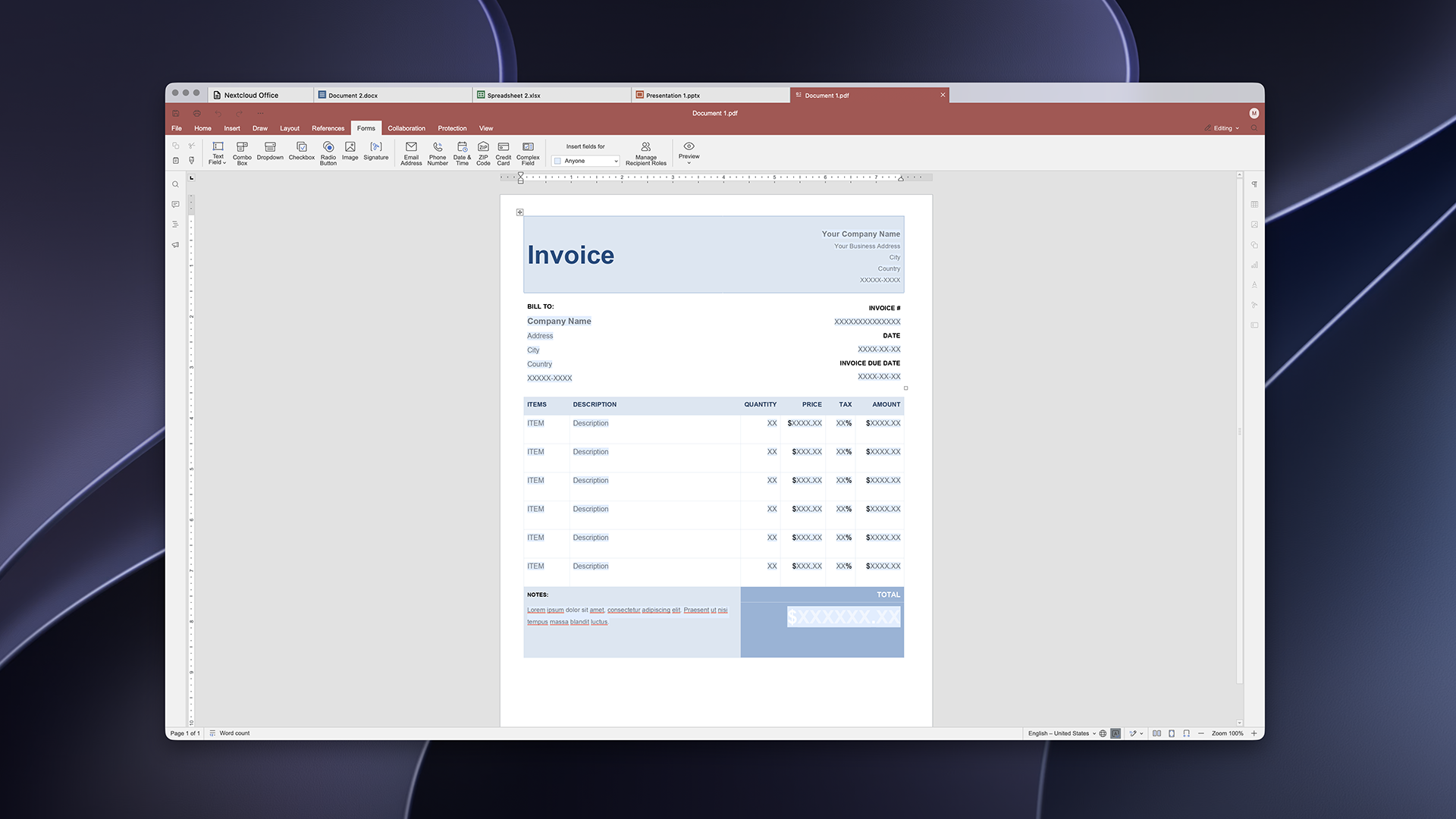
On June 9, 2026, we released the first production-ready version of Euro-Office, a sovereign collaborative office suite developed and governed in Europe. With Nextcloud Hub 26 Summer, we announced the release of the Nextcloud Office Desktop app powered by Euro-Office. Today, the ready-to-use version of the app is available for download. It lets you work offline, switch between Nextcloud Hub in your browser and the app on your computer, and get the same experience on Windows, macOS and Linux.
In this article, you’ll learn about the app’s features, how to install it on Windows, macOS and Linux, and how to co-edit files with your team through Nextcloud Hub.
Free desktop office with maximum file compatibility
The Nextcloud Office Desktop app is a free and open source office suite for Windows, macOS and Linux. Featuring editors for text documents, spreadsheets, presentations, and PDFs, it offers high compatibility with Microsoft Office formats (DOCX, XLSX, PPTX) and open formats (ODT, ODS, ODP). Connect it to Nextcloud Hub to edit files with your team in real time.
The app includes the features of Nextcloud Office in your browser, plus the benefits of working on your computer:
Work offline and keep files on your device
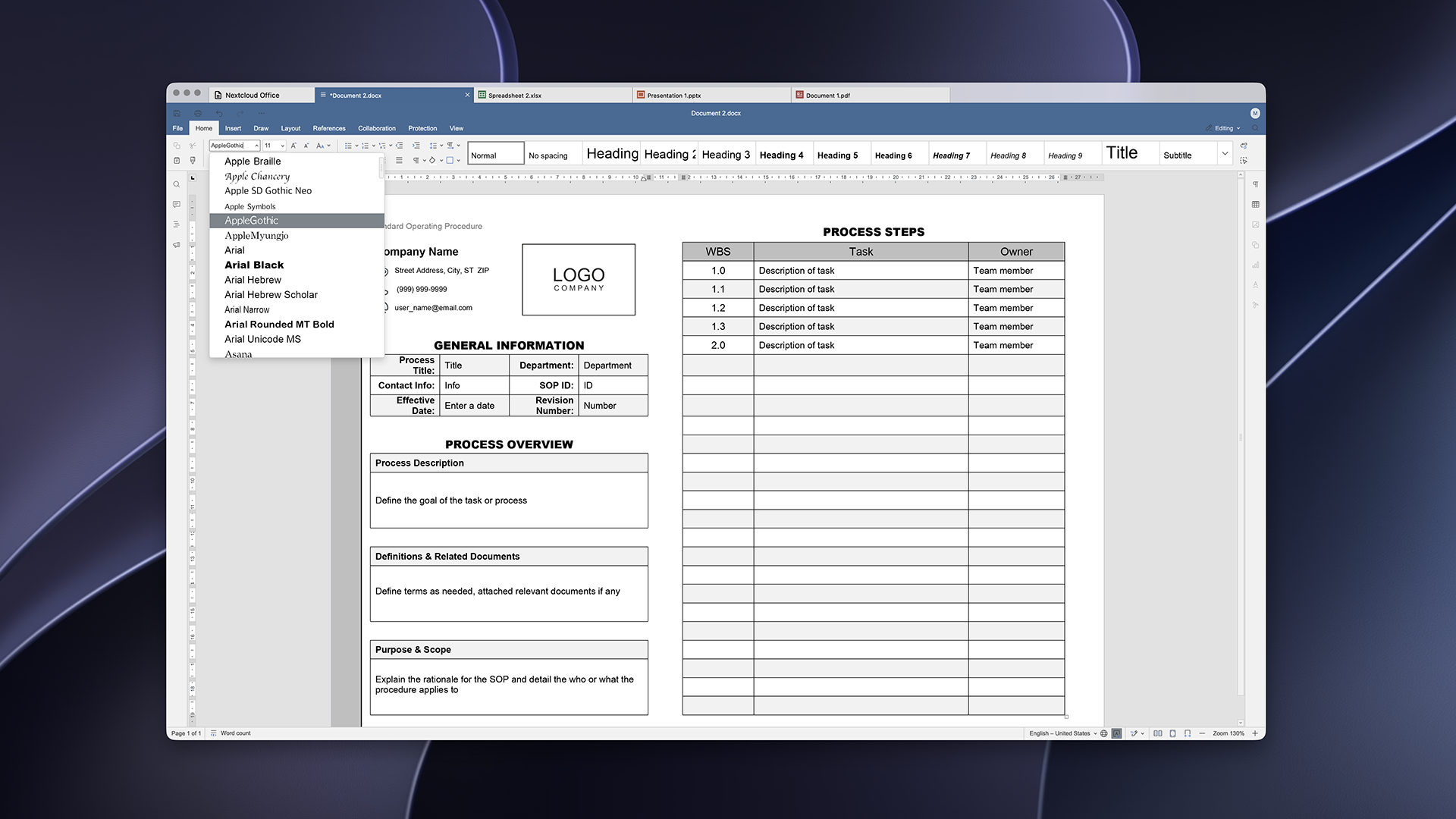
Use the fonts installed on your computer
Sign documents digitally
Work with local and online files
With the Nextcloud Office Desktop app, you can edit files locally without an internet connection. Working locally, you keep access to your files and you can keep working when you don’t have internet connection or your online tools go down. You decide which files stay on your computer and which go to the cloud.
Need to access your online files? You can connect your Nextcloud instance to the Nextcloud Office Desktop app to access all the files available to you, and edit them on your own or with your team in real time.
How to connect the Nextcloud Office Desktop app to the cloud:
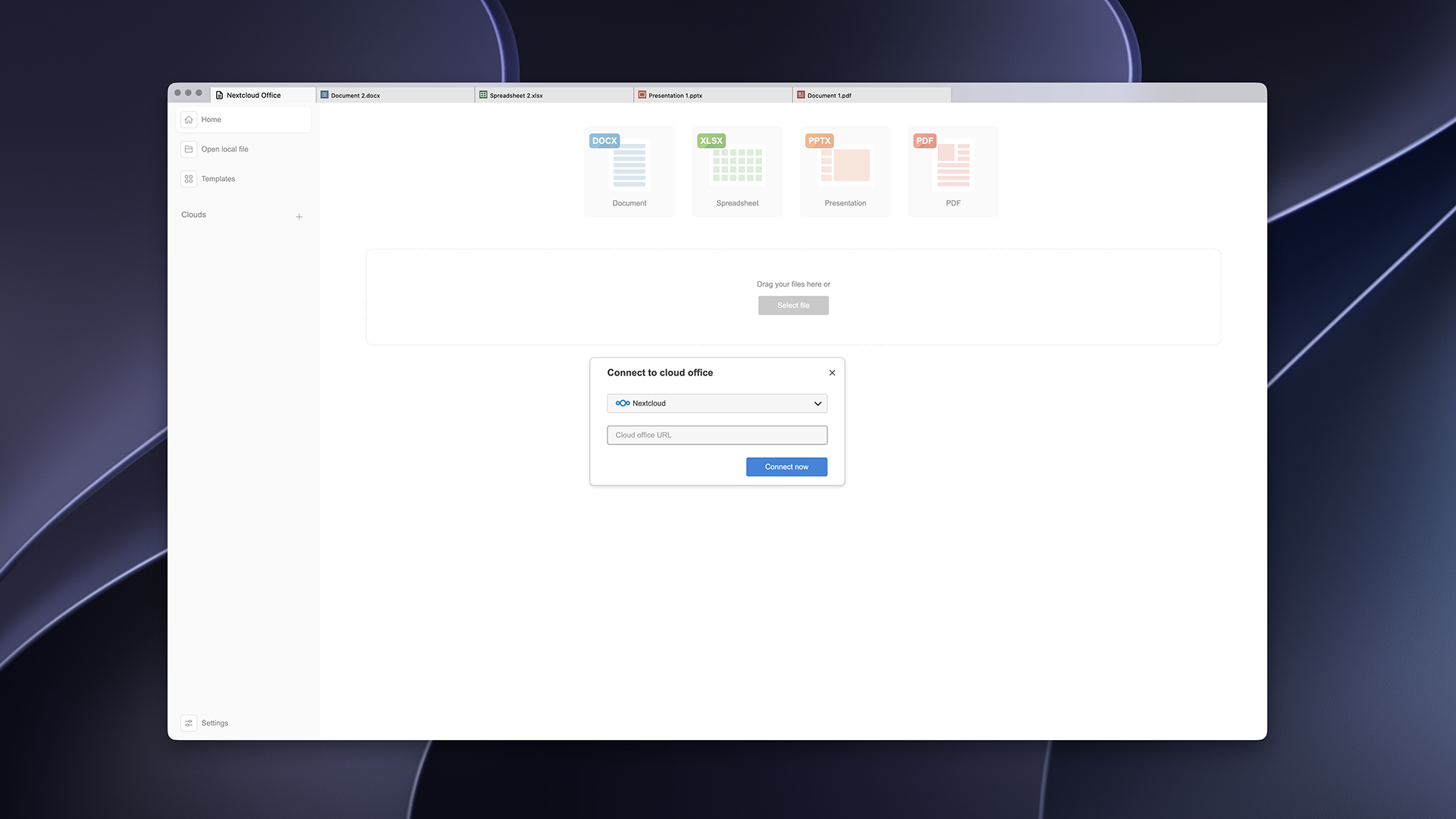
Click “+” in the “Clouds” section in the Home tab
Choose “Nextcloud“ and specify the URL of your instance
Log in with your credentials
Once connected, choose your Nextcloud instance from the list. You can connect more than one instance to one app to have access to multiple cloud working environments.
Use your own fonts
The Nextcloud Office Desktop app uses fonts installed on your machine, including corporate fonts and default fonts from your OS, like Microsoft fonts on Windows. You can install additional custom fonts any time. No need to bother your Nextcloud admins!
Note: if your collaborators don’t have the same font, they’ll see a fallback font in their version of the file.
Digital signatures and file protection
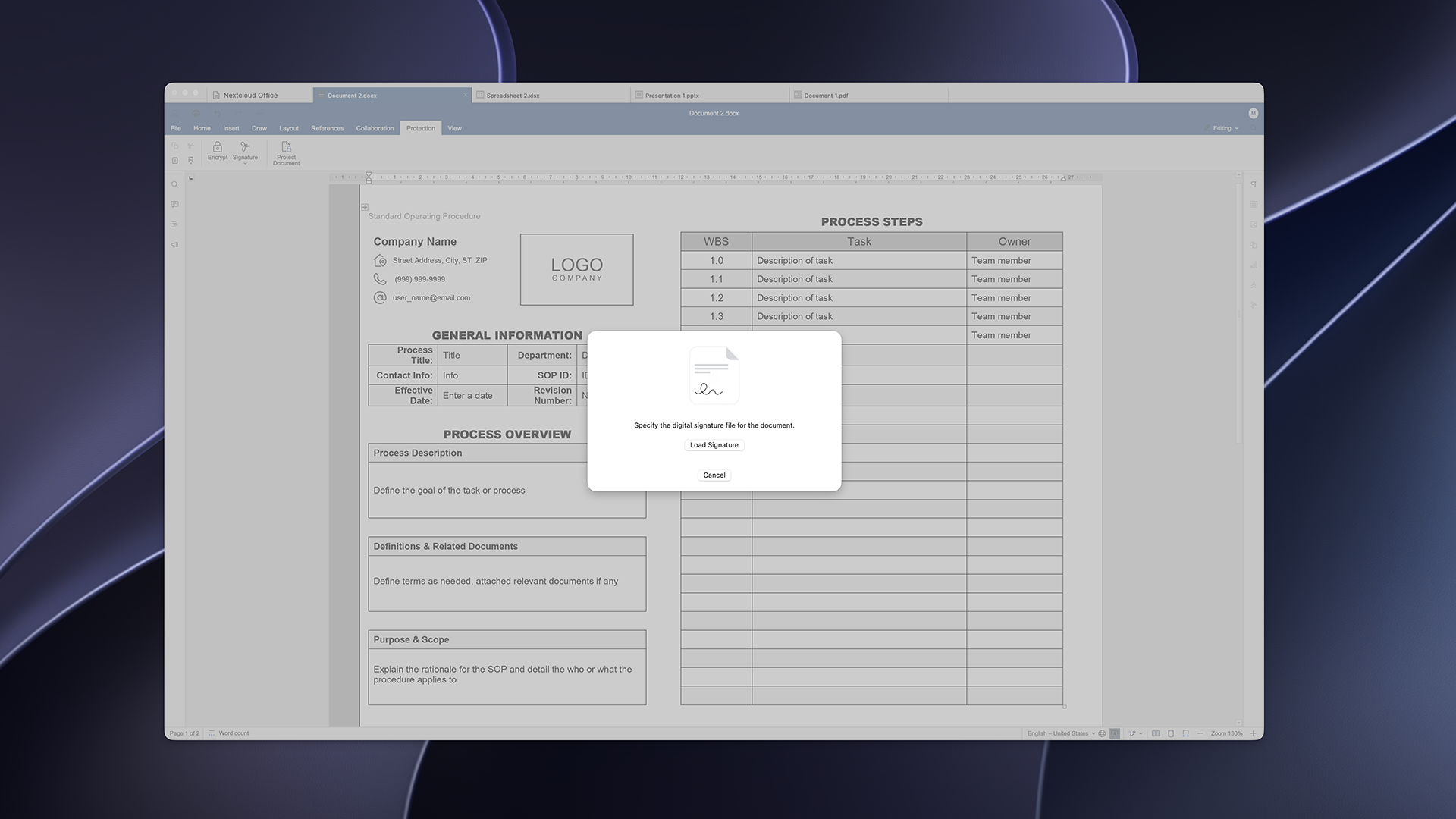
The Nextcloud Office Desktop app lets you use digital signatures to sign your documents, spreadsheets and presentations. A signature shows who signed a file and that nobody has changed it since. Go to Protection tab and add a signature via Signature feature.
Keep in mind that you need a digital certificate to sign documents. To obtain one, you can ask your IT team at work, or get one for personal use from a trusted provider. You can find providers approved in the EU in this list.
In the Protection tab, you can also set a password for a file, or limit what others can do: comment, fill in forms, or edit with tracked changes only.
How to install the Euro-Office desktop app
You can find and download the latest version of the Nextcloud Office Desktop app from our official installation page.
The app is available for:
Windows: x64, ARM64
Linux: .deb (Debian, Ubuntu), .rpm (Fedora)
macOS (Apple Silicon)
You can also find unsigned builds of Euro-Office desktop app and build the app from the source yourself by following the instructions on GitHub.
We want to keep improving the app. You are welcome to share any issues you find with our engineering team on GitHub.
Want to contribute to Euro-Office? Here’s how to get involved
Contributions are welcome! Whether it’s a bug report, a feature idea, a translation, or a pull request, here’s how to take part:
Found a bug or have an idea? Open an issue and describe what you ran into or what you’d like to see.
Want to contribute code? Fork the relevant component repo, make your change, and open a pull request. For build changes, see the build docs.
Want to help translate? Localization improvements are always appreciated — see the editors’ interface translations.
Please keep contributions compatible with the project’s AGPL v3 license.
Créé grâce à un effort conjoint de notre équipe, de la communauté et de nos partenaires, Nextcloud Hub 26 Summer s'inspire des personnes réelles qui utilisent nos outils au quotidien. Créez votre propre espace d’équipe avec Nextcloud Teams, organisez vos souvenirs dans le nouveau Nextcloud Photos et profitez des améliorations que vous avez demandées dans l’ensemble des applications. Poursuivez votre lecture pour un aperçu complet de notre dernière version !
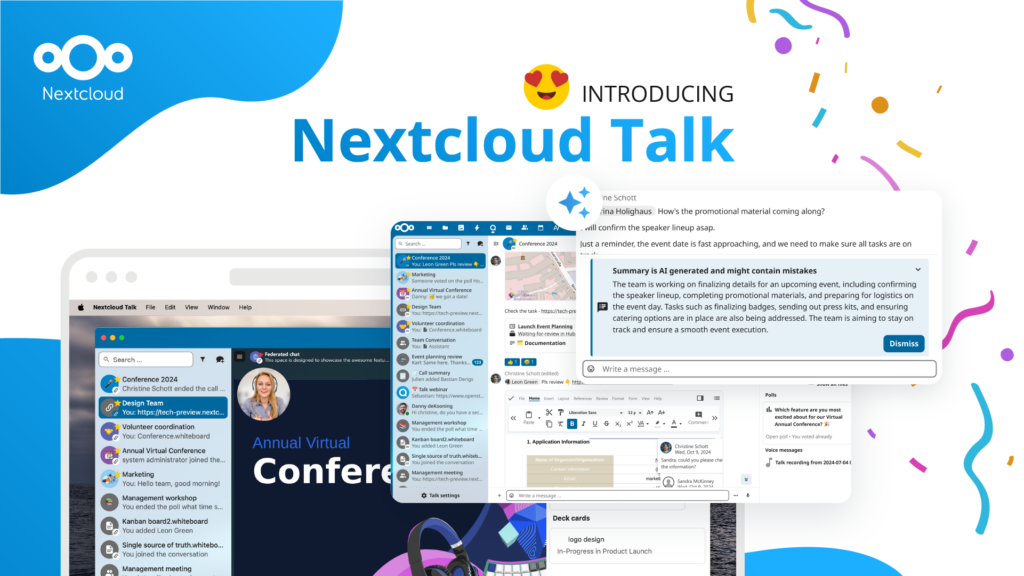
Les organisations, petites et grandes, ont besoin d'un moyen d'assurer la résilience et la souveraineté numérique de leurs opérations - une alternative à Teams, open-source et respectueuse de la vie privée. Aujourd'hui, nous vous présentons cette solution - Nextcloud Talk.
Nous vous présentons une mise à jour majeure de l'assistant Nextcloud IA, ainsi que de nouvelles informations sur notre collaboration avec plusieurs grands fournisseurs d'hébergement tels que IONOS et OVHcloud pour vous proposer des options d'IA en tant que service !
Bechtle et Nextcloud ont annoncé aujourd'hui une plateforme de collaboration entièrement administrée pour le secteur public, qui ne nécessite pas d'appel d'offres et peut être déployée immédiatement.
Découvrez comment passer de ownCloud à Nextcloud. Notre outil d'aide à la migration fournit des informations sur le processus de migration et vous aide à effectuer la transition en douceur.
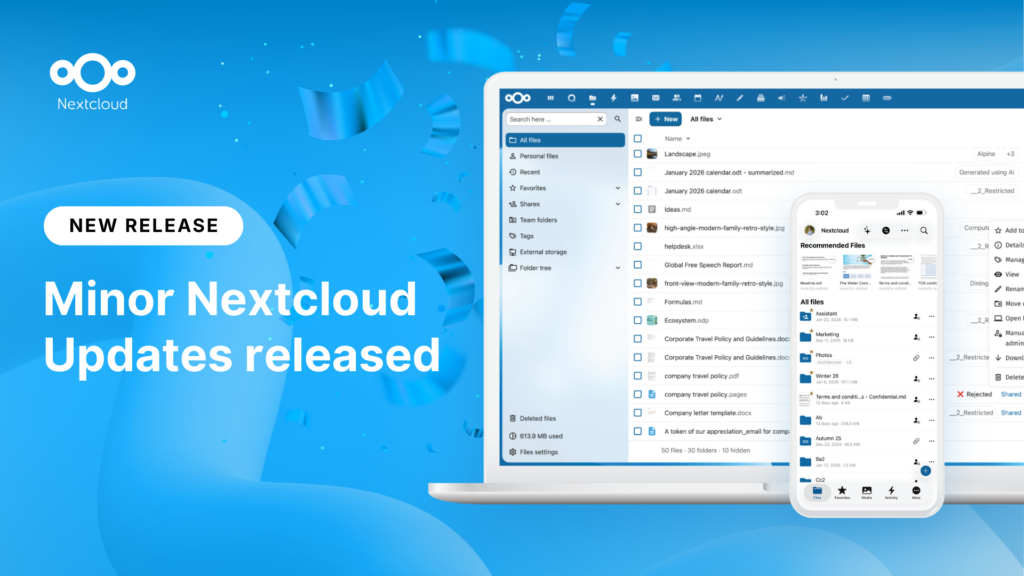
New maintenance updates are available for Nextcloud Hub. Read more in this post or access the full changelog on our website. Keep your server up-to-date!
Switch, the foundation of the Swiss universities, moved 39,500 students, teachers and researchers at 65 organizations to Nextcloud over a single weekend. That was 585 TB of data in 32 hours. As criticism of Big Tech licensing in education grows, Switzerland joins a growing list of universities choosing digital sovereignty. Their migration also shows that switching is a manageable process, not an impossible challenge.
Nous enregistrons certains cookies pour compter les visiteurs et faciliter l'utilisation du site. Ces données ne quittent pas notre serveur et ne sont pas destinées à vous suivre personnellement ! Consultez notre politique de confidentialité pour plus d'informations Personnaliser
Les cookies utilisés pour enregistrer les données saisies dans les formulaires, telles que le nom, l'adresse électronique, le numéro de téléphone et la langue préférée.
Nom du cookie :nc_form_fields
Description du cookie :Mémorise les données saisies dans les formulaires pour une prochaine visite (nom, adresse électronique, numéro de téléphone et langue préférée).
Expiration du cookie :30 jours
Consentement
Nom du cookie :nc_utm_parameters
Description du cookie :We use cookies to store UTM parameters from your visit so we can understand how you arrived at our website.
Les cookies statistiques collectent des informations de manière anonyme et nous aident à comprendre comment nos visiteurs utilisent notre site web. Nous utilisons la solution open source de mesure de statistiques web Matomo
Service:Matomo
Description du cookie :
_pk_ses*: Compte la première visite de l'utilisateur
_pk_id*: Aide à ne pas compter deux fois les visites.
mtm_cookie_consent: Se souvient que l'utilisateur a donné son accord pour le stockage et l'utilisation de cookies.
Expiration du cookie :_pk_ses*: 30 minutes
_pk_id*: 13 mois
mtm_cookie_consent: 30 jours