Efficient online working means enabling your team with a suite of easy-to-use content collaboration tools. Your current selection might include Microsoft solutions: productivity apps that your employees are used to working with and feel familiar.
But they might no longer be the ideal solution for your organization. Geopolitical tensions, concerns over data sovereignty, and rising subscription costs: These are just some of the reasons why organizations want to switch to secure, on-premises solutions.
However, while the motivations are clear, there might be hesitation. After all, change can come with disruption and user resistance.
So what if we told you that you don’t have to choose?
With Nextcloud’s integrations, you can maintain the familiar interfaces from Microsoft while regaining data control. The solution lies in the strategic integration of your current collaboration apps within your Nextcloud platform, thanks to our partner Sendent.
In other words: You can keep your current Microsoft “look and feel” while enjoying the benefits of an on-premises collaboration solution.
Is it time to make the move? Why organizations prefer on-premises collaboration tools
Organizations are looking for Microsoft alternatives, driven by motivations such as:
Compliance: GDPR, HIPAA, and industry-specific requirements create challenges with third-party cloud storage
Data sovereignty: Complete control over where data lives and who can access it
Cost predictability: No more unpredictable licensing increases and per-user fees
Security control: Data lives on your infrastructure and under your security rules, following your audit trails
Vendor independence: Freedom from lock-in and ability to customize your environment
Clients, however, can also worry about the trade-offs of moving away from Microsoft’s ecosystem. They might mention productivity disruption, complexity of migration, and user adoption.
At Nextcloud, we have a wide experience in guaranteeing a smooth transition.
If you prefer a hybrid approach, Nextcloud offers a third path: preserving familiar Microsoft tools while achieving true data sovereignty through strategic integration.
The benefits of a hybrid approach: Microsoft-Nextcloud integration
An integration setup entails keeping your current Microsoft tools while connecting them to your on-premises Nextcloud infrastructure.
This approach offers short-term and long-term advantages to your operations.
The immediate effects include regaining data control and reducing compliance risks by choosing on-premises collaboration tools. On top of that, you enjoy lower cloud storage costs and enhanced security with E2EE file sharing.
In the long term, you have the benefit of accessing a scalable solution for future open source transition, as well as reduced vendor dependency, and compliance readiness (even when regulations evolve).
A hybrid migration with a phased approach also offers the risk mitigation that a lot of organizations are looking for.
You can maintain business continuity with minimal downtime, isolating potential issues from the start. Your employees, in the meantime, can adjust to and build confidence with the new approach, including giving real-time feedback.
Compatibility and functionality
As Nextcloud provides full compatibility with Microsoft Office, your existing documents will work without issues in this hybrid issues. This includes formats such as Nextcloud Office, Collabora Online, ThinkFree Office, or ONLYOFFICE.
Nextcloud also covers most Microsoft 365 functionalities, often with enhanced security and customization options. Visit the Nextcloud vs Microsoft 365 comparison page for a feature-by-feature comparison.
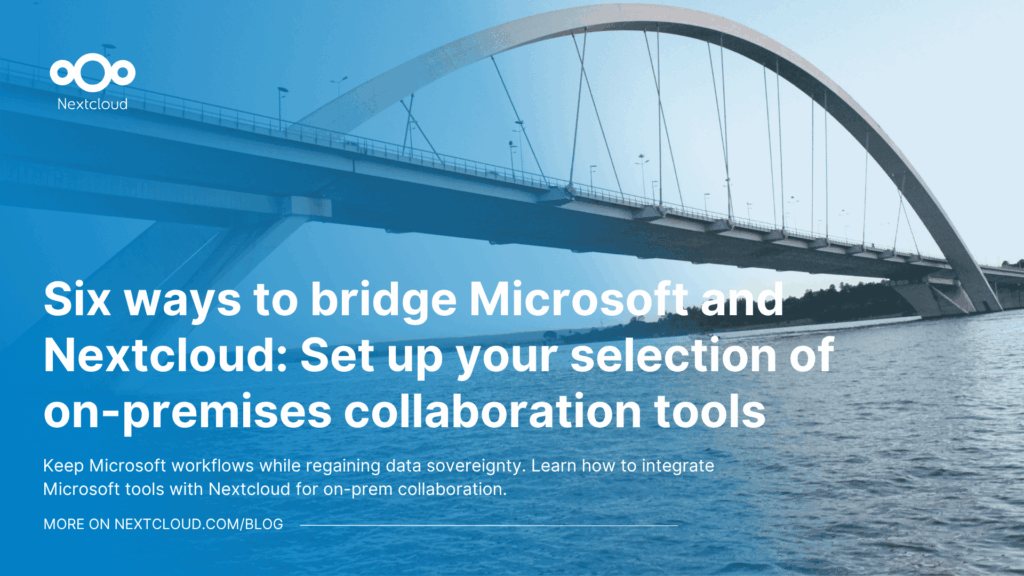
Six ways to bridge Microsoft and Nextcloud
Discover six proven ways to bridge Microsoft and Nextcloud for a direct transition toward stronger data control and digital sovereignty.
1. Outlook integration: Turn email attachments into secure collaboration
Email attachments remain one of the most common sources of data duplication, security risks, and version chaos.
The Nextcloud Outlook add-in solves this, as you can convert attachments into secure Nextcloud links with a single click. So, instead of attaching files to emails, you can send secure Nextcloud links.
Files stay on the Nextcloud server while recipients access them via these controlled sharing links.
Key capabilities include:
Convert attachments into Nextcloud share links
Insert file upload links so recipients can send files directly to your Nextcloud
Keep files centralized instead of scattered across inboxes
Maintain full control over access permissions and expiration settings
The integration works across Outlook on Windows, macOS, and the web. This means your team can keep using their familiar email workflows while ensuring files remain under organizational control.
2. Exchange Connector: Sync contacts and calendars seamlessly
Calendars and contacts are just as crucial to everyday operations as email is.
The Exchange Connector enables bidirectional synchronization between Microsoft Exchange or Microsoft 365 and Nextcloud calendars and contacts.
This ensures that:
Meetings scheduled in Exchange appear in Nextcloud
Contact lists stay consistent across both platforms
Teams can transition gradually without disrupting scheduling workflows
By integrating these productivity components, your organization can shift collaboration workloads toward Nextcloud while preserving compatibility with Microsoft systems.
3. Microsoft Teams integration: Secure collaboration without leaving the interface
Your organization might still rely heavily on Microsoft Teams for communication and collaboration. But in your search for more digital sovereignty, a self-hosted communication tool might be more suitable.
The Nextcloud Teams integration allows your organization to bring secure file sharing and storage into the Teams environment without storing sensitive data in the Microsoft cloud.
Users can:
Access files stored on their private Nextcloud server
Share large files directly within Teams chats and channels
Send secure messages and documents through Nextcloud links
Maintain control over where sensitive files are stored
This integration lets teams keep their existing platform, while your organization can safeguard the communication data.
Want to explore in depth how you can achieve digital sovereignty with a hybrid approach?
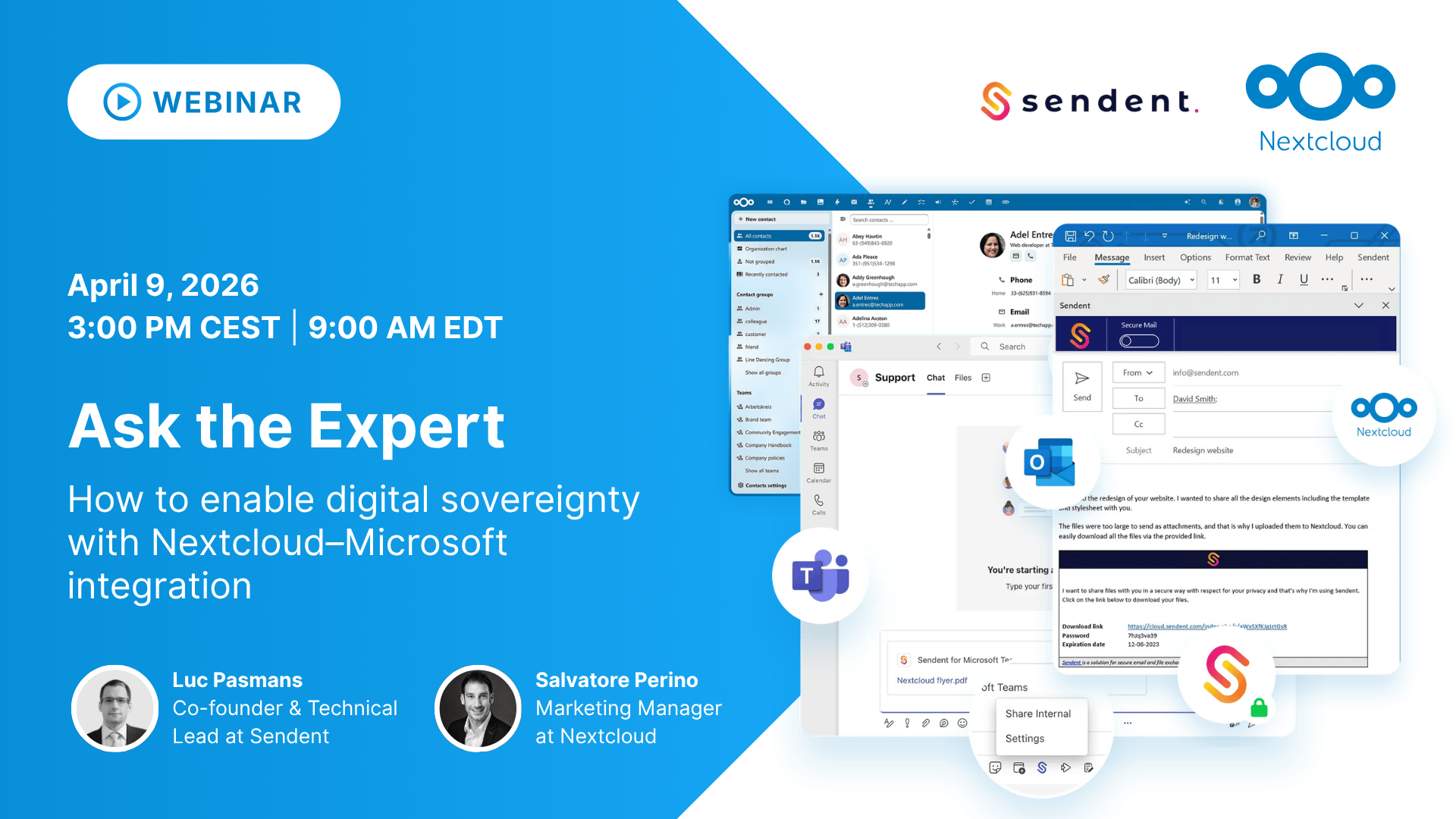
Bring your questions to our live Ask the Expert session on April 9, 2026, and learn how to enable digital sovereignty with Nextcloud–Microsoft integration.
Can’t attend? Still register to receive the recording!
4. SharePoint and Windows network drive integration
Large organizations rarely store files in just one system. Network drives, SharePoint libraries, object storage, and legacy systems often coexist.
Nextcloud’s External Storage framework allows admins to connect many of these systems directly into the Nextcloud interface.
As Nextcloud supports different storage technologies, you can always find a solution that fits your needs, including Windows network shares (CIFS/SMB), NFS, and local storage, or SharePoint repositories.
Once connected, these storage systems appear inside Nextcloud as if they were native folders. This allows users to access and collaborate on files from multiple backends without leaving the Nextcloud interface.
5. Active Directory integration: Keep identity management intact
Identity systems are often the backbone of enterprise IT infrastructure. Nextcloud integrates directly with LDAP and Active Directory. By doing so, your organization can keep its existing identity management while accessing the benefits of a sovereign collaboration platform.
This integration provides:
Automatic user provisioning from Active Directory
Synchronization of groups and permissions
Single sign-on (SSO) support
Two-factor authentication capabilities
Administrators can manage users centrally while extending authentication and access control into Nextcloud.
The platform’s plugin architecture also allows your organization to extend these capabilities with additional enterprise authentication and automation tools.
6. Office Online integration: Full Microsoft document compatibility
Documents remain one of the strongest anchors of the Microsoft ecosystem. Nextcloud addresses this by integrating with Microsoft Office Online Server, enabling your organization to edit Office files directly within its own infrastructure.
Office Online Server includes:
Word Online
Excel Online
PowerPoint Online
OneNote Online
When integrated with Nextcloud, teams can collaboratively edit Office documents in real time while keeping files stored on private infrastructure.
Because Office Online Server runs on dedicated servers or virtual machines, it fits into on-premises or private cloud deployments.
Your organization gets the familiar Microsoft editing experience, but with full control over its document storage.
Bridging Nextcloud and Microsoft: a pragmatic path toward digital sovereignty
Digital sovereignty doesn’t have to mean abandoning familiar tools from one day to the next. For most organizations, a hybrid approach can offer a more realistic and less disruptive answer.
By integrating Microsoft systems with Nextcloud, your organization can maintain continuity for users while immediately reducing your reliance on Big Tech cloud providers.
Host your content collaboration solutions with an on-prem platform to keep sensitive data under your own governance, while you transition gradually toward a more sovereign infrastructure.
The six integration strategies as described here demonstrate that Nextcloud doesn’t force a binary choice between ecosystems.
Instead, it provides the flexibility to connect existing tools while steadily moving collaboration and data control into an environment you own.
Learn more about Nextcloud-Microsoft integration
Get the full guide to achieving digital sovereignty with a hybrid approach.
El momento de poseer tus datos es ahora. Te presentamos el nuevo Nextcloud Hub, una potente plataforma de colaboración de código abierto que te pone en control. Descubre las mejoras en rendimiento, diseño y seguridad, y muchas herramientas nuevas y mejoradas para tu trabajo y vida diaria.
Nextcloud Hub 25 Otoño facilita la puesta en marcha de una potente colaboración mientras controlas totalmente tus datos. Desde actualizaciones globales de diseño hasta mejoras de usabilidad y rendimiento, descubre nuestra última versión en este blog.
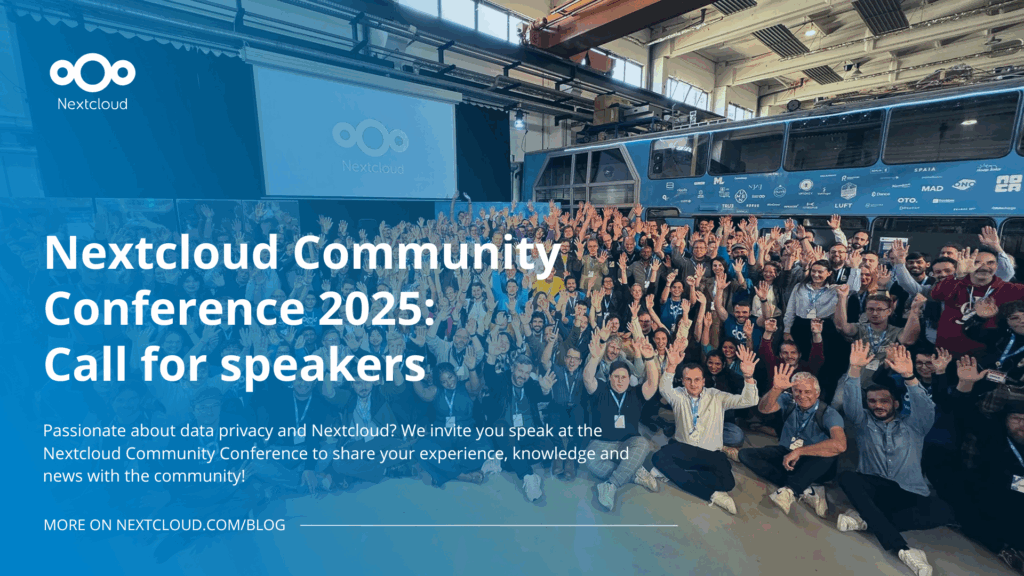
Passionate about data privacy and Nextcloud? We invite you speak at the Nextcloud Community Conference to share your experience, knowledge and news with the community!
For the ninth time, Nextcloud has been nominated for the CloudComputing-Insider Readers’ Choice Award in the category of Cloud Content Management. We’d love to reach the top again! And we’re looking for the support of you and everyone else in our amazing community to get there. Nextcloud as the best Cloud Content Management tool? Only […]
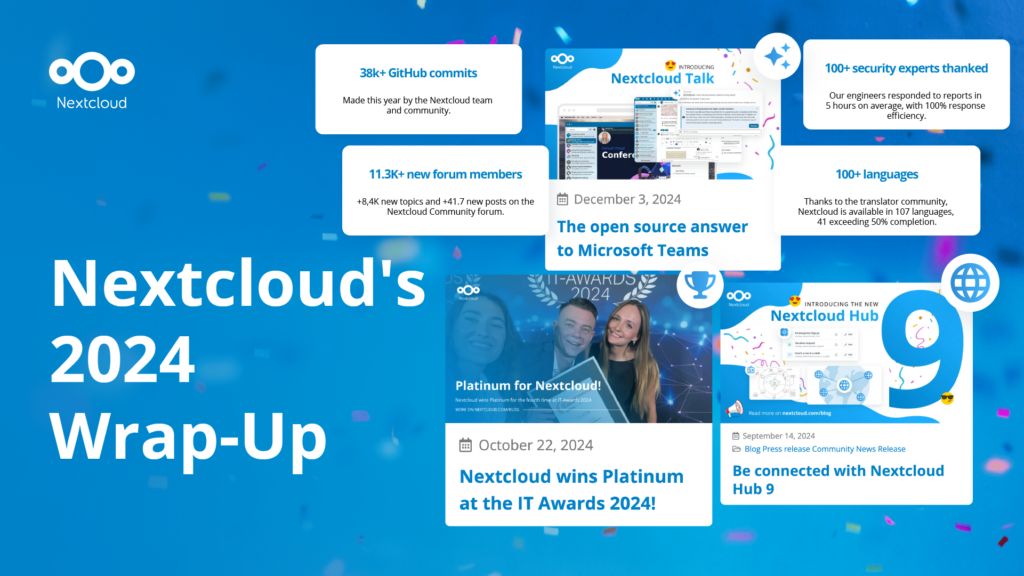
In the Nextcloud 2024 wrap-up, we want to take a moment to celebrate this year's achievements. Join us as we continue to reimagine what’s possible - shaping a world where open source, privacy and connection come together and drive progress for the greater good.
Organisations, small and large, need a way to ensure the resiliency and digital sovereignty of their operations – an open-source, privacy-respecting alternative to Teams. And today, we present that solution - Nextcloud Talk.
Nextcloud has been recognized with the World Summit Award Germany that selects and promotes local digital innovation improving society, aiming to contribute to the United Nations' agenda of sustainable development goals.
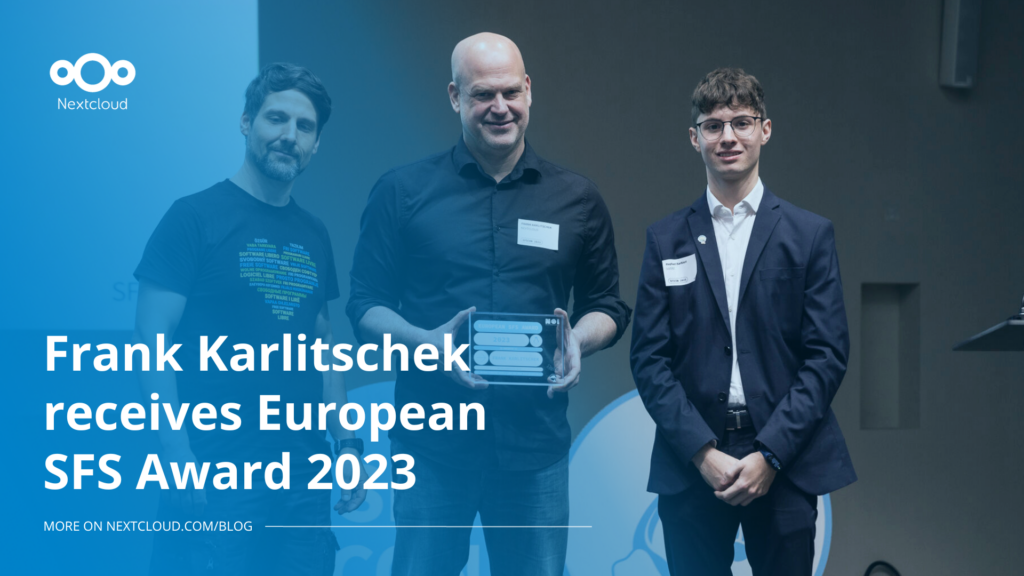
DIE ZEIT, a prominent German outlet, interviewed Nextcloud’s founder Frank Karlitschek for an article on Microsoft’s anti-competitive behaviour on the European office software market. Read for a recap of the article and the key takeaways.
MagentaCLOUD’s migration to Nextcloud in 2021 resulted in a fully equipped Online Storage with an integrated online office suite that further improves the user experience, flexibility and security for customers.
We bring you a major update to the Nextcloud AI Assistant, plus the news we work with several big hosting providers like IONOS and OVHcloud to bring AI-as-a-Service options to you!
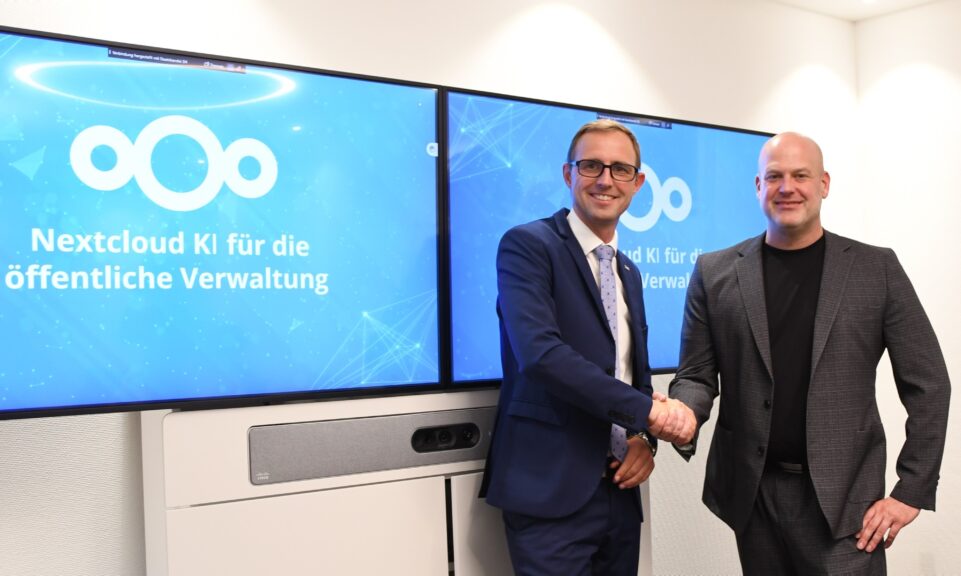
Bechtle and Nextcloud announce today a complete managed collaboration platform for the public sector that requires no tender and can be deployed immediately.
Discover how to make the switch from ownCloud to Nextcloud. Our quick guide provides insights into the migration process, helping you make the transition smoothly.
Today, US-based file sync & share vendor Kiteworks announced their acquisition of ownCloud and Dracoon. Kiteworks points out that their customers now have access to their file-sharing application. It is to be expected they will not maintain 3 similar products, but customers will have to migrate to the US firms’ platform or look for another […]
As part of Schleswig-Holstein's state digitization strategy, the state chancellery has announced they will work with Nextcloud to develop AI for working with government documents. This comes just after we announced the first private AI assistant last weekend with Hub 6. The German state already uses Nextcloud and their AI strategy aligns with our work on ethical, local AI technologies.
Over the last year, AI has become a popular topic. Some is hype, some is substance. Some is good, some is bad. We want to give you the good, not the bad, and ignore the hype! AI has a ton of opportunity – but also risk. So we put you in control – off by […]
Nuestra misión es ayudar a particulares, empresas y organizaciones a alcanzar la soberanía digital y recuperar el control sobre sus datos. Nextcloud Hub 5 supone un enorme paso adelante en la consecución de esta misión, poniendo el poder de la IA en tus manos, de forma que mantengas el control. Nueva versión, nuevas posibilidades Hub […]
Guardamos algunas cookies para contar los visitantes y facilitar el uso del sitio. Esto no sale de nuestro servidor y no es para rastrearte personalmente. Consulta nuestra política de privacidad para obtener más información. Personalización
Cookies utilizadas para guardar los datos introducidos en los formularios, como nombre, correo electrónico, número de teléfono e idioma preferido.
Nombre de la cookie:nc_form_fields
Descripción de la cookie:Recuerda los datos introducidos en los formularios para la próxima vez (nombre, correo electrónico, teléfono e idioma preferido)
Caducidad de la cookie:30 días
Consentir
Nombre de la cookie:nc_utm_parameters
Descripción de la cookie:We use cookies to store UTM parameters from your visit so we can understand how you arrived at our website.
Las cookies estadísticas recopilan información de forma anónima y nos ayudan a comprender cómo utilizan nuestro sitio web nuestros visitantes. Utilizamos Matomo alojado en la nube.
Servicio:Matomo
Descripción de la cookie:
_pk_ses*: Cuenta la primera visita del usuario
_pk_id*: Ayuda a no contar dos veces las visitas.
mtm_cookie_consent: Recuerda que el usuario ha dado su consentimiento para almacenar y utilizar cookies.
Caducidad de la cookie:_pk_ses*: 30 minutos
_pk_id*: 13 meses
mtm_cookie_consent: 30 días