Is it time to look into a SharePoint alternative for file sharing? The reasons are abundant. Before, users reported messy file sharing or issues with real-time collaboration. And now with the announcement of the end of support for SharePoint Server in July 2026, the urgency might be higher than ever for a SharePoint alternative. Because with no more bug fixes, technical support, or new features, the call for a more user-centric, better-integrated, and easier-to-use file sharing option rings louder than ever.
Learn more about Nextcloud Files
See in our on-demand webinar «Beyond OneDrive and SharePoint» how Nextcloud Files delivers secure, sovereign file sharing and storage versus Microsoft OneDrive and SharePoint, with key features demonstrated live.
1. Share internally with teams or externally with clients, without friction
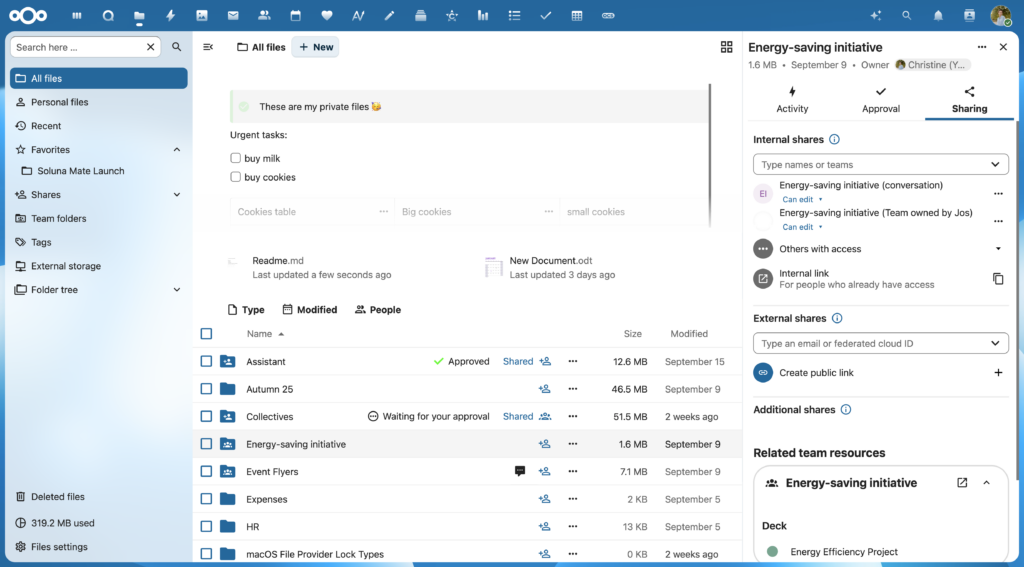
Nextcloud makes it easy to share files with internal and external contacts
By opening the “Share” menu on any folder or file, you can choose who can access your information. Internal shares can be done to individuals, based on their name, as well as entire teams. No more selecting every individual in the Marketing team! External shares are configured with a targeted email or a federated cloud ID to share between Nextclouds without creating new accounts. In only a couple of clicks, your file can be accessed by exactly whom you choose, without inviting them in.
2. Set the right permissions from the start
Access control is an important step in file security because not everyone needs full access to your file. That’s why you can immediately set the access permissions when sharing. From “View only” to “Allow editing”: make sure that every team or team member gets the right access level from the get-go. Do you want to finalize a file and prevent further editing? Simply change the settings back to “View only” with a simple click, and the file is locked for further changes.
3. Use advanced sharing controls for real security
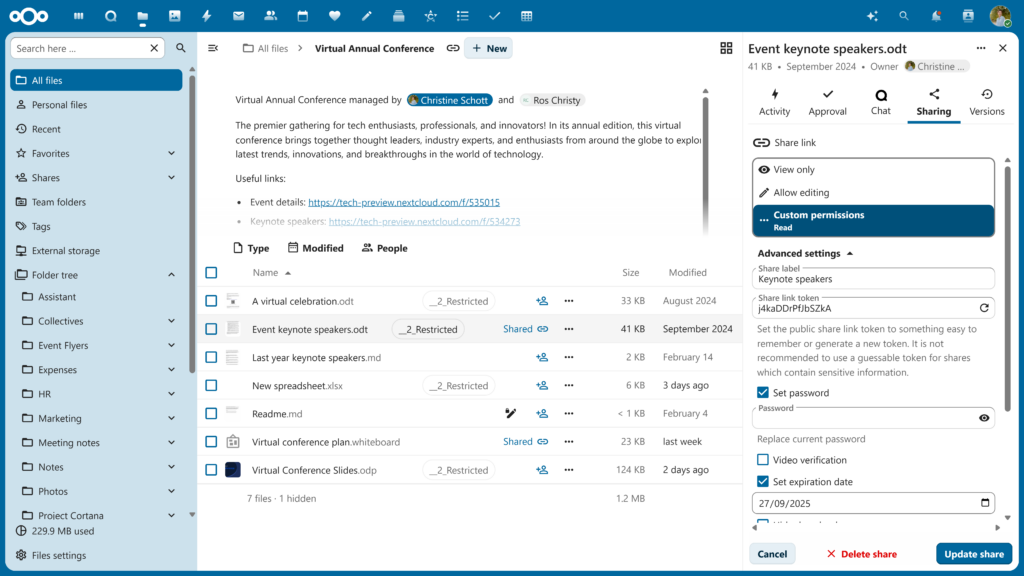
Setting your own custom permissions, such as an expiration date, is easy with Nextcloud Files
Time to dive into the advanced features that allow you to customize your sharing settings. For example, set an expiration date on your link to limit access to a predetermined date, so you can rest assured your links don’t fall into the wrong hands. Of course, you can also give others more advanced access to your file, including sharing or deleting. As auditing and revoking access are done in seconds, you can drastically improve compliance and security for your organization.
4. Collaborate directly on shared files
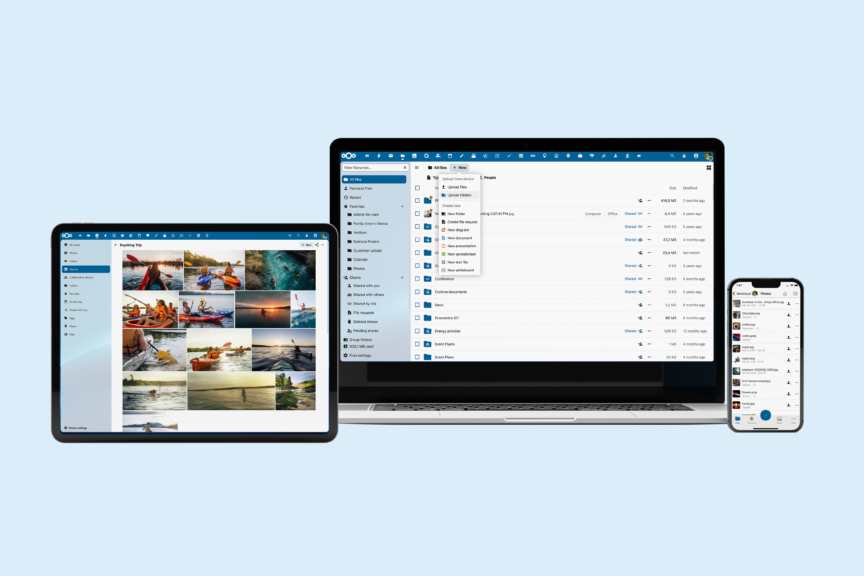
Take your files with you wherever you go with Nextcloud Files
Once you have shared your file and set up your customizable settings, you can start collaborating from any environment: your browser, the desktop sync client, or the mobile app. Comment on files, make real-time edits, or change the layout: everything is done in real-time, even if multiple people are working on a file. Did you make an error? Shared links always point to the latest version, but you can easily go into the “Version history” to make rollbacks.
5. Add context with Related Resources
As Nextcloud favors an integrated approach with a clear overview of your working documents, you can also add and access “Related resources” from the sharing menu. Quickly check what other files have been shared with the same group of people so you can ensure your employees have access to all necessary documents (and nothing more).
6. Share files with Nextcloud Deck cards
With its modular approach, Nextcloud allows you to pick and choose the apps that work for your online workspace, much like putting together the ideal productivity puzzle. And because of its extensive integration with all apps, you can easily share information within the Nextcloud platform. Why not share your file with a Nextcloud Deck card, our kanban-style organization tool for streamlined project organization? Add the file to a card, and your team can manage the project with all the necessary documents from one central place.
7. Collect files securely with File Drop
The File Drop feature is particularly interesting for large organizations, including the public sector, that often have to share information with others. As a convenient and secure file upload, you can simply create a hyperlink and send it to customers, patients, clients, or partners. They can then upload files for you in this secure cloud folder, automatically sending you a notification of new files. Once processed, you can send the result in a separate folder for your client to download securely.
8. Allow preview, without allowing downloads
What if you send a file and want your clients or team members to be able to look at it in the browser/preview, without them downloading it? With Nextcloud Files, you can show the content while preventing a copy from being saved. This smart feature gives you full control of how your content is consumed: View: Yes — Download: No.
9. Upload large files reliably with chunked uploads
According to Forbes, “businesses around the world are having more trouble moving large files and huge amounts of digital assets quickly and reliably between their global sites and teams.” Being able to preview files is an important step in ensuring better large file transfer. But Nextcloud goes further: When someone uploads a big file through a public share link, the client internally splits the file into smaller pieces (“chunks”) and uploads them one by one before merging. The result? No failed large uploads, quicker uploading, and a better UX.
10. Host your data on your terms
What sets Nextcloud really apart from other file sharing solutions is the full data control. Your files stay where you decide: On your own server, or hosted with a trusted partner. By doing so, you completely avoid the potential for data mining and silent policy changes: your files stay where you decide. This digitally sovereign approach gives you the power over your files, so you can always share with confidence.
Discover how Nextcloud Files can change the way you work
Why Nextcloud Files is your future-proof SharePoint alternative
Is it time to look at a SharePoint alternative? Nextcloud Files combines easy sharing, granular control, and full data ownership in one integrated platform.
Security settings live right where users need them, in the “Sharing” sidebar, making secure behavior the default, not an afterthought.
If your organization has outgrown traditional file sharing, it might be time to choose an alternative that puts people and data control first.
Regain your digital autonomy with Nextcloud Hub 26 Winter
Our latest release of Nextcloud Hub 26 Winter is here! Discover the latest Nextcloud features.
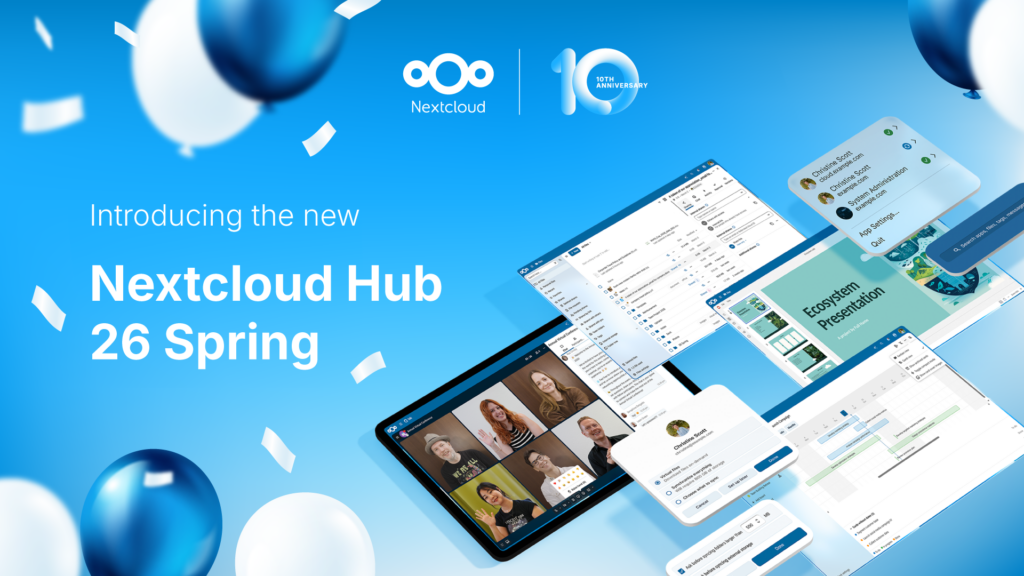
Hoy presentamos Nextcloud Hub 26 Spring, nuestra versión de aniversario. Te ofrece aún más libertad para elegir tus herramientas, una interfaz de usuario más refinada, colaboración sin complicaciones y una nueva estrategia de plataforma que permite a los desarrolladores sacar más partido de nuestro amplio ecosistema. Construido en conjunto, diseñado para el futuro.
Nextcloud Hub offers several types of integrations for AI, from completely self-hosted options to integrations with external services like Open AI. Here's an overview of what you can use and where, and where it stands on our Ethical AI scale.
Nextcloud Hub 25 Otoño facilita la puesta en marcha de una potente colaboración mientras controlas totalmente tus datos. Desde actualizaciones globales de diseño hasta mejoras de usabilidad y rendimiento, descubre nuestra última versión en este blog.
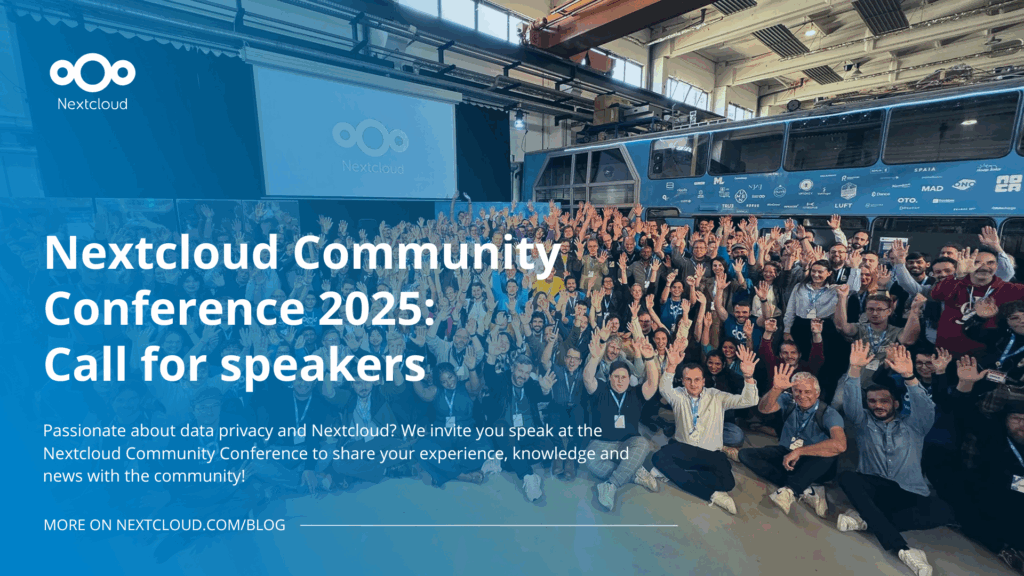
Passionate about data privacy and Nextcloud? We invite you speak at the Nextcloud Community Conference to share your experience, knowledge and news with the community!
For the ninth time, Nextcloud has been nominated for the CloudComputing-Insider Readers’ Choice Award in the category of Cloud Content Management. We’d love to reach the top again! And we’re looking for the support of you and everyone else in our amazing community to get there. Nextcloud as the best Cloud Content Management tool? Only […]
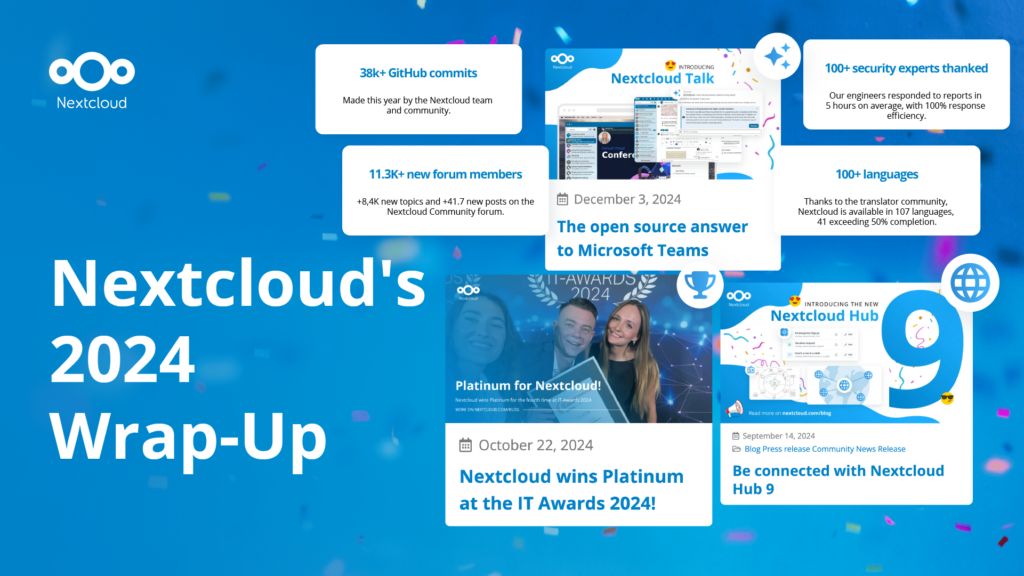
In the Nextcloud 2024 wrap-up, we want to take a moment to celebrate this year's achievements. Join us as we continue to reimagine what’s possible - shaping a world where open source, privacy and connection come together and drive progress for the greater good.
Las organizaciones, grandes y pequeñas, necesitan una forma de garantizar la resiliencia y la soberanía digital de sus operaciones: una alternativa de código abierto que respete la privacidad frente a Teams. Y hoy, presentamos esa solución: Nextcloud Talk.
Nextcloud has been recognized with the World Summit Award Germany that selects and promotes local digital innovation improving society, aiming to contribute to the United Nations' agenda of sustainable development goals.
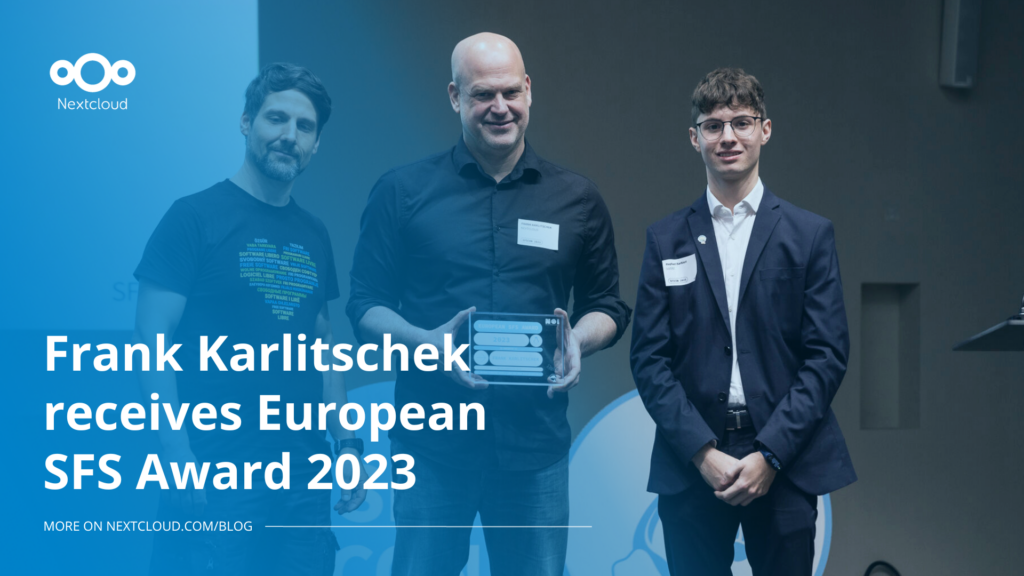
DIE ZEIT, a prominent German outlet, interviewed Nextcloud’s founder Frank Karlitschek for an article on Microsoft’s anti-competitive behaviour on the European office software market. Read for a recap of the article and the key takeaways.
MagentaCLOUD’s migration to Nextcloud in 2021 resulted in a fully equipped Online Storage with an integrated online office suite that further improves the user experience, flexibility and security for customers.
We bring you a major update to the Nextcloud AI Assistant, plus the news we work with several big hosting providers like IONOS and OVHcloud to bring AI-as-a-Service options to you!
Bechtle and Nextcloud announce today a complete managed collaboration platform for the public sector that requires no tender and can be deployed immediately.
Discover how to make the switch from ownCloud to Nextcloud. Our quick guide provides insights into the migration process, helping you make the transition smoothly.
Today, US-based file sync & share vendor Kiteworks announced their acquisition of ownCloud and Dracoon. Kiteworks points out that their customers now have access to their file-sharing application. It is to be expected they will not maintain 3 similar products, but customers will have to migrate to the US firms’ platform or look for another […]
As part of Schleswig-Holstein's state digitization strategy, the state chancellery has announced they will work with Nextcloud to develop AI for working with government documents. This comes just after we announced the first private AI assistant last weekend with Hub 6. The German state already uses Nextcloud and their AI strategy aligns with our work on ethical, local AI technologies.
Nuestra misión es ayudar a particulares, empresas y organizaciones a alcanzar la soberanía digital y recuperar el control sobre sus datos. Nextcloud Hub 5 supone un enorme paso adelante en la consecución de esta misión, poniendo el poder de la IA en tus manos, de forma que mantengas el control. Nueva versión, nuevas posibilidades Hub […]
Collabora Online 26.04.3-3 adds Landlock as a new sandboxing option, isolating each document's Kit process at the kernel level for stronger, faster protection.
New maintenance updates are available for Nextcloud Hub. Nextcloud Hub 25 Autumn reaches End of Life. Read more in this post or access the full changelog on our website. Keep your server up-to-date!
Guardamos algunas cookies para contar los visitantes y facilitar el uso del sitio. Esto no sale de nuestro servidor y no es para rastrearte personalmente. Consulta nuestra política de privacidad para obtener más información. Personalización
Cookies utilizadas para guardar los datos introducidos en los formularios, como nombre, correo electrónico, número de teléfono e idioma preferido.
Nombre de la cookie:nc_form_fields
Descripción de la cookie:Recuerda los datos introducidos en los formularios para la próxima vez (nombre, correo electrónico, teléfono e idioma preferido)
Caducidad de la cookie:30 días
Consentir
Nombre de la cookie:nc_utm_parameters
Descripción de la cookie:We use cookies to store UTM parameters from your visit so we can understand how you arrived at our website.
Las cookies estadísticas recopilan información de forma anónima y nos ayudan a comprender cómo utilizan nuestro sitio web nuestros visitantes. Utilizamos Matomo alojado en la nube.
Servicio:Matomo
Descripción de la cookie:
_pk_ses*: Cuenta la primera visita del usuario
_pk_id*: Ayuda a no contar dos veces las visitas.
mtm_cookie_consent: Recuerda que el usuario ha dado su consentimiento para almacenar y utilizar cookies.
Caducidad de la cookie:_pk_ses*: 30 minutos
_pk_id*: 13 meses
mtm_cookie_consent: 30 días