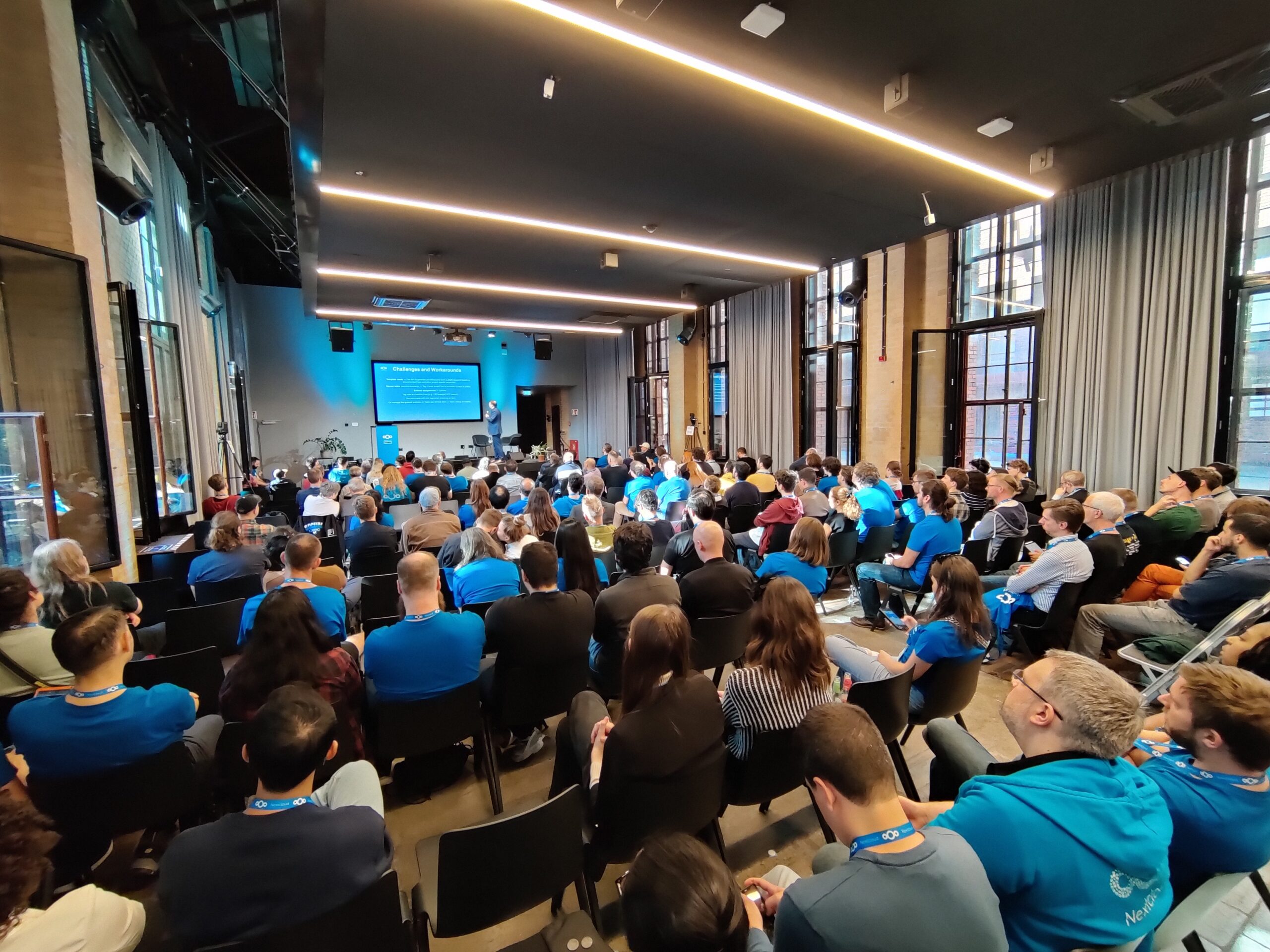
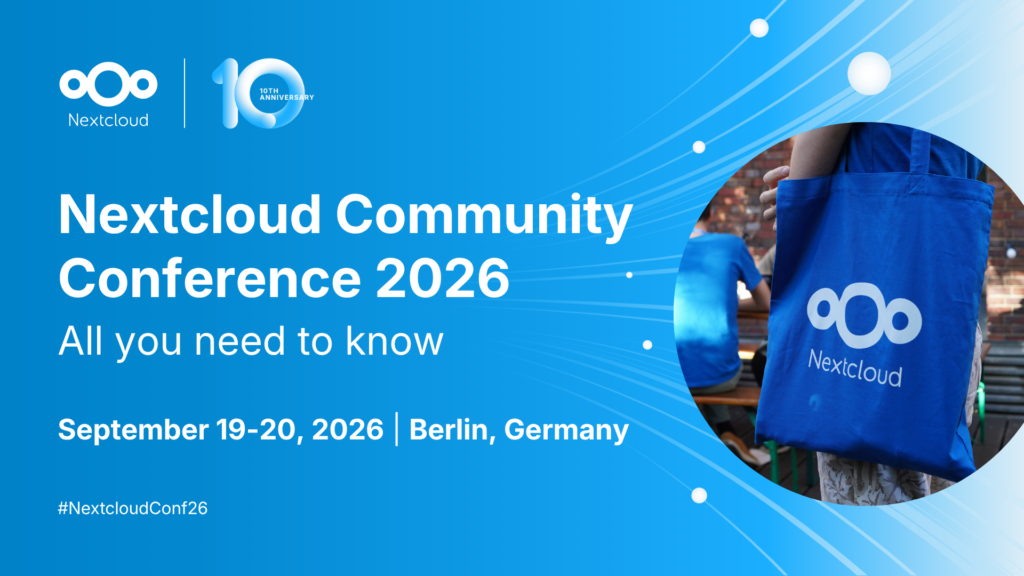
The Nextcloud Community Conference 2026 is almost here! On September 19th and 20th, we’ll gather at CIC Berlin for a jam-packed weekend of collaboration, learning, and connections. Long-time contributors, open source enthusiasts, or anyone simply curious about the community — everyone is welcome! This guide is designed to help you get ready.
Lanyards: For sustainability purposes, we always ask that attendees who have come before to bring their own lanyard. If you don’t have one, don’t worry! We’ll have plenty of extra lanyards and badges for you to wear.
Nextcloud t-shirt: If you have a Nextcloud t-shirt, please bring it and wear it! Again, don’t worry if you don’t have a t-shirt yet. Extra shirts will be available for you.
Headphones: There will be some free time and quiet areas to work, so be sure to bring your own ear buds or headphones if you need them in order to get in the zone.
Laptop (+ charger): There won’t be any laptops available to rent or to borrow from the venue, so please bring your own if you want to use one.
Event venue
The conference takes place at CIC Berlin, a fun and vibrant co-working space near Görlitzer Park in Kreuzberg, Berlin.
Since 1999, CIC has worked with entrepreneurs, companies, institutions, and public partners to build places and systems that help ideas make it out of the room and into the world. They have campuses across across North America, Europe, and Asia.
Tip: Check out the floorplan to familiarize yourself with the space before you arrive.
Before arrival, please have your ticket or ticket confirmation ready which you should have received per email.
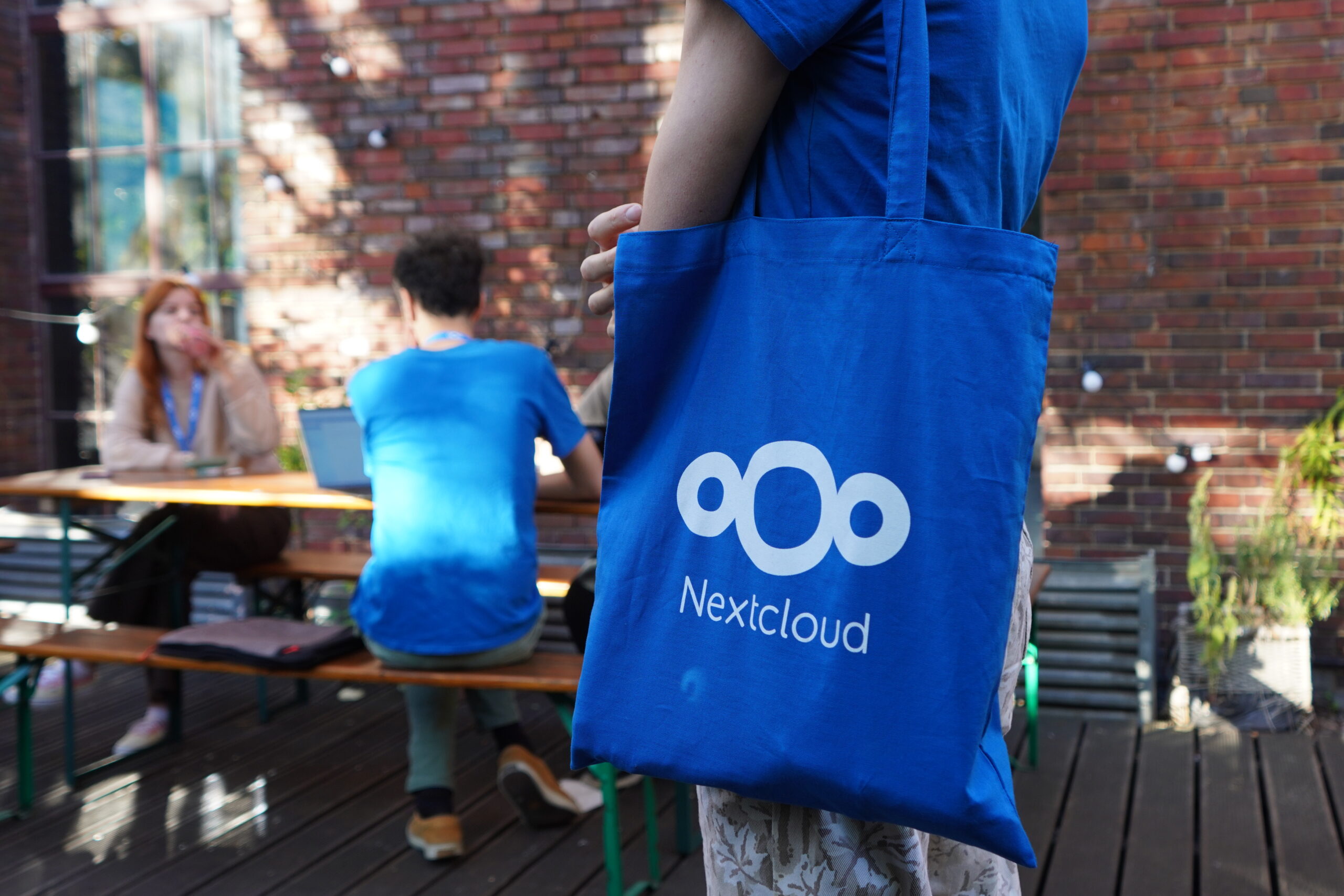
Once you’ve entered the building, you will be greeted at our registration desk where you will check in, receive a badge and lanyard (if you didn’t bring your own), a Nextcloud t-shirt and a tote bag, and have a chance to ask any questions you might have.
Photos & privacy
We’ll have photographers onsite to capture the fun moments and energy throughout the conference.
If you don’t want to be photographed, stop by the registration desk to get a privacy sticker for your badge.
Accessibility & inclusion
We want everyone to feel welcome and supported.
The venue is wheelchair accessible.
If you require assistance, reach out to the event team ahead of time or during the event.
Our goal is to create a safe, inclusive space for everyone.
Sustainability
Nextcloud is committed to sustainable, responsible practices. Therefore, we will recycle all we can and try to avoid waste.
If possible, we ask you to bring your old lanyard and/or Nextloud t-shirt from a previous event to help our cause.
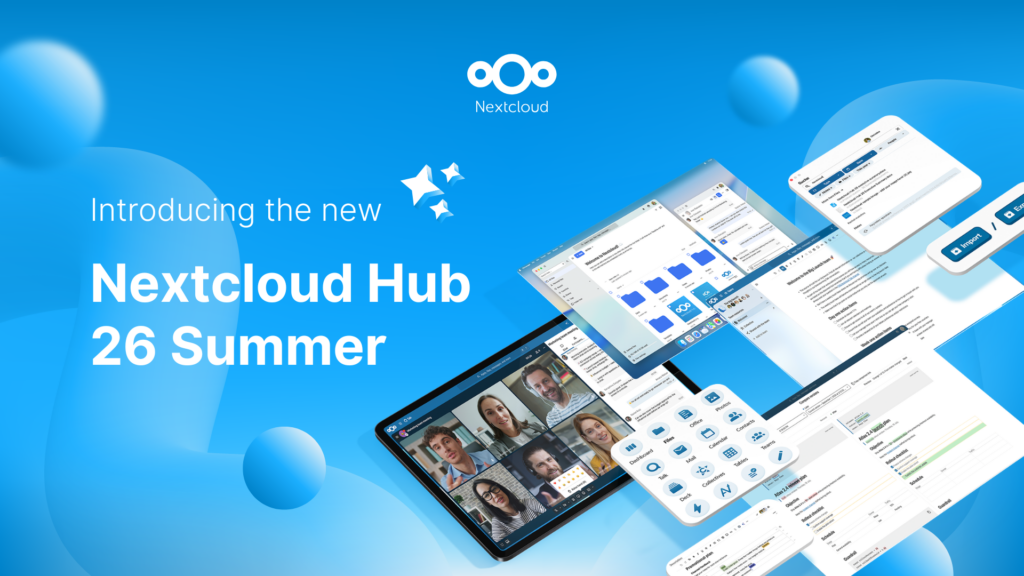
Creato grazie all'impegno congiunto del nostro team, della community e dei partner, Nextcloud Hub 26 Summer prende forma da chi realmente utilizza i nostri strumenti ogni giorno. Crea lo spazio del tuo team con Nextcloud Teams, organizza i tuoi ricordi nel nuovo Nextcloud Foto e goditi gli aggiornamenti più richiesti in tutte le app. Continua a leggere per una panoramica completa della nostra ultima release!
Nextcloud Hub 25 Autumn semplifica l'avvio di una potente collaborazione con il pieno controllo dei tuoi dati. Dagli aggiornamenti del design globale al miglioramento dell'usabilità e delle prestazioni, scopri la nostra ultima release in questo blog.
Le organizzazioni, grandi e piccole, necessitano di una soluzione che garantisca la resilienza e la sovranità digitale delle loro operazioni: un'alternativa open source e rispettosa della privacy a Teams. E oggi presentiamo questa soluzione: Nextcloud Talk.
Collabora Online 26.04.3-3 adds Landlock as a new sandboxing option, isolating each document's Kit process at the kernel level for stronger, faster protection.
Salviamo alcuni cookie per contare i visitatori e rendere il sito più facile da usare. Questi dati non lasciano il nostro server e non servono a tracciare il tuo profilo personale! Per maggiori informazioni, consulta la nostra Informativa sulla privacy. Personalizza
I cookie statistici raccolgono informazioni in forma anonima e ci aiutano a capire come i visitatori utilizzano il nostro sito web. Utilizziamo Matomo in cloud.
Servizio:Matomo
Descrizione del cookie:
_pk_ses*: Conta la prima visita dell'utente
_pk_id*: Aiuta a non contare due volte le visite.
mtm_cookie_consent: Ricorda il consenso alla memorizzazione e all'utilizzo dei cookie dato dall'utente.
Scadenza del cookie:_pk_ses*: 30 minuti
_pk_id*: 13 mesi
mtm_cookie_consent: 30 giorni